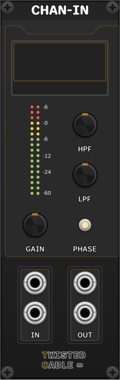
Twisted Cable CHAN-IN

Twisted Cable CHAN-IN

Input with VCA, high/low cuts, and phase invert

Voltage-controlled amplifierFilterMixerUtility

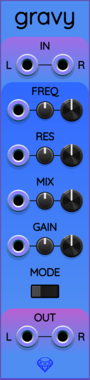
Sapphire Gravy

Sapphire Gravy

Low/high/band-pass filter with resonance control.

Filter

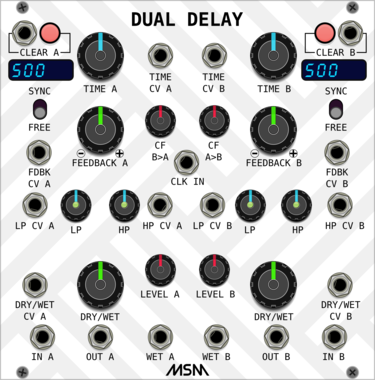
MSM Dual Delay

MSM Dual Delay

Two independent delay lines with low/hi pass filters

Delay

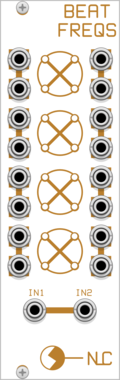
Nonlinear Circuits Beat Freqs

Nonlinear Circuits Beat Freqs

Four beat frequency indicators, used to generate 16 gates.

LogicHardware cloneQuad

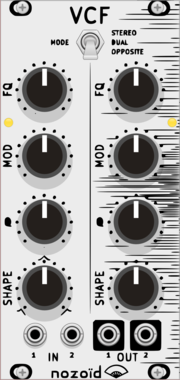
nozoïd Nozori_84_VCF

nozoïd Nozori_84_VCF

Dual filter with parametric control of the frequency response.

Hardware cloneFilter

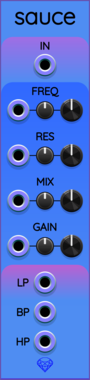
Sapphire Sauce

Sapphire Sauce

Polyphonic low/high/band-pass filter with resonance control.

FilterPolyphonic

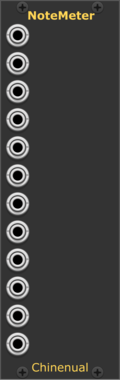
Chinenual NoteMeter

Chinenual NoteMeter

Display note names, voltage or frequency for inbound V/Oct voltages

PolyphonicVisualUtility

KRT G

KRT G

Compressor with control outs. Has a low pass peaking filter.

PolyphonicCompressorLimiterDynamics

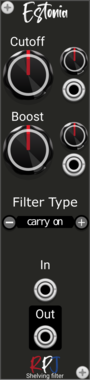
RPJ Estonia

RPJ Estonia

Estonia is a 1st order High and Low shelving filter.

FilterPolyphonic

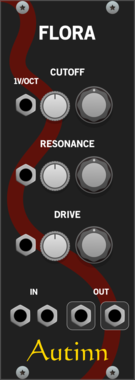
Autinn Flora

Autinn Flora

A 24dB low-pass filter emulating a 4-pole transistor ladder.

FilterPhysical modelingDual

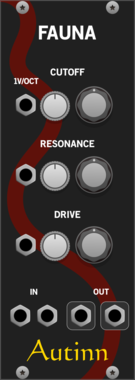
Autinn Fauna

Autinn Fauna

A 24dB low-pass filter emulating a 4-pole transistor ladder (ZDF)

FilterPhysical modelingDual

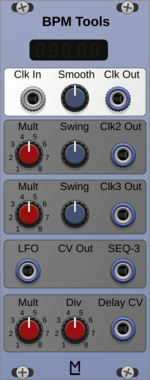
ML Modules BPM Tools

ML Modules BPM Tools

detect incoming clock and output voltages for Fundamental LFO and Delay

Clock generatorClock modulator

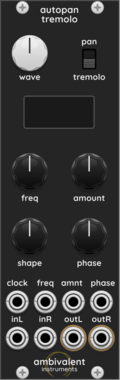
Ambivalent Instruments AutoPanTremolo

Ambivalent Instruments AutoPanTremolo

Stereo auto-pan and tremolo effect with adjustable LFO curve and sync
EffectPanning

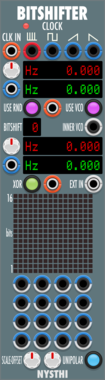
NYSTHI Bitshifter BOH!NGLER

NYSTHI Bitshifter BOH!NGLER

256 bits bitshifter with S&H and noise and inner LFO and VCO

NoiseSample and holdUtility


VCV Library Instructions

  • Download and install VCV Rack.
  • Register for a VCV account and log in using Rack’s “Library” menu.
  • Add or purchase a module on the VCV Library.
  • Open the “Library” menu in Rack, click “Update all” (if updates are needed), and restart Rack once downloaded.
  • Right-click an empty rack space to launch Rack’s module browser to add a module to your patch.

All plugins on the VCV Library are available for Windows, Mac, and Linux. The “major” version (i.e. MAJOR.MINOR.REVISION) must match between Rack and its plugins. For example, Rack 2.* can only load 2.* plugins.

Missing or incorrect information in this database, such as a missing tag? Inform the plugin author(s) using the contact information on their plugin/module page.

Developers: see Adding your plugin to the VCV Library.

Notes

Purchasing plugins with the “VCV” brand supports the VCV Rack project. See VCV’s Mission Statement to learn how VCV Rack development is funded.

Prices are in US Dollars.

By purchasing a plugin on the VCV Library, you agree to VCV’s End User License Agreement and Refund Policy.

Contact VCV Support for customer support and questions about the VCV Library.