
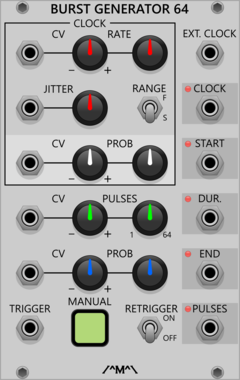
Count Modula Burst Generator 64
Generates bursts of 1-64 pulses whenever a trigger is received at the trigger input
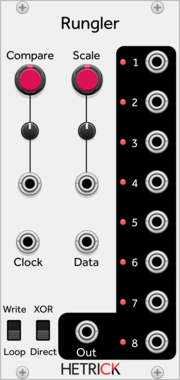
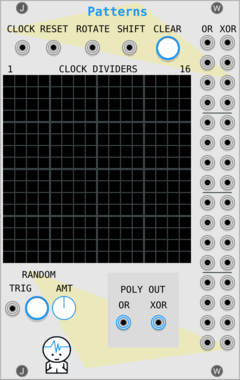

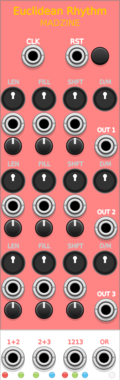

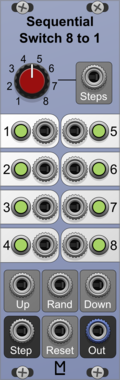
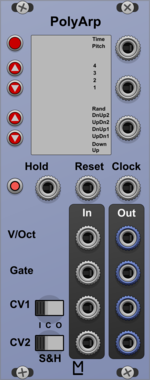
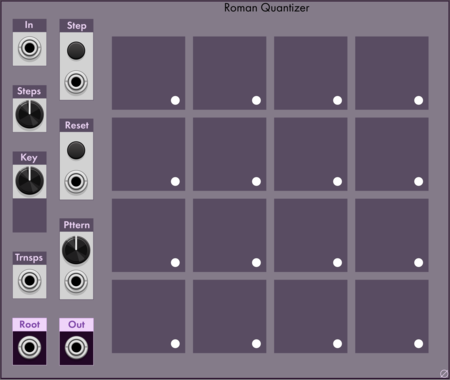

Ohmer Modules RKD (Rotate Klok Divider)
Rotate Klok Divider (RKD) module (inspired from 4ms RCD hardware)
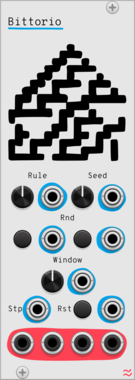
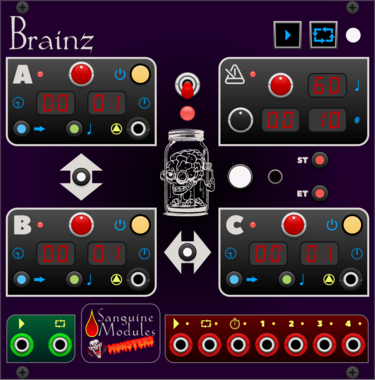
Sanguine Monsters Brainz
Master control center intended to make synchronizing audio and video files from different recorders easier
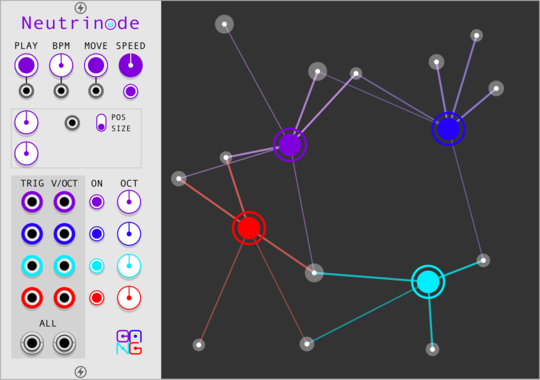
Sha#Bang! Modules Neutrinode
Node-based generator with four independent nodes to connected particles
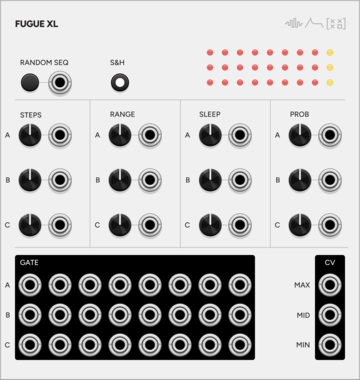
SignalFunctionSet Fugue X
Expander for Fugue — per-voice steps, range, sleep, probability, S&H mode, sorted CV outputs, and per-step trigger outputs

Sparkette's Stuff Polyphonic Selector
Selects one output (or more) from a polyphonic input based on the voltage from another input.
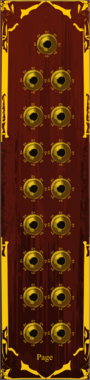

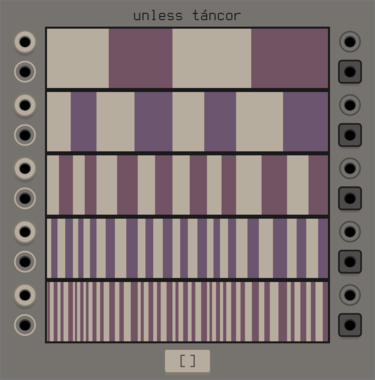
unless games tancor
swinging gate machine based around a parametric binary tree, inspired by the cantor set
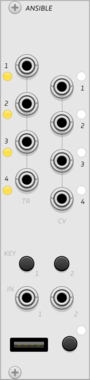
monome ansible
multi-mode sequencer and control voltage generator, for grid and arc controllers
SequencerClock generatorLogicFunction generatorDigitalHardware cloneExternal

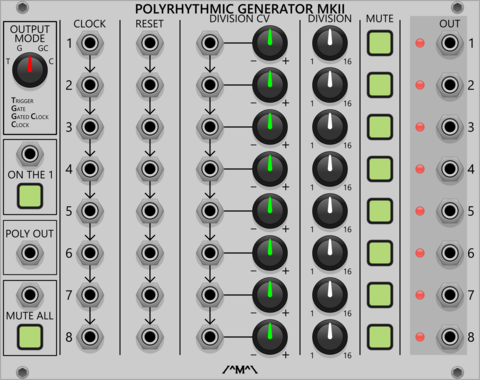
Count Modula Polyrhythmic Generator MkII
A set of 8 voltage controlled clock dividers that can be used to generate polyrhythms by clocking and/or dividing at different rates
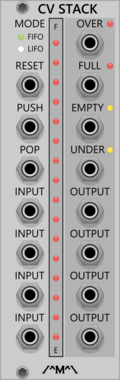
Count Modula CV Stack
Sequential voltage storage stack with First In First Out or Last In First Out operation
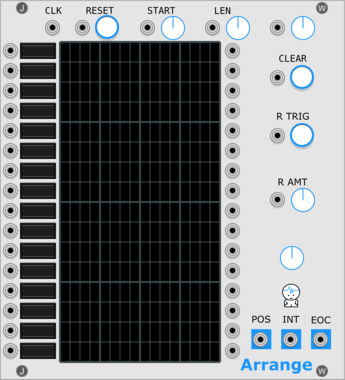
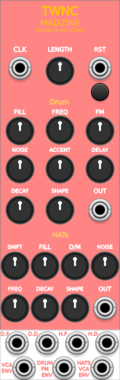

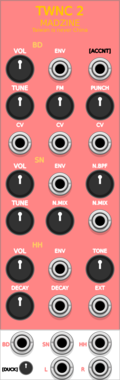

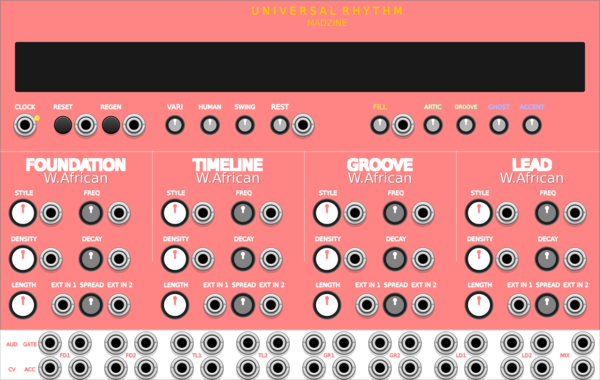
MADZINE Universal Rhythm
Cross-cultural rhythm generator with 10 world music styles and 8-voice drum synthesis
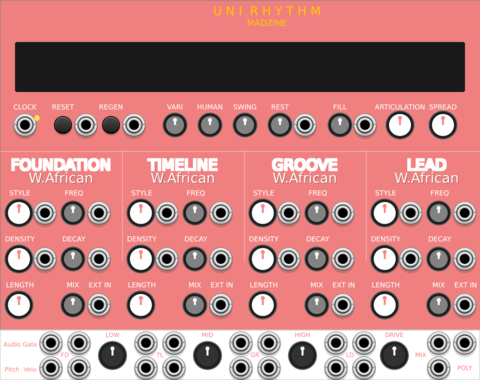
MADZINE Uni Rhythm
Compact 4-track rhythm generator with Primary-priority merged outputs, derived from Universal Rhythm
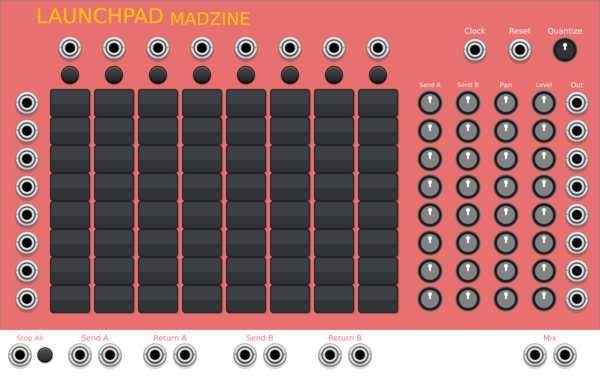

Ohmer Modules BRK ("Break") expander for RKD
BRK ("Break") expander to setup RKD jumpers (inspired from 4ms BO hardware)
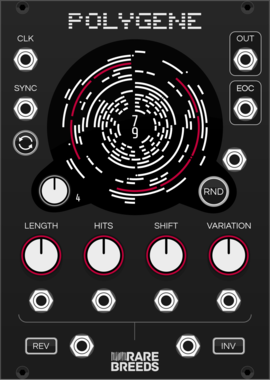

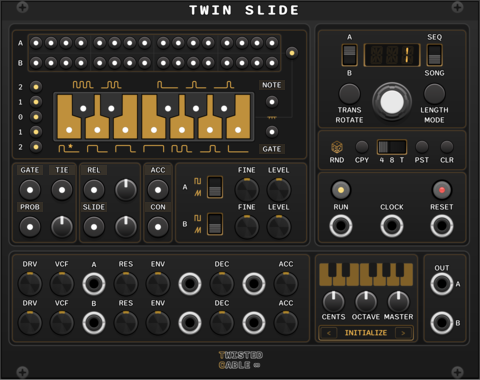
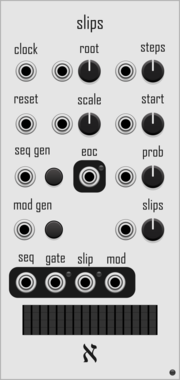
alef's bits slips
generate random melodies, with optional random offsets each cycle, quantized to a scale

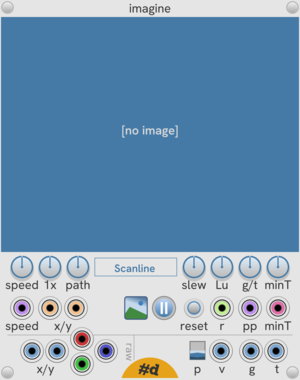
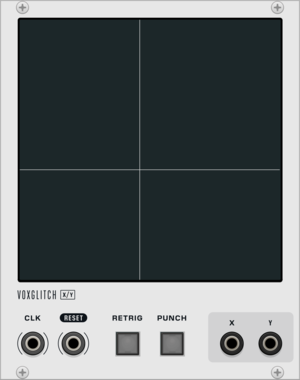
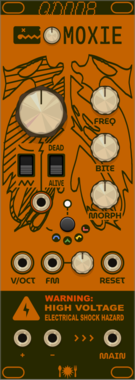
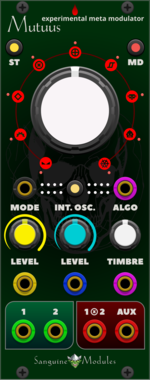
Sanguine Mutants Mutuus
Experimental, polyphonic and multifaceted meta-modulator based on the Symbiote firmware for Mutable Instruments' Warps
DelayDigitalEffectFilterHardware cloneOscillatorPolyphonicReverbRing modulatorVocoderWaveshaper
VCV Library Instructions
- Download and install VCV Rack.
- Register for a VCV account and log in using Rack’s “Library” menu.
- Add or purchase a module on the VCV Library.
- Open the “Library” menu in Rack, click “Update all” (if updates are needed), and restart Rack once downloaded.
- Right-click an empty rack space to launch Rack’s module browser to add a module to your patch.
All plugins on the VCV Library are available for Windows, Mac, and Linux.
The “major” version (i.e. MAJOR.MINOR.REVISION) must match between Rack and its plugins.
For example, Rack 2.* can only load 2.* plugins.
Missing or incorrect information in this database, such as a missing tag? Inform the plugin author(s) using the contact information on their plugin/module page.
Developers: see Adding your plugin to the VCV Library.
Notes
Purchasing plugins with the “VCV” brand supports the VCV Rack project. See VCV’s Mission Statement to learn how VCV Rack development is funded.
Prices are in US Dollars.
By purchasing a plugin on the VCV Library, you agree to VCV’s End User License Agreement and Refund Policy.
Contact VCV Support for customer support and questions about the VCV Library.