



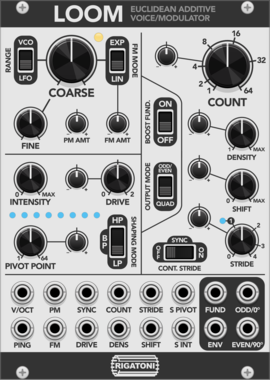
Rigatoni Modular Loom
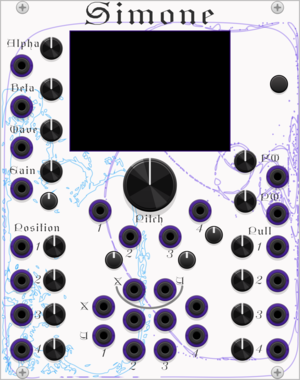
An additive oscillator based loosely on the structure of Euclidean pattern sequencing
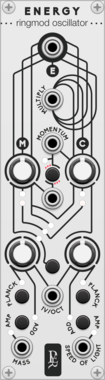
Geodesics Energy
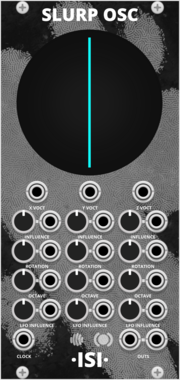
Relativistic oscillator
OscillatorSynth voicePolyphonicDigitalLow-frequency oscillator



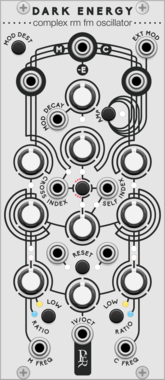
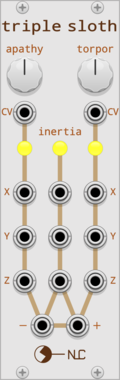
Geodesics DarkEnergy
Complex RM FM oscillator
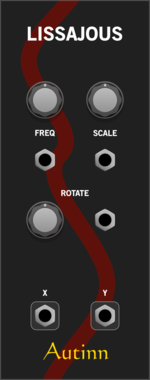
OscillatorSynth voicePolyphonicDigitalLow-frequency oscillator
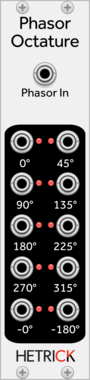
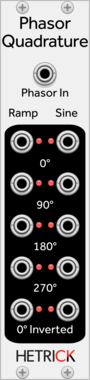
HetrickCV Phasor Quadrature
Shapes a phasor into a sine, and outputs both phasors and sines at 90 degree intervals.

Befaco PonyVCO
Pony VCO is a compact Thru-Zero (TZFM) oscillator with wavefolder and VCA
Hardware cloneLow-frequency oscillatorOscillatorPolyphonicWaveshaper
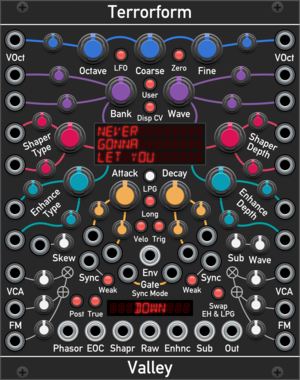
Valley Terrorform
An extensive wavetable oscillator that lets you explore and rip apart wavetables in many different ways.
OscillatorPolyphonicSynth voiceWaveshaperLow-frequency oscillator

Venom AD/ASR Envelope Generator
Hybrid polyphonic Attack,Decay and Attack,Sustain,Release envelope generator with looping capabilities
Envelope generatorLow-frequency oscillatorOscillatorPolyphonic
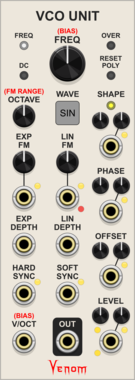
Venom VCO Unit
A smaller version of VCO Lab with only one selectable waveform at a time, and no mixing capabilities
Function generatorLow-frequency oscillatorOscillatorPolyphonic
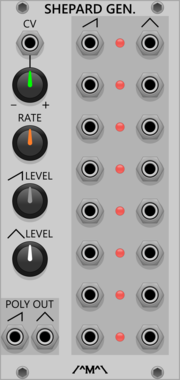
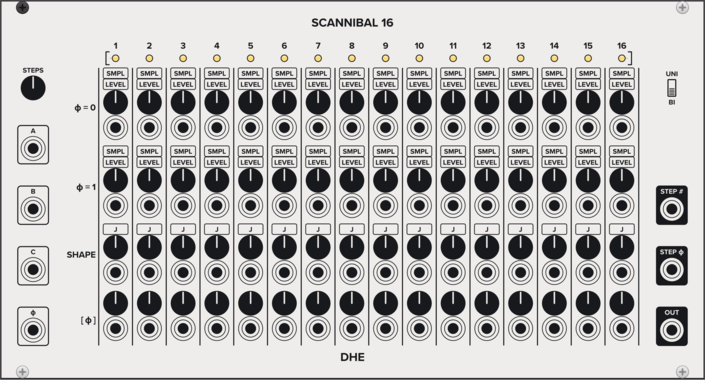
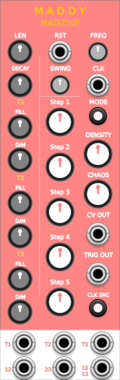
Count Modula Shepard Generator
Generates a set of 8 ramp and sawtooth control signals appropriately phased for generation of Shepard tones
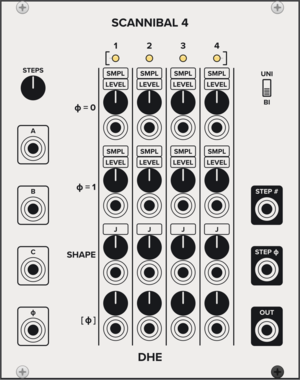
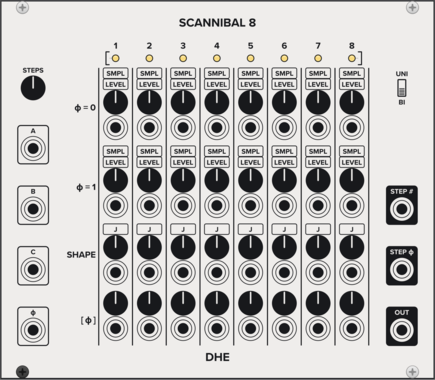



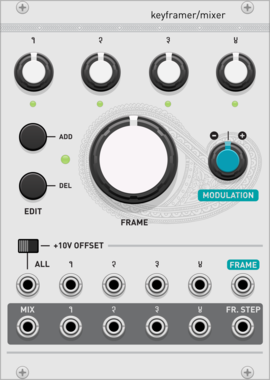
Audible Instruments Keyframer/Mixer
Based on Mutable Instruments Frames
OscillatorMixerAttenuatorLow-frequency oscillatorHardware clone
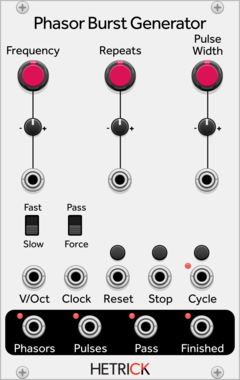
HetrickCV Phasor Burst Generator
Generates a phasor repeatedly for a given number of times.
OscillatorClock generatorClock modulatorLow-frequency oscillatorPolyphonic
VCV Library Instructions
- Download and install VCV Rack.
- Register for a VCV account and log in using Rack’s “Library” menu.
- Add or purchase a module on the VCV Library.
- Open the “Library” menu in Rack, click “Update all” (if updates are needed), and restart Rack once downloaded.
- Right-click an empty rack space to launch Rack’s module browser to add a module to your patch.
All plugins on the VCV Library are available for Windows, Mac, and Linux.
The “major” version (i.e. MAJOR.MINOR.REVISION) must match between Rack and its plugins.
For example, Rack 2.* can only load 2.* plugins.
Missing or incorrect information in this database, such as a missing tag? Inform the plugin author(s) using the contact information on their plugin/module page.
Developers: see Adding your plugin to the VCV Library.
Notes
Purchasing plugins with the “VCV” brand supports the VCV Rack project. See VCV’s Mission Statement to learn how VCV Rack development is funded.
Prices are in US Dollars.
By purchasing a plugin on the VCV Library, you agree to VCV’s End User License Agreement and Refund Policy.
Contact VCV Support for customer support and questions about the VCV Library.