
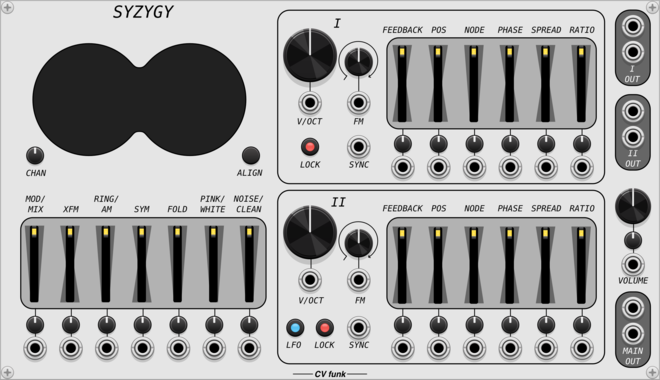
CV funk Syzygy
CV funk Modulations
$25CV funk Bundle
$40
$45
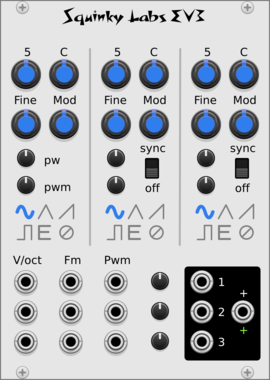
A polyphonic stereo oscillator that merges two distinctive voices, allowing you to fade, crossmodulate, wavefold and mix in pink/white noise for unique additive synth sounds.
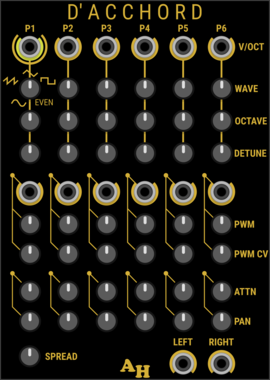
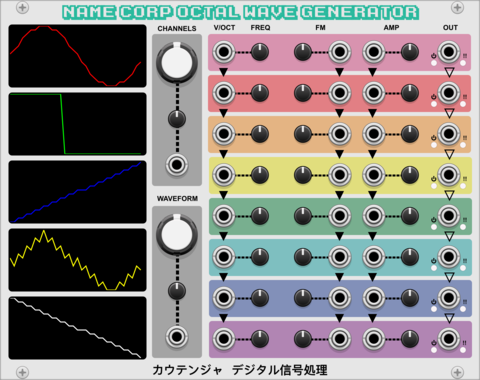
KautenjaDSP Name Corp Octal Wave Generator
An emulation of the Namco 163 wavetable chip from Nintendo Entertainment System (NES) cartridges.
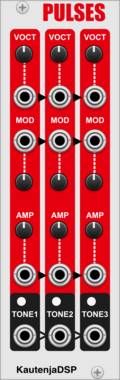
KautenjaDSP Pulses
An emulation of the Sunsoft FME-7 chip from Nintendo Entertainment System (NES) cartridges.
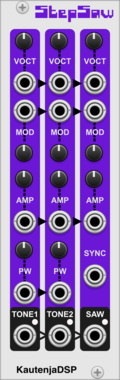
KautenjaDSP Step Saw
An emulation of the Konami VRC6 chip from Nintendo Entertainment System (NES) cartridges.
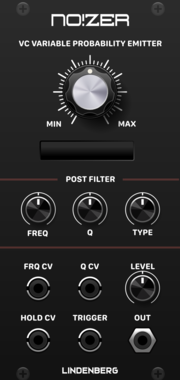
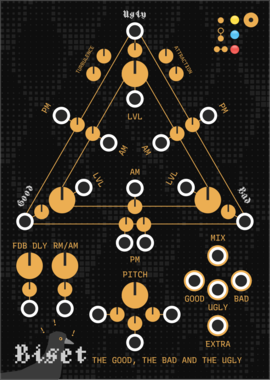
LindenbergResearch NO!ZER Probability Emitter
Dynamic Noise and Random Generator
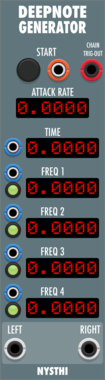
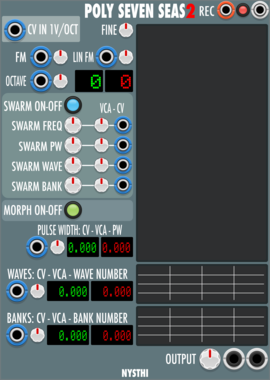
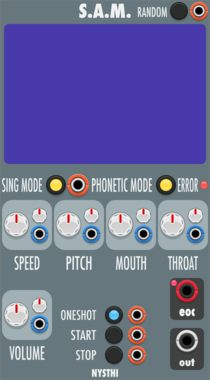



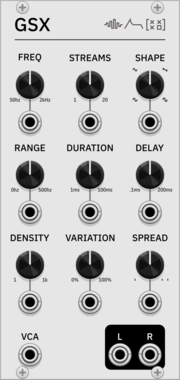
SignalFunctionSet GSX
Granular synthesis module based on Barry Truax's GSX system (1985-86), with real-time control over temporal, spectral, and spatial parameters
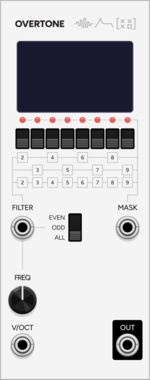
SignalFunctionSet Overtone
Additive synthesis VCO with 8 individually-toggled harmonics, even/odd filter, binary mask CV, and waveform display
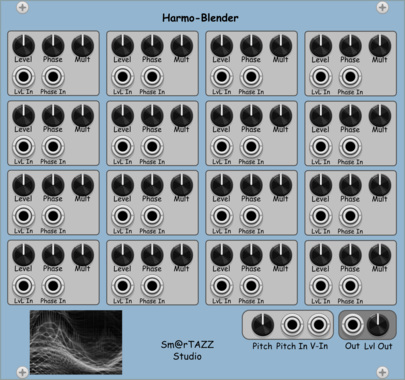
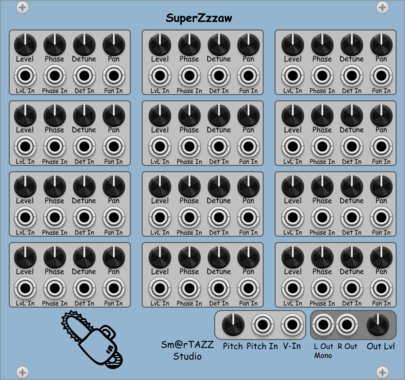

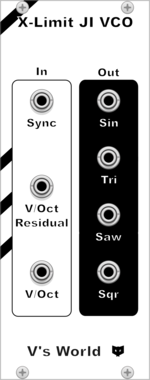
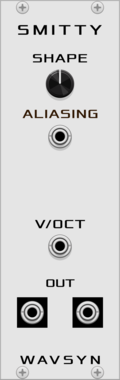
WavsynModular Smitty
VCO with dual sine-like outputs plus a shape control for adding harmonics and aliasing






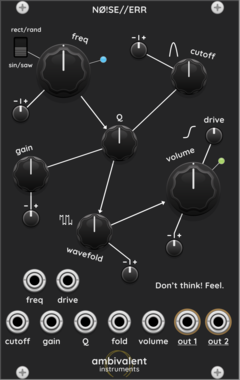
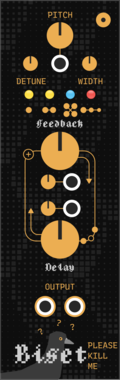
Ambivalent Instruments NØ!SE//ERR
A dual-output noise oscillator that travels seamlessly between calm and agitation, harmony and dissonance.



VCV Library Instructions
- Download and install VCV Rack.
- Register for a VCV account and log in using Rack’s “Library” menu.
- Add or purchase a module on the VCV Library.
- Open the “Library” menu in Rack, click “Update all” (if updates are needed), and restart Rack once downloaded.
- Right-click an empty rack space to launch Rack’s module browser to add a module to your patch.
All plugins on the VCV Library are available for Windows, Mac, and Linux.
The “major” version (i.e. MAJOR.MINOR.REVISION) must match between Rack and its plugins.
For example, Rack 2.* can only load 2.* plugins.
Missing or incorrect information in this database, such as a missing tag? Inform the plugin author(s) using the contact information on their plugin/module page.
Developers: see Adding your plugin to the VCV Library.
Notes
Purchasing plugins with the “VCV” brand supports the VCV Rack project. See VCV’s Mission Statement to learn how VCV Rack development is funded.
Prices are in US Dollars.
By purchasing a plugin on the VCV Library, you agree to VCV’s End User License Agreement and Refund Policy.
Contact VCV Support for customer support and questions about the VCV Library.