
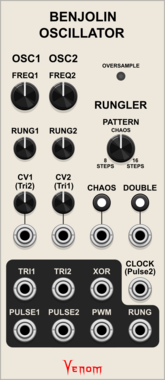
Venom Benjolin Oscillator
Complex chaotic oscillator emulating the oscillator and rungler components of a Benjolin
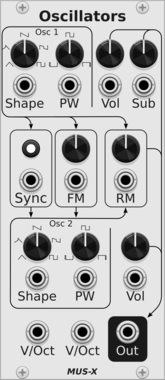
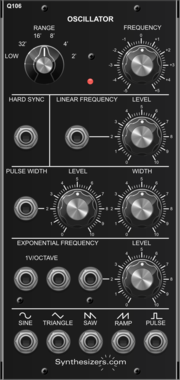
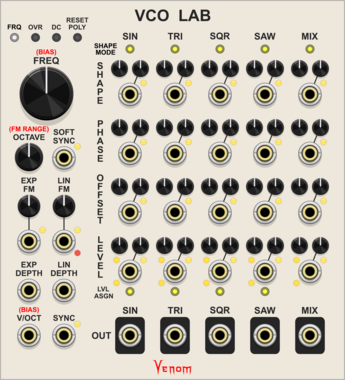
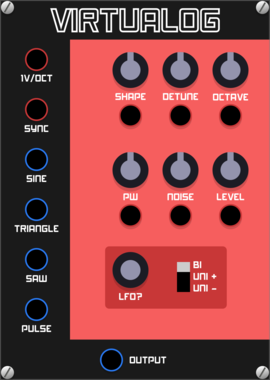
Venom VCO Lab
Audio or low frequency oscillator with 4 simultaneous waveforms, mixing, linear/exponential FM, phase modulation, hard/soft sync, PWM, and more
Function generatorLow-frequency oscillatorOscillatorPolyphonic
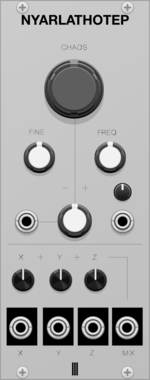
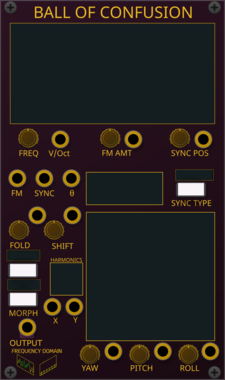
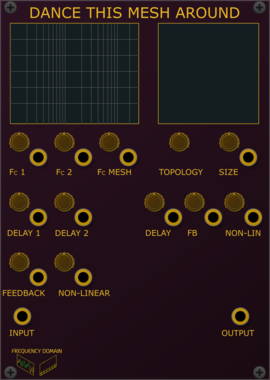
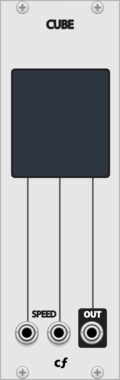
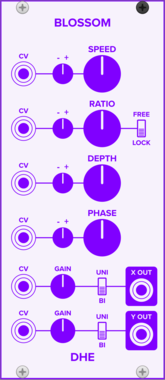
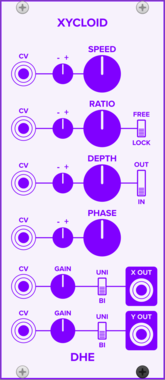
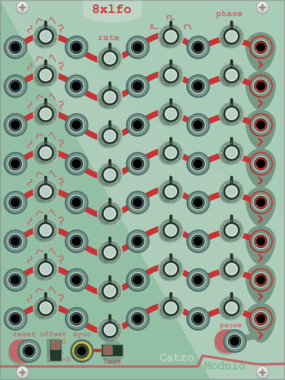



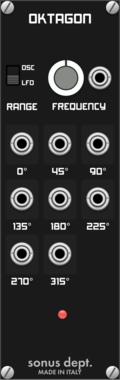
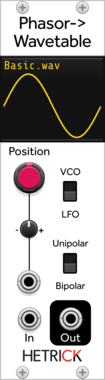
HetrickCV Phasor Wavetable
Phasor-driven wavetable oscillator. Load custom wavetables from WAV files. LFO mode for non-antialiased output, VCO mode with mipmap antialiasing for audio-rate use.
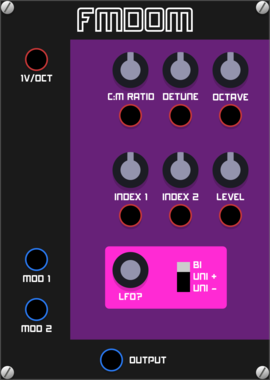
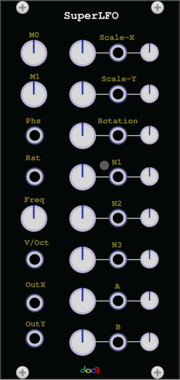

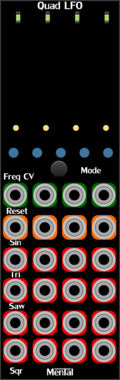






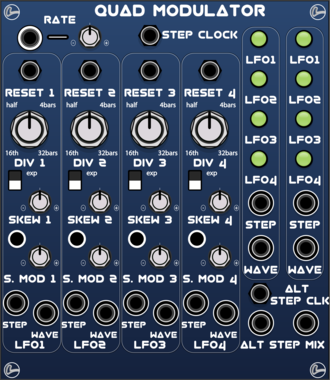
LifeFormModular QuadModulator
Quad synced LFO with skew from ramp up to ramp down through sine plus dual unity mixer
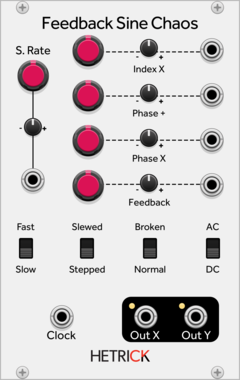
HetrickCV Feedback Sine Chaos
A chaotic oscillator and LFO created through phase distortion and feedback.
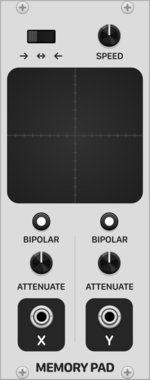
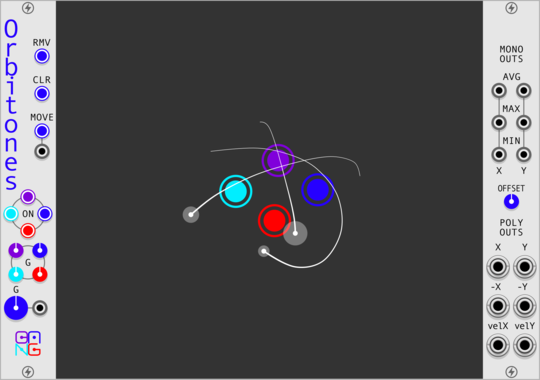
Patina Memory Pad
Interactive X-Y pad that records and repeats path drawn on touchpad. Can be used to modulate any parameter as a custom-drawn LFO with 2 outputs. Outputs can be set to bipolar or unipolar values and attenuated. Drag with the mouse on the touchpad to record a path.
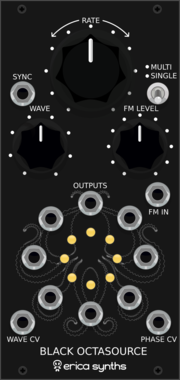
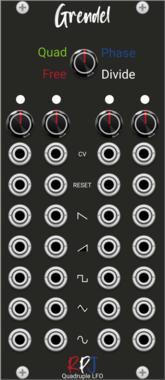

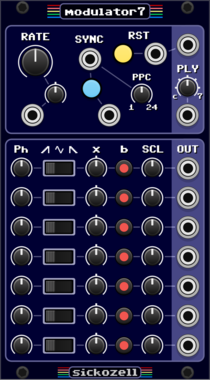
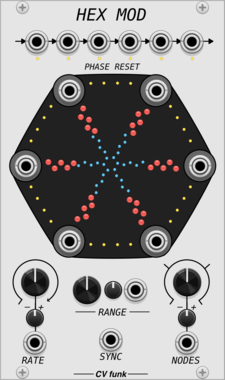
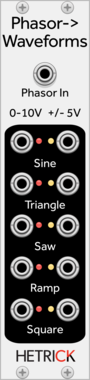
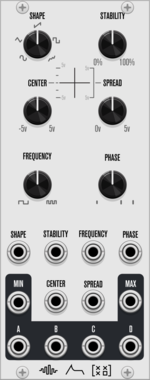
HetrickCV Phasor to Waveforms
Shapes incoming phasor signals to useful, static LFO waveshapes. These waveforms are not anti-aliased, hence the LFO designation.
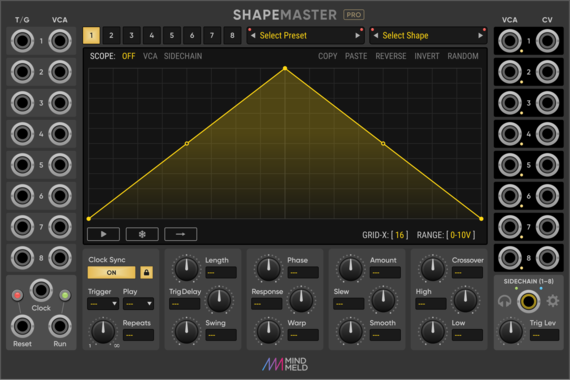
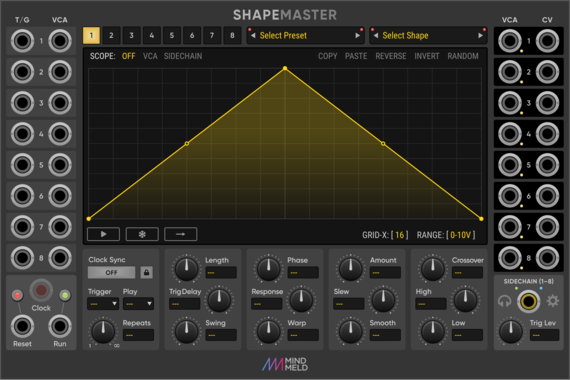
MindMeld ShapeMaster Pro
Multi-Stage Envelope Generator (MSEG) / Complex LFO
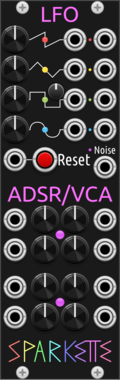
Sparkette's Stuff Busybox
Multipurpose module containing four LFO's, two ADSR+VCA envelopes, and a noise generator.
VCV Library Instructions
- Download and install VCV Rack.
- Register for a VCV account and log in using Rack’s “Library” menu.
- Add or purchase a module on the VCV Library.
- Open the “Library” menu in Rack, click “Update all” (if updates are needed), and restart Rack once downloaded.
- Right-click an empty rack space to launch Rack’s module browser to add a module to your patch.
All plugins on the VCV Library are available for Windows, Mac, and Linux.
The “major” version (i.e. MAJOR.MINOR.REVISION) must match between Rack and its plugins.
For example, Rack 2.* can only load 2.* plugins.
Missing or incorrect information in this database, such as a missing tag? Inform the plugin author(s) using the contact information on their plugin/module page.
Developers: see Adding your plugin to the VCV Library.
Notes
Purchasing plugins with the “VCV” brand supports the VCV Rack project. See VCV’s Mission Statement to learn how VCV Rack development is funded.
Prices are in US Dollars.
By purchasing a plugin on the VCV Library, you agree to VCV’s End User License Agreement and Refund Policy.
Contact VCV Support for customer support and questions about the VCV Library.