



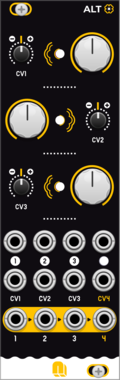
NANO Modules ALT
Quad Voltage Controlled Amplifier & Cascading Mixer
AttenuatorMixerQuadVoltage-controlled amplifierHardware clone



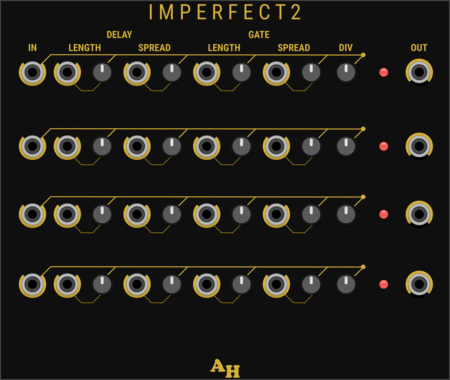

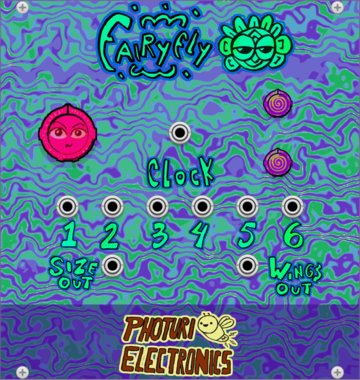
Photuri Electronics Fairyfly
Clock divider inspired on the Fireflies flashing behavior and Fairyfly size wings

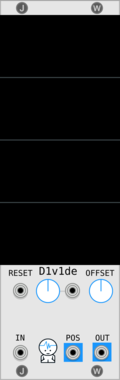
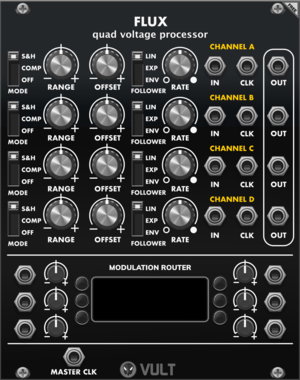
Vult Flux
Quad Voltage Processor
AttenuatorEnvelope followerQuadSample and holdSlew limiterUtilityPolyphonic
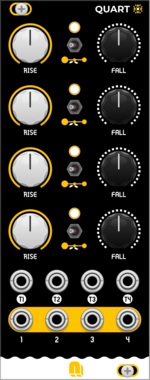
NANO Modules QUART
Quad AD Envelope & LFO Generator
Envelope generatorLow-frequency oscillatorOscillatorFunction generatorQuadHardware clone


![4ms Pingable Envelope Generator [PEG]](/screenshots/100/4msCompany/PEG.webp)
4ms Pingable Envelope Generator [PEG]
Clock-synced envelopes and LFOs
Clock generatorClock modulatorEnvelope generatorDualHardware clone
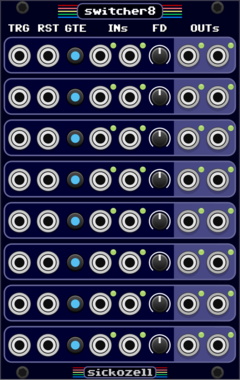




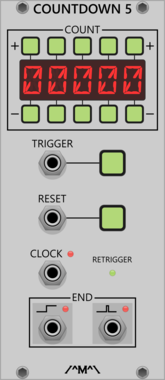

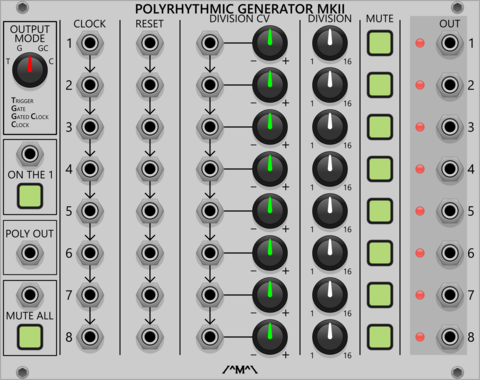
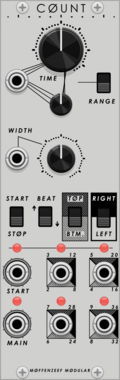
Count Modula Polyrhythmic Generator MkII
A set of 8 voltage controlled clock dividers that can be used to generate polyrhythms by clocking and/or dividing at different rates
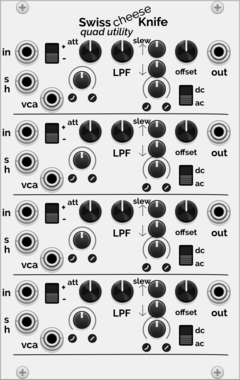
Holonic Systems SwissCheeseKnife
Quad utility module with a twist
UtilityAttenuatorMixerQuadVoltage-controlled amplifierSample and holdSlew limiter
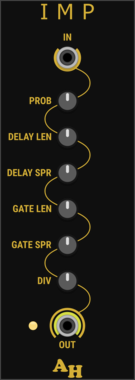
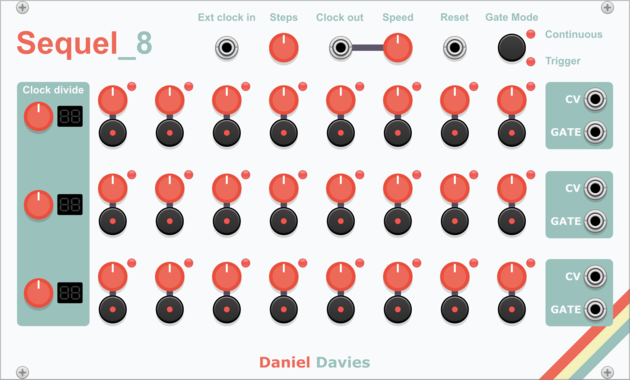
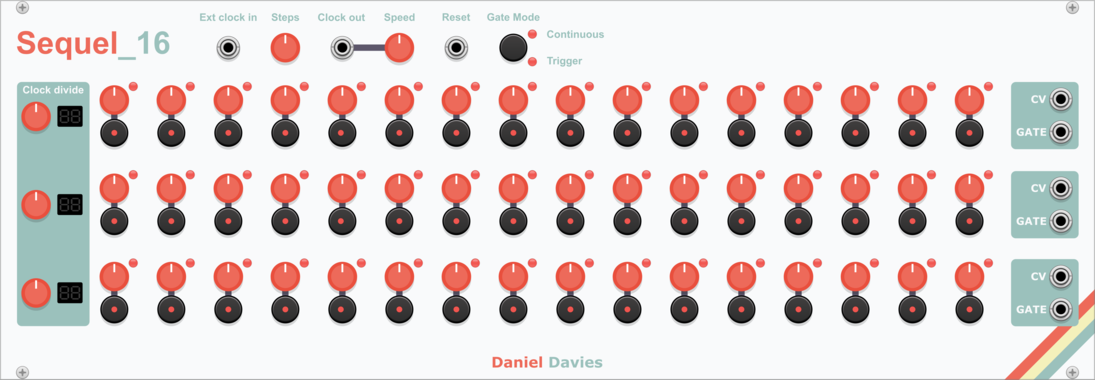
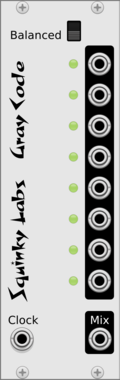

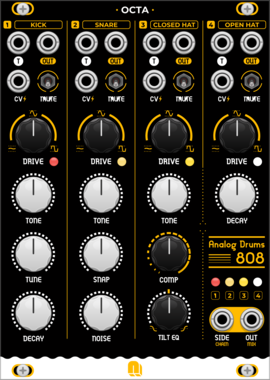
Prok Modular Drum Expander
Expander for Drum Modules. Allows transpose, decay time and quad control via knob or CV
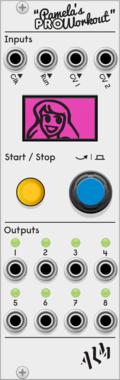
ALM Busy Circuits Pamela's Pro Workout
Pamela's Pro Workout
$20ALM Busy Circuits Bundle 1
$50
$55
ALM034 PPW: Clocked modulation source
VCV Library Instructions
- Download and install VCV Rack.
- Register for a VCV account and log in using Rack’s “Library” menu.
- Add or purchase a module on the VCV Library.
- Open the “Library” menu in Rack, click “Update all” (if updates are needed), and restart Rack once downloaded.
- Right-click an empty rack space to launch Rack’s module browser to add a module to your patch.
All plugins on the VCV Library are available for Windows, Mac, and Linux.
The “major” version (i.e. MAJOR.MINOR.REVISION) must match between Rack and its plugins.
For example, Rack 2.* can only load 2.* plugins.
Missing or incorrect information in this database, such as a missing tag? Inform the plugin author(s) using the contact information on their plugin/module page.
Developers: see Adding your plugin to the VCV Library.
Notes
Purchasing plugins with the “VCV” brand supports the VCV Rack project. See VCV’s Mission Statement to learn how VCV Rack development is funded.
Prices are in US Dollars.
By purchasing a plugin on the VCV Library, you agree to VCV’s End User License Agreement and Refund Policy.
Contact VCV Support for customer support and questions about the VCV Library.