



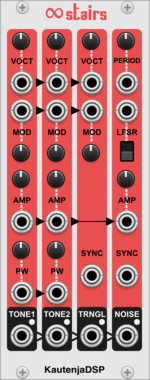
KautenjaDSP Infinite Stairs
An emulation of the Ricoh 2A03 chip from the Nintendo Entertainment System (NES).
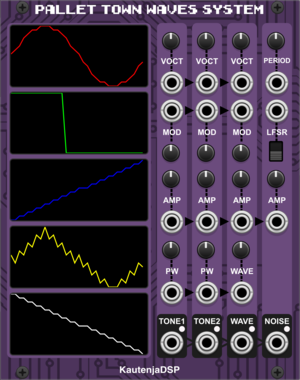
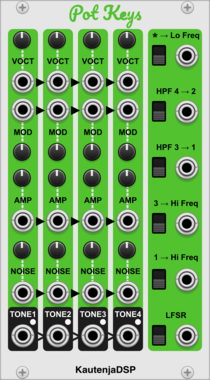
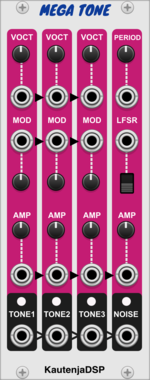
KautenjaDSP Mega Tone
An emulation of the Texas Instruments SN76489 chip from the Sega Master System, Sega Mega Drive, and Sega Genesis.
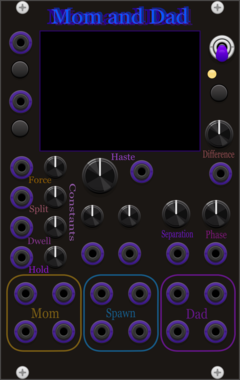

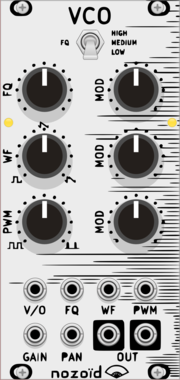
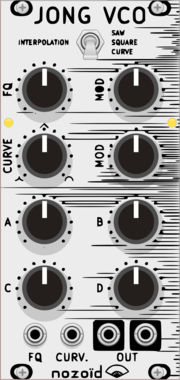
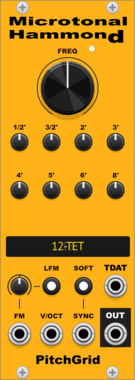
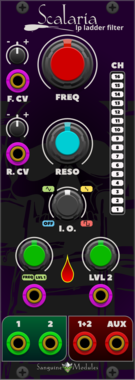
Sanguine Mutants Scalaria
Polyphonic Moog inspired low-pass ladder filter from the original Symbiote firmware for Mutable Instruments' Warps


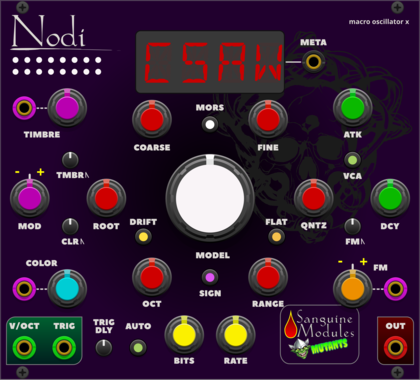
Sanguine Mutants Nodi
Adaptable, polyphonic macro oscillator based on Mutable Instruments' Braids
DigitalHardware cloneNoiseOscillatorPolyphonicSynth voiceWaveshaper

AlliewayAudio CartoonRunning
Circuit-Bent Newtonian Physics! Can be used a signal woggler, unstable Oscillator / Envelope / Chaos generator, or as a rather crazy audio effect! Warning: This module has a mind of it's own - use caution (and a limiter if you're using it for audio)!
DigitalDistortionDrumFilterFunction generatorLow-frequency oscillatorOscillatorPhysical modelingWaveshaper
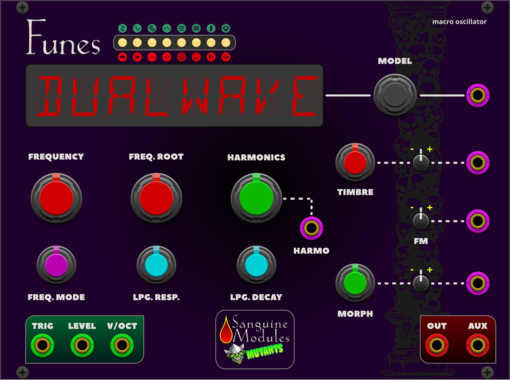
Sanguine Mutants Funes
Powerful, polyphonic macro oscillator based on Mutable Instruments' Plaits 1.2
DigitalDrumHardware cloneNoiseOscillatorPolyphonicSynth voice
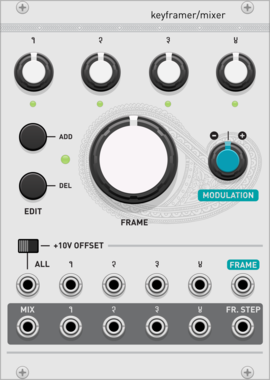
Audible Instruments Keyframer/Mixer
Based on Mutable Instruments Frames
OscillatorMixerAttenuatorLow-frequency oscillatorHardware clone
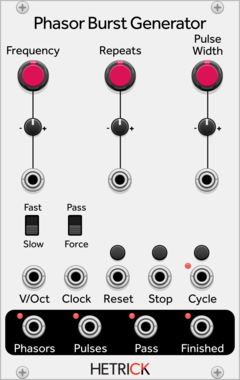
HetrickCV Phasor Burst Generator
Generates a phasor repeatedly for a given number of times.
OscillatorClock generatorClock modulatorLow-frequency oscillatorPolyphonic
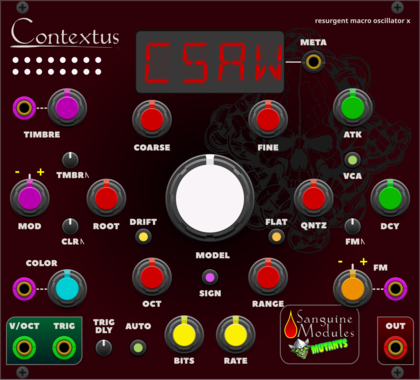
Sanguine Mutants Contextus
Multipurpose, polyphonic macro oscillator based on the Renaissance alternative firmware for Mutable Instruments' Braids
DigitalHardware cloneNoiseOscillatorPolyphonicSynth voiceWaveshaper
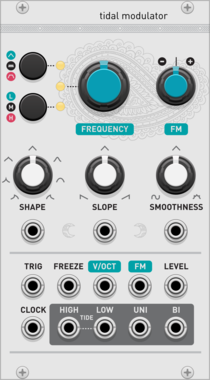
Audible Instruments Tidal Modulator
Based on Mutable Instruments Tides
Low-frequency oscillatorOscillatorWaveshaperFunction generatorHardware clone
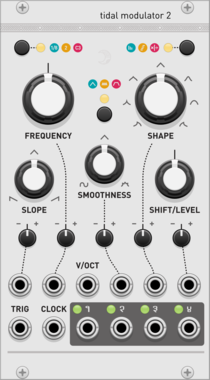
Audible Instruments Tidal Modulator 2
Based on Mutable Instruments Tides
Low-frequency oscillatorOscillatorWaveshaperFunction generatorHardware clone
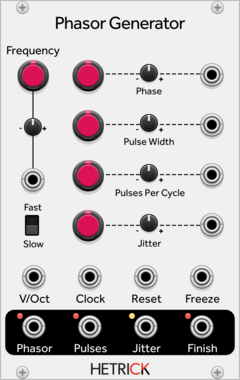
HetrickCV Phasor Generator
Generates a phasor along with time-synced gates.
OscillatorClock generatorClock modulatorLow-frequency oscillatorRandomPolyphonic

VCV Library Instructions
- Download and install VCV Rack.
- Register for a VCV account and log in using Rack’s “Library” menu.
- Add or purchase a module on the VCV Library.
- Open the “Library” menu in Rack, click “Update all” (if updates are needed), and restart Rack once downloaded.
- Right-click an empty rack space to launch Rack’s module browser to add a module to your patch.
All plugins on the VCV Library are available for Windows, Mac, and Linux.
The “major” version (i.e. MAJOR.MINOR.REVISION) must match between Rack and its plugins.
For example, Rack 2.* can only load 2.* plugins.
Missing or incorrect information in this database, such as a missing tag? Inform the plugin author(s) using the contact information on their plugin/module page.
Developers: see Adding your plugin to the VCV Library.
Notes
Purchasing plugins with the “VCV” brand supports the VCV Rack project. See VCV’s Mission Statement to learn how VCV Rack development is funded.
Prices are in US Dollars.
By purchasing a plugin on the VCV Library, you agree to VCV’s End User License Agreement and Refund Policy.
Contact VCV Support for customer support and questions about the VCV Library.