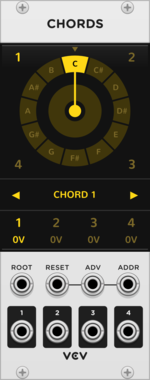






VCV Chords

VCV Chords

VCV Chords $20

Quad-note chord generator

SequencerPolyphonic

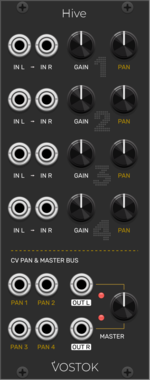
Vostok Instruments Hive

Vostok Instruments Hive

Quad Stereo Automated Mixer

Hardware cloneMixerPanning

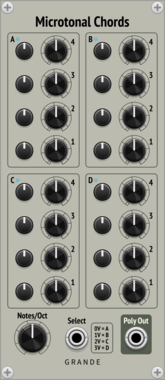
Grande Microtonal Chords

Grande Microtonal Chords

Microtonal quad chord generator.

UtilityPolyphonic

Grande VCA4

Grande VCA4

Quad voltage-controlled amplifier.

Voltage-controlled amplifierPolyphonic

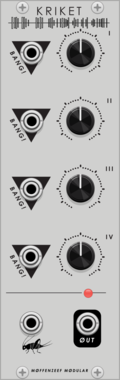
Moffenzeef Kriket

Moffenzeef Kriket

Quad blip and beep generator

DrumNoiseOscillatorHardware clone

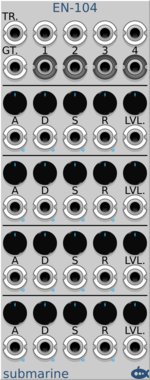
Submarine EN-104

Submarine EN-104

EN-104 Quad ADSR Enveloper Generator

Envelope generatorVoltage-controlled amplifierMultiple

Befaco Atte

Befaco Atte

Quad Attenuator/Inverter, Splitter, and Offset Generator

AttenuatorHardware clonePolyphonic

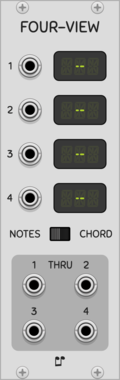
Impromptu FourView

Impromptu FourView

Quad note or chord viewer with passthrough

Visual

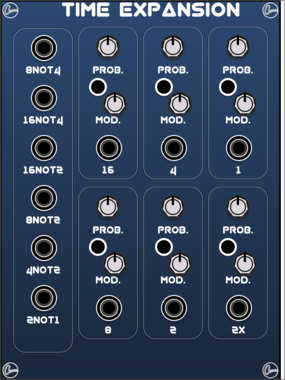
LifeFormModular TimeExpansion

LifeFormModular TimeExpansion

Clock extension

Utility

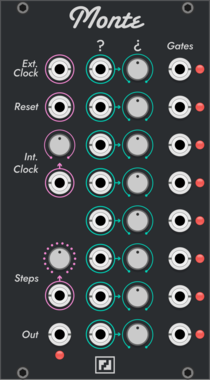
Fehler Fabrik Monte

Fehler Fabrik Monte

Probabalistic Clock Generator

Sequencer

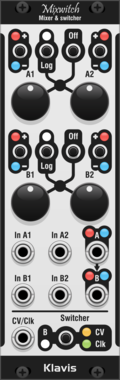
Klavis Mixwitch

Klavis Mixwitch

Klavis $30

Mixer & CV/clock-controlled switcher

MixerSwitchPolyphonicHardware clone

Mockba Modular Mastah

Mockba Modular Mastah

UDP Clock Synchronizer (Master)

Utility

Mockba Modular Slavah

Mockba Modular Slavah

UDP Clock Synchronizer (Slave)

Utility

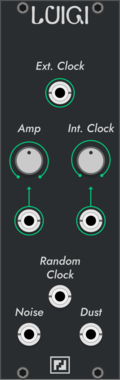
Fehler Fabrik Luigi

Fehler Fabrik Luigi

Random Clock and Noise/Dust Generator

NoiseRandom

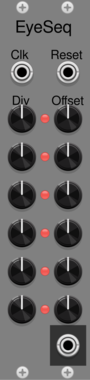
Noise86 EyeSeq

Noise86 EyeSeq

Weighted sum of a clock divider

DigitalSequencer

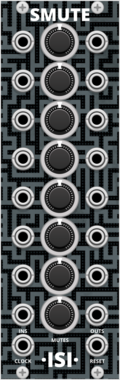
Questionable Modules Smute

Questionable Modules Smute

Mute buttons synced to the clock

UtilitySwitchPolyphonicExpander

Grande Tails4

Grande Tails4

Quad mono-to-poly sequential note splitter with common outputs—helps preserve envelope tails.

UtilityPolyphonicVoltage-controlled amplifier

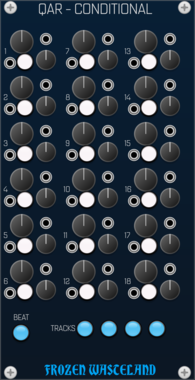
Frozen Wasteland QAR - Conditional

Frozen Wasteland QAR - Conditional

Clock Divide individual beats in QAR Rhythms

ExpanderRandom

stoermelder CLK for MIDI-CAT

stoermelder CLK for MIDI-CAT

Expander for clock-synchronization of MIDI-CAT

UtilityMIDI

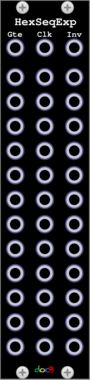
docB HexSeqExp

docB HexSeqExp

Gate, clock and inverted outputs for HexSeq

Expander


VCV Library Instructions

  • Download and install VCV Rack.
  • Register for a VCV account and log in using Rack’s “Library” menu.
  • Add or purchase a module on the VCV Library.
  • Open the “Library” menu in Rack, click “Update all” (if updates are needed), and restart Rack once downloaded.
  • Right-click an empty rack space to launch Rack’s module browser to add a module to your patch.

All plugins on the VCV Library are available for Windows, Mac, and Linux. The “major” version (i.e. MAJOR.MINOR.REVISION) must match between Rack and its plugins. For example, Rack 2.* can only load 2.* plugins.

Missing or incorrect information in this database, such as a missing tag? Inform the plugin author(s) using the contact information on their plugin/module page.

Developers: see Adding your plugin to the VCV Library.

Notes

Purchasing plugins with the “VCV” brand supports the VCV Rack project. See VCV’s Mission Statement to learn how VCV Rack development is funded.

Prices are in US Dollars.

By purchasing a plugin on the VCV Library, you agree to VCV’s End User License Agreement and Refund Policy.

Contact VCV Support for customer support and questions about the VCV Library.