4 modules in plugin

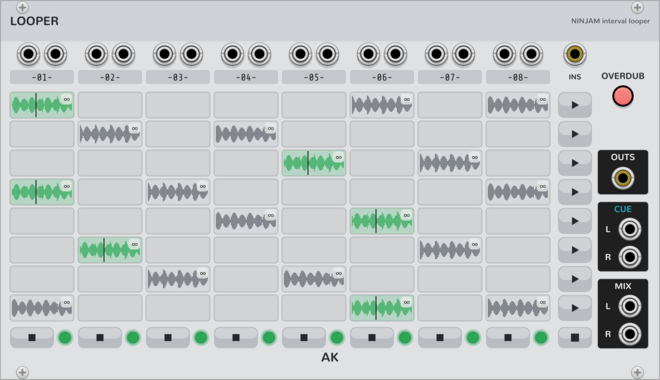
AK Audio Looper

AK Audio Looper

8x8 looper on the NINJAM jam clock (Ninjam expander): beat-quantized capture/launch/stop, free-running clips of any whole-beat length (tempo changes never touch committed audio), scenes, follow actions, auto-advance chains, overdub; takes persist on disk and in the patch. Beta: young and complex - expect occasional bugs.
SamplerUtility

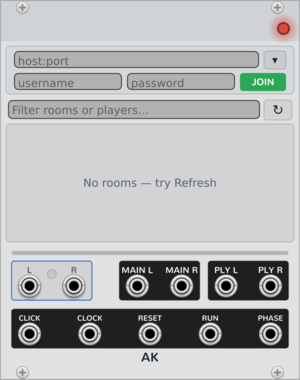
AK Audio Ninjam

AK Audio Ninjam

NINJAM jam client: listen to a room's public Icecast/HTTP stream, or join the protocol to decode the live multi-user mix and transmit your own audio.

External

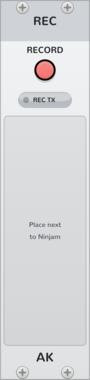
AK Audio Recorder

AK Audio Recorder

Ninjam companion: archives the jam to disk as raw per-player OGG intervals + index (no re-encode) and auto-exports the whole session as an Ableton Live set (Standard or Lite flavor). Beta: young and complex - expect occasional bugs.
RecordingExternal

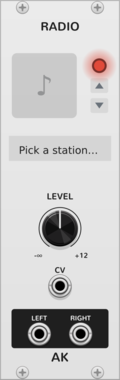
AK Audio Radio

AK Audio Radio

Streaming internet radio source (Icecast/HTTP) feeding audio into a patch.

External


2.0.9

AK Audio website

User manual

Author: Andrei Kozlov

Author email:

Source code

Changelog

License: GPL-3.0-or-later

Last updated:

Created:

Popularity: 1,829

Browse all modules from AK Audio


VCV Library Instructions

  • Download and install VCV Rack.
  • Register for a VCV account and log in using Rack’s “Library” menu.
  • Add or purchase a module on the VCV Library.
  • Open the “Library” menu in Rack, click “Update all” (if updates are needed), and restart Rack once downloaded.
  • Right-click an empty rack space to launch Rack’s module browser to add a module to your patch.

All plugins on the VCV Library are available for Windows, Mac, and Linux. The “major” version (i.e. MAJOR.MINOR.REVISION) must match between Rack and its plugins. For example, Rack 2.* can only load 2.* plugins.

Missing or incorrect information in this database, such as a missing tag? Inform the plugin author(s) using the contact information on their plugin/module page.

Developers: see Adding your plugin to the VCV Library.

Notes

Purchasing plugins with the “VCV” brand supports the VCV Rack project. See VCV’s Mission Statement to learn how VCV Rack development is funded.

Prices are in US Dollars.

By purchasing a plugin on the VCV Library, you agree to VCV’s End User License Agreement and Refund Policy.

Contact VCV Support for customer support and questions about the VCV Library.