

Submarine VM-202

Submarine VM-202

VM-202 2-Channel Vintage VU-Meter

UtilityVisualDualPolyphonicHardware clone

Submarine VM-204

Submarine VM-204

VM-204 4-Channel Vintage VU-Meter

UtilityVisualQuadPolyphonicHardware clone

Sulamith Note Display

Sulamith Note Display

Displays the notes (& cents) of a polyphonic input. With quantization option (to semis) for the output. Displays: Note, Octave, Cent (ie: G#4 + 26)

VisualUtilityPolyphonic

Sulamith Volt Meter

Sulamith Volt Meter

Polyphonic Volt Meter. Inputs are merged to output.

VisualUtilityPolyphonic

T Sight

T Sight

Simple scope wih a non-linear time scale.

Visual

DETNOISE Vertical Text Display

DETNOISE Vertical Text Display

Displays user-editable text vertically.

Visual

The All Electric Smart Grid LatticeExpander

The All Electric Smart Grid LatticeExpander

Blinkin Lights for Lattice Orientation

ExpanderVisual

trowaSoft multiScope

trowaSoft multiScope

Visual effects scope, with lissajous mode, that allows three (3) waveforms to be drawn on the same screen/canvas.

Visual

trowaSoft polyGen

trowaSoft polyGen

Polygon generator/oscillator. Generates output CVs for x and y coordinates of shapes for drawing.

OscillatorVisual

unless games pianoid

unless games pianoid

a compact piano for monitoring polyphonic v/oct signals from midi or other sources. includes sustain mode and manual note/chord inputting.

VisualPolyphonicControllerSample and hold

VCV Scope

VCV Scope

Inspect waveforms with an oscilloscope

VisualPolyphonic

VCV Viz

VCV Viz

Visualizes all channels of a polyphonic cable

PolyphonicVisual

VCV Recorder

VCV Recorder

Records stereo audio and video to a file

RecordingVisual

Visions ImageIn

Visions ImageIn

read from an image file as sound data

VisualPolyphonic

Visions PathGenerator

Visions PathGenerator

oscillator for generating position inputs for videosynth modules

VisualPolyphonicOscillator

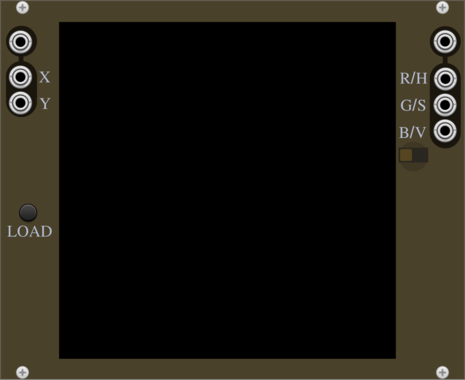
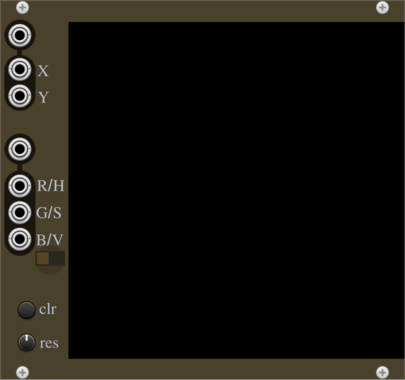
Visions VideoOut

Visions VideoOut

video synth output

VisualPolyphonic

wiqid full scope black edition

wiqid full scope black edition

full scope - in black! with toggleable stats

Visual


VCV Library Instructions

  • Download and install VCV Rack.
  • Register for a VCV account and log in using Rack’s “Library” menu.
  • Add or purchase a module on the VCV Library.
  • Open the “Library” menu in Rack, click “Update all” (if updates are needed), and restart Rack once downloaded.
  • Right-click an empty rack space to launch Rack’s module browser to add a module to your patch.

All plugins on the VCV Library are available for Windows, Mac, and Linux. The “major” version (i.e. MAJOR.MINOR.REVISION) must match between Rack and its plugins. For example, Rack 2.* can only load 2.* plugins.

Missing or incorrect information in this database, such as a missing tag? Inform the plugin author(s) using the contact information on their plugin/module page.

Developers: see Adding your plugin to the VCV Library.

Notes

Purchasing plugins with the “VCV” brand supports the VCV Rack project. See VCV’s Mission Statement to learn how VCV Rack development is funded.

Prices are in US Dollars.

By purchasing a plugin on the VCV Library, you agree to VCV’s End User License Agreement and Refund Policy.

Contact VCV Support for customer support and questions about the VCV Library.