
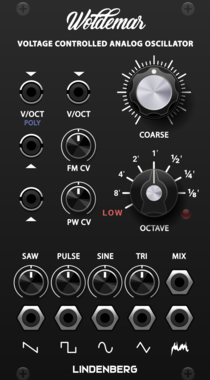
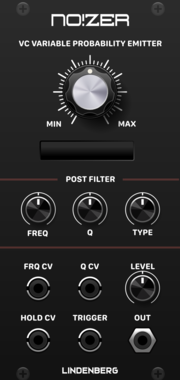
LindenbergResearch NO!ZER Probability Emitter
Dynamic Noise and Random Generator
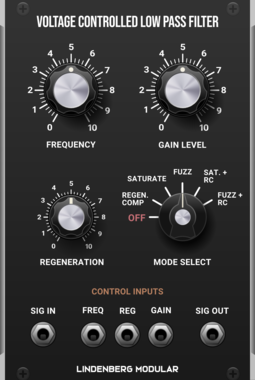
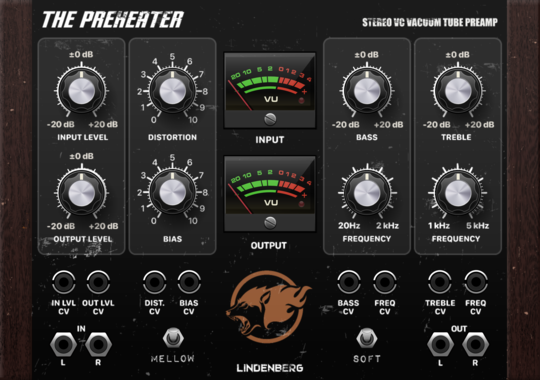
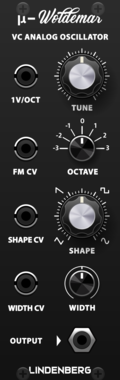
LindenbergResearch Compact Woldemar
Classic Analog Oscillator as Compact Format
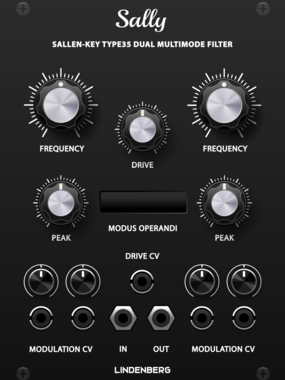
LindenbergResearch Sally Type35/MS10 VCF
Sallen-Key Dual Filter: Lowpass: 12dB/oct Highpass: 6dB/oct
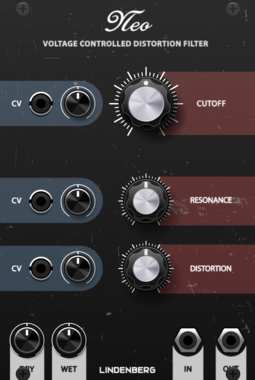
LindenbergResearch Neo Filter
New Filter-Model based on the Design of the Classic Ladder-Filter
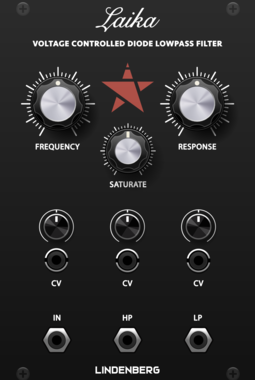
LindenbergResearch Laika Diode-Ladder Filter
Classic Diode-Ladder Filter with 12dB/oct


LindenbergResearch Blank: Bright Wood-Panel
Wooden Side Panel with Bright Wood
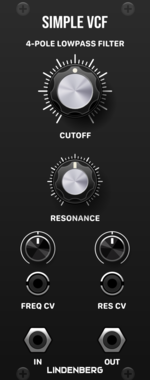
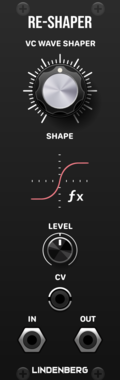


LindenbergResearch Blank-Panel | Multiple
Small sized Blank - Extendable to a 2x4 Multiple

LindenbergResearch Stereo via Polyphonic Tool
Converts a Stereo Signal to Poly and Vice Versa
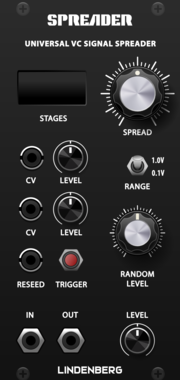
LindenbergResearch Voltage Controlled Signal Spreader
Spread an Input Signal to N-Poly Signals
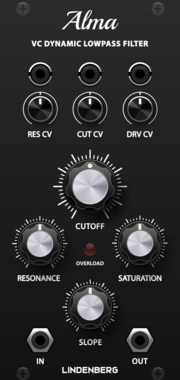
LindenbergResearch Alma 24dB/oct Ladder-Filter
Classic 24dB/oct Ladder-Filter with Saturation
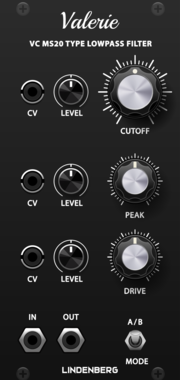
LindenbergResearch Valerie MS20 Filter
Valerie MS20 Style 12dB/oct Sallen-Key Lowpass-Filter
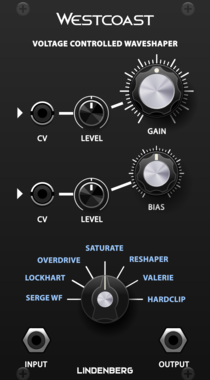
LindenbergResearch Westcoast Complex Shaper
A Waveshaper with a lot of Models
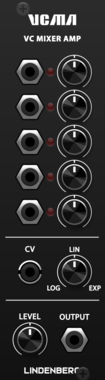
LindenbergResearch Simple Mixer/VCA
A Voltage Controlled 5-Channel Mixer/VCA with Dynamic Amp-Shape
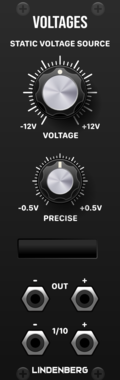
LindenbergResearch Test Voltage Source
A Precise Voltage-Source with Display.
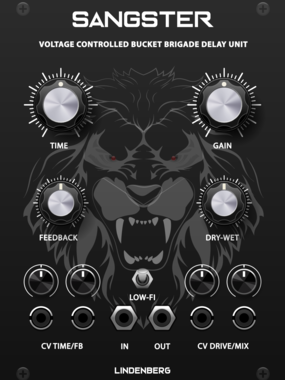
LindenbergResearch Sangster BBD Analog Delay
Voltage Controlled BBD-Style Analog Delay with Distortion
VCV Library Instructions
- Download and install VCV Rack.
- Register for a VCV account and log in using Rack’s “Library” menu.
- Add or purchase a module on the VCV Library.
- Open the “Library” menu in Rack, click “Update all” (if updates are needed), and restart Rack once downloaded.
- Right-click an empty rack space to launch Rack’s module browser to add a module to your patch.
All plugins on the VCV Library are available for Windows, Mac, and Linux.
The “major” version (i.e. MAJOR.MINOR.REVISION) must match between Rack and its plugins.
For example, Rack 2.* can only load 2.* plugins.
Missing or incorrect information in this database, such as a missing tag? Inform the plugin author(s) using the contact information on their plugin/module page.
Developers: see Adding your plugin to the VCV Library.
Notes
Purchasing plugins with the “VCV” brand supports the VCV Rack project. See VCV’s Mission Statement to learn how VCV Rack development is funded.
Prices are in US Dollars.
By purchasing a plugin on the VCV Library, you agree to VCV’s End User License Agreement and Refund Policy.
Contact VCV Support for customer support and questions about the VCV Library.