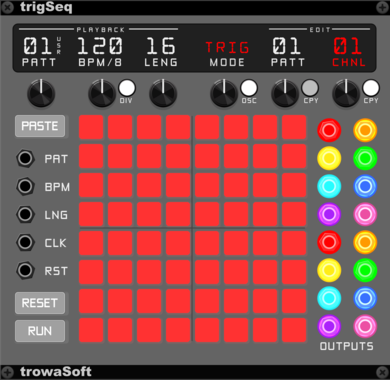
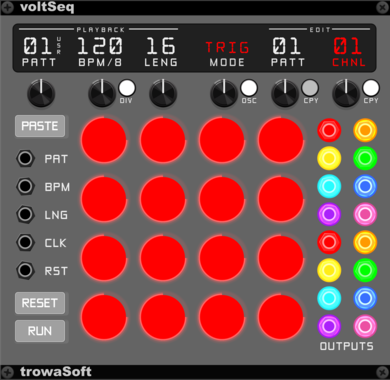
trowaSoft voltSeq

trowaSoft voltSeq

16-step variable voltage/note sequencer with a built-in Open Sound Control (OSC) interface.

SequencerExternal

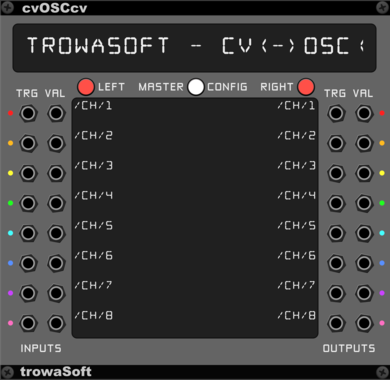
trowaSoft cvOSCcv

trowaSoft cvOSCcv

Generic Open Sound Control (OSC) module for outputting Rack CVs to OSC and reading in simple OSC messages into Rack CVs.

ExternalPolyphonic

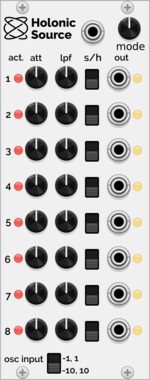
Holonic Systems Holonic Source

Holonic Systems Holonic Source

Integrates with the Holon.ist iOS app and outputs CV control signals to VCV Rack
ControllerExternal

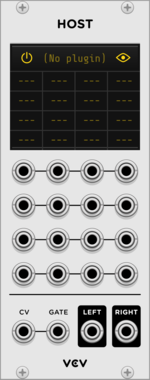
VCV Host

VCV Host

VCV Host $30

VST instrument plugin host

ExternalPolyphonic

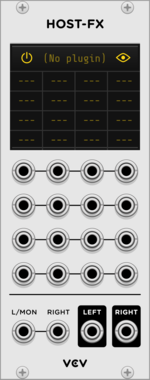
VCV Host-FX

VCV Host-FX

VCV Host $30

VST effect plugin host

ExternalPolyphonic

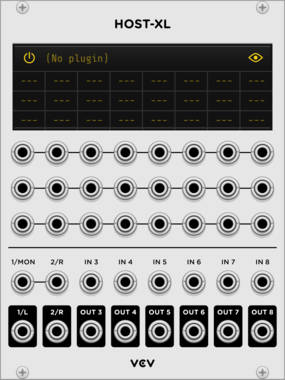
VCV Host-XL

VCV Host-XL

VCV Host $30

Expanded VST instrument/effect plugin host

ExternalPolyphonic

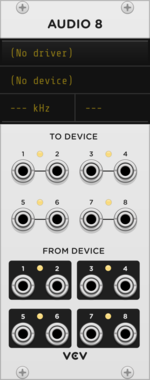
VCV Audio 8

VCV Audio 8

Sends audio and CV to/from an audio device

External

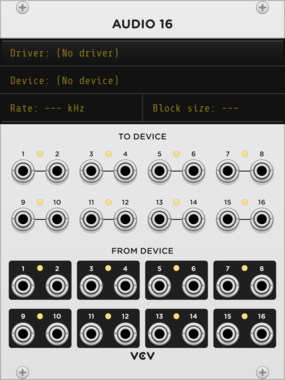
VCV Audio 16

VCV Audio 16

Sends audio and CV to/from an audio device

External

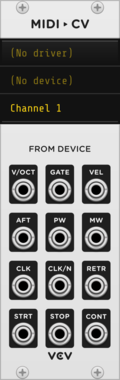
VCV MIDI to CV

VCV MIDI to CV

Converts MIDI from an external device to CV and gates

ExternalMIDIPolyphonic

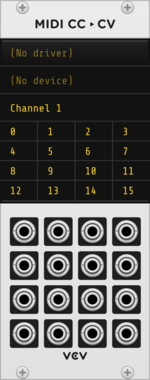
VCV MIDI CC to CV

VCV MIDI CC to CV

Converts MIDI CC from an external device to CV

ExternalMIDI

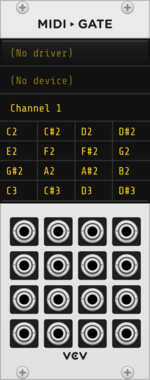
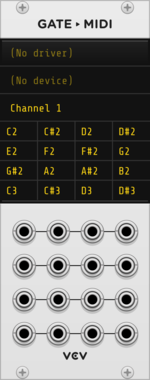
VCV MIDI to Gate

VCV MIDI to Gate

Converts MIDI notes from an external device to gates

ExternalMIDI

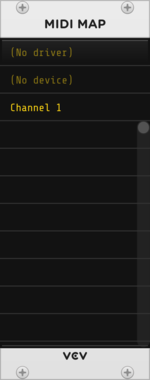
VCV MIDI Map

VCV MIDI Map

Controls parameters (knobs, sliders, switches) directly with MIDI CC

ExternalMIDI

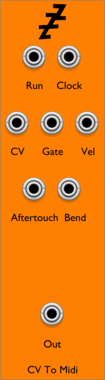
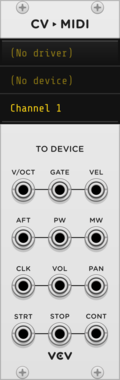
VCV CV to MIDI

VCV CV to MIDI

Converts CV to MIDI and sends to an external device

ExternalMIDIPolyphonic

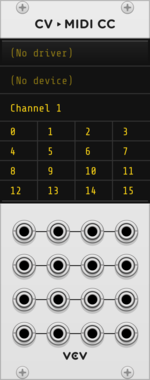
VCV CV to MIDI CC

VCV CV to MIDI CC

Converts CV to MIDI CC and sends to an external device

ExternalMIDI

VCV Gate to MIDI

VCV Gate to MIDI

Converts gates to MIDI notes and sends to an external device

ExternalMIDI


VCV Library Instructions

  • Download and install VCV Rack.
  • Register for a VCV account and log in using Rack’s “Library” menu.
  • Add or purchase a module on the VCV Library.
  • Open the “Library” menu in Rack, click “Update all” (if updates are needed), and restart Rack once downloaded.
  • Right-click an empty rack space to launch Rack’s module browser to add a module to your patch.

All plugins on the VCV Library are available for Windows, Mac, and Linux. The “major” version (i.e. MAJOR.MINOR.REVISION) must match between Rack and its plugins. For example, Rack 2.* can only load 2.* plugins.

Missing or incorrect information in this database, such as a missing tag? Inform the plugin author(s) using the contact information on their plugin/module page.

Developers: see Adding your plugin to the VCV Library.

Notes

Purchasing plugins with the “VCV” brand supports the VCV Rack project. See VCV’s Mission Statement to learn how VCV Rack development is funded.

Prices are in US Dollars.

By purchasing a plugin on the VCV Library, you agree to VCV’s End User License Agreement and Refund Policy.

Contact VCV Support for customer support and questions about the VCV Library.