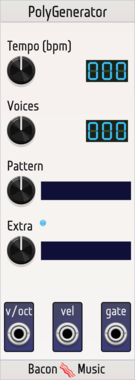
Bacon Music PolyGenerator

Bacon Music PolyGenerator

Generate test polyphonic midi-like sequences

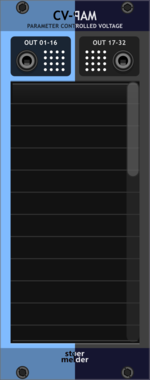
stoermelder CV-PAM

stoermelder CV-PAM

Generate CV from any parameter change of any module. Attaches to up to 32 parameters and outputs a CV signal whenever they change, perfect for mirroring knob motion to other modules or to MIDI-CAT.
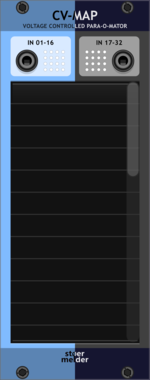
stoermelder CV-MAP

stoermelder CV-MAP

Add CV automation to 32 parameters of any module. Maps polyphonic CV inputs to any module parameter, with slew-limiting, input scaling, optional audio-rate updates and locate-and-indicate for retracing mappings.
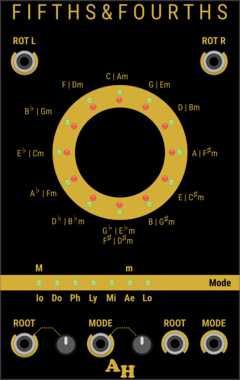
Amalgamated Harmonics Fifths and Fourths

Amalgamated Harmonics Fifths and Fourths

An implementation of the Circle of Fifths

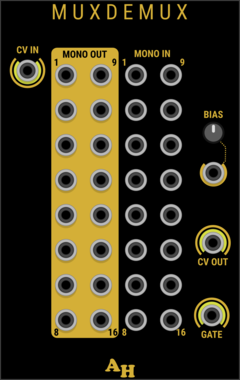
Amalgamated Harmonics MuxDeMux

Amalgamated Harmonics MuxDeMux

Multiplexer/Demultiplexer for polyphonic cables

DHE Modules Func

DHE Modules Func

A knob with a selectable range to offset or scale its input signal

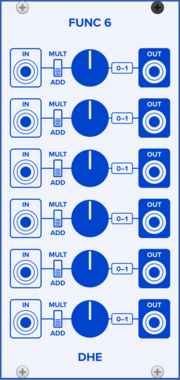
DHE Modules Func 6

DHE Modules Func 6

A chain of knobs with selectable ranges to offset and scale input signals

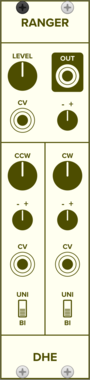
DHE Modules Ranger

DHE Modules Ranger

A modulatable knob with an adjustable, modulatable range

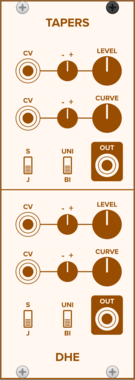
DHE Modules Tapers

DHE Modules Tapers

A pair of modulatable knobs with adjustable, modulatable tapers

Bacon Music SampleDelay

Bacon Music SampleDelay

A tiny number of sample delay

VCV Sequential Switch 1 to 4

VCV Sequential Switch 1 to 4

Routes 1 input to one of 4 outputs

VCV Sequential Switch 4 to 1

VCV Sequential Switch 4 to 1

Routes one of 4 inputs to 1 output

VCV Split

VCV Split

Splits a polyphonic cable into multiple monophonic cables

VCV Merge

VCV Merge

Combines multiple monophonic cables into a polyphonic cable

VCV Sum

VCV Sum

Sums all channels of a polyphonic cable

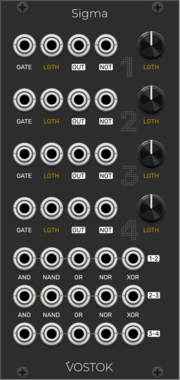
Vostok Instruments Sigma

Vostok Instruments Sigma

Four-channel gate-length processor

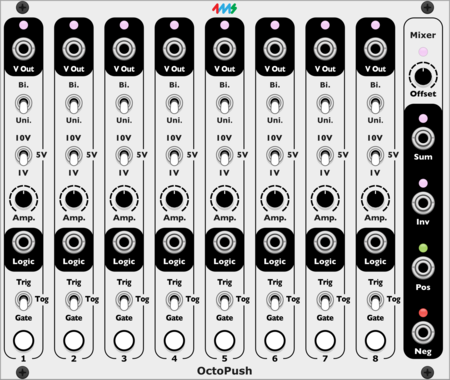
4ms OctoPush

4ms OctoPush

8 button macro controller

4ms SoloPush

4ms SoloPush

Single button macro controller

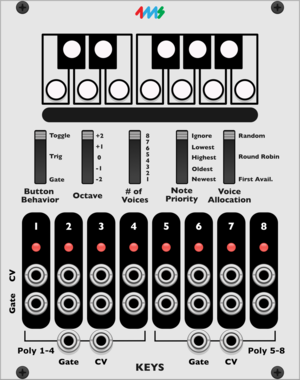
4ms Keyboard

4ms Keyboard

1V/octave polyphonic keyboard

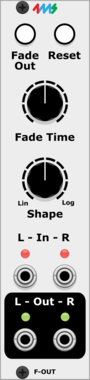
4ms FadeOut

4ms FadeOut

Fade audio out at the press of a button

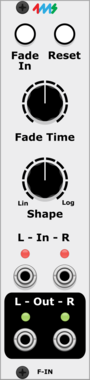
4ms FadeIn

4ms FadeIn

Fade audio in at the press of a button


VCV Library Instructions

  • Download and install VCV Rack.
  • Register for a VCV account and log in using Rack’s “Library” menu.
  • Add or purchase a module on the VCV Library.
  • Open the “Library” menu in Rack, click “Update all” (if updates are needed), and restart Rack once downloaded.
  • Right-click an empty rack space to launch Rack’s module browser to add a module to your patch.

All plugins on the VCV Library are available for Windows, Mac, and Linux. The “major” version (i.e. MAJOR.MINOR.REVISION) must match between Rack and its plugins. For example, Rack 2.* can only load 2.* plugins.

Missing or incorrect information in this database, such as a missing tag? Inform the plugin author(s) using the contact information on their plugin/module page.

Developers: see Adding your plugin to the VCV Library.

Notes

Purchasing plugins with the “VCV” brand supports the VCV Rack project. See VCV’s Mission Statement to learn how VCV Rack development is funded.

Prices are in US Dollars.

By purchasing a plugin on the VCV Library, you agree to VCV’s End User License Agreement and Refund Policy.

Contact VCV Support for customer support and questions about the VCV Library.