
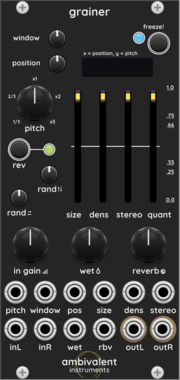
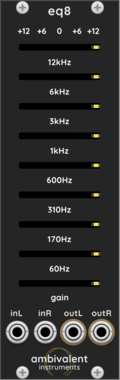
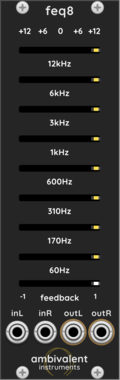
Ambivalent Instruments Feedback EQ8
Stereo 8-band parametric equalizer with one global feedback control for resonance and self-osc.
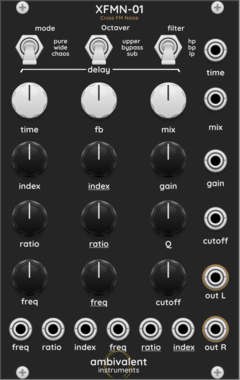

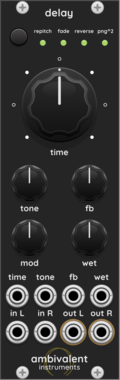
Ambivalent Instruments Delay
Digital delay effect with 4 modes (Repitch/Octave/Reverse/Ping-pong), feedback, and modulation

Ambivalent Instruments Delay Expander
Tap tempo and sync expander for Ambivalent Instruments Delay modules
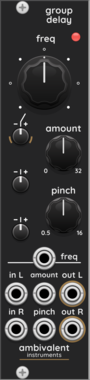
Ambivalent Instruments GroupDelay
Group delay effect using cascaded all-pass filters for transient shaping and phase dispersion
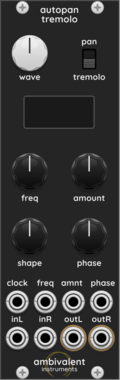
Ambivalent Instruments AutoPanTremolo
Stereo auto-pan and tremolo effect with adjustable LFO curve and sync
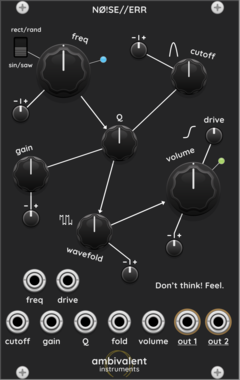
Ambivalent Instruments NØ!SE//ERR
A dual-output noise oscillator that travels seamlessly between calm and agitation, harmony and dissonance.
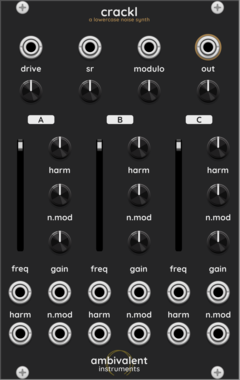
Ambivalent Instruments Crackl
Inspired by "Velvet Sunset" by manual, this small noise generator adds a touch of warmth and melancholy behind beautiful harmonies. With its delicate texture and understated presence, it blends a sense of transience seamlessly into your music and performances.

Ambivalent Instruments Rain
Synthesizes rain sound. You can control the rain sound by controlling the density of the rain, the magnitude of the reverberation, and the filter type and coefficients, as well as stereo width.

Ambivalent Instruments Gurgling
The "gurgling" sound is a strange one, similar to the bubbling noise of water. The density, clarity, and frequency of this sound can be adjusted, along with stereo width.
Ambivalent Instruments (abbreviated as "ambv inst.") is an independent modular synthesizer developer based in Japan.
2.0.8
Author: TsugumasaYutani
License: Freeware
Last updated:
Created:
Popularity: 11,202
VCV Library Instructions
- Download and install VCV Rack.
- Register for a VCV account and log in using Rack’s “Library” menu.
- Add or purchase a module on the VCV Library.
- Open the “Library” menu in Rack, click “Update all” (if updates are needed), and restart Rack once downloaded.
- Right-click an empty rack space to launch Rack’s module browser to add a module to your patch.
All plugins on the VCV Library are available for Windows, Mac, and Linux.
The “major” version (i.e. MAJOR.MINOR.REVISION) must match between Rack and its plugins.
For example, Rack 2.* can only load 2.* plugins.
Missing or incorrect information in this database, such as a missing tag? Inform the plugin author(s) using the contact information on their plugin/module page.
Developers: see Adding your plugin to the VCV Library.
Notes
Purchasing plugins with the “VCV” brand supports the VCV Rack project. See VCV’s Mission Statement to learn how VCV Rack development is funded.
Prices are in US Dollars.
By purchasing a plugin on the VCV Library, you agree to VCV’s End User License Agreement and Refund Policy.
Contact VCV Support for customer support and questions about the VCV Library.