
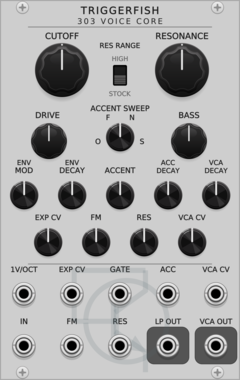
TriggerFish 303 Voice Core
Circuit-modelled TB-303 diode ladder, articulation envelopes, accent path, and OTA VCA
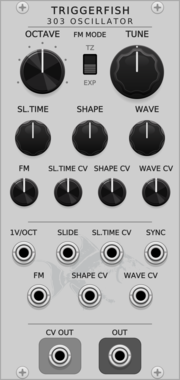
TriggerFish 303 Oscillator
Circuit-modelled TB-303 oscillator with slide and voltage-controlled waveform morphing
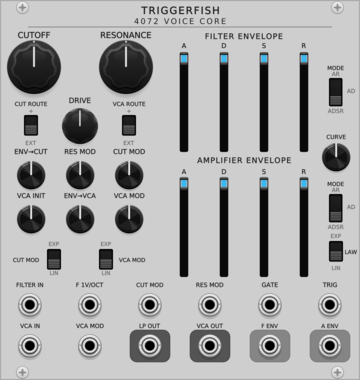
TriggerFish 4072 Voice Core
Circuit-modelled ARP 4072 low-pass filter, dual envelopes, and 4019-style VCA
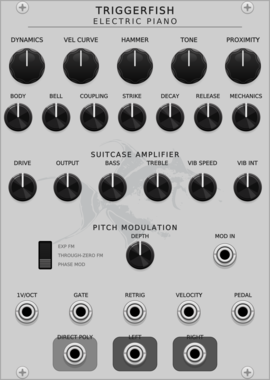
TriggerFish Electric Piano
Sample-free polyphonic modal electric piano with velocity-sensitive tines, nonlinear pickups, and a shared amplifier
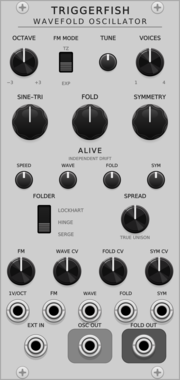
TriggerFish Wavefold Oscillator
Alive sine/triangle oscillator with Hinge, Lockhart, and Serge wavefolders
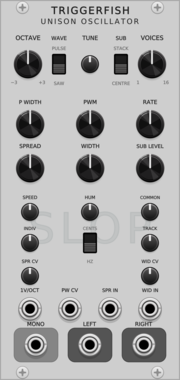
TriggerFish Unison Oscillator
Polyphonic 1-16 voice saw/pulse unison oscillator with stereo spread, sub oscillator, and built-in Slop
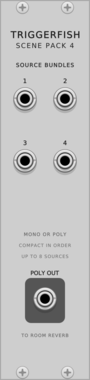
TriggerFish Scene Pack 4
Compacts four mono/poly source bundles into one polyphonic cable for Room Reverb placement
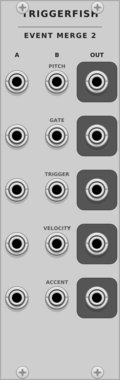
TriggerFish Event Merge 2
Concatenates two polyphonic Pitch/Gate/Trigger/Velocity/Accent event bundles without summing pitch
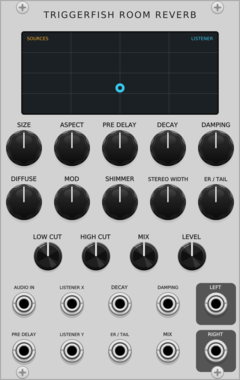
TriggerFish Room Reverb
Geometric rectangular-room early reflections with a two-stage 16-line velvet stereo late field
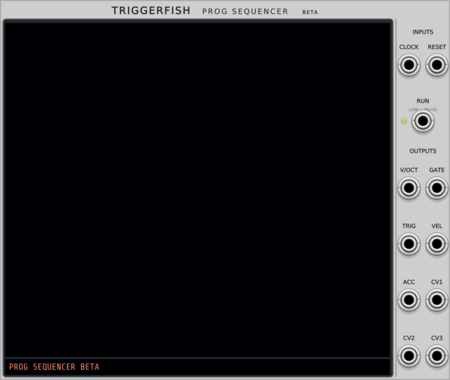
TriggerFish Prog Sequencer
Beta live-coded polyphonic note and chord sequencer; syntax, semantics, and features may change
VCV Library Instructions
- Download and install VCV Rack.
- Register for a VCV account and log in using Rack’s “Library” menu.
- Add or purchase a module on the VCV Library.
- Open the “Library” menu in Rack, click “Update all” (if updates are needed), and restart Rack once downloaded.
- Right-click an empty rack space to launch Rack’s module browser to add a module to your patch.
All plugins on the VCV Library are available for Windows, Mac, and Linux.
The “major” version (i.e. MAJOR.MINOR.REVISION) must match between Rack and its plugins.
For example, Rack 2.* can only load 2.* plugins.
Missing or incorrect information in this database, such as a missing tag? Inform the plugin author(s) using the contact information on their plugin/module page.
Developers: see Adding your plugin to the VCV Library.
Notes
Purchasing plugins with the “VCV” brand supports the VCV Rack project. See VCV’s Mission Statement to learn how VCV Rack development is funded.
Prices are in US Dollars.
By purchasing a plugin on the VCV Library, you agree to VCV’s End User License Agreement and Refund Policy.
Contact VCV Support for customer support and questions about the VCV Library.