
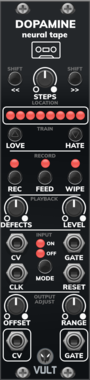

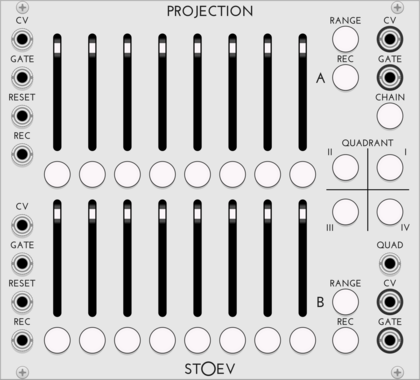
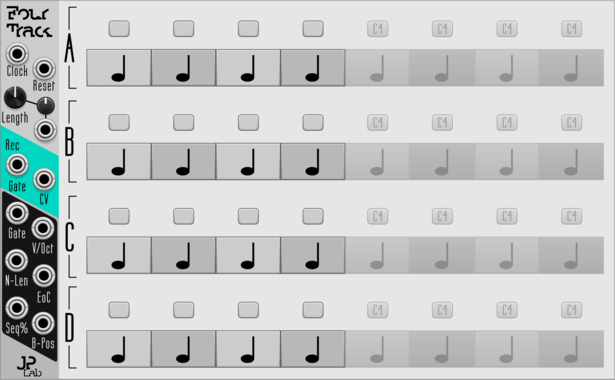
JP Four Track
Program 4-voice melodies or chords. Add endless expanders for endless length.
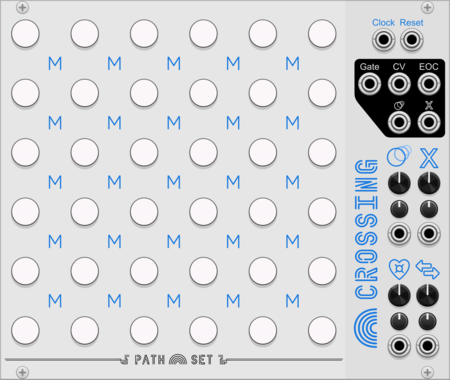
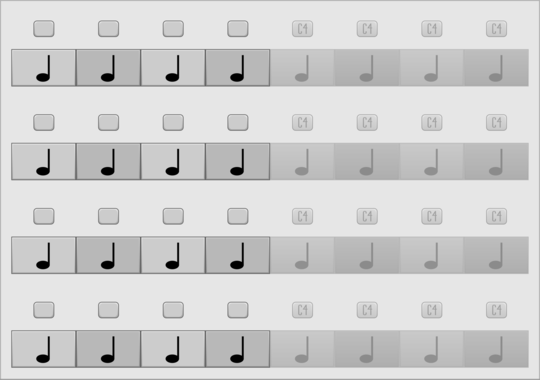
JP Four Track Expander
Add 64 more note blocks to Four Track. Try using more than one.
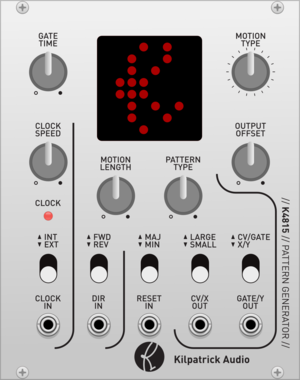
Kilpatrick Audio K4815 Pattern Generator
CV and MIDI Pattern Generator
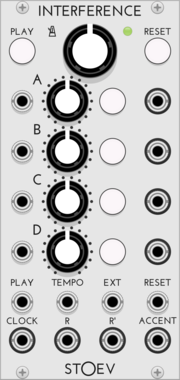
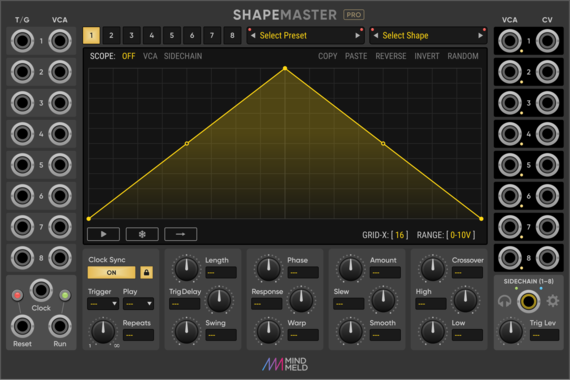
MindMeld ShapeMaster Pro
Multi-Stage Envelope Generator (MSEG) / Complex LFO
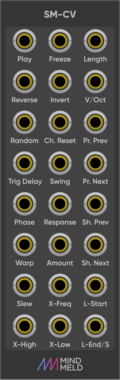
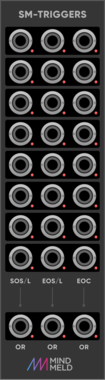
MindMeld SM-Triggers
Trigger expander for ShapeMaster Pro
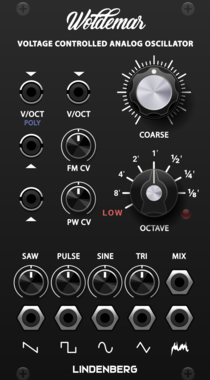
LindenbergResearch Woldemar Analog VCO
Classic Analog Oscillator
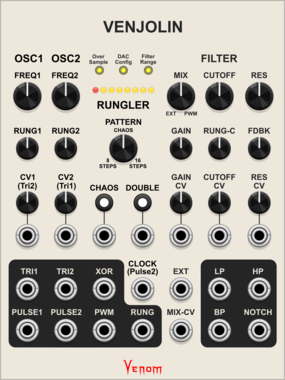
Venom Venjolin
Venom Chaos Boxes $40Venom Venjolin $15
Digitial emulation of the After Later Audio Benjolin V2 plus enhancements
FilterLow-frequency oscillatorOscillatorRandomSequencerSynth voice
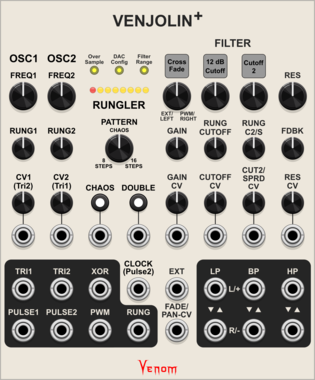
Venom Venjolin +
Venom Chaos Boxes $40Venom Venjolin $15
Digitial emulation of the After Later Audio Benjolin V2 plus twin peaks resonator and other enhancements. Included with purchase of Venjolin
FilterLow-frequency oscillatorOscillatorRandomSequencerSynth voice
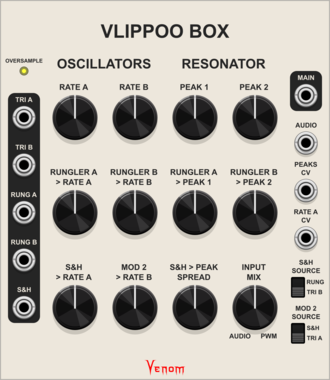
Venom Vlippoo Box
Venom Chaos Boxes $40Venom Vlippoo Box $20
Digitial emulation of Rob Hordijk's Blippoo Box 2018 version
FilterLow-frequency oscillatorOscillatorRandomSequencerSynth voice
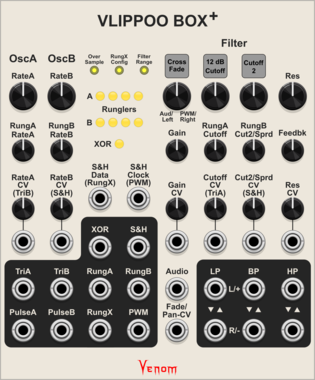
Venom Vlippoo Box +
Venom Chaos Boxes $40Venom Vlippoo Box $20
Digitial emulation of Rob Hordijk's Blippoo Box with additional controls, inputs, and outputs. Included with purchase of Vlippoo Box
FilterLow-frequency oscillatorOscillatorRandomSequencerSynth voice
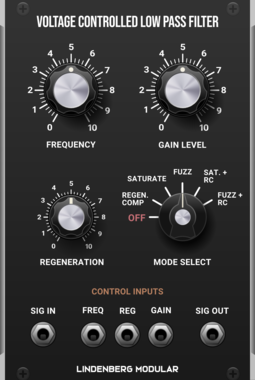
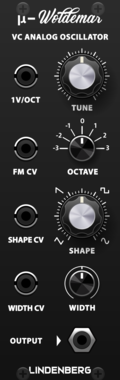
LindenbergResearch Compact Woldemar
Classic Analog Oscillator as Compact Format
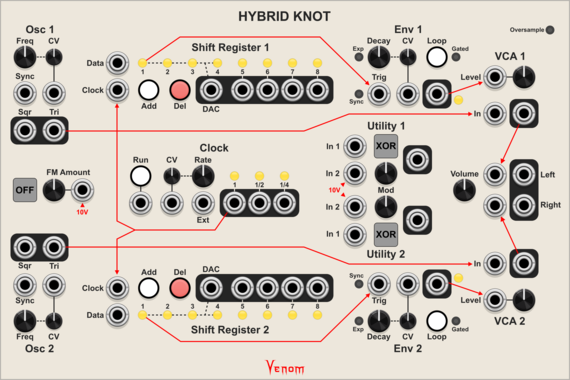
Venom Hybrid Knot
Venom Chaos Boxes $40Venom Hybrid Knot $15
Digitial emulation of the Lorre Mill Double Knot synthesizer incorporating elements of both versions 2 and 3
Envelope generatorLogicLow-frequency oscillatorOscillatorRandomSequencerSynth voiceVoltage-controlled amplifier
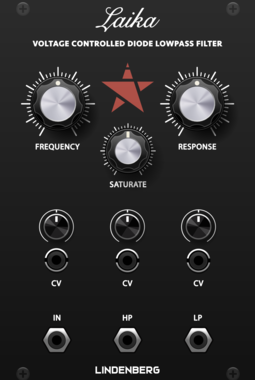
LindenbergResearch Laika Diode-Ladder Filter
Classic Diode-Ladder Filter with 12dB/oct
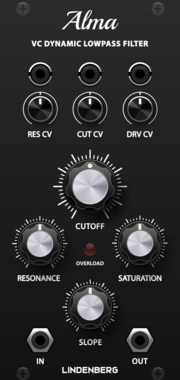
LindenbergResearch Alma 24dB/oct Ladder-Filter
Classic 24dB/oct Ladder-Filter with Saturation
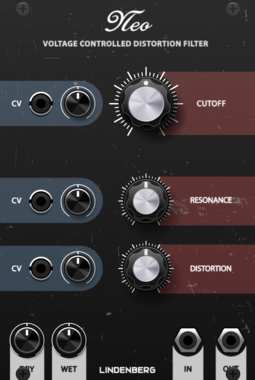
LindenbergResearch Neo Filter
New Filter-Model based on the Design of the Classic Ladder-Filter
![Autodafe [DR]UMSAMPLER](/screenshots/100/Autodafe-REDs/DRUMSAMPLER.webp)
VCV Library Instructions
- Download and install VCV Rack.
- Register for a VCV account and log in using Rack’s “Library” menu.
- Add or purchase a module on the VCV Library.
- Open the “Library” menu in Rack, click “Update all” (if updates are needed), and restart Rack once downloaded.
- Right-click an empty rack space to launch Rack’s module browser to add a module to your patch.
All plugins on the VCV Library are available for Windows, Mac, and Linux.
The “major” version (i.e. MAJOR.MINOR.REVISION) must match between Rack and its plugins.
For example, Rack 2.* can only load 2.* plugins.
Missing or incorrect information in this database, such as a missing tag? Inform the plugin author(s) using the contact information on their plugin/module page.
Developers: see Adding your plugin to the VCV Library.
Notes
Purchasing plugins with the “VCV” brand supports the VCV Rack project. See VCV’s Mission Statement to learn how VCV Rack development is funded.
Prices are in US Dollars.
By purchasing a plugin on the VCV Library, you agree to VCV’s End User License Agreement and Refund Policy.
Contact VCV Support for customer support and questions about the VCV Library.