
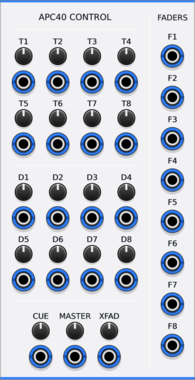
Animatek APC40 CTRL
Turns the knobs and faders of an Akai APC40 into CV outputs for hands-on control of a Rack patch.
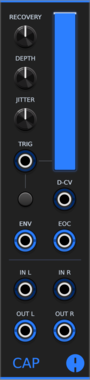
Animatek CAP
Stereo ducking VCA that lowers audio on each trigger and recovers with adjustable depth, timing and natural variation. It also works as a lowpass filter or a vactrol-style low-pass gate that triggers can ping. Pan with CV, a VCA CV input, envelope and end-of-cycle outputs, and CAPs placed side by side chain into a mixer without cables.

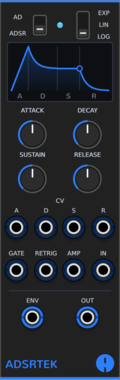
Animatek ADSRTEK
ADSR and AD envelope modelled on measurements of a classic 90s virtual-analogue modular: its 128-step time table, its log, linear and exponential attacks, snappy exponential decays and its 24 kHz control rate. Retriggers pick up from the current level. Polyphonic, with CV over every stage and a built-in VCA.
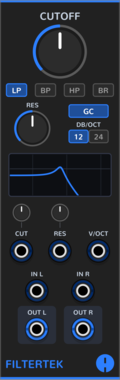
Animatek FILTERTEK
Multimode filter modelled on measurements of a classic 90s virtual-analogue modular: lowpass, bandpass, highpass and band reject at 12 or 24 dB/oct, its resonance with gain control, and the hard fixed-point saturation that gives it its edge. Stereo and polyphonic, with a live response display, V/oct and CV over cutoff and resonance.
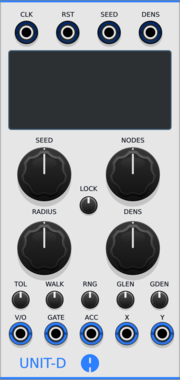


Animatek BLANK ACID
Animated 3HP blank panel with drifting acid smileys. Adjacent Animatek blanks join into one shared canvas.
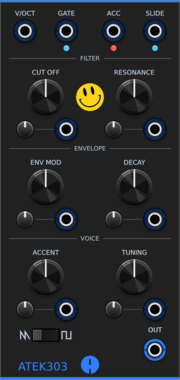
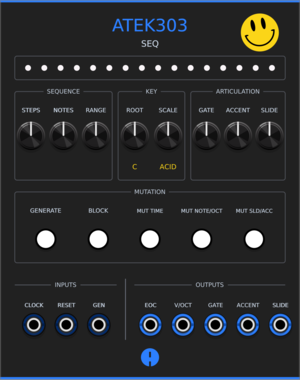
Animatek ATEK303 SEQ
Acid pattern generator of up to 64 steps for ATEK303 or any compatible synth voice. Create repeatable patterns, edit them in a piano roll, then mutate their rhythm, octave, accents and slides.