

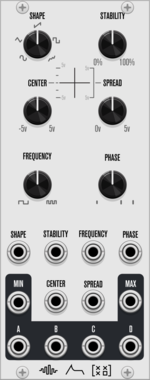

Shortwav Labs Drift
3HP fluctuating random LFO inspired by source-of-uncertainty circuits, with offset, speed, range, Signal B attenuverting, subtle interference, and occasional voltage slips.
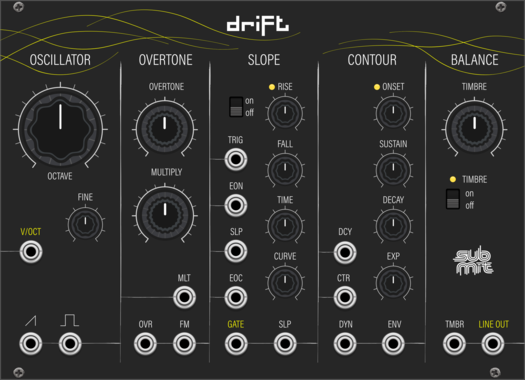
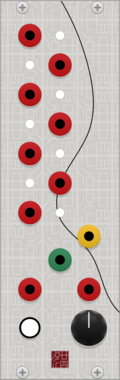
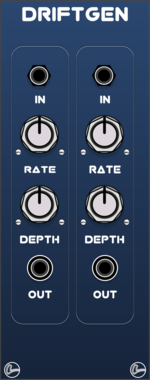
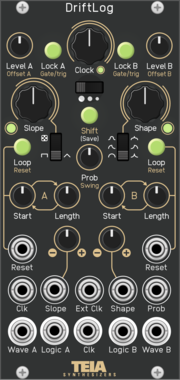
Teia Synthesizers DriftLog
Dual random CV generator with slope shaping, per-channel loop buffers, lock and logic outputs. Software port of the Teia Synthesizers DriftLog Eurorack module.
RandomSample and holdSequencerLow-frequency oscillatorDualClock modulatorHardware clone
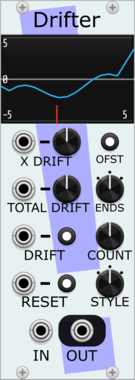
Stochastic Telegraph Drifter
Varying linear function generator. Makes sequences that change in small (or large) ways. A line defined by X/Y points, each doing a random walk.
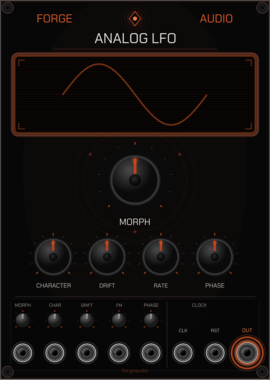
Forge Audio Analog LFO
Sub-audio oscillator with waveform morphing, analog character, and drift modeling
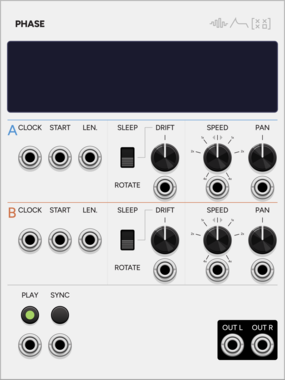
SignalFunctionSet Phase
Dual sample looper whose two loops gradually drift apart, with transient detection.
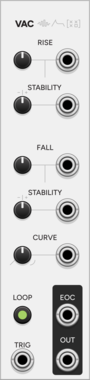
SignalFunctionSet Vac
Semi-stable A/R envelope with vactrol-like drift that wanders without collapsing.
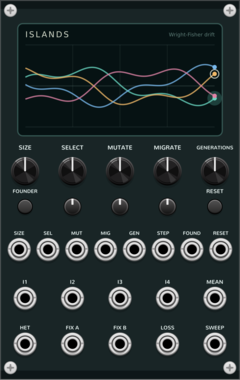
Coalescent Islands
Four-island Wright-Fisher drift: bounded stochastic allele-frequency CV with selection, mutation, migration, and founder bottlenecks.
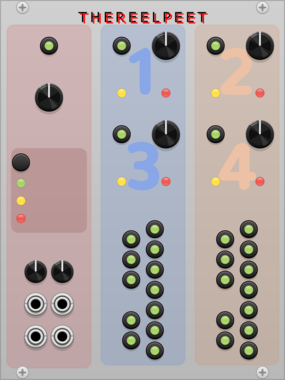
THEREELPEET TheReelPeet-Evo
Single-lane genetic-algorithm sequencer. Evolves patterns via elitism, crossover, and mutation (Drift/Persist) instead of flat randomization, for repetition-with-change generative melodies.

stoermelder ORBIT
Polyphonic stereo field spreader. Randomly positions each polyphonic channel within a configurable spread, with optional drift to gradually move voices toward or away from the centre.
VCV Library Instructions
- Download and install VCV Rack.
- Register for a VCV account and log in using Rack’s “Library” menu.
- Add or purchase a module on the VCV Library.
- Open the “Library” menu in Rack, click “Update all” (if updates are needed), and restart Rack once downloaded.
- Right-click an empty rack space to launch Rack’s module browser to add a module to your patch.
All plugins on the VCV Library are available for Windows, Mac, and Linux.
The “major” version (i.e. MAJOR.MINOR.REVISION) must match between Rack and its plugins.
For example, Rack 2.* can only load 2.* plugins.
Missing or incorrect information in this database, such as a missing tag? Inform the plugin author(s) using the contact information on their plugin/module page.
Developers: see Adding your plugin to the VCV Library.
Notes
Purchasing plugins with the “VCV” brand supports the VCV Rack project. See VCV’s Mission Statement to learn how VCV Rack development is funded.
Prices are in US Dollars.
By purchasing a plugin on the VCV Library, you agree to VCV’s End User License Agreement and Refund Policy.
Contact VCV Support for customer support and questions about the VCV Library.