
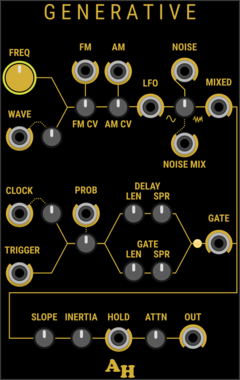
Amalgamated Harmonics Generative
A toolkit of functions intended to support generative music creation
NoiseSample and holdLow-frequency oscillatorRandomClock generator
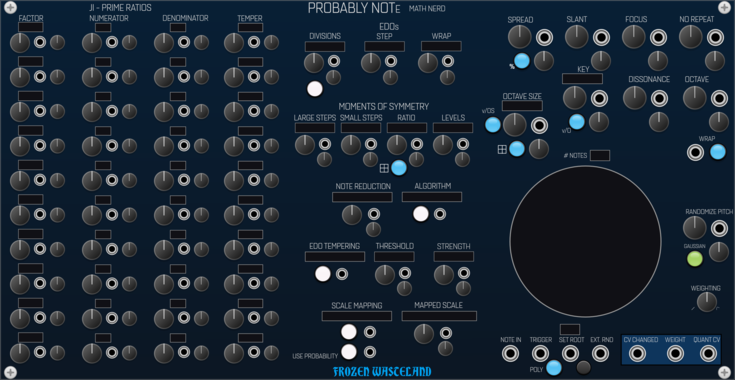
Frozen Wasteland Probably Note - Math Nerd
Probabilistic Quantizer using prime number based generative scales
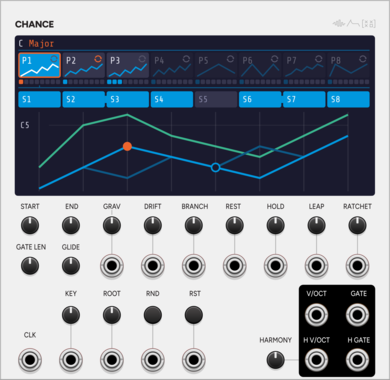
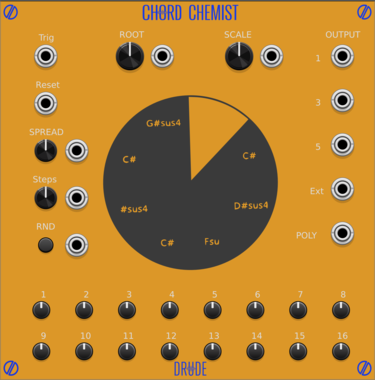
SignalFunctionSet Chance
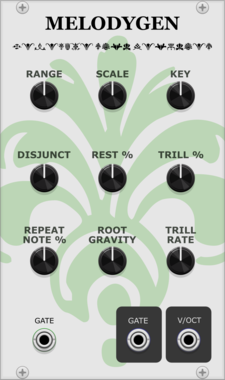
Generative melodic walk: a seeded core melody that may stray to a neighbour.
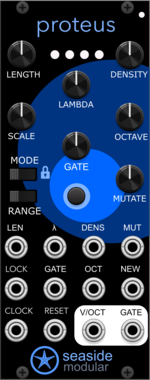
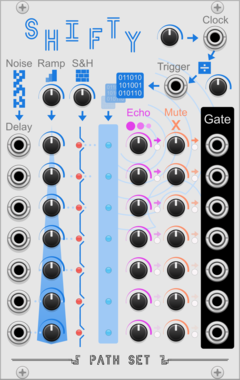
Seaside Modular Proteus
Proteus is a generative sequencer that makes looping melodies which evolve and renew.
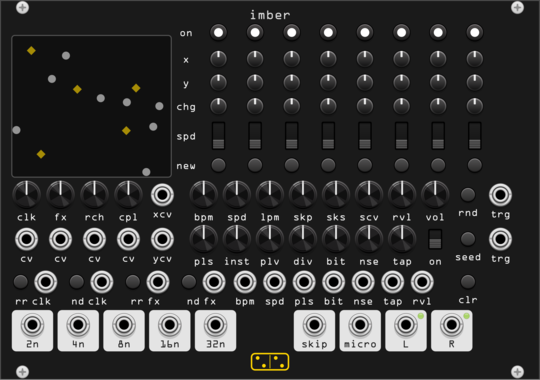
forsitan modulare imber
Generative rain: eight players on a 2D field where position is routing, over a self-generated bank.
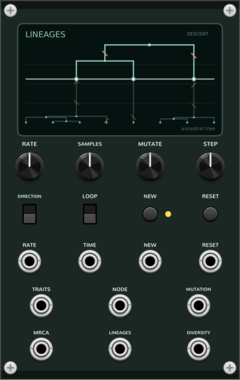
Coalescent Lineages
Generative ancestral-tree sequencer: sampled traits coalesce backward into a common ancestor or branch forward through neutral mutation.
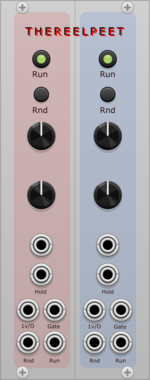
THEREELPEET TheReelPeet
Dual generative sequencer with probabilistic note holds and drops, per-lane Rise/Fall envelope, and Dynamics knob for evolving melodic motion.
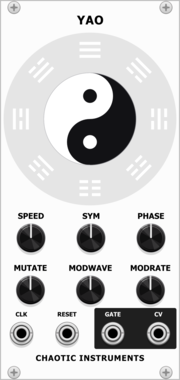
Chaotic Instruments Yao
Clock-synced generative complex LFO: two interfering sine phasors whose beat envelope is steered by an I-Ching trigram change engine.
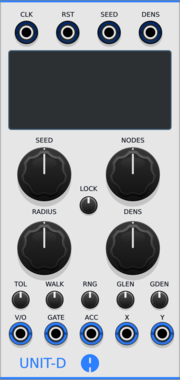
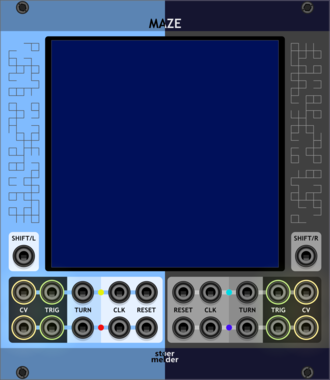
stoermelder MAZE
4 channel sequencer running on a 2-dimensional grid. Playheads move across a square grid, raising triggers on filled cells and ratcheting randomly on half cells — every run is a unique generative pattern.
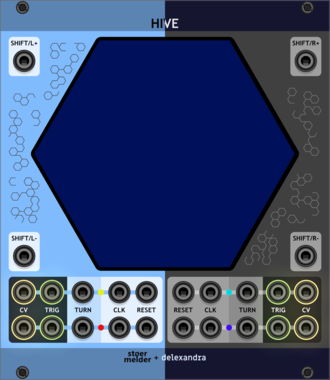
stoermelder HIVE
4 channel sequencer running on a 2-dimensional hexagonal grid. Up to four playheads wander a hexagonal map of cells, emitting triggers and ratchets as they enter active cells for generative, game-board-inspired sequences.
VCV Library Instructions
- Download and install VCV Rack.
- Register for a VCV account and log in using Rack’s “Library” menu.
- Add or purchase a module on the VCV Library.
- Open the “Library” menu in Rack, click “Update all” (if updates are needed), and restart Rack once downloaded.
- Right-click an empty rack space to launch Rack’s module browser to add a module to your patch.
All plugins on the VCV Library are available for Windows, Mac, and Linux.
The “major” version (i.e. MAJOR.MINOR.REVISION) must match between Rack and its plugins.
For example, Rack 2.* can only load 2.* plugins.
Missing or incorrect information in this database, such as a missing tag? Inform the plugin author(s) using the contact information on their plugin/module page.
Developers: see Adding your plugin to the VCV Library.
Notes
Purchasing plugins with the “VCV” brand supports the VCV Rack project. See VCV’s Mission Statement to learn how VCV Rack development is funded.
Prices are in US Dollars.
By purchasing a plugin on the VCV Library, you agree to VCV’s End User License Agreement and Refund Policy.
Contact VCV Support for customer support and questions about the VCV Library.