

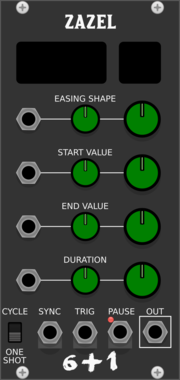
Studio Six Plus One Zazel
Parameter Controller for fades and LFO, Ramp generator
Clock modulatorFunction generatorLow-frequency oscillatorEnvelope generatorController
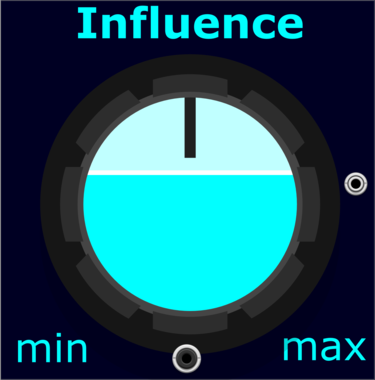
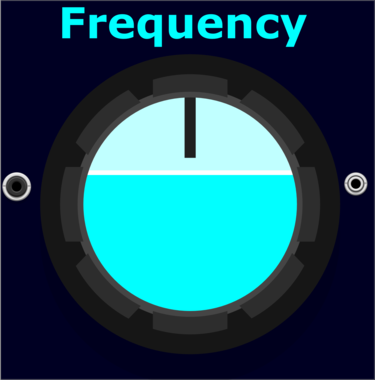
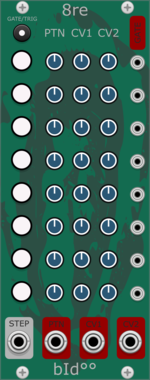
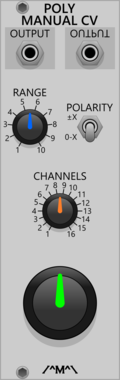
Count Modula Polyphonic Manual CV Generator
A basic manual CV generator with a range of output voltages
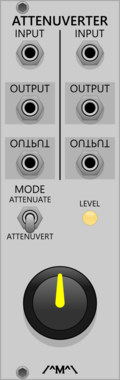
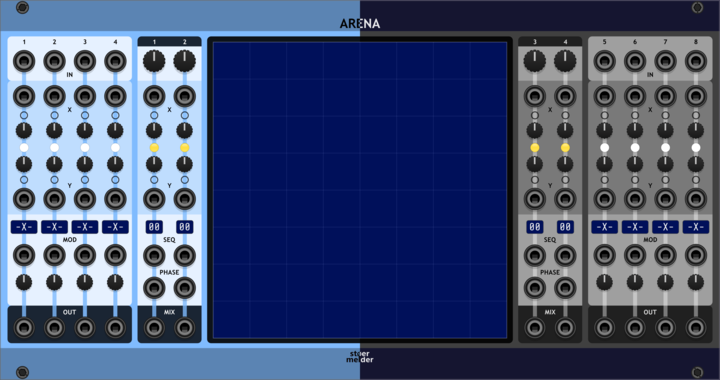
stoermelder ARENA
2-dimensional XY-Mixer for 8 sources with various modulation targets and fun graphical interface. Place sources and outputs in 2D space, mix them visually and modulate four mixed outputs with 16 motion sequences each.


Count Modula Fade-in/Fade-out Expander
Adds sequencer start/stop and envelope outputs to the fade controller
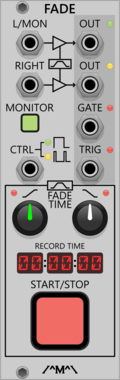
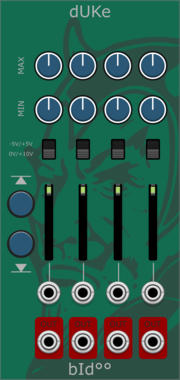
Count Modula Fade-in/Fade-out and Record Controller
Automated fade in/out with integrated start/stop control for the VCV Record module
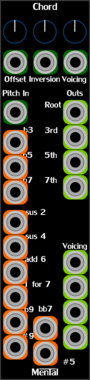


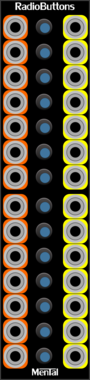


stoermelder STRIP
Manage a group of modules by using the expander-mechanism, providing load, save, copy, paste, disable, enable and randomize. Operate on the whole row of modules to the left or right of STRIP, with optional per-parameter randomisation lists.
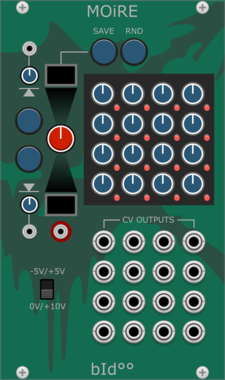
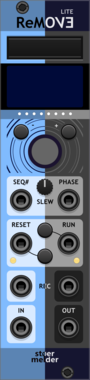
stoermelder ReMOVE Lite
Recorder for parameter automation. Captures movements of any module parameter into up to eight monophonic sequences with touch, replace, overwrite and latch modes, plus CV-controlled playback phase.

stoermelder µMAP
Add CV automation to one parameter of any module. A focused single-slot version of CV-MAP for adding one CV input where the module has none, with optional polyphonic input support.
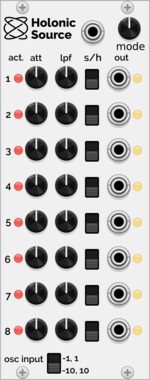
Holonic Systems Holonic Source
Integrates with the Holon.ist iOS app and outputs CV control signals to VCV Rack
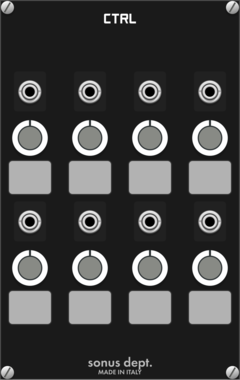
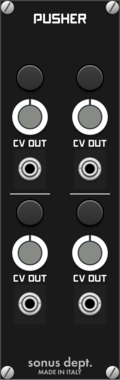
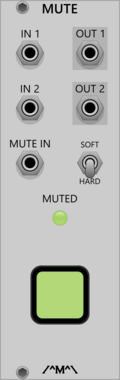

Count Modula Manual CV Generator
A simple dual manual CV generator offering +/- 10V with both coarse and fine controls
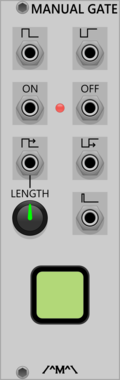
Count Modula Manual Gate
A manually triggered gate generator offering a number of simultaneous gate and inverted gate outputs
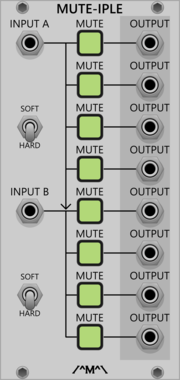
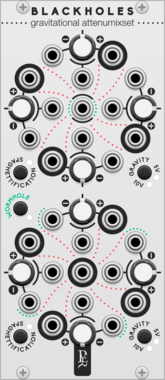
Geodesics BlackHoles
Gravitational attenumixset
Ring modulatorVoltage-controlled amplifierPolyphonicAttenuatorControllerMixerQuad

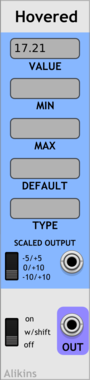
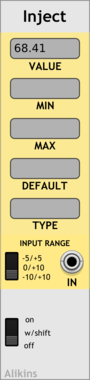





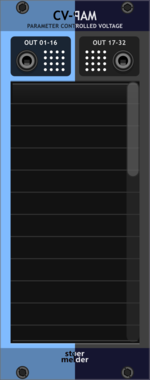
stoermelder CV-PAM
Generate CV from any parameter change of any module. Attaches to up to 32 parameters and outputs a CV signal whenever they change, perfect for mirroring knob motion to other modules or to MIDI-CAT.
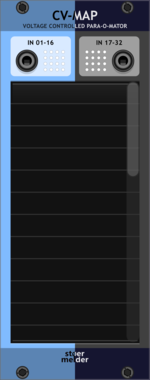
stoermelder CV-MAP
Add CV automation to 32 parameters of any module. Maps polyphonic CV inputs to any module parameter, with slew-limiting, input scaling, optional audio-rate updates and locate-and-indicate for retracing mappings.
VCV Library Instructions
- Download and install VCV Rack.
- Register for a VCV account and log in using Rack’s “Library” menu.
- Add or purchase a module on the VCV Library.
- Open the “Library” menu in Rack, click “Update all” (if updates are needed), and restart Rack once downloaded.
- Right-click an empty rack space to launch Rack’s module browser to add a module to your patch.
All plugins on the VCV Library are available for Windows, Mac, and Linux.
The “major” version (i.e. MAJOR.MINOR.REVISION) must match between Rack and its plugins.
For example, Rack 2.* can only load 2.* plugins.
Missing or incorrect information in this database, such as a missing tag? Inform the plugin author(s) using the contact information on their plugin/module page.
Developers: see Adding your plugin to the VCV Library.
Notes
Purchasing plugins with the “VCV” brand supports the VCV Rack project. See VCV’s Mission Statement to learn how VCV Rack development is funded.
Prices are in US Dollars.
By purchasing a plugin on the VCV Library, you agree to VCV’s End User License Agreement and Refund Policy.
Contact VCV Support for customer support and questions about the VCV Library.