9 modules in plugin

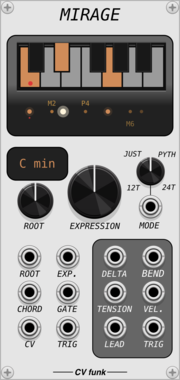
CV funk Mirage

CV funk Mirage

CV funk Sands $40

Chord-aware quantizer with a microtonal passing-note layer for expressive pitch lines.

QuantizerPolyphonic

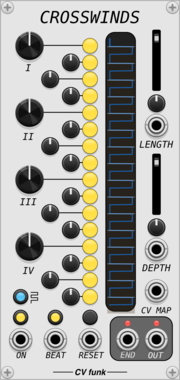
CV funk Crosswinds

CV funk Crosswinds

CV funk Sands $40

16-step gate sequencer with per-step time displacement, ratcheting, and animated display.
SequencerClock modulatorUtility

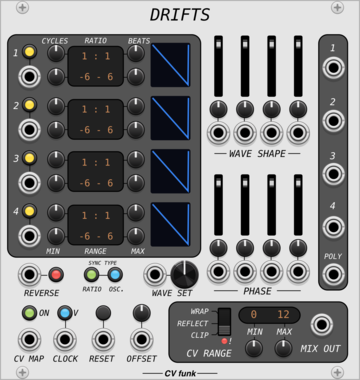
CV funk Drifts

CV funk Drifts

CV funk Sands $40

Four clocked oscillator layers with independent ratios, pitch ranges, and morphable waveforms.

OscillatorLow-frequency oscillator

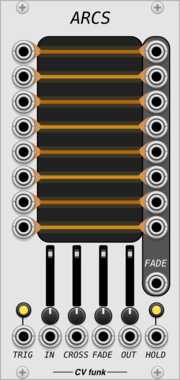
CV funk Arcs

CV funk Arcs

CV funk Sands $40

Probabilistic 8x8 signal router with crossfade and crosstalk control.

SwitchRandomUtility

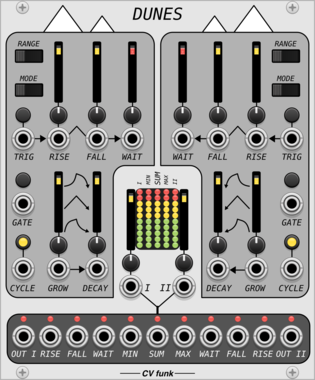
CV funk Dunes

CV funk Dunes

CV funk Sands $40

Dual function generator with rise, fall, and a rhythmic wait stage.

Function generatorEnvelope generatorLow-frequency oscillatorPolyphonic

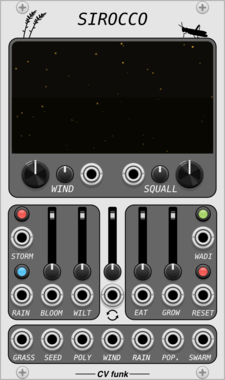
CV funk Sirocco

CV funk Sirocco

CV funk Sands $40

Predator-prey chaos oscillator. Outputs evolving population, position, and weather CVs.

RandomVisual

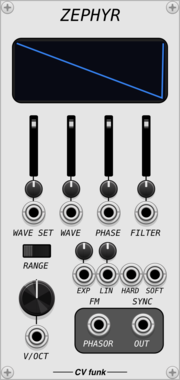
CV funk Zephyr

CV funk Zephyr

CV funk Sands $40

Polyphonic morphing oscillator with three waveset families, FM, hard and soft sync.

OscillatorPolyphonic

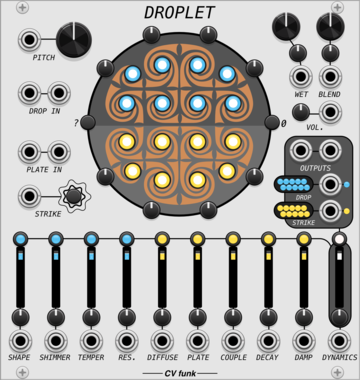
CV funk Droplet

CV funk Droplet

CV funk Sands $40

A stereo resonator and plate reverb with a dynamic, living character. Strikeable, audio-injectable, with envelope-driven modulation routing and per-node tuning.

EffectEnvelope followerDynamicsReverbPhysical modeling

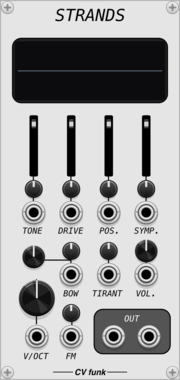
CV funk Strands

CV funk Strands

CV funk Sands $40

A physical model of a hurdy gurdy.

Physical modeling


2.3.8

CV funk Sands website

User manual

Author: Cody Geary

Author email:

License: https://vcvrack.com/eula

Last updated:

Created:

Browse all modules from CV funk


VCV Library Instructions

  • Download and install VCV Rack.
  • Register for a VCV account and log in using Rack’s “Library” menu.
  • Add or purchase a module on the VCV Library.
  • Open the “Library” menu in Rack, click “Update all” (if updates are needed), and restart Rack once downloaded.
  • Right-click an empty rack space to launch Rack’s module browser to add a module to your patch.

All plugins on the VCV Library are available for Windows, Mac, and Linux. The “major” version (i.e. MAJOR.MINOR.REVISION) must match between Rack and its plugins. For example, Rack 2.* can only load 2.* plugins.

Missing or incorrect information in this database, such as a missing tag? Inform the plugin author(s) using the contact information on their plugin/module page.

Developers: see Adding your plugin to the VCV Library.

Notes

Purchasing plugins with the “VCV” brand supports the VCV Rack project. See VCV’s Mission Statement to learn how VCV Rack development is funded.

Prices are in US Dollars.

By purchasing a plugin on the VCV Library, you agree to VCV’s End User License Agreement and Refund Policy.

Contact VCV Support for customer support and questions about the VCV Library.