
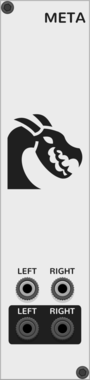
Ouroboros Industries Meta
Adds meta features to VCV Rack (Cable sounds, startup pre-muter; Full list in the manual)
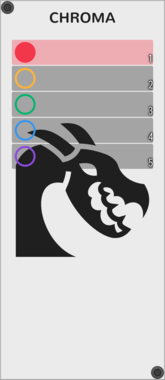
Ouroboros Industries Chroma
A cable colour manager with labels and support for multiple colour collections
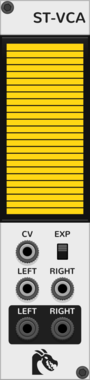
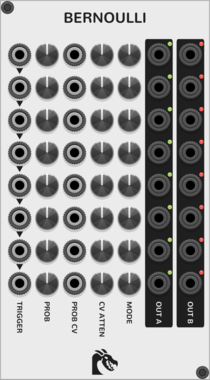
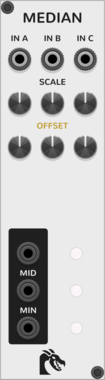
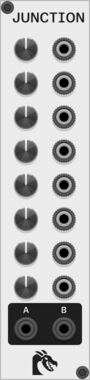
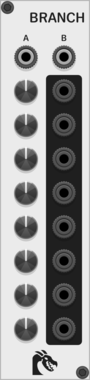
Ouroboros Industries Branch
A switched mult/router with 2 inputs and 8 outputs. Counterpart to Junction
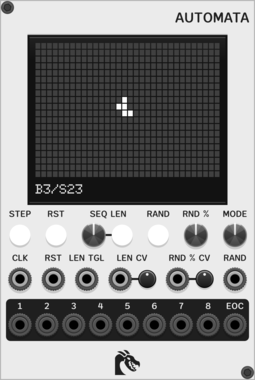
Ouroboros Industries Automata
Sequencer based on Conway's Game of Life, with support for other Life-like cellular automatons through By/Sx rules


Ouroboros Industries Reset Helper
An utility to make it easier to reset sequencers from multiple sources. Converts gates to triggers, with a configurable "merge" time for incoming triggers
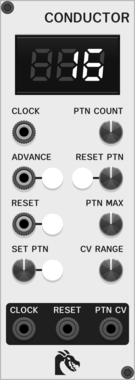
Ouroboros Industries Conductor
A performance controller for switching sequencer patterns automatically, on beat
2.2.3
Author: Chronos "phantombeta" Ouroboros
License: GPL-3.0-or-later
Last updated:
Created:
Popularity: 8,787
VCV Library Instructions
- Download and install VCV Rack.
- Register for a VCV account and log in using Rack’s “Library” menu.
- Add or purchase a module on the VCV Library.
- Open the “Library” menu in Rack, click “Update all” (if updates are needed), and restart Rack once downloaded.
- Right-click an empty rack space to launch Rack’s module browser to add a module to your patch.
All plugins on the VCV Library are available for Windows, Mac, and Linux.
The “major” version (i.e. MAJOR.MINOR.REVISION) must match between Rack and its plugins.
For example, Rack 2.* can only load 2.* plugins.
Missing or incorrect information in this database, such as a missing tag? Inform the plugin author(s) using the contact information on their plugin/module page.
Developers: see Adding your plugin to the VCV Library.
Notes
Purchasing plugins with the “VCV” brand supports the VCV Rack project. See VCV’s Mission Statement to learn how VCV Rack development is funded.
Prices are in US Dollars.
By purchasing a plugin on the VCV Library, you agree to VCV’s End User License Agreement and Refund Policy.
Contact VCV Support for customer support and questions about the VCV Library.