
![Autodafe CO[S]INE](/screenshots/100/Autodafe-REDs/COSINE.webp)
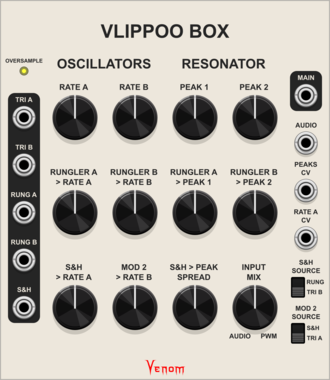
Venom Vlippoo Box
Venom Chaos Boxes $40Venom Vlippoo Box $20
Digitial emulation of Rob Hordijk's Blippoo Box 2018 version
FilterLow-frequency oscillatorOscillatorRandomSequencerSynth voice
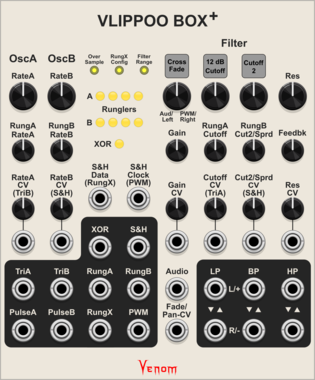
Venom Vlippoo Box +
Venom Chaos Boxes $40Venom Vlippoo Box $20
Digitial emulation of Rob Hordijk's Blippoo Box with additional controls, inputs, and outputs. Included with purchase of Vlippoo Box
FilterLow-frequency oscillatorOscillatorRandomSequencerSynth voice

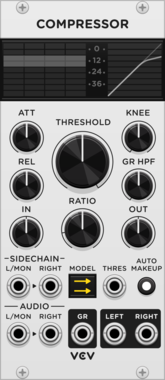
VCV Compressor
Stereo dynamic range compressor with 6 DSP models and sidechain

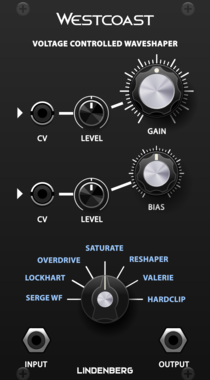
LindenbergResearch Westcoast Complex Shaper
A Waveshaper with a lot of Models
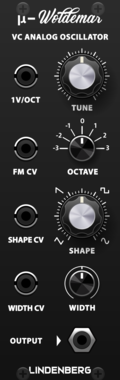
LindenbergResearch Compact Woldemar
Classic Analog Oscillator as Compact Format
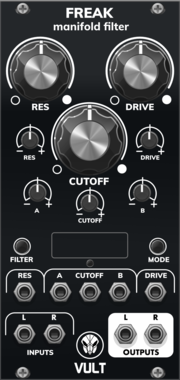
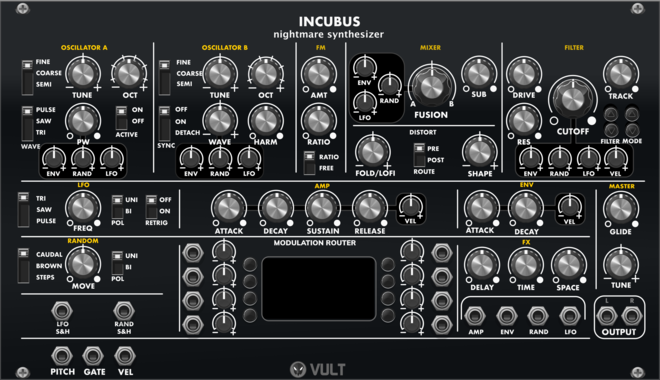
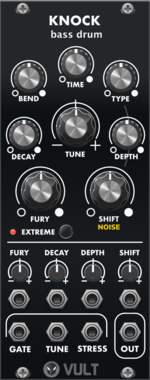
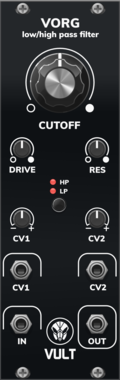
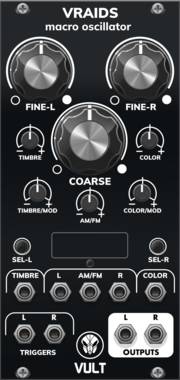
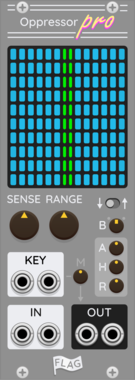
FLAG Oppressor Pro
Multiband Ducker/Gate/Compressor

Venom Chaos Gates Expander
Venom Chaos Boxes $40Venom Hybrid Knot $15Venom Venjolin $15Venom Vlippoo Box $20
Adds additional shift register gate outputs to Chaos Box modules. Included with any Chaos Boxes purchase

Venom Chaos Volts Expander
Venom Chaos Boxes $40Venom Hybrid Knot $15Venom Venjolin $15Venom Vlippoo Box $20
Adds additional shift register CV outputs to Chaos Box modules. Included with any Chaos Boxes purchase
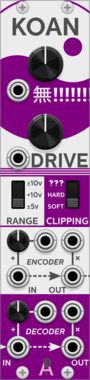
AlliewayAudio Koan
Transforms audio or CVs from subtle warming to annihilation. Telecommunications signal compander (Variable MU-law Encoder/Decoder) with built-in noise, analog clipping, mixer, and thru-zero VCA. Try plugging your favorite filter or effect between encoder and decoder!
CompressorDistortionDigitalEffectLimiterMixerNoiseRing modulatorUtilityVoltage-controlled amplifierWaveshaper
![Autodafe [FM]ERIDES](/screenshots/100/Autodafe-REDs/FMERIDES.webp)
Autodafe [FM]ERIDES
A FM (frequency Modulation) Oscillator with one carrier and one modulator

CV funk Poly Map
CV funk Chord Caster
$20CV funk Bundle
$40
$45
Companion module to Chord Caster. Map poly inputs to a V/oct containing only the active notes, based on gates.
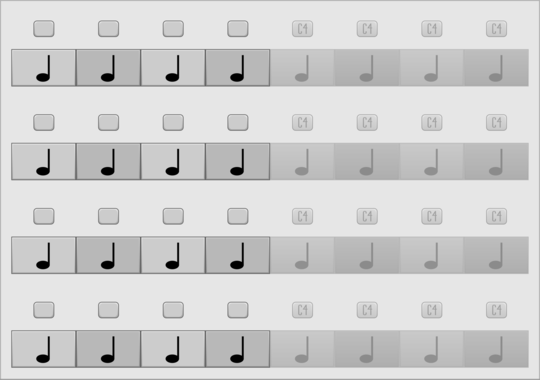
JP Four Track Expander
Add 64 more note blocks to Four Track. Try using more than one.
VCV Library Instructions
- Download and install VCV Rack.
- Register for a VCV account and log in using Rack’s “Library” menu.
- Add or purchase a module on the VCV Library.
- Open the “Library” menu in Rack, click “Update all” (if updates are needed), and restart Rack once downloaded.
- Right-click an empty rack space to launch Rack’s module browser to add a module to your patch.
All plugins on the VCV Library are available for Windows, Mac, and Linux.
The “major” version (i.e. MAJOR.MINOR.REVISION) must match between Rack and its plugins.
For example, Rack 2.* can only load 2.* plugins.
Missing or incorrect information in this database, such as a missing tag? Inform the plugin author(s) using the contact information on their plugin/module page.
Developers: see Adding your plugin to the VCV Library.
Notes
Purchasing plugins with the “VCV” brand supports the VCV Rack project. See VCV’s Mission Statement to learn how VCV Rack development is funded.
Prices are in US Dollars.
By purchasing a plugin on the VCV Library, you agree to VCV’s End User License Agreement and Refund Policy.
Contact VCV Support for customer support and questions about the VCV Library.