

Ormer Modular Shoal Expander
12 CV inputs to modulate any track; chainable; sits to Shoal's right.

Ormer Modular Shoal Outs
Per-track Currents (seeded drift CV) and end-of-sequence triggers; sits to Shoal's left.

Protoseq Gina's Expander
CV expander for Gina's ARP seed and arpeggio length control.
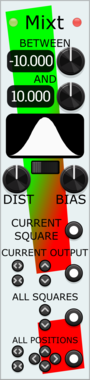
Stochastic Telegraph Mixt
Stochastic Telegraph Twixt $10
Companion to Twixt, quickly randomizing (with constraints) the Output values in adjoining Twixt modules.

Venom Chaos Volts Expander
Venom Chaos Boxes $40Venom Hybrid Knot $15Venom Venjolin $15Venom Vlippoo Box $20
Adds additional shift register CV outputs to Chaos Box modules. Included with any Chaos Boxes purchase

Venom Chaos Gates Expander
Venom Chaos Boxes $40Venom Hybrid Knot $15Venom Venjolin $15Venom Vlippoo Box $20
Adds additional shift register gate outputs to Chaos Box modules. Included with any Chaos Boxes purchase

JP Memory Expander
Expander for any main JPLab sequencer. Five CV controllable save slots for sequences.
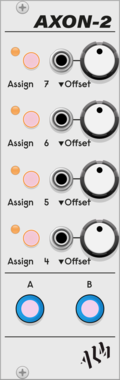
ALM Busy Circuits AXON-2
 Pamela's Pro Workout
$20ALM Busy Circuits Bundle 1
$50
Pamela's Pro Workout
$20ALM Busy Circuits Bundle 1
$50
$55
AXON-2 Expander for ALM034 PPW

JP Counter Point Expander
Expander for any main JP sequencer. Creates an extra voice using delay, regression and inversion.
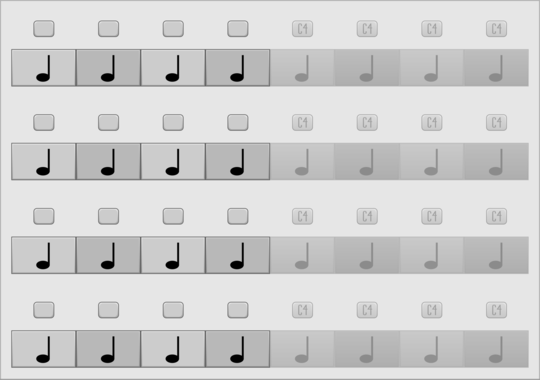
JP Four Track Expander
Add 64 more note blocks to Four Track. Try using more than one.

ALM Busy Circuits AXON-1
ALM Busy Circuits MFX
$20ALM Busy Circuits Bundle 1
$50
$55
AXON-1 Expander for ALM032 MFX

maglav modular Arp Player
Chain-able arpeggiator/quantizer expander for Chord Player
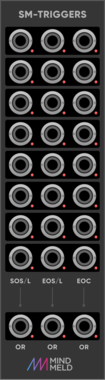
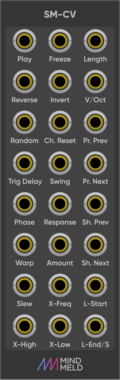
MindMeld SM-Triggers
Trigger expander for ShapeMaster Pro


Slime Child Audio Filter+
Expander for LP4 Filter

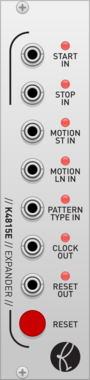
Kilpatrick Audio K4815P Programmer
Pattern Generator Programmer

Prok Modular Drum Expander
Expander for Drum Modules. Allows transpose, decay time and quad control via knob or CV

SV Modular Caillou Manipulator Expander
Manipulator Expander for the Caillou Granular Resynthesis Engine
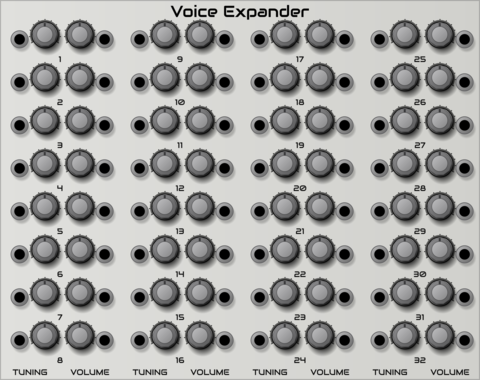
SV Modular Caillou Voice Expander
Voice Expander for the Caillou Granular Resynthesis Engine

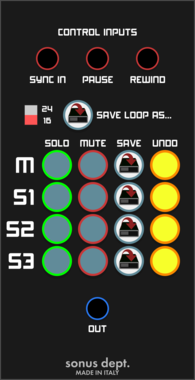
VCV Library Instructions
- Download and install VCV Rack.
- Register for a VCV account and log in using Rack’s “Library” menu.
- Add or purchase a module on the VCV Library.
- Open the “Library” menu in Rack, click “Update all” (if updates are needed), and restart Rack once downloaded.
- Right-click an empty rack space to launch Rack’s module browser to add a module to your patch.
All plugins on the VCV Library are available for Windows, Mac, and Linux.
The “major” version (i.e. MAJOR.MINOR.REVISION) must match between Rack and its plugins.
For example, Rack 2.* can only load 2.* plugins.
Missing or incorrect information in this database, such as a missing tag? Inform the plugin author(s) using the contact information on their plugin/module page.
Developers: see Adding your plugin to the VCV Library.
Notes
Purchasing plugins with the “VCV” brand supports the VCV Rack project. See VCV’s Mission Statement to learn how VCV Rack development is funded.
Prices are in US Dollars.
By purchasing a plugin on the VCV Library, you agree to VCV’s End User License Agreement and Refund Policy.
Contact VCV Support for customer support and questions about the VCV Library.