

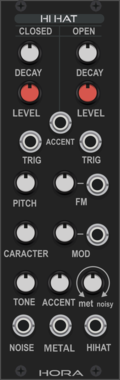
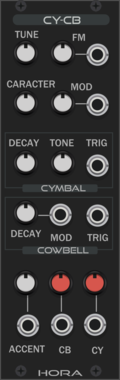
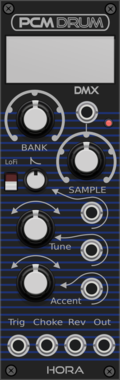
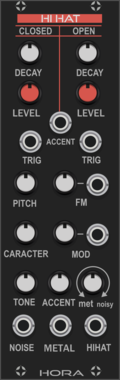
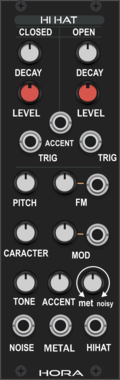
Hora Hi-Hat Vult
Analog HiHat using vult made filter model (use the other clap module for better CPU load and more realisitic claps)
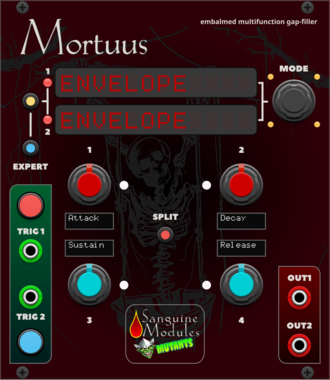
Sanguine Mutants Mortuus
All-around gap filler based on the Dead Man's Catch firmware, with some additions, for Mutable Instruments' Peaks
DelayDrumDualEnvelope generatorHardware cloneLow-frequency oscillatorOscillatorSequencer
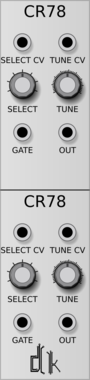

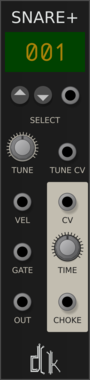
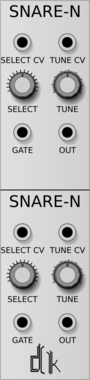
![Autodafe [S]NARE](/screenshots/100/Autodafe-REDs/SNARE.webp)

Autodafe Drums - Closed Hats
Sampled Closed Hi-Hats module with different samples of vintage Drum Machines
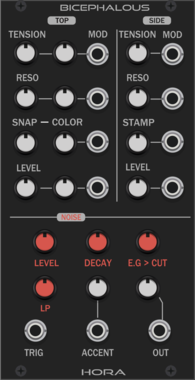


Prok Modular Clap Envelope
Special envelope for synthesizing hand claps



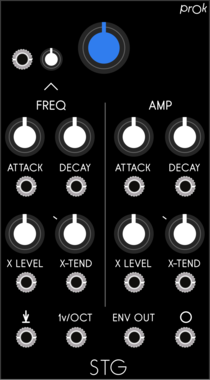
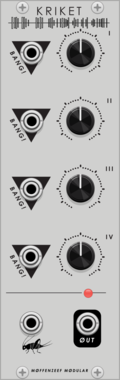
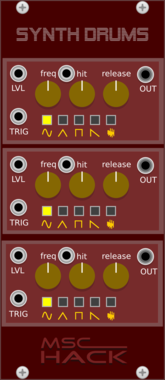
Prok Modular Skin In The Game
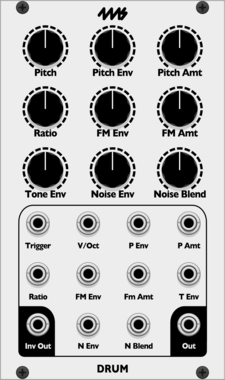
Single oscillator with frequency and amplitude envelopes designed for drum synthesis

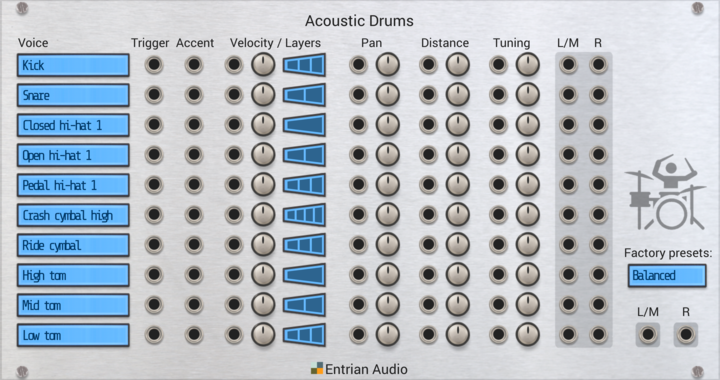
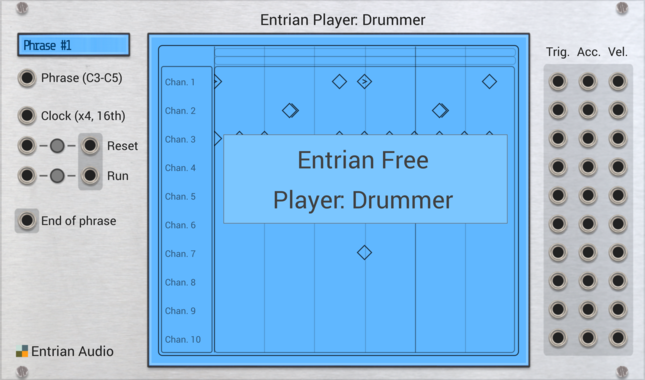
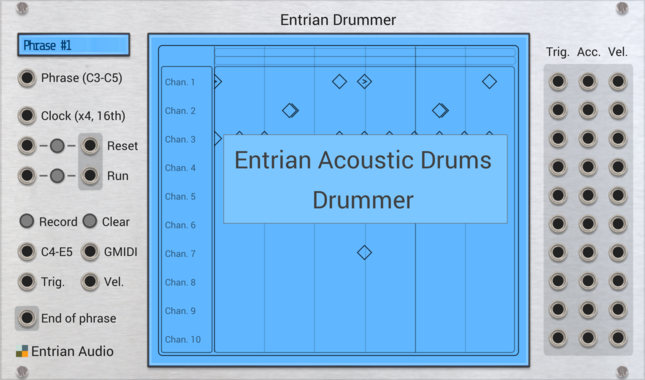
Entrian Acoustic Drums
Real acoustic drums, sampled with multiple round-robin samples in multiple velocity layers.
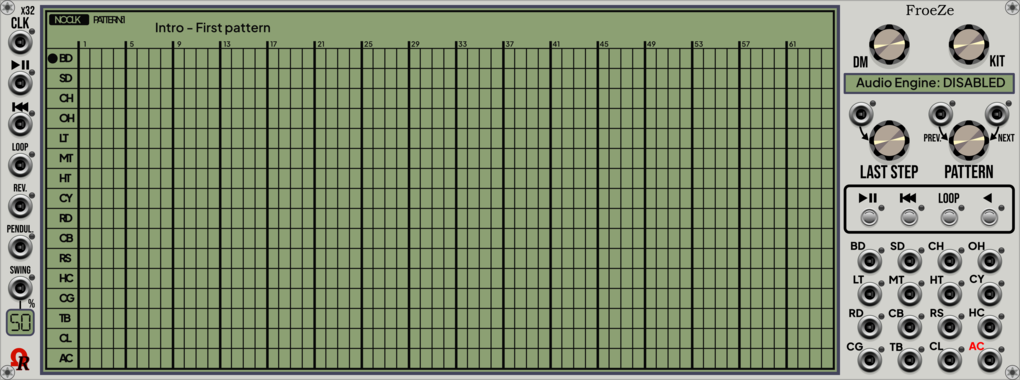

Autodafe Drums - Rim/Claves
Sampled Rim/Claves module with different samples of vintage Drum Machines

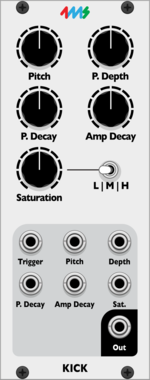
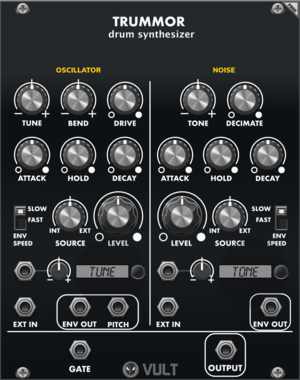

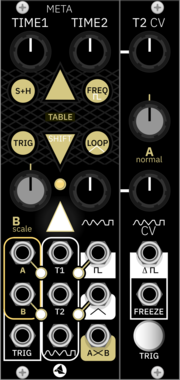
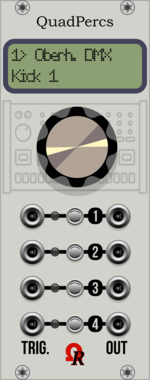
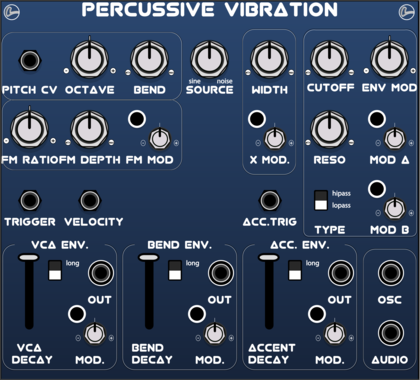
LifeFormModular PercussiveVibration
Synth voice based on 21Khz PalmLoop and Befaco Rampage mainly for drums
VCV Library Instructions
- Download and install VCV Rack.
- Register for a VCV account and log in using Rack’s “Library” menu.
- Add or purchase a module on the VCV Library.
- Open the “Library” menu in Rack, click “Update all” (if updates are needed), and restart Rack once downloaded.
- Right-click an empty rack space to launch Rack’s module browser to add a module to your patch.
All plugins on the VCV Library are available for Windows, Mac, and Linux.
The “major” version (i.e. MAJOR.MINOR.REVISION) must match between Rack and its plugins.
For example, Rack 2.* can only load 2.* plugins.
Missing or incorrect information in this database, such as a missing tag? Inform the plugin author(s) using the contact information on their plugin/module page.
Developers: see Adding your plugin to the VCV Library.
Notes
Purchasing plugins with the “VCV” brand supports the VCV Rack project. See VCV’s Mission Statement to learn how VCV Rack development is funded.
Prices are in US Dollars.
By purchasing a plugin on the VCV Library, you agree to VCV’s End User License Agreement and Refund Policy.
Contact VCV Support for customer support and questions about the VCV Library.