








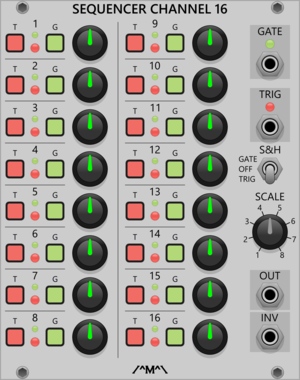

Count Modula 16 Step Sequencer Gate Output Expander
Adds individual gate outputs to the 16 Step Sequencer
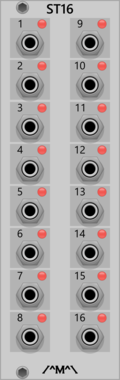
Count Modula 16 Step Sequencer Trigger Output Expander
Adds individual trigger outputs to the 16 Step Sequencer
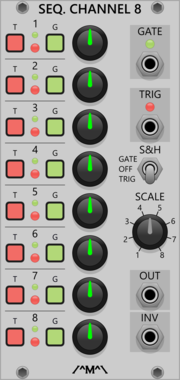

Count Modula 8 Step Sequencer Gate Output Expander
Adds individual gate outputs to the 8 Step Sequencer

Count Modula 8 Step Sequencer Trigger Output Expander
Adds individual trigger outputs to the 8 Step Sequencer
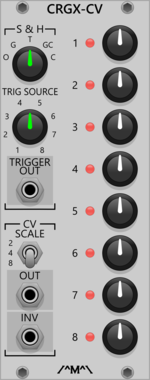
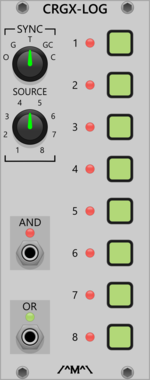
Count Modula Clocked Random Gate Logic Expander
Logical processing of the gates from the Clocked Random Gates module
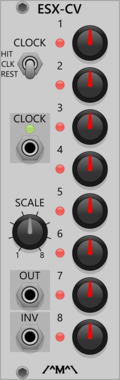

Count Modula Fade-in/Fade-out Expander
Adds sequencer start/stop and envelope outputs to the fade controller
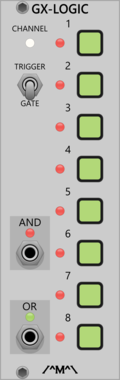
Count Modula Gated Comparator Expander - Gate Logic
Gated Comparator expander adding logical mixing of the shift register outputs
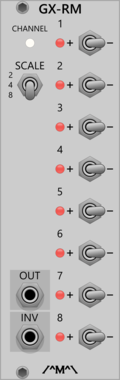
Count Modula Gated Comparator Expander - Random Melody
Gated Comparator expander adding Random Melody output (also works with other sequencers)
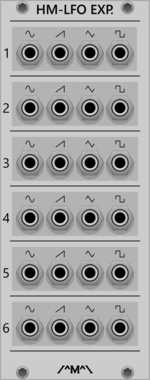
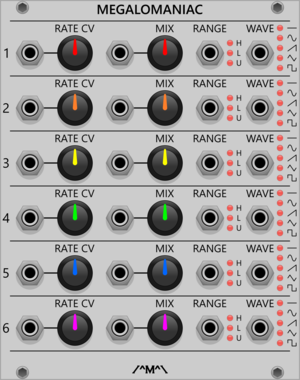
Count Modula Megalomaniac - Hyper Maniacal LFO CV Expander
Voltage control over the Hyper Maniacal LFO
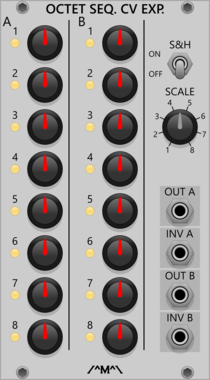
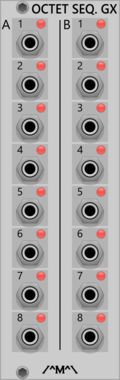
Count Modula Octet Trigger Sequencer Gate Expander
Adds individual gate outputs to the Octet Trigger Sequencer
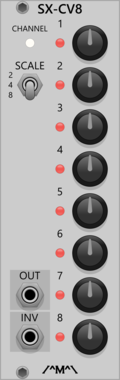
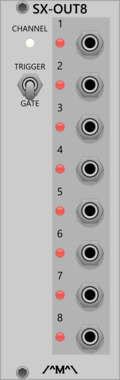
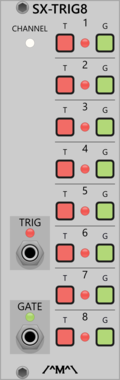
Count Modula Sequencer Trigger Expander
8 step sequencer expander adding a an extra channel of gate/trigger output

Count Modula Trigger Sequencer Gate Expander
Adds gate outputs to the 8 and 16 Step Trigger Sequencers

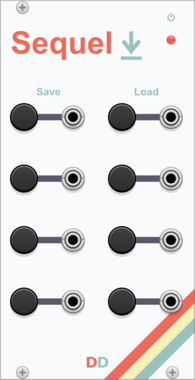

DanT Seizure Trigger [Purfenator Expander]
[3hp] Enables CV control of the Purfenator parameters. Excessive modulation is highly discouraged.




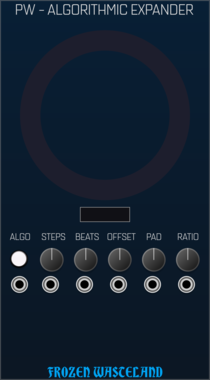
Frozen Wasteland Portland Weather - Algorithmic Expander
Allows Portland Weather to create Euclidean rhythms
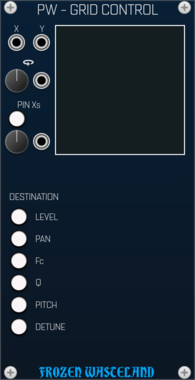
Frozen Wasteland Portland Weather - Grid Control Expander
Allows Portland Weather to be modulated in a grid fashion

VCV Library Instructions
- Download and install VCV Rack.
- Register for a VCV account and log in using Rack’s “Library” menu.
- Add or purchase a module on the VCV Library.
- Open the “Library” menu in Rack, click “Update all” (if updates are needed), and restart Rack once downloaded.
- Right-click an empty rack space to launch Rack’s module browser to add a module to your patch.
All plugins on the VCV Library are available for Windows, Mac, and Linux.
The “major” version (i.e. MAJOR.MINOR.REVISION) must match between Rack and its plugins.
For example, Rack 2.* can only load 2.* plugins.
Missing or incorrect information in this database, such as a missing tag? Inform the plugin author(s) using the contact information on their plugin/module page.
Developers: see Adding your plugin to the VCV Library.
Notes
Purchasing plugins with the “VCV” brand supports the VCV Rack project. See VCV’s Mission Statement to learn how VCV Rack development is funded.
Prices are in US Dollars.
By purchasing a plugin on the VCV Library, you agree to VCV’s End User License Agreement and Refund Policy.
Contact VCV Support for customer support and questions about the VCV Library.