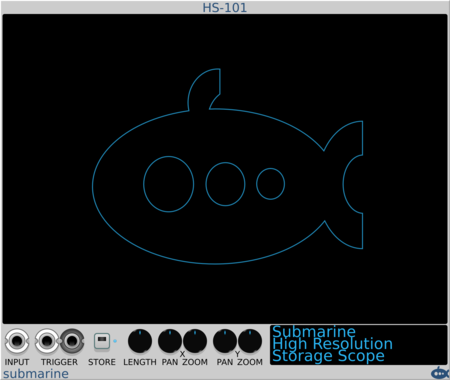





Submarine HS-101

Submarine HS-101

HS-101 Hi-Res Storage Oscilloscope

Interrobang Scribble Strip, 3 HP (SS-3)

Interrobang Scribble Strip, 3 HP (SS-3)

Makes it easy to navigate a complex patch.

NANO Modules BLANK 12Hp

NANO Modules BLANK 12Hp

Boast & protect your VCV rack

NANO Modules BLANK 8Hp

NANO Modules BLANK 8Hp

Boast & protect your VCV rack

NANO Modules BLANK 6Hp

NANO Modules BLANK 6Hp

Boast & protect your VCV rack

NANO Modules BLANK 4Hp

NANO Modules BLANK 4Hp

Boast & protect your VCV rack

NANO Modules BLANK 2Hp

NANO Modules BLANK 2Hp

Boast & protect your VCV rack

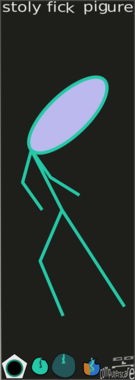
computerscare Stoly Fick Pigure

computerscare Stoly Fick Pigure

Draw a stick figure

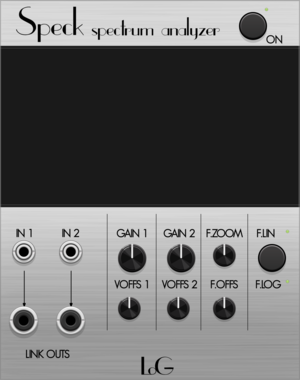
LOGinstruments Speck

LOGinstruments Speck

FFT Spectrum Analysis

computerscare Foly Pace

computerscare Foly Pace

Draw a face

computerscare Custom Blank

computerscare Custom Blank

Customizable, resizable, lovable blank panel. Load your own PNG, JPEG, BMP, or GIF.
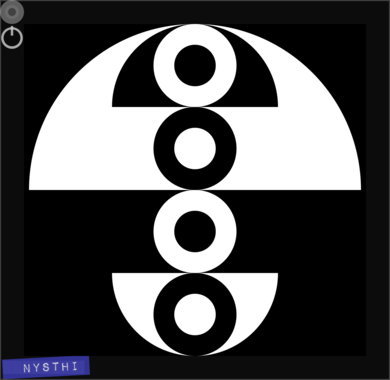
NYSTHI YYdisplay

NYSTHI YYdisplay

YY visualizer

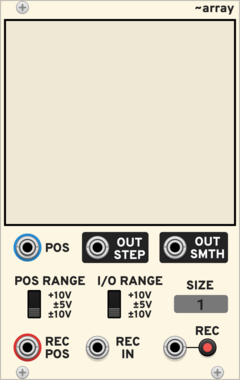
PdArray Array

PdArray Array

Draw or record sequences, envelopes or audio

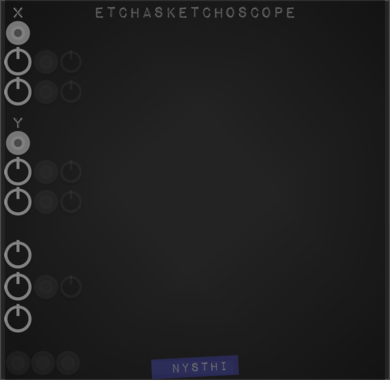
NYSTHI ETCHASKETCHOSCOPE

NYSTHI ETCHASKETCHOSCOPE

XY visualizer

Glue the Giant Gig Bus Mixer

Glue the Giant Gig Bus Mixer

Stereo mixer to three stereo buses

Submarine TD-316

Submarine TD-316

TD-316 Text Display

Submarine TF-102

Submarine TF-102

TF-102 Text Display Format Control

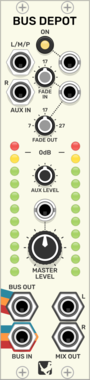
Glue the Giant Bus Depot

Glue the Giant Bus Depot

Master fader, vu meters, or mix output for three stereo buses

wiqid full scope black edition

wiqid full scope black edition

full scope - in black! with toggleable stats

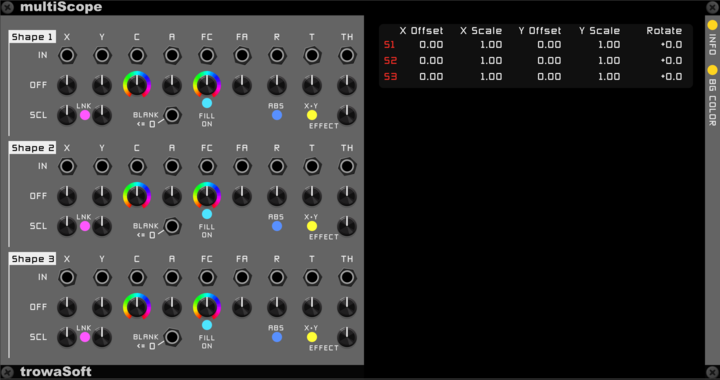
trowaSoft multiScope

trowaSoft multiScope

Visual effects scope, with lissajous mode, that allows three (3) waveforms to be drawn on the same screen/canvas.


cf LABEL

cf LABEL

label

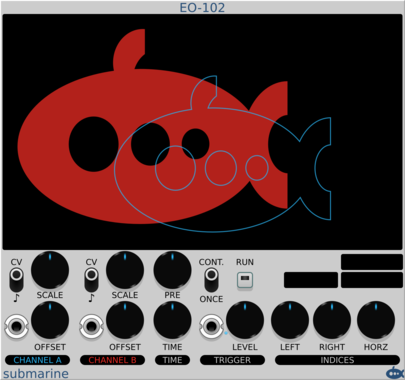
Submarine EO-102

Submarine EO-102

EO-102 Envelope Oscilloscope

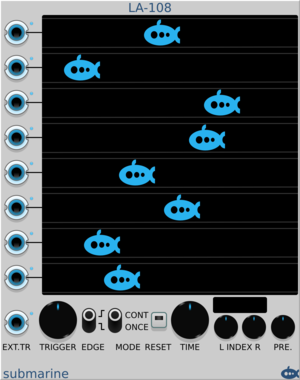
Submarine LA-108

Submarine LA-108

LA-108 Logic Analyser

Submarine TD-202

Submarine TD-202

TD-202 Vertical Text Display

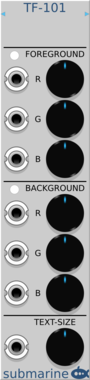
Submarine TF-101

Submarine TF-101

TF-101 Text Display Format Control

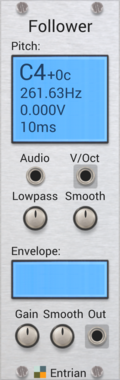
Entrian Pitch and Envelope Follower

Entrian Pitch and Envelope Follower

Converts sounds into pitch and volume CV signals.

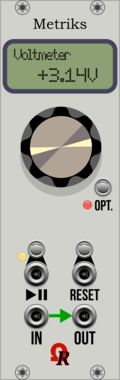
Ohmer Modules Metriks

Ohmer Modules Metriks

Voltmeter

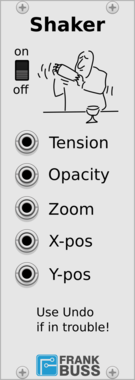
Frank Buss Shaker

Frank Buss Shaker

Shake your Rack

AS MonoVUmeter

AS MonoVUmeter

Mono VU meter

AS StereoVUmeter

AS StereoVUmeter

Stereo VU meter

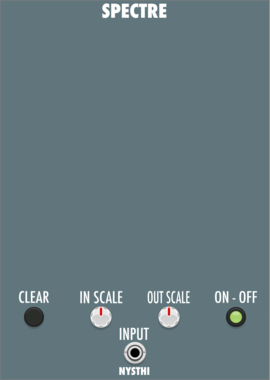
NYSTHI Spectre

NYSTHI Spectre

Real time spectrogram

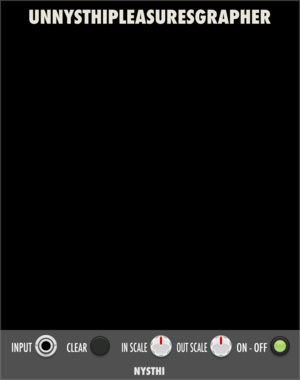
NYSTHI UNNYSTHIPLEASURESGRAPHER

NYSTHI UNNYSTHIPLEASURESGRAPHER

TOY Waterfall Spectrograph

Bogaudio VU

Bogaudio VU

Stereo signal meter

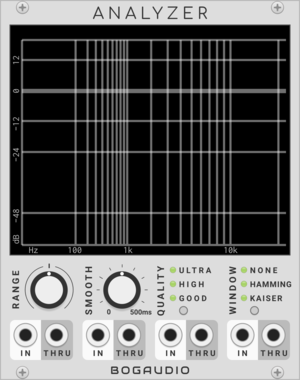
Bogaudio ANALYZER

Bogaudio ANALYZER

4-channel spectrum analyzer

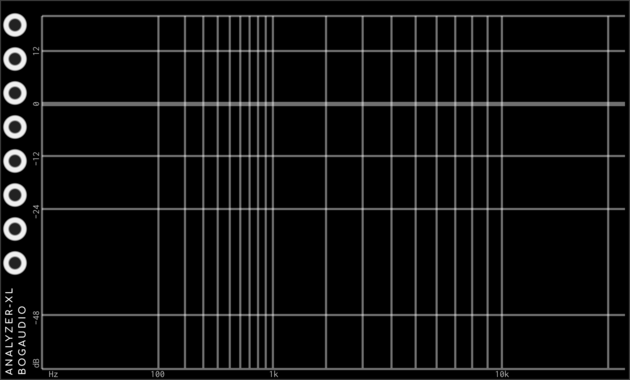
Bogaudio ANALYZER-XL

Bogaudio ANALYZER-XL

8-channel spectrum analyzer

Alikins Color Panel

Alikins Color Panel

Control the color of the panel with CV

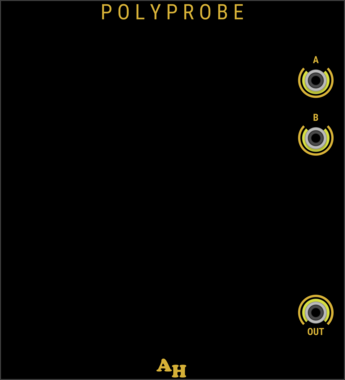
Amalgamated Harmonics PolyProbe

Amalgamated Harmonics PolyProbe

Display polyphonic cable voltages

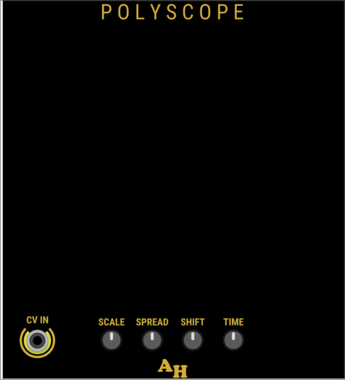
Amalgamated Harmonics PolyScope

Amalgamated Harmonics PolyScope

Polyphonic 'Scope

JW-Modules 0Cat

JW-Modules 0Cat


VCV Library Instructions

  • Download and install VCV Rack.
  • Register for a VCV account and log in using Rack’s “Library” menu.
  • Add or purchase a module on the VCV Library.
  • Open the “Library” menu in Rack, click “Update all” (if updates are needed), and restart Rack once downloaded.
  • Right-click an empty rack space to launch Rack’s module browser to add a module to your patch.

All plugins on the VCV Library are available for Windows, Mac, and Linux. The “major” version (i.e. MAJOR.MINOR.REVISION) must match between Rack and its plugins. For example, Rack 2.* can only load 2.* plugins.

Missing or incorrect information in this database, such as a missing tag? Inform the plugin author(s) using the contact information on their plugin/module page.

Developers: see Adding your plugin to the VCV Library.

Notes

Purchasing plugins with the “VCV” brand supports the VCV Rack project. See VCV’s Mission Statement to learn how VCV Rack development is funded.

Prices are in US Dollars.

By purchasing a plugin on the VCV Library, you agree to VCV’s End User License Agreement and Refund Policy.

Contact VCV Support for customer support and questions about the VCV Library.