





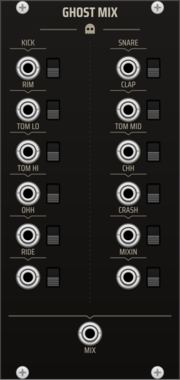
TNN1T1S GHOST MIX
Dedicated summing mixer for the Ghost drum kit. Twelve labeled inputs -- one per voice of the full kit (Kick, Snare, Rim, Clap, Tom Lo/Mid/Hi, Closed Hat, Open Hat, Crash, Ride) plus a MIXIN channel (the 909's external mix-in) -- each with a mute switch, summed to one MIX output. Per-voice level lives on the voices, so the mixer is a clean unity summer -- the whole kit on one master mix point, in the box.

factionoptions CV Mix
Mix bus that sums and averages incoming CV from every connected remote peer into 4 unified channels. Useful for group jams where multiple collaborators contribute to the same patch without needing one CV Peer per source. Place anywhere to the right of a Resonance Hub.
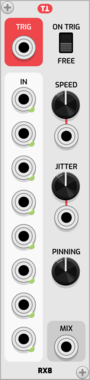
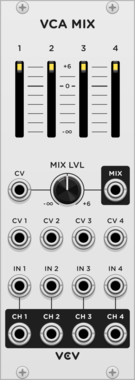


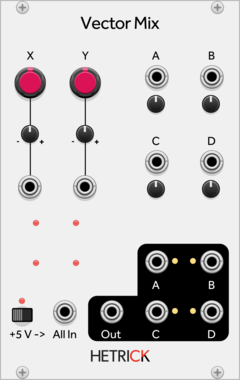







Infinite-Noise Manuel Mix 4 Stereo
Manually knob/CV-operated mixer with 4 stereo-inputs and stereo mix output (averaging or unity mix).


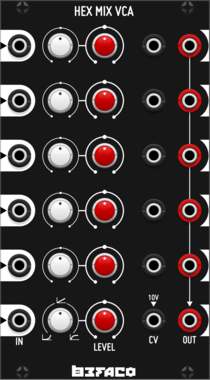
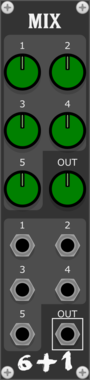
Befaco Hex Mix VCA
Six channel VCA with response curve range from logarithmic to linear and to exponential


Venom VCA Mix 4
Compact audio or CV VCA, mixer, attenuator, inverter, amplifier, and/or offset
AttenuatorMixerPolyphonicRing modulatorUtilityVoltage-controlled amplifier

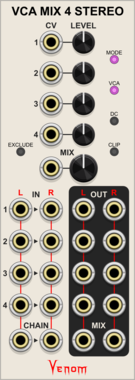
Venom VCA Mix 4 Stereo
Stereo compact audio or CV VCA, mixer, attenuator, inverter, amplifier, and/or offset
AttenuatorMixerPolyphonicRing modulatorUtilityVoltage-controlled amplifier
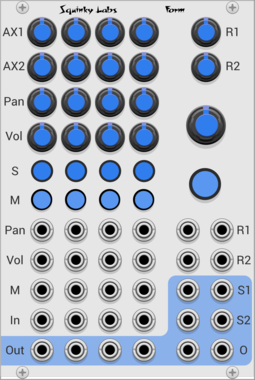



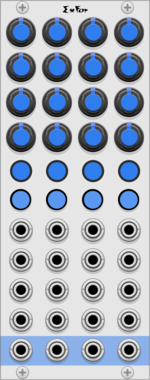
QuantalAudio Daisy Mix Blank Separator | 2HP
Modular mixer blank separator - proximity daisy chainable

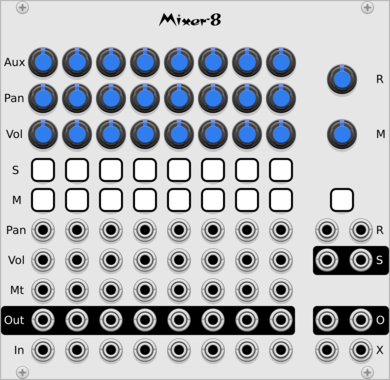

QuantalAudio Daisy Mix Channel Aux Sends STEREO | 2HP
Modular mixer channel aux sends - proximity daisy chainable
VCV Library Instructions
- Download and install VCV Rack.
- Register for a VCV account and log in using Rack’s “Library” menu.
- Add or purchase a module on the VCV Library.
- Open the “Library” menu in Rack, click “Update all” (if updates are needed), and restart Rack once downloaded.
- Right-click an empty rack space to launch Rack’s module browser to add a module to your patch.
All plugins on the VCV Library are available for Windows, Mac, and Linux.
The “major” version (i.e. MAJOR.MINOR.REVISION) must match between Rack and its plugins.
For example, Rack 2.* can only load 2.* plugins.
Missing or incorrect information in this database, such as a missing tag? Inform the plugin author(s) using the contact information on their plugin/module page.
Developers: see Adding your plugin to the VCV Library.
Notes
Purchasing plugins with the “VCV” brand supports the VCV Rack project. See VCV’s Mission Statement to learn how VCV Rack development is funded.
Prices are in US Dollars.
By purchasing a plugin on the VCV Library, you agree to VCV’s End User License Agreement and Refund Policy.
Contact VCV Support for customer support and questions about the VCV Library.