

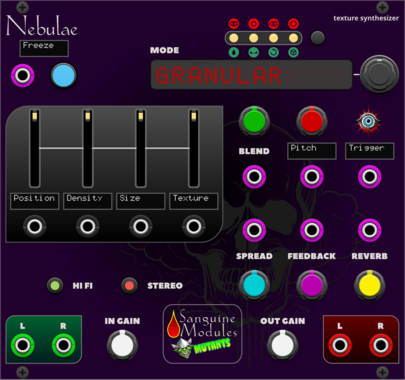
Sanguine Mutants Nebulae
Texture synthesizer based on the Monsoon version of Mutable Instruments' Clouds
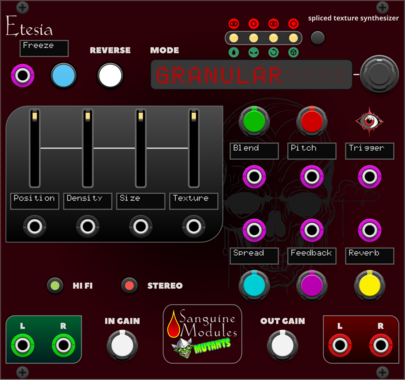
Sanguine Mutants Etesia
Texture synthesizer based on the Parasite firmware for Mutable Instruments' Clouds
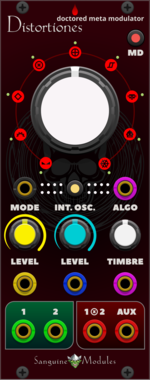
Sanguine Mutants Distortiones
Doctored, flexible and fully polyphonic meta-modulator based on the Parasite alternative firmware for Mutable Instruments' Warps
DelayDigitalEffectHardware cloneOscillatorPolyphonicRing modulatorVocoderWaveshaper
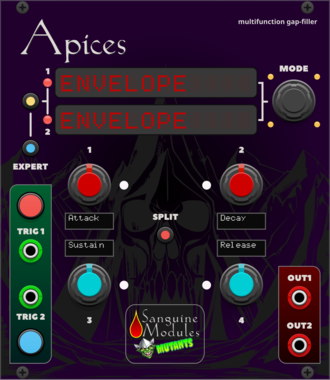
Sanguine Mutants Apices
Versatile complement to any patch, based on Mutable Instruments' Peaks
DelayDrumDualEnvelope generatorHardware cloneLow-frequency oscillatorOscillatorSequencer
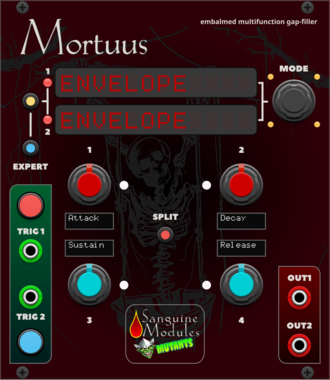
Sanguine Mutants Mortuus
All-around gap filler based on the Dead Man's Catch firmware, with some additions, for Mutable Instruments' Peaks
DelayDrumDualEnvelope generatorHardware cloneLow-frequency oscillatorOscillatorSequencer
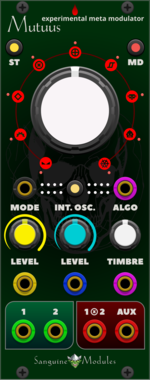
Sanguine Mutants Mutuus
Experimental, polyphonic and multifaceted meta-modulator based on the Symbiote firmware for Mutable Instruments' Warps
DelayDigitalEffectFilterHardware cloneOscillatorPolyphonicReverbRing modulatorVocoderWaveshaper
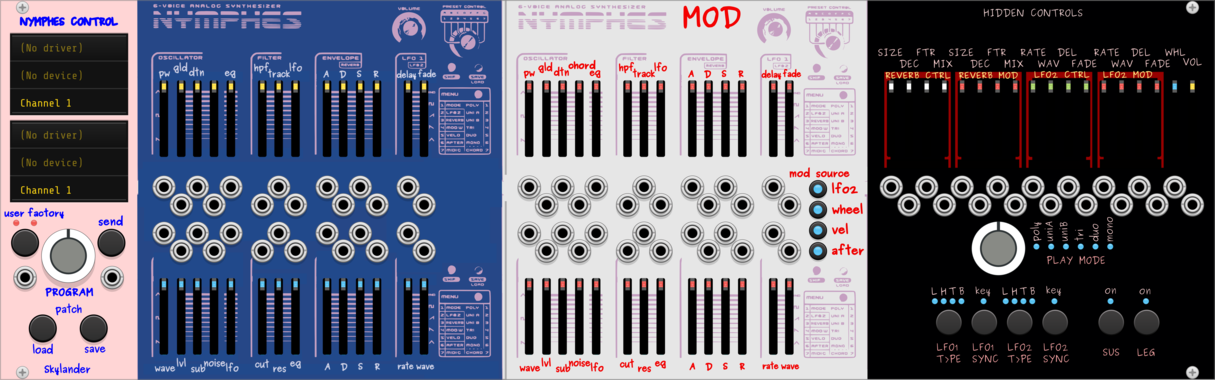
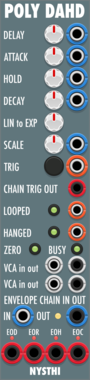
NYSTHI PolyDelayAttackHoldDecay PolyDAHD
PolyDAHD Polyphonic Delay Attack Hold Decay Envelope, like 281e, Serge USG, ems trapezoid EG DAHD




VCV Library Instructions
- Download and install VCV Rack.
- Register for a VCV account and log in using Rack’s “Library” menu.
- Add or purchase a module on the VCV Library.
- Open the “Library” menu in Rack, click “Update all” (if updates are needed), and restart Rack once downloaded.
- Right-click an empty rack space to launch Rack’s module browser to add a module to your patch.
All plugins on the VCV Library are available for Windows, Mac, and Linux.
The “major” version (i.e. MAJOR.MINOR.REVISION) must match between Rack and its plugins.
For example, Rack 2.* can only load 2.* plugins.
Missing or incorrect information in this database, such as a missing tag? Inform the plugin author(s) using the contact information on their plugin/module page.
Developers: see Adding your plugin to the VCV Library.
Notes
Purchasing plugins with the “VCV” brand supports the VCV Rack project. See VCV’s Mission Statement to learn how VCV Rack development is funded.
Prices are in US Dollars.
By purchasing a plugin on the VCV Library, you agree to VCV’s End User License Agreement and Refund Policy.
Contact VCV Support for customer support and questions about the VCV Library.