
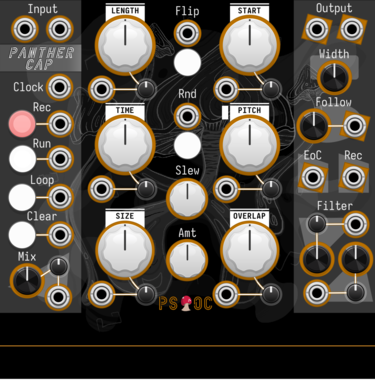
Path Set x Omri Cohen Panther Cap

Polyphonic granular sampler and looper.

Path Set Randomizer Expander
Adds Randomizing Triggers to any Rainbow Sequencer
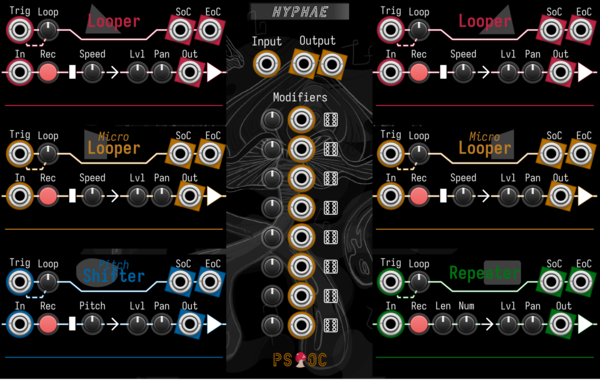
Path Set x Omri Cohen Hyphae
Record audio into six different loopers. Then mix and modulate to your heart's content.
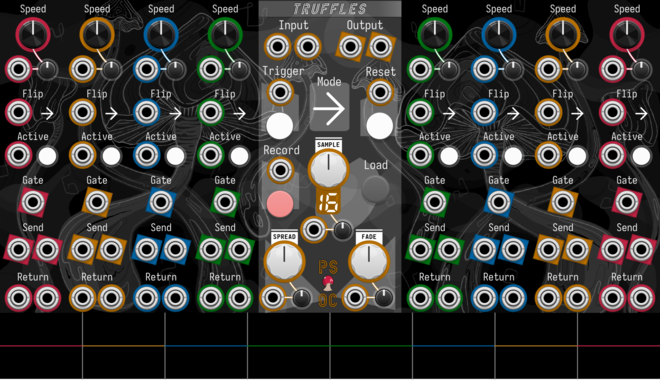
Path Set x Omri Cohen Truffles
Split your samples into eight slices, each with their own send/return channels and playback controls.
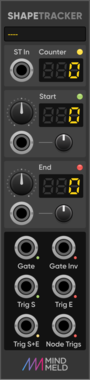
MindMeld ShapeTracker
Shape section gate and trigger generator for ShapeMaster PRO

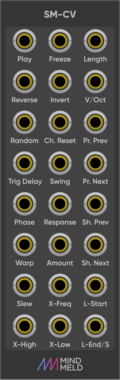
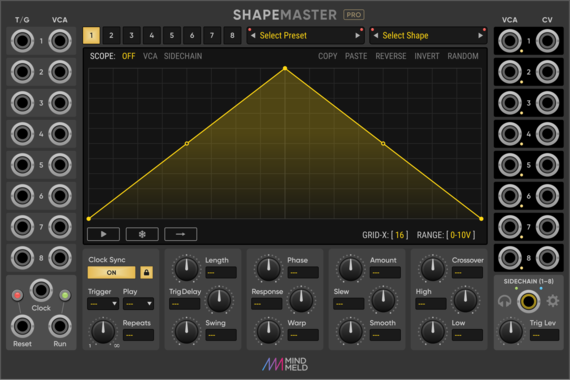
MindMeld ShapeMaster Pro
Multi-Stage Envelope Generator (MSEG) / Complex LFO
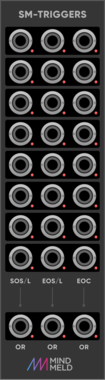
MindMeld SM-Triggers
Trigger expander for ShapeMaster Pro


maglav modular Arp Player
Chain-able arpeggiator/quantizer expander for Chord Player
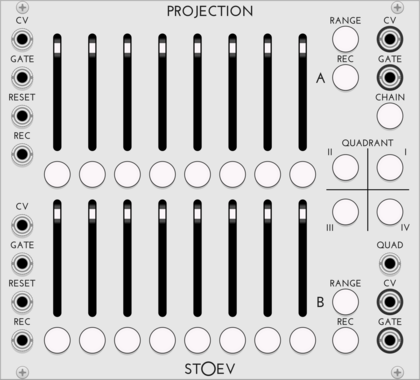
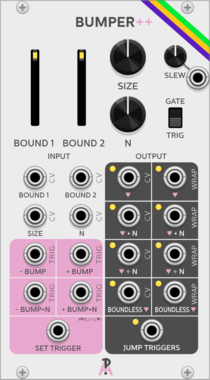
AlliewayAudio Bumper
Quad Stepped Digital Accumulator. Based on the programming concept of incrementally 'bumping' variables up and down. Send it some gates, and it creates many stepped CVs and sub-rhythms as output - send it some oscillators, and it will explode your Atari.
Clock modulatorDigitalFunction generatorLogicLow-frequency oscillatorOscillatorQuadSample and holdSequencerUtilityWaveshaper
VCV Library Instructions
- Download and install VCV Rack.
- Register for a VCV account and log in using Rack’s “Library” menu.
- Add or purchase a module on the VCV Library.
- Open the “Library” menu in Rack, click “Update all” (if updates are needed), and restart Rack once downloaded.
- Right-click an empty rack space to launch Rack’s module browser to add a module to your patch.
All plugins on the VCV Library are available for Windows, Mac, and Linux.
The “major” version (i.e. MAJOR.MINOR.REVISION) must match between Rack and its plugins.
For example, Rack 2.* can only load 2.* plugins.
Missing or incorrect information in this database, such as a missing tag? Inform the plugin author(s) using the contact information on their plugin/module page.
Developers: see Adding your plugin to the VCV Library.
Notes
Purchasing plugins with the “VCV” brand supports the VCV Rack project. See VCV’s Mission Statement to learn how VCV Rack development is funded.
Prices are in US Dollars.
By purchasing a plugin on the VCV Library, you agree to VCV’s End User License Agreement and Refund Policy.
Contact VCV Support for customer support and questions about the VCV Library.