
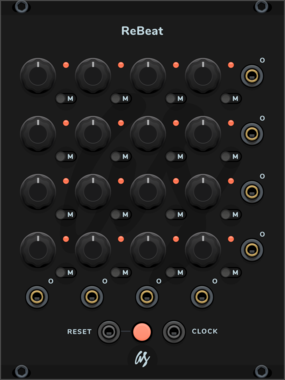
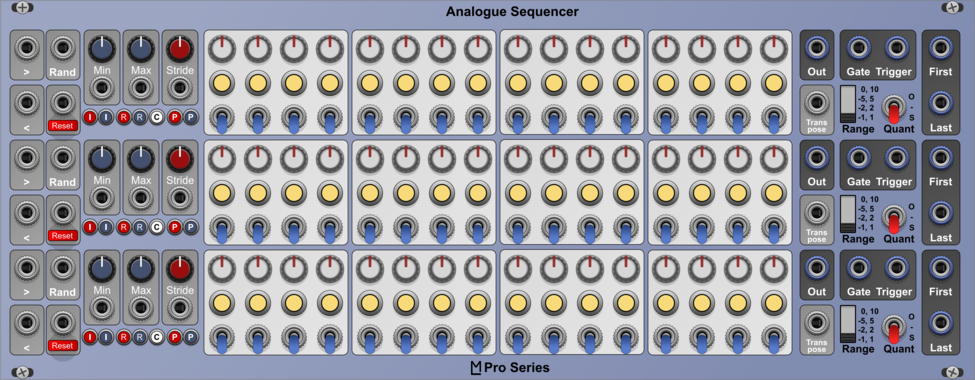
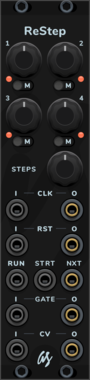
AS ReBeat Trigger Seq/Clock Divider
4x4 Grid trigger sequencer/clock divider
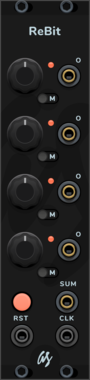
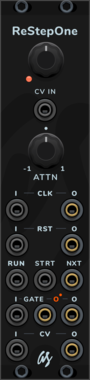
AS ReBit Trigger Seq/Clock Divider
Single 4 step trigger sequencer/clock divider
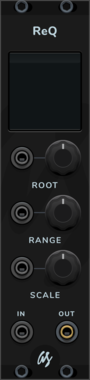
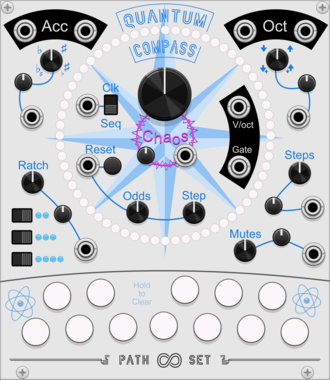
Path Set QuantumCompass
Both/Neither Sequencer/Quantizer. Create a melodic sequence by selecting notes and letting QuantumCompass guide you.
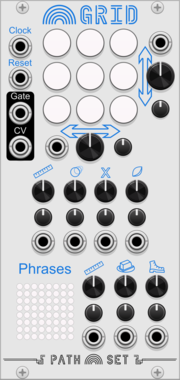
Path Set Rainbow Grid
Generate a panoply of sequences using a small grid of nine notes.
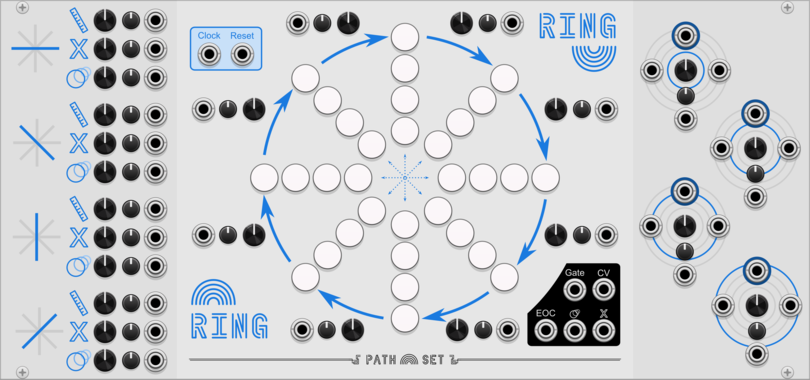
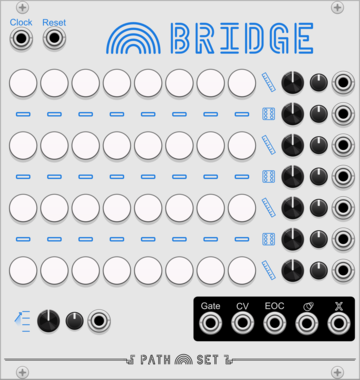

Path Set Randomizer Expander
Adds Randomizing Triggers to any Rainbow Sequencer
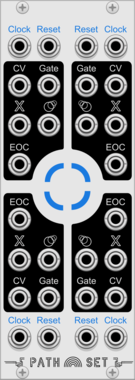
Path Set Playhead Expander
Adds 3 more play-heads to any Rainbow Sequencer
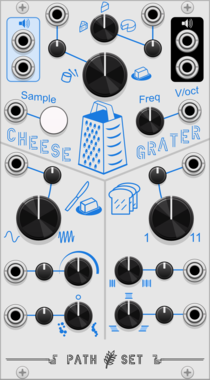
Path Set CheeseGrater
A granular sample and loop. Craft the exact right slice of sound for your music.
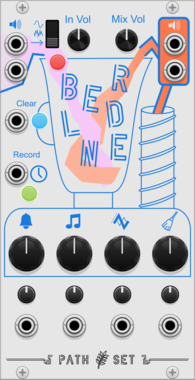


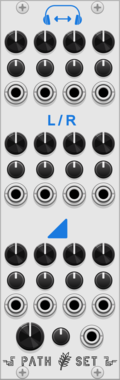

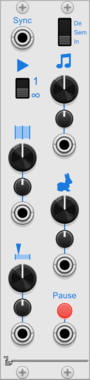
Path Set CheeseGraterExpander
Expander for CheeseGrater. Adds control over which part of the sample plays and more ways to modify how it plays.
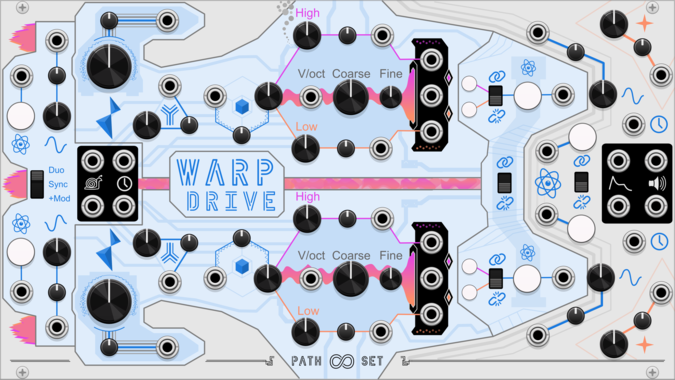
Path Set WarpDrive
Dual-drive systems. Two sound sources with built in, clocks, lfos, and envelops.
OscillatorLow-frequency oscillatorClock generatorEnvelope generator
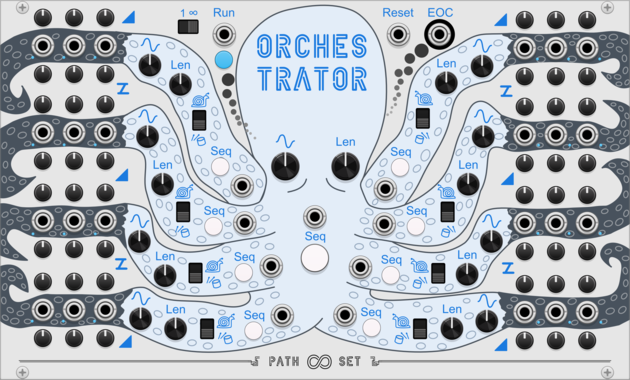
Path Set Orchestrator
A conniving octopus that creates modulation and gate outputs to conduct a 10 minute long song.

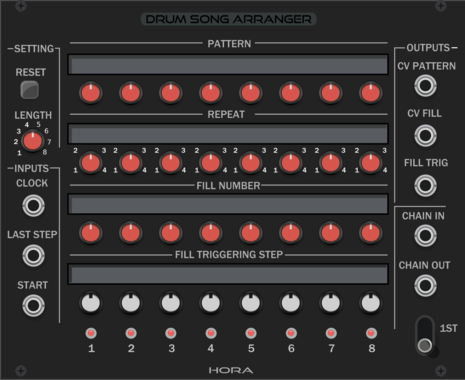

Path Set Glass Smith
Path Set: Glass Shard Premium
$10
This utility module allows you to craft new configurations for Glass Shard.


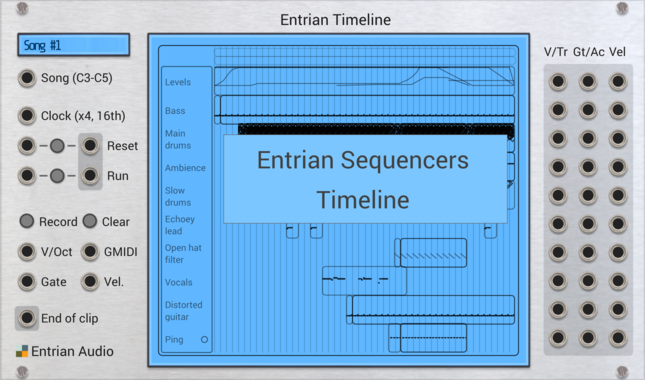
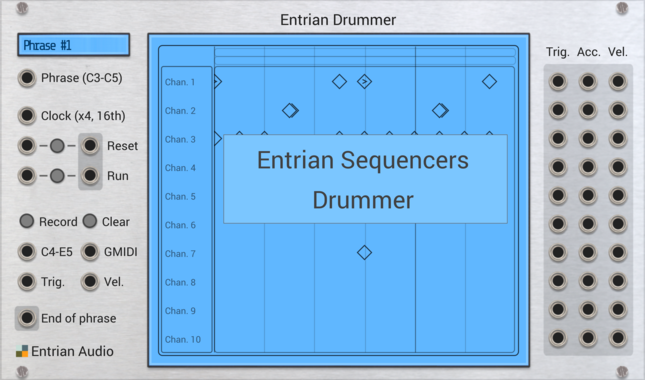
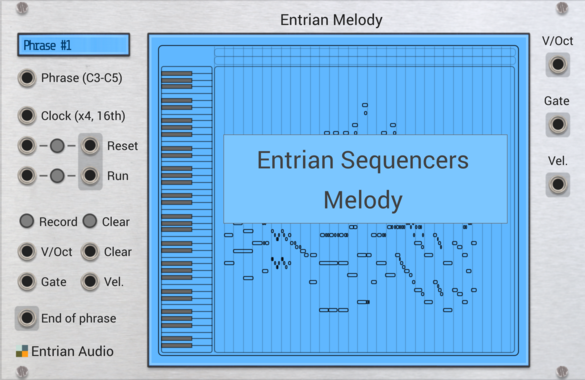
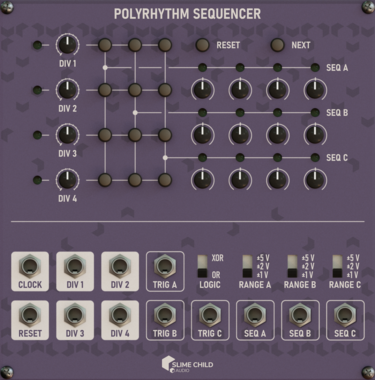
Slime Child Audio Polyrhythm Sequencer
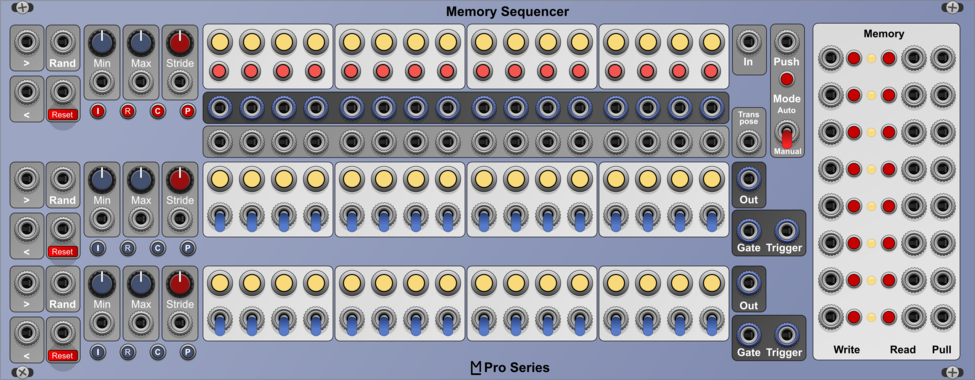
Three-track Polyrhythm Sequencer

JP Memory Expander
Expander for any main JPLab sequencer. Five CV controllable save slots for sequences.
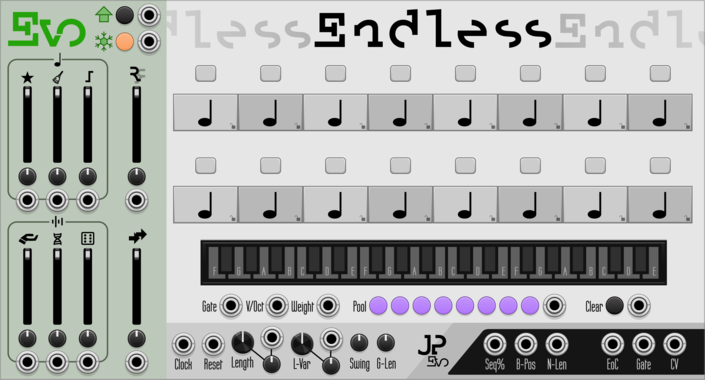
JP Evo Endless
Bounce endlessely between eight different note pools in an always evolving sequence.
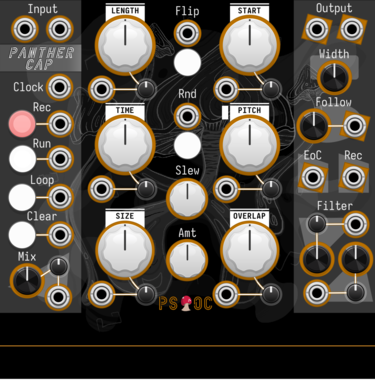
Path Set x Omri Cohen Panther Cap
Polyphonic granular sampler and looper.
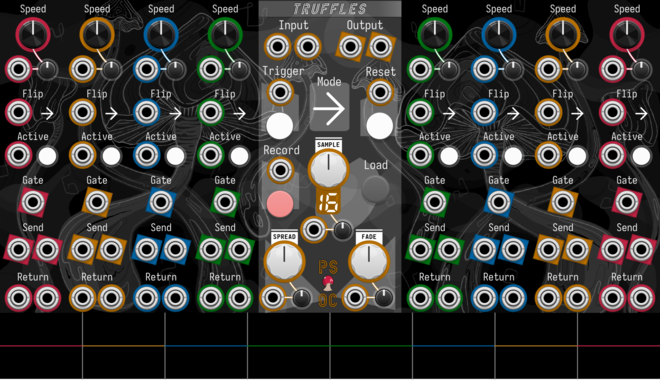
Path Set x Omri Cohen Truffles
Split your samples into eight slices, each with their own send/return channels and playback controls.
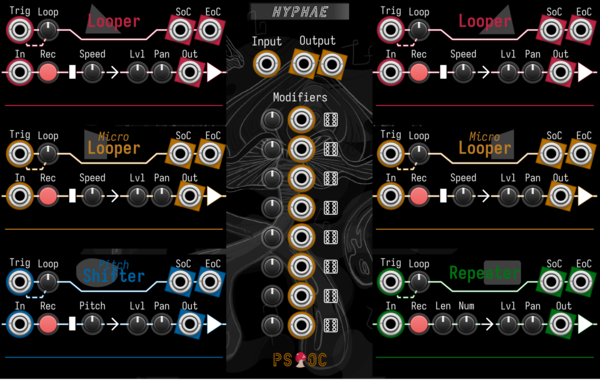
Path Set x Omri Cohen Hyphae
Record audio into six different loopers. Then mix and modulate to your heart's content.
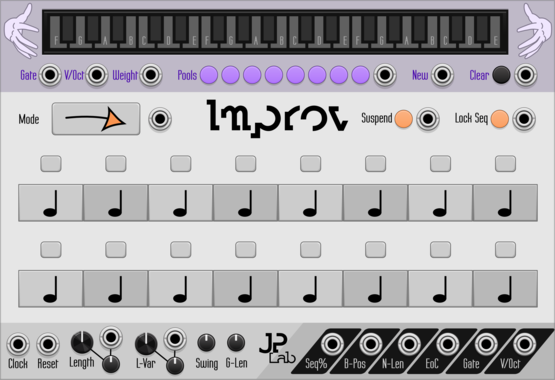
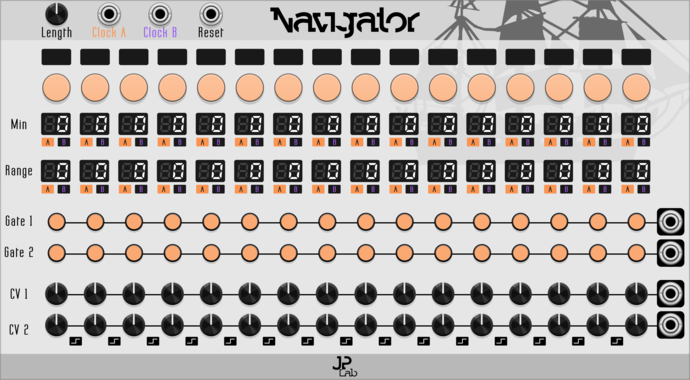

JP Counter Point Expander
Expander for any main JP sequencer. Creates an extra voice using delay, regression and inversion.

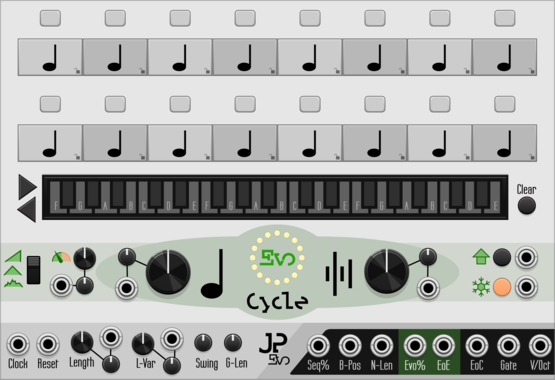
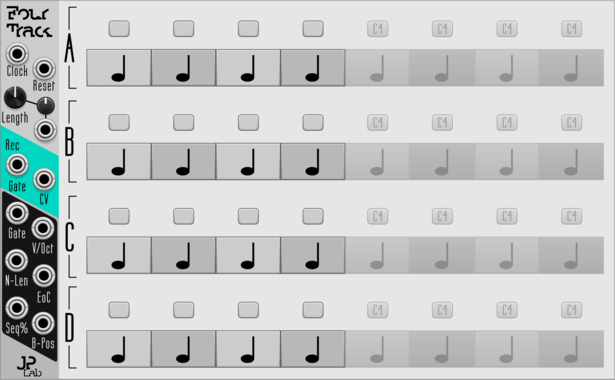
JP Four Track
Program 4-voice melodies or chords. Add endless expanders for endless length.
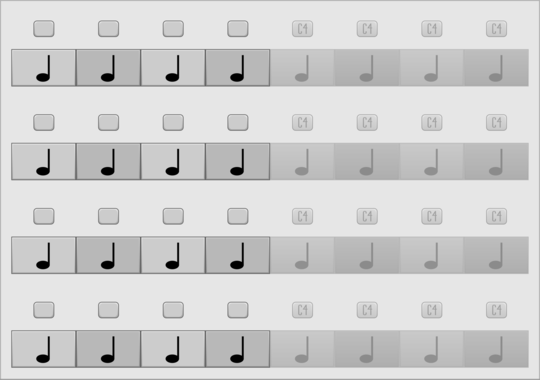
JP Four Track Expander
Add 64 more note blocks to Four Track. Try using more than one.
VCV Library Instructions
- Download and install VCV Rack.
- Register for a VCV account and log in using Rack’s “Library” menu.
- Add or purchase a module on the VCV Library.
- Open the “Library” menu in Rack, click “Update all” (if updates are needed), and restart Rack once downloaded.
- Right-click an empty rack space to launch Rack’s module browser to add a module to your patch.
All plugins on the VCV Library are available for Windows, Mac, and Linux.
The “major” version (i.e. MAJOR.MINOR.REVISION) must match between Rack and its plugins.
For example, Rack 2.* can only load 2.* plugins.
Missing or incorrect information in this database, such as a missing tag? Inform the plugin author(s) using the contact information on their plugin/module page.
Developers: see Adding your plugin to the VCV Library.
Notes
Purchasing plugins with the “VCV” brand supports the VCV Rack project. See VCV’s Mission Statement to learn how VCV Rack development is funded.
Prices are in US Dollars.
By purchasing a plugin on the VCV Library, you agree to VCV’s End User License Agreement and Refund Policy.
Contact VCV Support for customer support and questions about the VCV Library.