
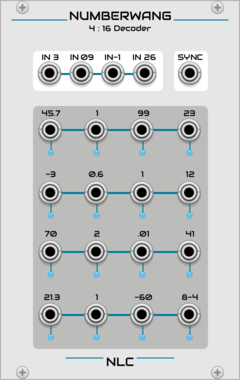

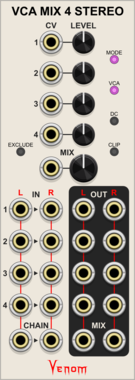
Venom VCA Mix 4 Stereo
Stereo compact audio or CV VCA, mixer, attenuator, inverter, amplifier, and/or offset
AttenuatorMixerPolyphonicRing modulatorUtilityVoltage-controlled amplifier

Venom Quad VC Polarizer
Compact polyphonic bipolar VCA and mixer inspired by Mutable Instruments Blinds
AttenuatorMixerPolyphonicRing modulatorUtilityVoltage-controlled amplifier

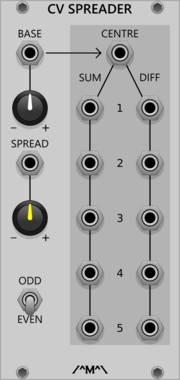
Count Modula CV Spreader
Accepts "Base" and "Spread" CV inputs and creates a set of new CV values that are spread either side of the base value by an amount determined by the spread value.
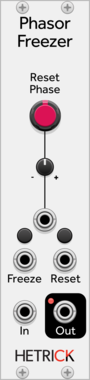
HetrickCV Phasor Freezer
Duplicates an incoming phasor, but allows you to reset it or freeze it independently of the input.

TyrannosaurusRu LogisticScratch
Scratching chaotic oscillator based on https://www.mathematica-journal.com/2013/05/27/using-the-logistic-map-to-generate-scratching-sounds/

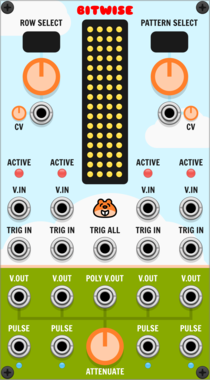
Chortling Hamster Modules Bitwise
Bitwise is four sample and hold circuits whose triggers can be affected by CV controlled patterns.
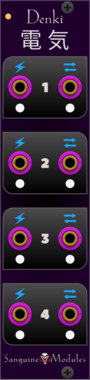

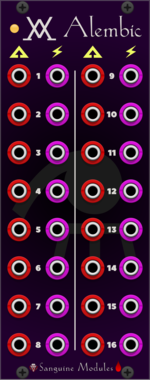
Sanguine Monsters Alembic
Expander for Alchemist that provides gain CV control for every channel and individual post-fader channel outputs
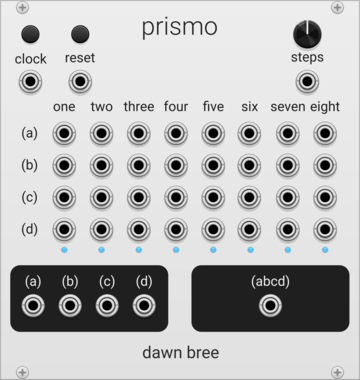

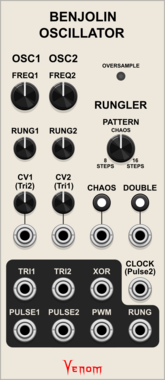
Venom Benjolin Oscillator
Complex chaotic oscillator emulating the oscillator and rungler components of a Benjolin
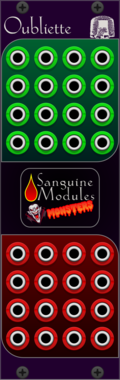
Sanguine Monsters Oubliette
Null sink and cable holder for input and output wires... doubles as a null voltage source

Sanguine Monsters Crucible
Expander for Alchemist: adds global and per channel CV and manual Mute control; Mute exclusive mode; global and per channel CV and manual Solo control, and Solo exclusive mode
VCV Library Instructions
- Download and install VCV Rack.
- Register for a VCV account and log in using Rack’s “Library” menu.
- Add or purchase a module on the VCV Library.
- Open the “Library” menu in Rack, click “Update all” (if updates are needed), and restart Rack once downloaded.
- Right-click an empty rack space to launch Rack’s module browser to add a module to your patch.
All plugins on the VCV Library are available for Windows, Mac, and Linux.
The “major” version (i.e. MAJOR.MINOR.REVISION) must match between Rack and its plugins.
For example, Rack 2.* can only load 2.* plugins.
Missing or incorrect information in this database, such as a missing tag? Inform the plugin author(s) using the contact information on their plugin/module page.
Developers: see Adding your plugin to the VCV Library.
Notes
Purchasing plugins with the “VCV” brand supports the VCV Rack project. See VCV’s Mission Statement to learn how VCV Rack development is funded.
Prices are in US Dollars.
By purchasing a plugin on the VCV Library, you agree to VCV’s End User License Agreement and Refund Policy.
Contact VCV Support for customer support and questions about the VCV Library.