
44 modules in plugin
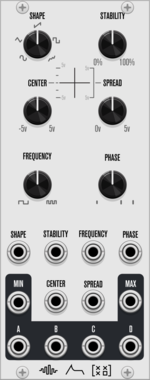
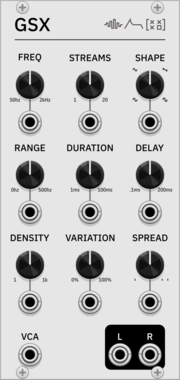
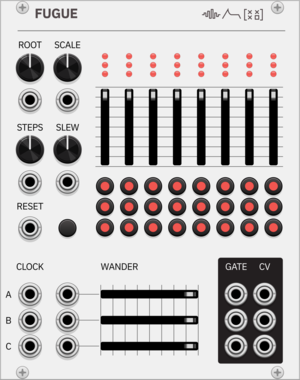
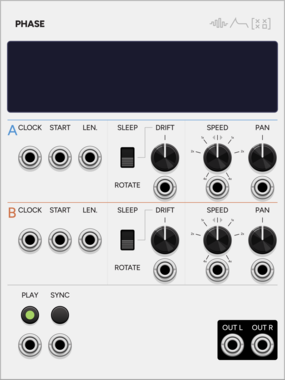
SignalFunctionSet Phase
Dual sample looper whose two loops gradually drift apart, with transient detection.
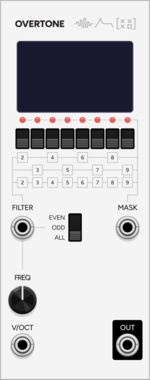
SignalFunctionSet Overtone
Additive VCO with eight togglable harmonics, even/odd filter and binary-mask CV.
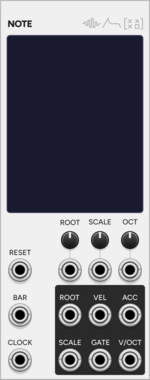
SignalFunctionSet Note
Monophonic CV/gate sequencer with a 12-note pitch matrix and scale selection.
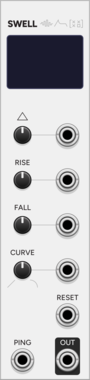
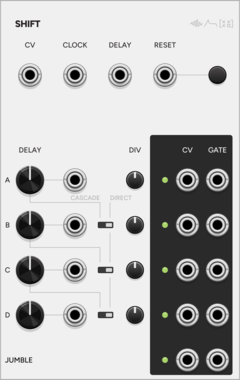
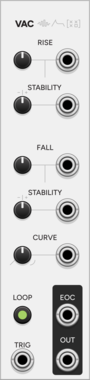
SignalFunctionSet Vac
Semi-stable A/R envelope with vactrol-like drift that wanders without collapsing.
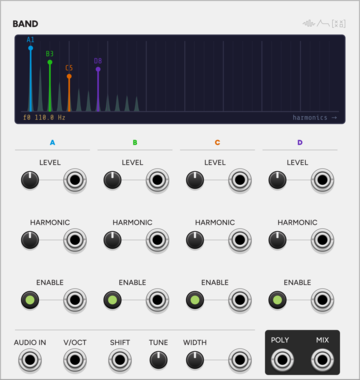
SignalFunctionSet Band
Harmonic bandpass bank: four bands lock to integer harmonics of one fundamental.
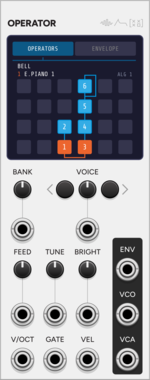
SignalFunctionSet Operator
DX7-style six-operator FM voice. Loads .syx cartridges and plays polyphonically.
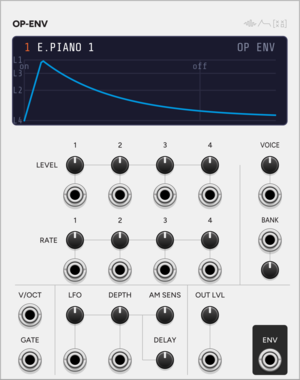
SignalFunctionSet OP ENV
Standalone DX7 operator envelope, loaded from a .syx bank and fired by a gate.
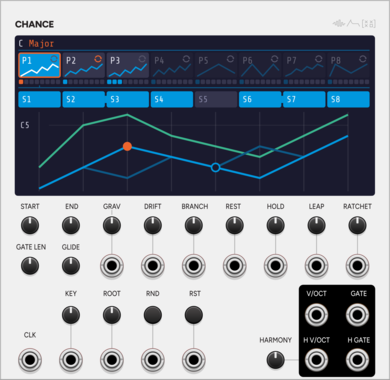
SignalFunctionSet Chance
Generative melodic walk: a seeded core melody that may stray to a neighbour.
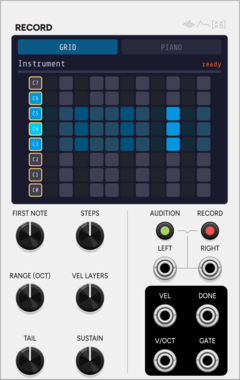
SignalFunctionSet Record
Auto-sampler: drives a voice across notes and velocities, then writes WAVs + .sfz.
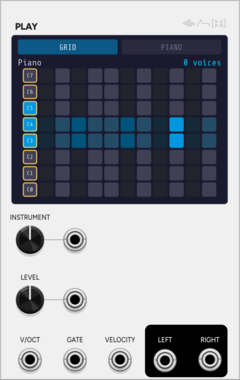
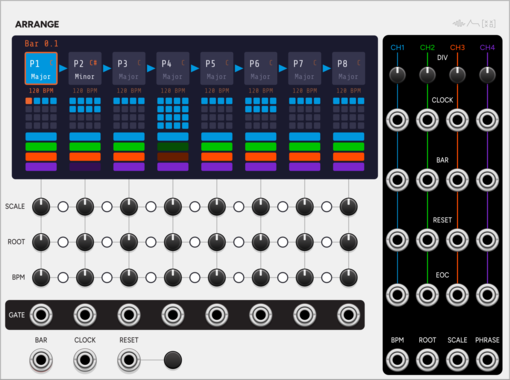
SignalFunctionSet Arrange
Song-form sequencer: a chain of 8 phrases, each with its own length, key and tempo.
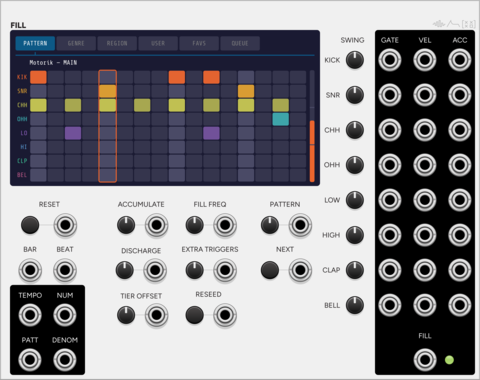
SignalFunctionSet Fill
Auto-playing drum sequencer whose pressure builds each bar and vents as a fill.
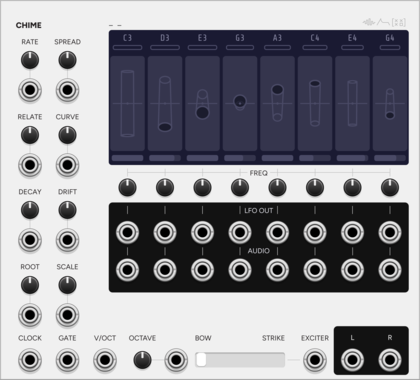
SignalFunctionSet Chime
Eight-note drone machine: each note blooms as its resonator tube passes centre.
Physical modelingOscillatorLow-frequency oscillatorPolyphonic
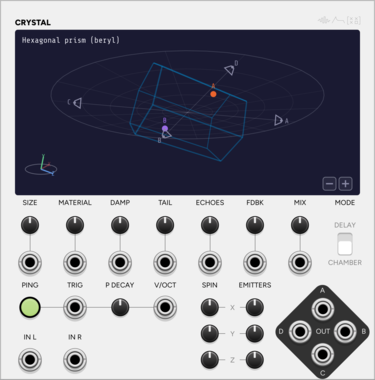
SignalFunctionSet Crystal
3D echo chamber shaped like a real crystal habit, with four listeners as quad outs.
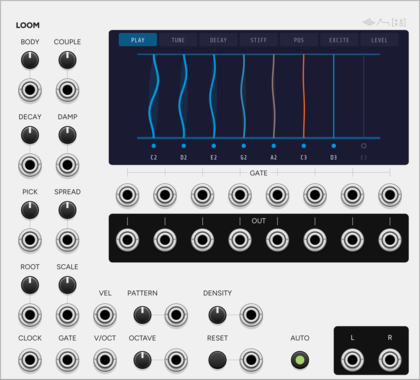
SignalFunctionSet Loom
Eight-string resonator sharing one bridge, so a struck string rings its neighbours.
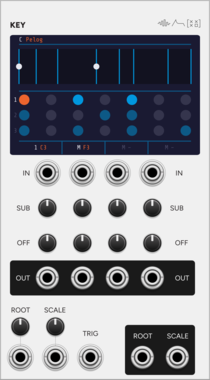
SignalFunctionSet Key
Quantizer that takes its key from the patch, so one key change reaches every module.
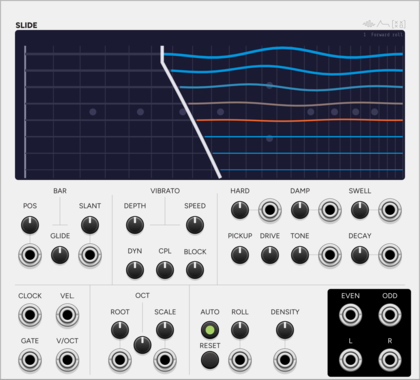
SignalFunctionSet Slide
Electric lap steel: eight strings stopped by a steel bar, with slant and rate glide.
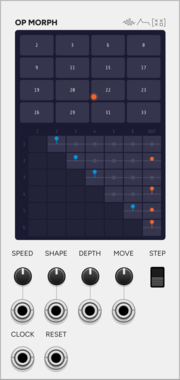
SignalFunctionSet OP MORPH
Expander for Operator: the DX7 routing as a matrix you navigate as a wrapping field.
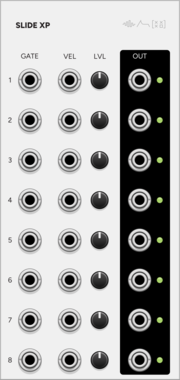
SignalFunctionSet SLIDE XP
Expander for Slide: the eight strings on eight jacks, gate and velocity each.
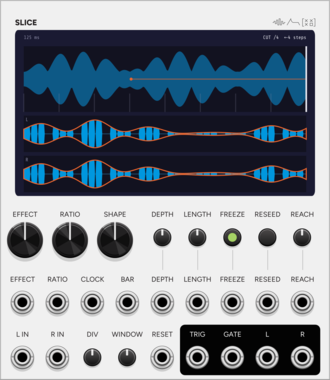
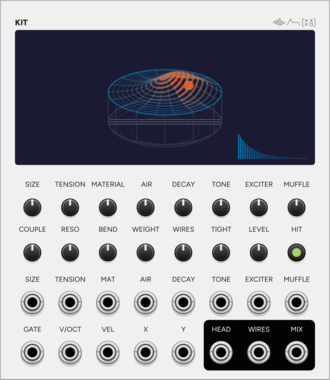
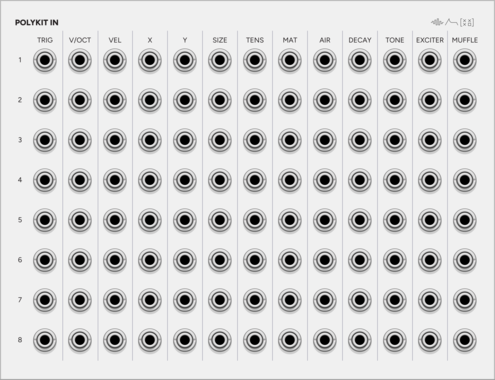
SignalFunctionSet PolyKit In
Expander for Kit: every input of every instrument as its own jack, 13 by 8.
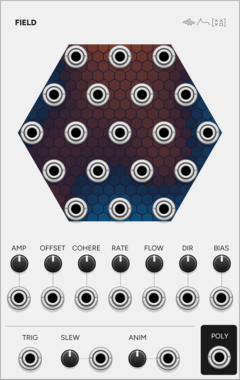
SignalFunctionSet Field
Nineteen related random voltages: one smooth random field read at nineteen points.
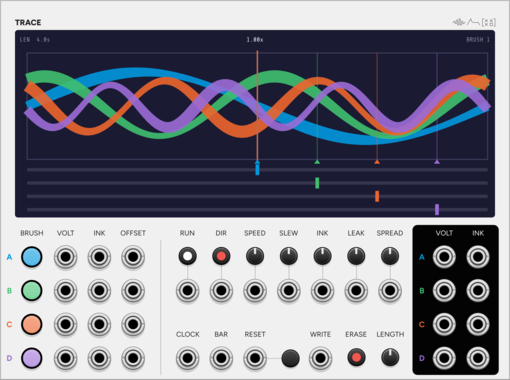
SignalFunctionSet Trace
A paper loop and four brushes: draw four CVs, or let the patch draw them.
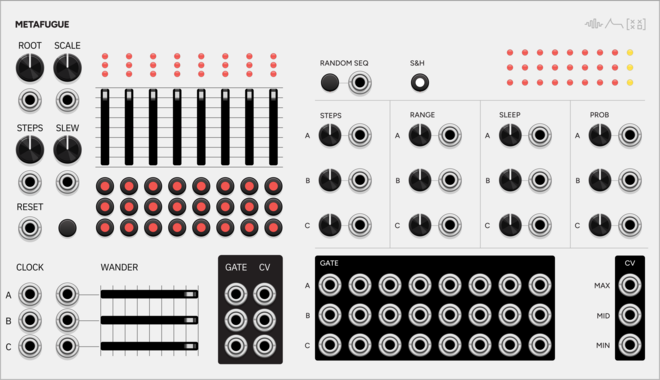
ControllerLow-frequency oscillatorSequencerSample and holdUtility
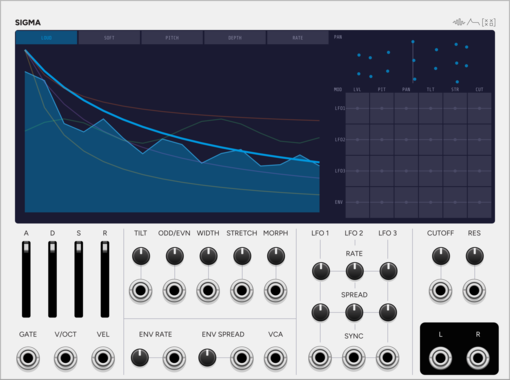
SignalFunctionSet Sigma
Additive voice: up to 64 sine partials, with velocity morphing between two spectra.
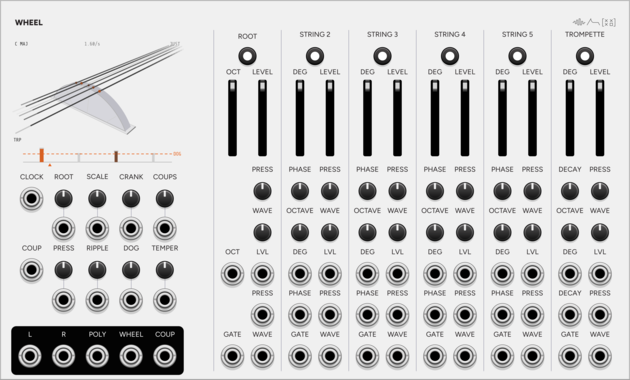
SignalFunctionSet Wheel
Hurdy-gurdy drone instrument: one wheel bows six strings, and the dog keeps time.
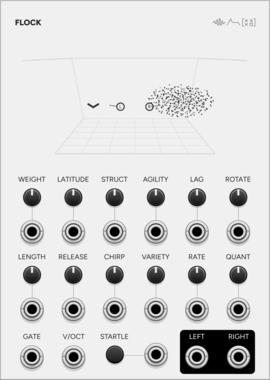
SignalFunctionSet Flock
A murmuration as a microtonal granular voice: flocking birds, grains as their calls.

2.21.0
Author: Stuart Frederich-Smith
Donate to Stuart Frederich-Smith
License: GPL-3.0-or-later
Last updated:
Created:
Popularity: 12,515
VCV Library Instructions
- Download and install VCV Rack.
- Register for a VCV account and log in using Rack’s “Library” menu.
- Add or purchase a module on the VCV Library.
- Open the “Library” menu in Rack, click “Update all” (if updates are needed), and restart Rack once downloaded.
- Right-click an empty rack space to launch Rack’s module browser to add a module to your patch.
All plugins on the VCV Library are available for Windows, Mac, and Linux.
The “major” version (i.e. MAJOR.MINOR.REVISION) must match between Rack and its plugins.
For example, Rack 2.* can only load 2.* plugins.
Missing or incorrect information in this database, such as a missing tag? Inform the plugin author(s) using the contact information on their plugin/module page.
Developers: see Adding your plugin to the VCV Library.
Notes
Purchasing plugins with the “VCV” brand supports the VCV Rack project. See VCV’s Mission Statement to learn how VCV Rack development is funded.
Prices are in US Dollars.
By purchasing a plugin on the VCV Library, you agree to VCV’s End User License Agreement and Refund Policy.
Contact VCV Support for customer support and questions about the VCV Library.