

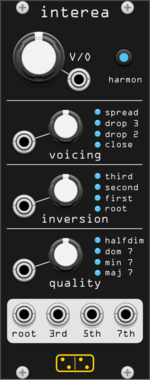
forsitan modulare interea
Turns one V/oct input into a chord, with selectable quality, voicing and inversion.

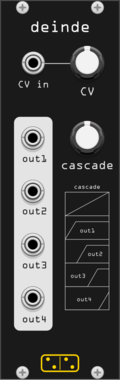


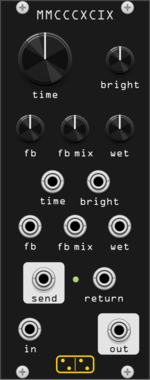
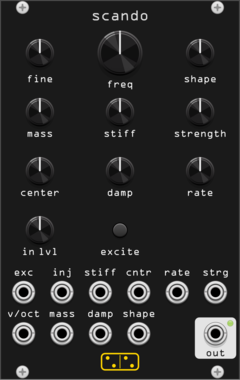
forsitan modulare scando
Scanned-synthesis oscillator: a vibrating mass-spring string scanned into an evolving wavetable.
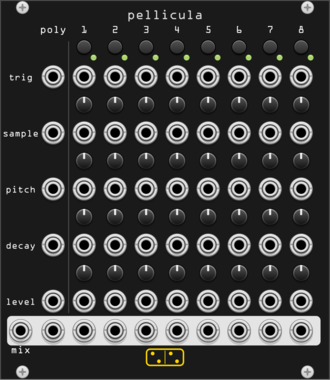
forsitan modulare pellicula
Exploded 8-voice drum sampler: every voice's sample, pitch, decay and level on its own knob and CV.
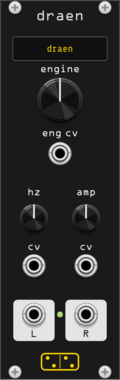
forsitan modulare dræn
Drone synthesizer: two banks of 37 engines, each played from just a fundamental and a level.
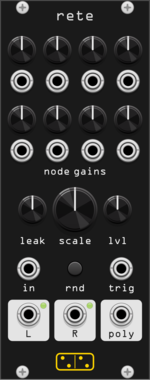
forsitan modulare rete
Feedback integrator network: eight leaky nodes in a random mixing matrix, self-oscillating chaos.
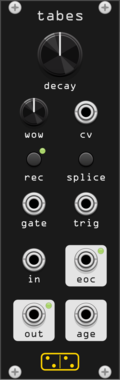
forsitan modulare tabes
Disintegration looper: a tape loop that degrades a little more on every pass, with overdub.
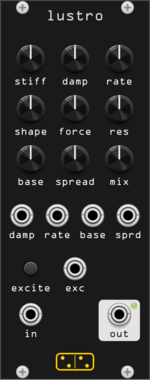
forsitan modulare lustro
Scanned filter: scando's mass-spring string drives the band gains of a 16-band resonant filterbank.
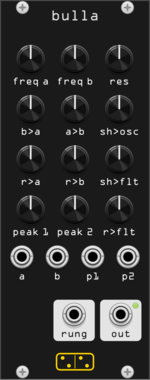
forsitan modulare bulla
Inspired by Hordijk's Blippoo Box: cross-modulating oscillators and runglers, pattern and chaos.
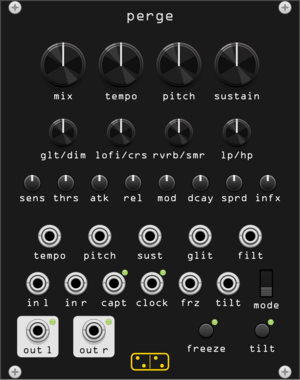
forsitan modulare perge
Stereo dynamic sampler and multi-effect: gated repeats, freeze, glitch (AC noises CONTINUA homage).
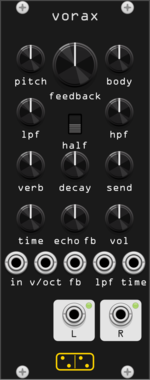
forsitan modulare vorax
Feedback drone synthesizer: a self-exciting Karplus-Strong string (Audrey II port).
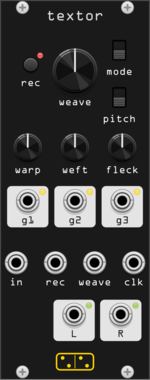
forsitan modulare textor
One-knob loop weaver: two seconds of audio, rewoven at every turn (Fieldtone Weaver clone).
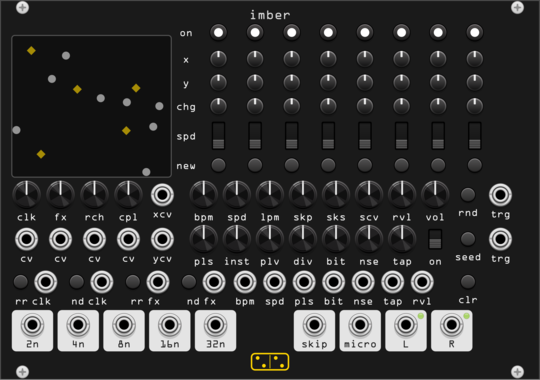
forsitan modulare imber
Generative rain: eight players on a 2D field where position is routing, over a self-generated bank.
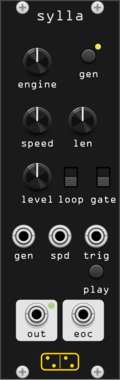
forsitan modulare sylla
Random sample generator and player: ever-new procedural samples from 27 selectable engines, nothing from disk.
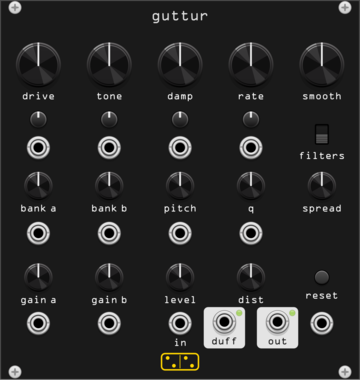
forsitan modulare guttur
Chaotic resonator drone: a Duffing oscillator through 48 resonant filters (Gutter Synthesis port).
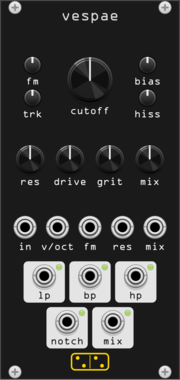
forsitan modulare vespae
Wasp filter: the EDP Wasp / Doepfer A-124 CMOS state-variable filter, LP/BP/HP/notch at once.
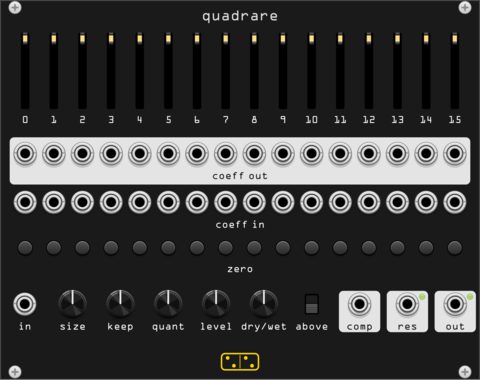
forsitan modulare quadrare
Patchable Walsh-Hadamard codec: sliders and jacks reach inside the transform domain.
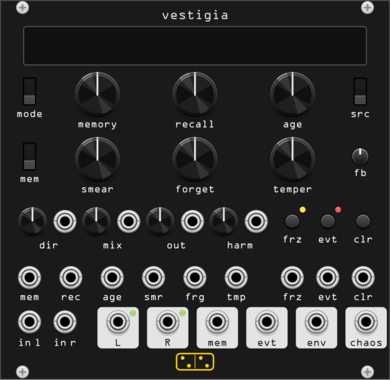
forsitan modulare vestigia
Stereo memory effect: a tape loop that recalls, degrades and eventually forgets.
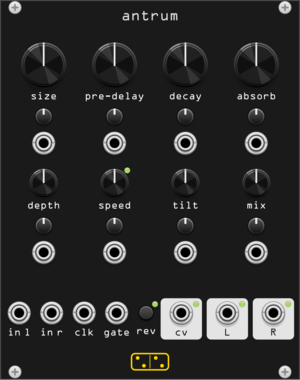
forsitan modulare antrum
Erbe-Verb style feedback delay network reverb: coffin to heavens, all of it modulatable.
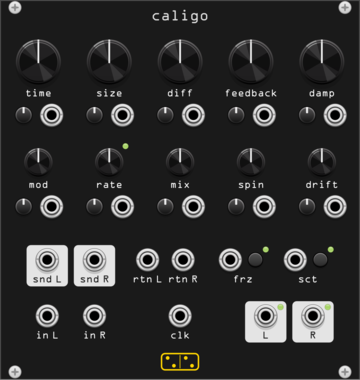
forsitan modulare caligo
Greyhole: a long modulated echo inside a nested allpass diffuser, with a patchable loop.
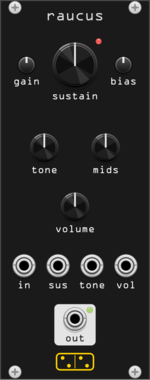
forsitan modulare raucus
Big Muff Pi fuzz: four transistor stages, feedback diode clipping, scooped tone stack.
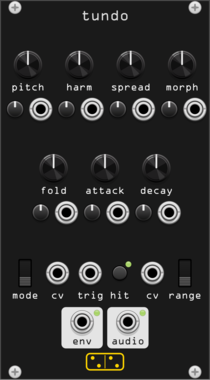
forsitan modulare tundo
Digital drum voice: six additive oscillators, morphing waves, prime spread, infinite folder.
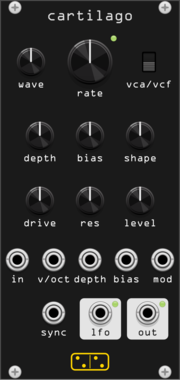
forsitan modulare cartilago
Gristleizer: LFO into a FET attenuator that never closes, or into a swept filter.
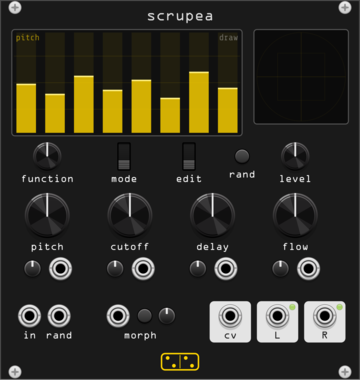
forsitan modulare scrupea
Chaotic bank: 16 oscillators into tuned feedback combs, modulating each other.
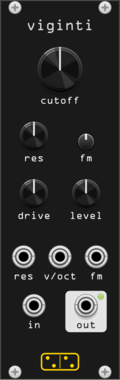
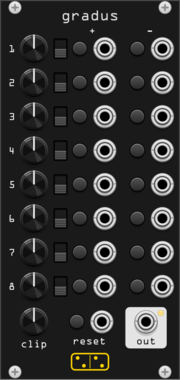
forsitan modulare gradus
Eight rows of one knob and four moves: step the CV up or down, or jump to plus or minus it.
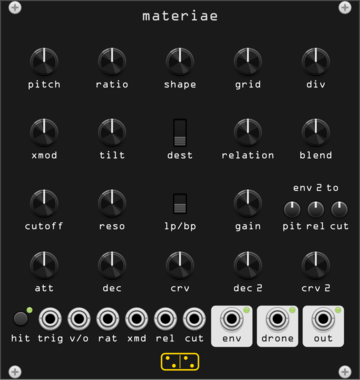
forsitan modulare materiae
Percussion from two square waves and the relation between them: logic, feedback, a ringing body.
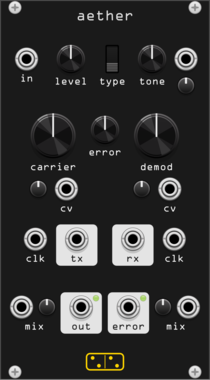
forsitan modulare aether
A faulty transmission line: audio to a pulse train on one clock, back through a PLL on another.
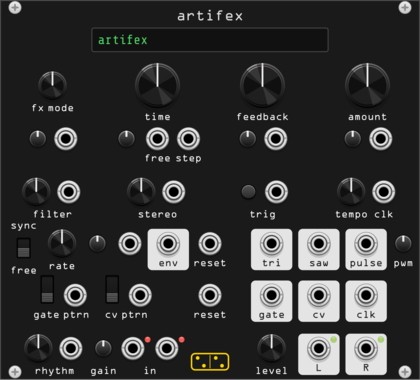
forsitan modulare artifex
Nine stereo effects sharing one feedback loop, with a pattern generator wired into them.
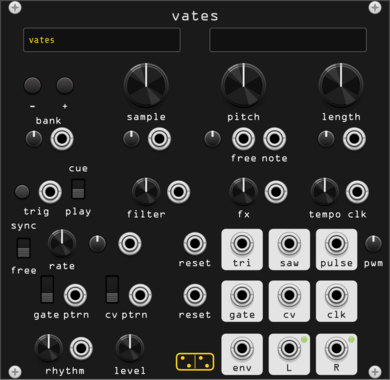
forsitan modulare vates
Stereo sample player with generated banks: modulate the sample choice and the rhythm falls out.
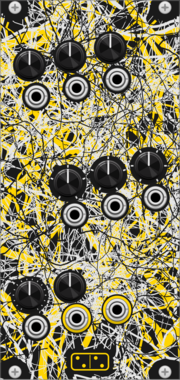
forsitan modulare radix
Chaotic 8-bit source on its own clock: 150 programs picked by three stepped knobs with CV.
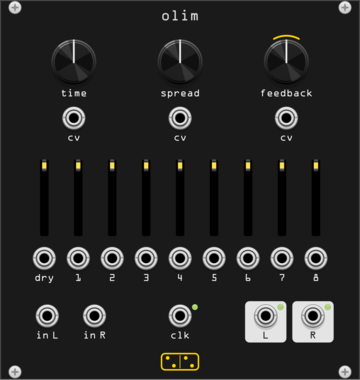
forsitan modulare olim
Eight-head stereo delay over 150 s of memory, a Time Machine clone with its VCA expander built in.
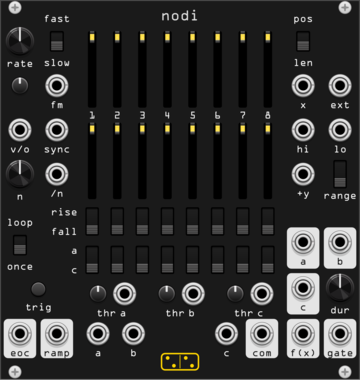
forsitan modulare nodi
Continuous-time sequencer: thresholds on X pick one of eight stages. A Discrete Map clone.
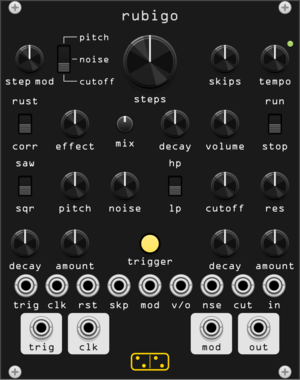
forsitan modulare rubigo
Digital percussion voice with a locking random sequencer. A Metal Fetishist clone.
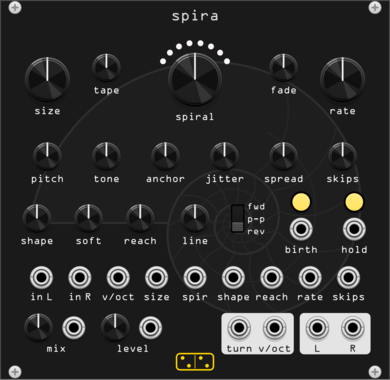
forsitan modulare spira
Looper of grains: circles loop off the input and spiral in or out, turn by turn.
2.17.0
Author: Giampaolo Guiducci
License: GPL-3.0-or-later
Last updated:
Created:
Popularity: 15,033
VCV Library Instructions
- Download and install VCV Rack.
- Register for a VCV account and log in using Rack’s “Library” menu.
- Add or purchase a module on the VCV Library.
- Open the “Library” menu in Rack, click “Update all” (if updates are needed), and restart Rack once downloaded.
- Right-click an empty rack space to launch Rack’s module browser to add a module to your patch.
All plugins on the VCV Library are available for Windows, Mac, and Linux.
The “major” version (i.e. MAJOR.MINOR.REVISION) must match between Rack and its plugins.
For example, Rack 2.* can only load 2.* plugins.
Missing or incorrect information in this database, such as a missing tag? Inform the plugin author(s) using the contact information on their plugin/module page.
Developers: see Adding your plugin to the VCV Library.
Notes
Purchasing plugins with the “VCV” brand supports the VCV Rack project. See VCV’s Mission Statement to learn how VCV Rack development is funded.
Prices are in US Dollars.
By purchasing a plugin on the VCV Library, you agree to VCV’s End User License Agreement and Refund Policy.
Contact VCV Support for customer support and questions about the VCV Library.