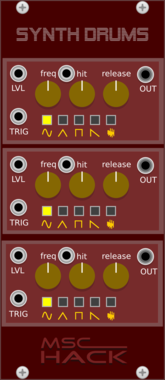






mscHack Synth Drums

mscHack Synth Drums

3 Channel Synth Drums

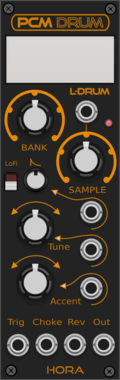
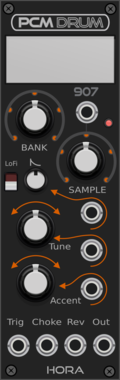
Hora PCM Drum Free

Hora PCM Drum Free

LinnDrum samples based drums

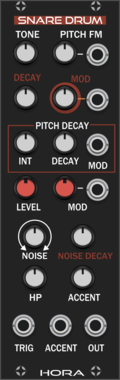
Hora Snare Drum Free

Hora Snare Drum Free

Analog Snare Drum

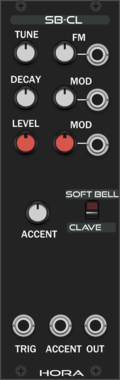
Hora Soft Bell Free

Hora Soft Bell Free

Analog Bell using vult made fiter mdoel

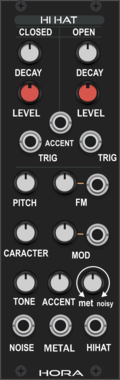
Hora Hi Hat Free

Hora Hi Hat Free

Analog HiHat using vult made fiter mdoel

Hora Frequency Divider Free

Hora Frequency Divider Free

Frequency divider

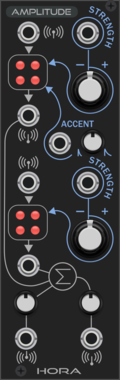
Hora Amplitude

Hora Amplitude

Linear voltage controlled mixer/inverter/amp

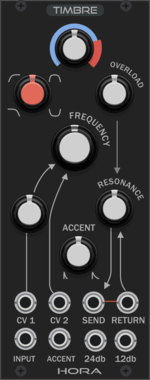
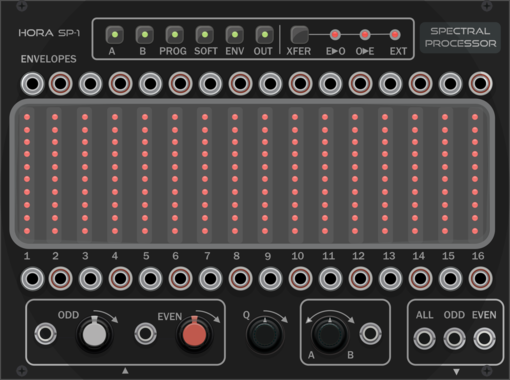
Hora Spectral Processor

Hora Spectral Processor

Spectral processor inspired by bucchla 296e

Hora Millenial

Hora Millenial

Multimode tap delay and resonator

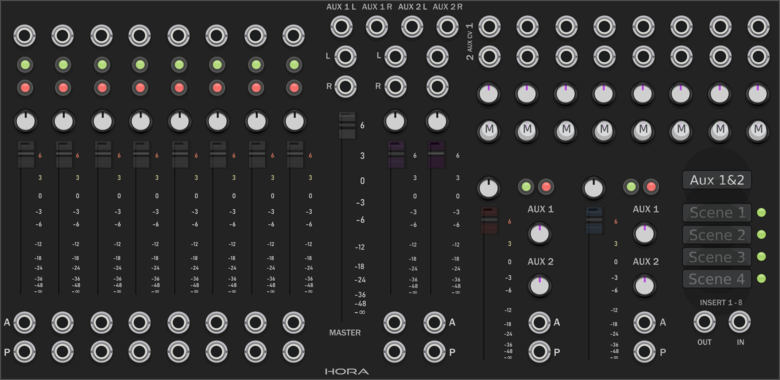
Hora Stereo Mixer

Hora Stereo Mixer

8 Tracks Stereo Mixer

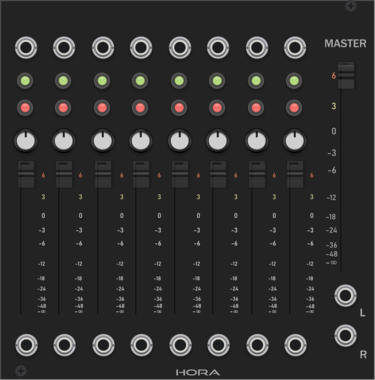
Hora Stereo Mixer 8

Hora Stereo Mixer 8

8 Track 2 loops CV controlled Mixer

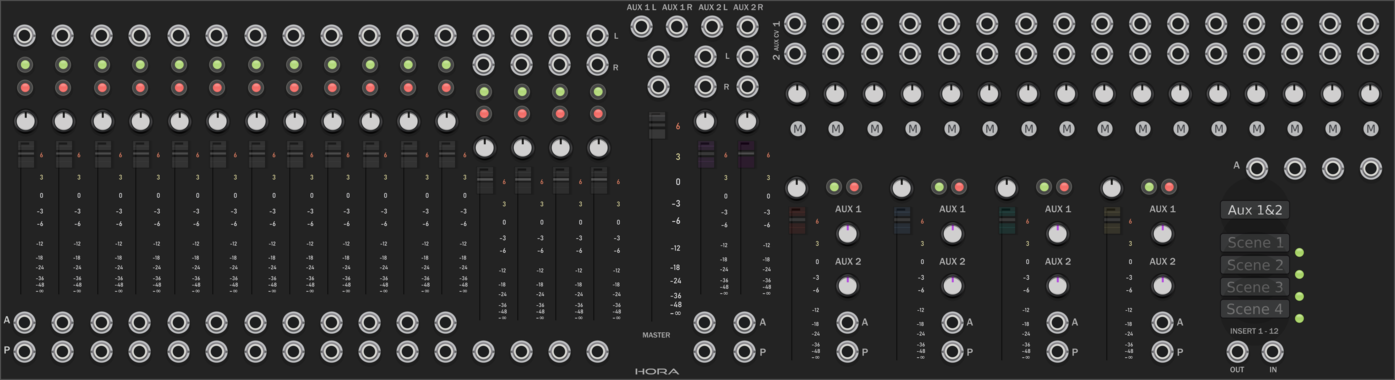
Hora StereoMixer 16

Hora StereoMixer 16

16 tracks 2 loops cv controlled mixer

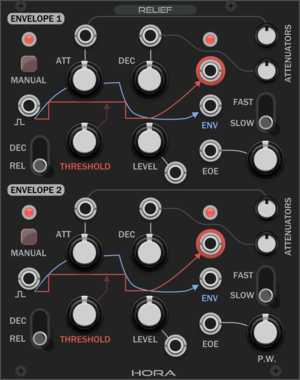
Hora Relief

Hora Relief

complex envelope generator

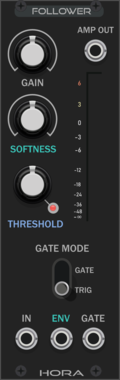
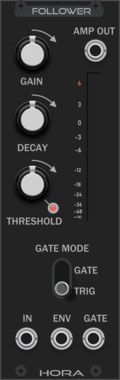
Hora Envelope Follower Free

Hora Envelope Follower Free

Envelope follower

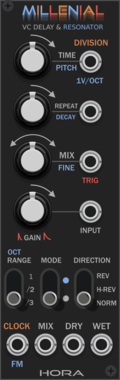
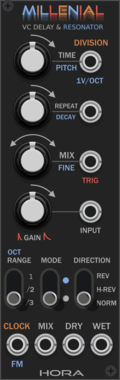
Hora Millenial Free

Hora Millenial Free

multimode delay

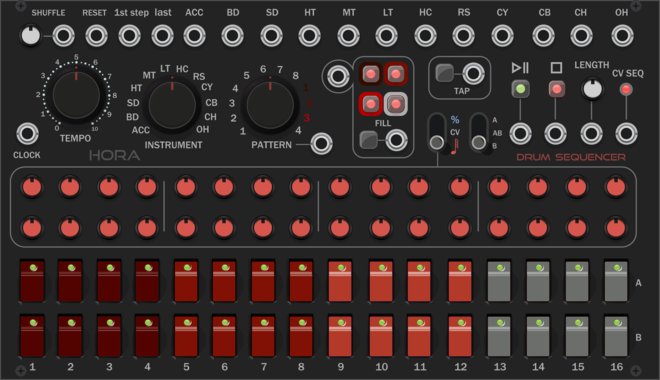
Hora Drum Sequencer

Hora Drum Sequencer

Advanced drum sequencer

Hora PCM drums

Hora PCM drums

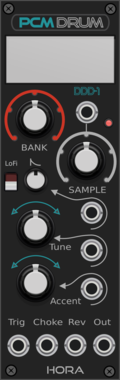
DDD1 & PSS50 samples based drums

Hora PCM drums

Hora PCM drums

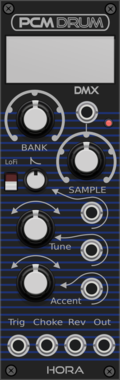
DMX & MXR samples based drums

Hora PCM drums

Hora PCM drums

EMU & SP12 samples based drums

Hora PCM drums

Hora PCM drums

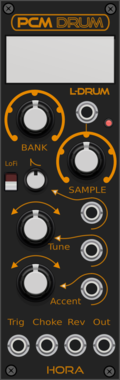
LinnDrum samples based drums

Hora PCM drums

Hora PCM drums

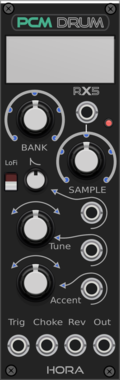
RX samples based drums

Hora PCM drums

Hora PCM drums

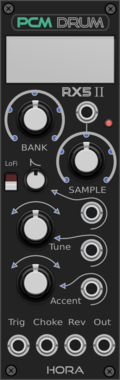
RXII samples based drums

Hora PCM drums

Hora PCM drums

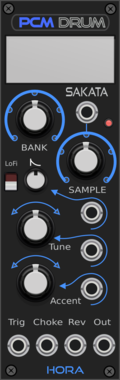
Sakata & sequentialTOM samples based drums

Hora PCM drums

Hora PCM drums

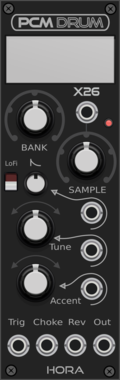
626 samples based drums

Hora PCM drums

Hora PCM drums

707 & 909 samples based drums

Hora Amplitude Free

Hora Amplitude Free

voltage controlled mixer/inverter/amp

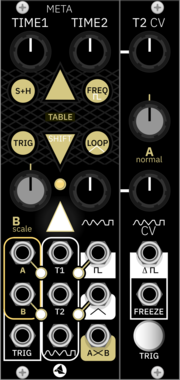
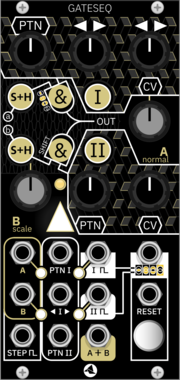
Starling Via META

Starling Via META

flexible contour generator

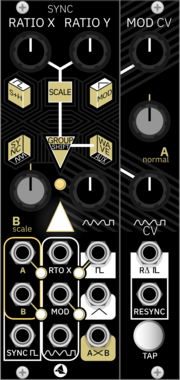
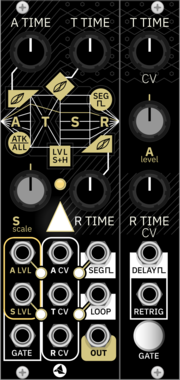
Starling Via SYNC

Starling Via SYNC

clock-synced signal source

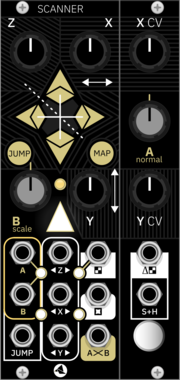
Starling Via SCANNER

Starling Via SCANNER

multi-channel waveshaper

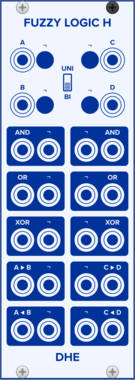
DHE Modules Fuzzy Logic H

DHE Modules Fuzzy Logic H

Combines signals by applying hyperbolic paraboloid fuzzy logic operators

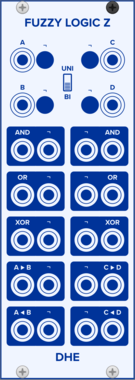
DHE Modules Fuzzy Logic Z

DHE Modules Fuzzy Logic Z

Combines signals by applying Lofti Zadeh’s fuzzy logic operators

QuantalAudio Blank Panel | 1HP

QuantalAudio Blank Panel | 1HP

Blank Panel | 1HP

QuantalAudio Blank Panel | 3HP

QuantalAudio Blank Panel | 3HP

Blank Panel | 3HP

QuantalAudio Blank Panel | 5HP

QuantalAudio Blank Panel | 5HP

Blank Panel | 5HP

QuantalAudio Buffered Mult | 2HP

QuantalAudio Buffered Mult | 2HP

Buffered multiple 1->3 or 1->6

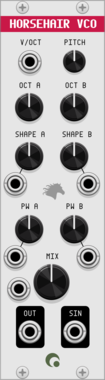
QuantalAudio Horsehair VCO | 7HP

QuantalAudio Horsehair VCO | 7HP

2x VCO saw to pulsewave

QuantalAudio Mixer 2 | Mono->Stereo | 5HP

QuantalAudio Mixer 2 | Mono->Stereo | 5HP

Mono or stereo 2 channel mixer

QuantalAudio Unity Mix | 2HP

QuantalAudio Unity Mix | 2HP

Multiple 3->1 or 6->1

stoermelder INFIX

stoermelder INFIX

Insert for polyphonic cables. Passes the POLY input through to the POLY output, but lets you replace or add specific channels with monophonic cables — ideal for remixing individual voices of a polyphonic signal.

Ohmer Modules RKD (Rotate Klok Divider)

Ohmer Modules RKD (Rotate Klok Divider)

Rotate Klok Divider (RKD) module (inspired from 4ms RCD hardware)
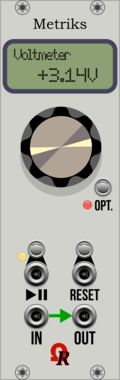
Ohmer Modules Metriks

Ohmer Modules Metriks

Voltmeter


VCV Library Instructions

  • Download and install VCV Rack.
  • Register for a VCV account and log in using Rack’s “Library” menu.
  • Add or purchase a module on the VCV Library.
  • Open the “Library” menu in Rack, click “Update all” (if updates are needed), and restart Rack once downloaded.
  • Right-click an empty rack space to launch Rack’s module browser to add a module to your patch.

All plugins on the VCV Library are available for Windows, Mac, and Linux. The “major” version (i.e. MAJOR.MINOR.REVISION) must match between Rack and its plugins. For example, Rack 2.* can only load 2.* plugins.

Missing or incorrect information in this database, such as a missing tag? Inform the plugin author(s) using the contact information on their plugin/module page.

Developers: see Adding your plugin to the VCV Library.

Notes

Purchasing plugins with the “VCV” brand supports the VCV Rack project. See VCV’s Mission Statement to learn how VCV Rack development is funded.

Prices are in US Dollars.

By purchasing a plugin on the VCV Library, you agree to VCV’s End User License Agreement and Refund Policy.

Contact VCV Support for customer support and questions about the VCV Library.