
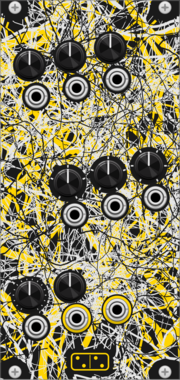
forsitan modulare radix
Chaotic 8-bit source on its own clock: 150 programs picked by three stepped knobs with CV.
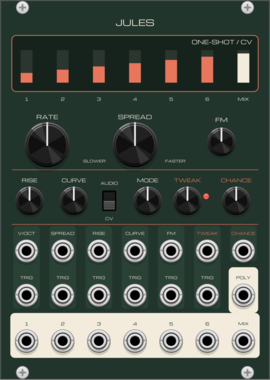
Basic Human Tastes Jules
Six linked slopes (envelopes, LFOs, oscillators, chords) with twelve modes, a chance control on the trigger cascade and a poly output
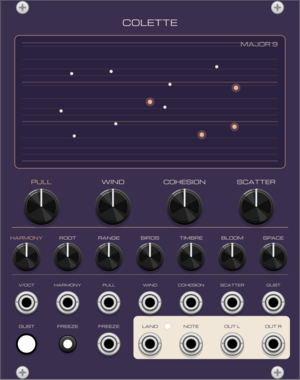
Basic Human Tastes Colette
A murmuration of up to 32 voices that fly in pitch space, gather, scatter and settle on the notes of a chord: ambient textures that never quite repeat
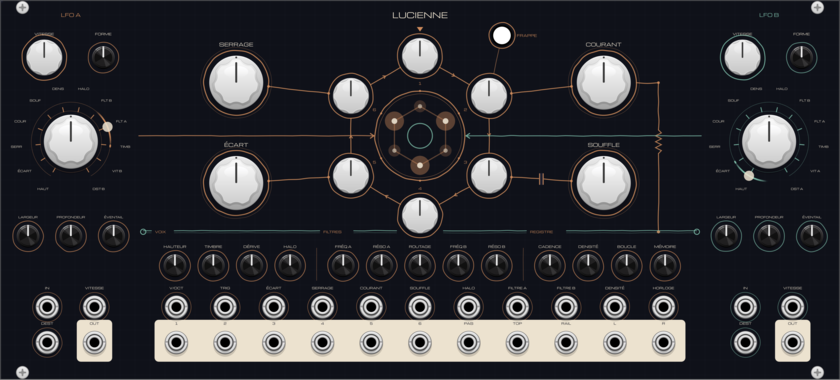
Basic Human Tastes Lucienne
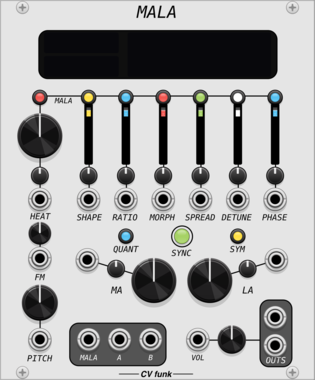
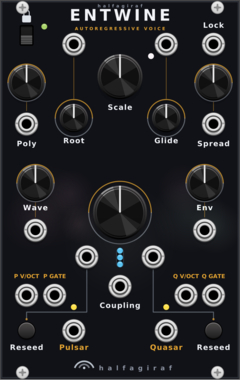
Six analog-style cores tied in a ring, tuned by ear: they lock onto just intervals, cross-modulate into chaos, starve on a sagging power rail. Gates opened by an internal register, two resonant filters, a halo, and two asynchronous LFOs crossfaded across twelve destinations
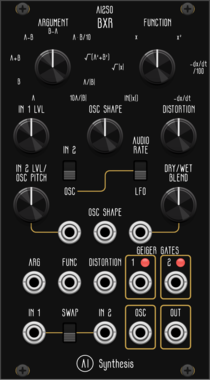
AI Synthesis AI250 BXR
Two-input math processor: argument, function, tube/fold drive, internal oscillator and Geiger gates

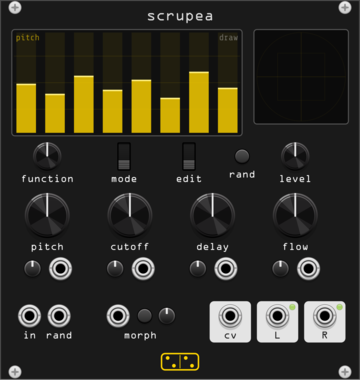
forsitan modulare scrupea
Chaotic bank: 16 oscillators into tuned feedback combs, modulating each other.
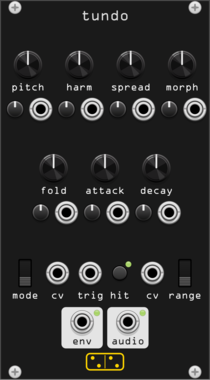
forsitan modulare tundo
Digital drum voice: six additive oscillators, morphing waves, prime spread, infinite folder.
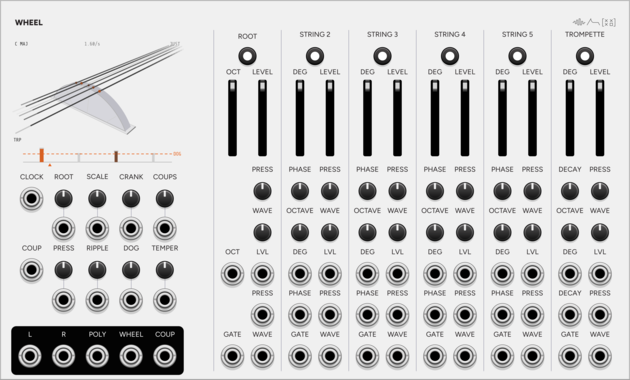
SignalFunctionSet Wheel
Hurdy-gurdy drone instrument: one wheel bows six strings, and the dog keeps time.
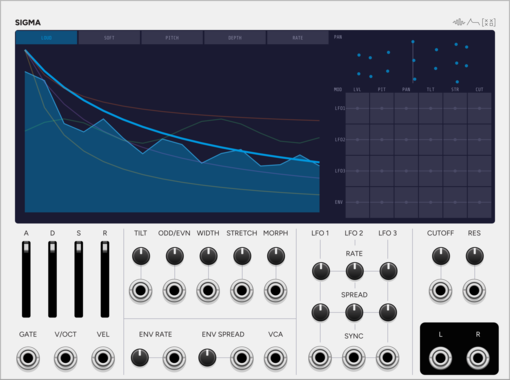
SignalFunctionSet Sigma
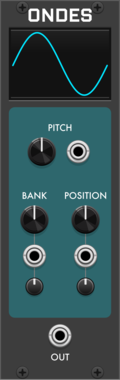
Additive voice: up to 64 sine partials, with velocity morphing between two spectra.
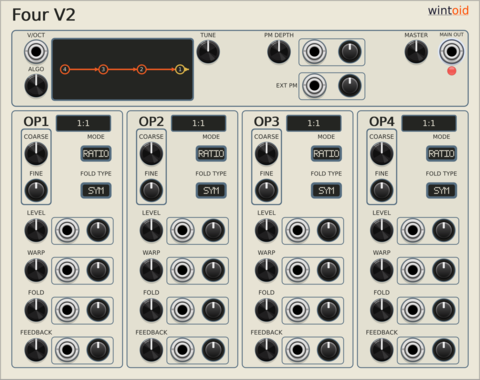
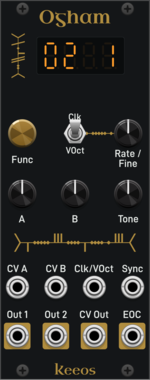

Venom Bounded VCO
An implementation of Peter Blasser's Bound/Bounce oscillation that constrains an oscillator with constant slopes between an upper and lower bound
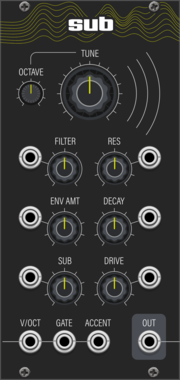
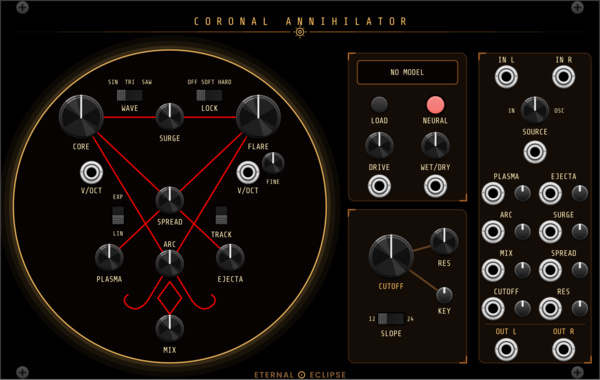
Eternal Eclipse Coronal Annihilator
Stereo voice: a complex dual oscillator (CORE drives FLARE with FM, sync, wavefolding and phase warp) blended with an external stereo input, through an onboard neural amp model (.nam, one network per channel) and a saturating 4-pole lowpass with 12/24 dB slopes.

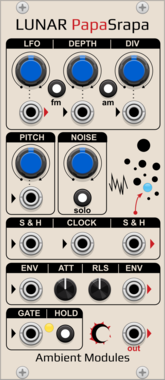
AmbientModules LunarPapaSrapa
"Papa Srapa"-inspired noise/drone voice: FM/AM square oscillator driven by an internal modulator with a dedicated LFO output, independent white noise with sample & hold, and a shared Attack/Release envelope with Hold and chainable Envelope In/Out
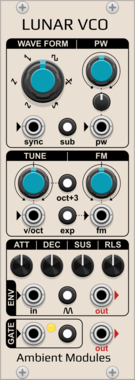
AmbientModules LunarVCO
AS3340-style VCO with 6 waveforms (3 fixed + 3 shaped: PWM square, saw-to-inv.saw and sine-to-saw morphs), octave/sub/lin-exp switches, hard sync, and a full ADSR envelope with Hold and Self-generation
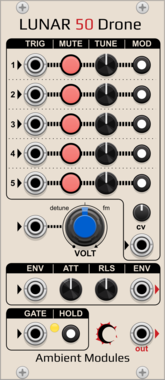
AmbientModules Lunar50Drone
5-oscillator sawtooth drone voice with per-oscillator tuning, activation, trigger input and switchable frequency CV routing, a CV attenuverter, a shared Attack/Release envelope (gate, Hold, chainable Envelope In/Out), and a CV-controlled detune/FM knob
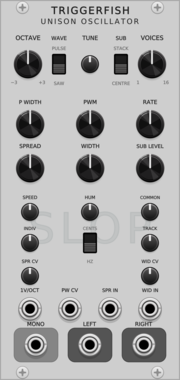
TriggerFish Unison Oscillator
Polyphonic 1-16 voice saw/pulse unison oscillator with stereo spread, sub oscillator, and built-in Slop
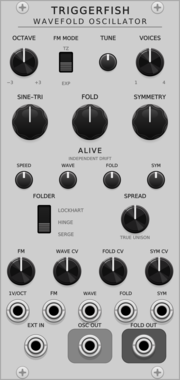
TriggerFish Wavefold Oscillator
Alive sine/triangle oscillator with Hinge, Lockhart, and Serge wavefolders
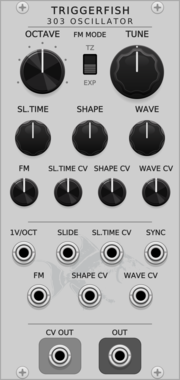
TriggerFish 303 Oscillator
Circuit-modelled TB-303 oscillator with slide and voltage-controlled waveform morphing
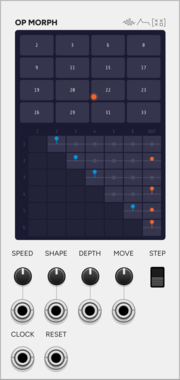
SignalFunctionSet OP MORPH
Expander for Operator: the DX7 routing as a matrix you navigate as a wrapping field.
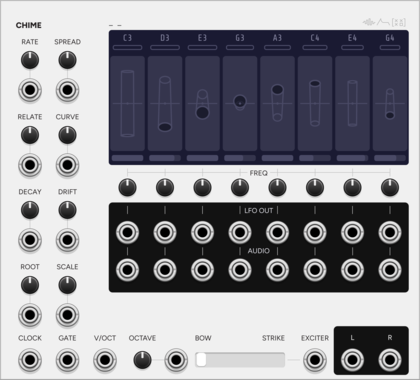
SignalFunctionSet Chime
Eight-note drone machine: each note blooms as its resonator tube passes centre.
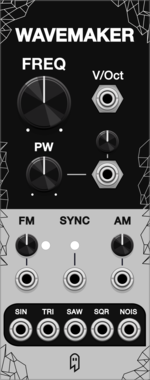
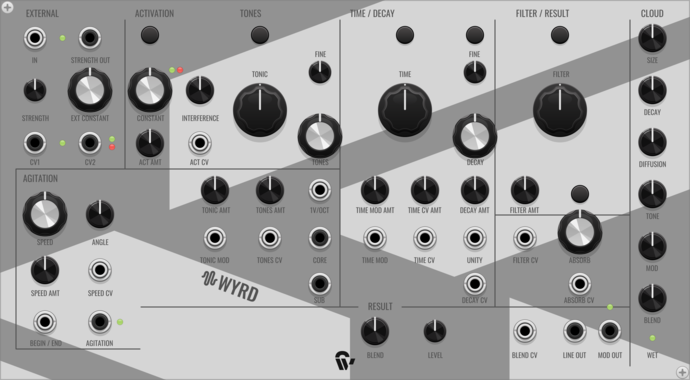
Shortwav Labs Wyrd
Patchable tone source and external processor with activation, agitation, nonlinear time/filter feedback, and integrated ambient reverb.

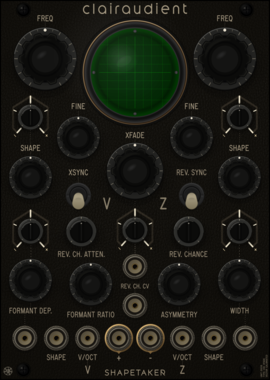
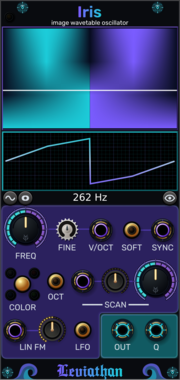
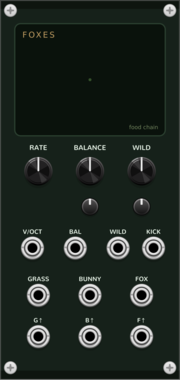
Coalescent Foxes
Three-species food chain (Hastings-Powell): grass, bunnies, and foxes move from a regular chase through period doubling into deterministic chaos.
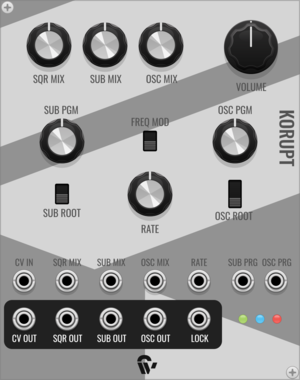
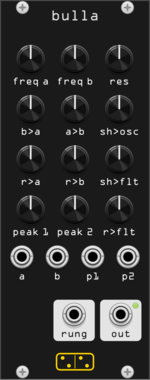
forsitan modulare bulla
Inspired by Hordijk's Blippoo Box: cross-modulating oscillators and runglers, pattern and chaos.
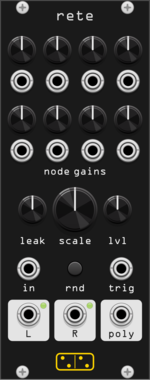
forsitan modulare rete
Feedback integrator network: eight leaky nodes in a random mixing matrix, self-oscillating chaos.
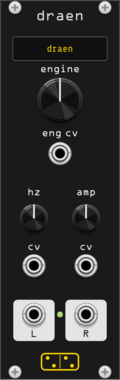
forsitan modulare dræn
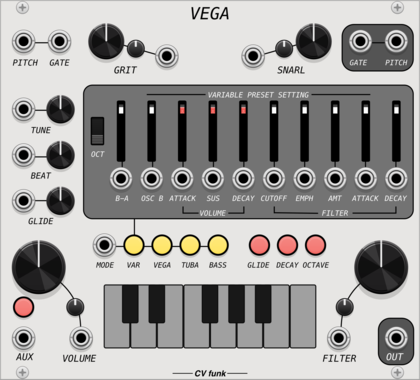
Drone synthesizer: two banks of 37 engines, each played from just a fundamental and a level.
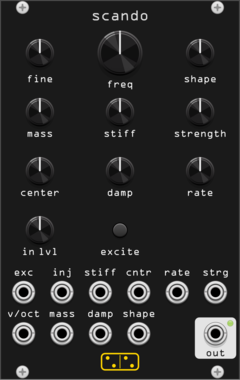
forsitan modulare scando
Scanned-synthesis oscillator: a vibrating mass-spring string scanned into an evolving wavetable.
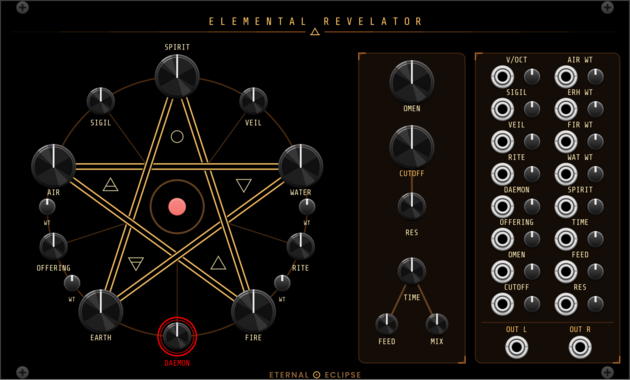
Eternal Eclipse Elemental Revelator
Four-element wavetable synth voice — a pentagram of AIR, WATER, EARTH, and FIRE oscillators with elemental-ring cross-modulation, opposing-pair ring mod, SPIRIT chord mode, 72 daemon algorithms, ladder lowpass filter, and stereo delay/diffusion.
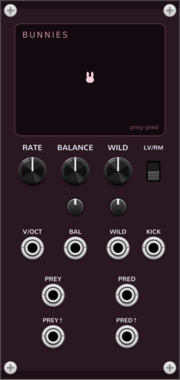
Coalescent Bunnies
Predator-prey oscillator: prey and predator chase each other a quarter cycle apart. Lotka-Volterra and Rosenzweig-MacArthur modes.
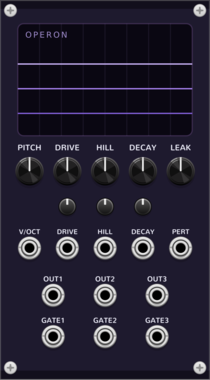
Coalescent Operon
Three-phase oscillator on the repressilator gene circuit: three genes repressing each other in a ring, ~120 degrees out of phase
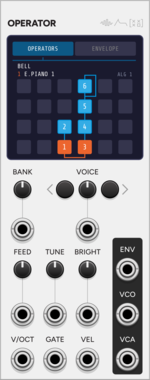
SignalFunctionSet Operator
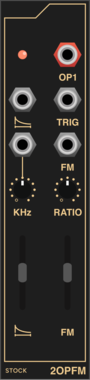
DX7-style six-operator FM voice. Loads .syx cartridges and plays polyphonically.
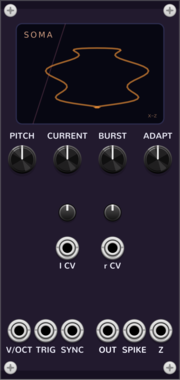
Coalescent Neuron · Soma
Bursting/chaotic neuron oscillator on the Hindmarsh-Rose system: spike trains, bursts, and chaos from one current control
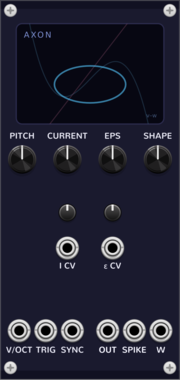
Coalescent Neuron · Axon
Spiking-neuron oscillator on the FitzHugh-Nagumo system: relaxation oscillator + excitable (trigger-fired) voice
VCV Library Instructions
- Download and install VCV Rack.
- Register for a VCV account and log in using Rack’s “Library” menu.
- Add or purchase a module on the VCV Library.
- Open the “Library” menu in Rack, click “Update all” (if updates are needed), and restart Rack once downloaded.
- Right-click an empty rack space to launch Rack’s module browser to add a module to your patch.
All plugins on the VCV Library are available for Windows, Mac, and Linux.
The “major” version (i.e. MAJOR.MINOR.REVISION) must match between Rack and its plugins.
For example, Rack 2.* can only load 2.* plugins.
Missing or incorrect information in this database, such as a missing tag? Inform the plugin author(s) using the contact information on their plugin/module page.
Developers: see Adding your plugin to the VCV Library.
Notes
Purchasing plugins with the “VCV” brand supports the VCV Rack project. See VCV’s Mission Statement to learn how VCV Rack development is funded.
Prices are in US Dollars.
By purchasing a plugin on the VCV Library, you agree to VCV’s End User License Agreement and Refund Policy.
Contact VCV Support for customer support and questions about the VCV Library.