
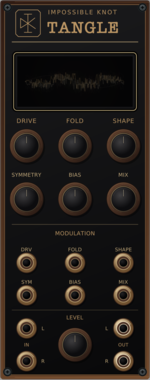
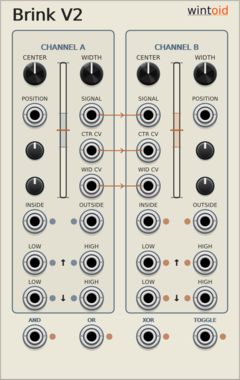
Impossible Knot Tangle
Stereo wavefolder and saturator with CV over every shaping control, asymmetric stereo response, and cross-channel excitation.

GPaudio Clamp - Note Range Limiter
Limit Note Pitch (V/Oct) to a Range. Drop, limit or octave-shift out-of-range notes
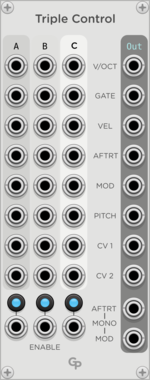
GPaudio Triple Control Merge
Play your synth from three keyboards, MPE controllers or sequencers simultaneously
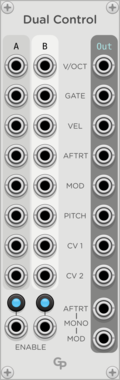
GPaudio Dual Control Merge
Play your synth from two keyboards, MPE controllers or sequencers simultaneously
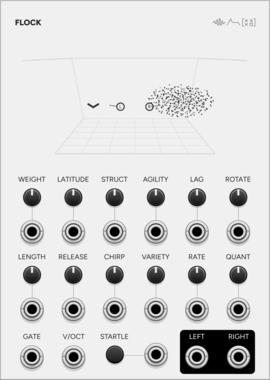
SignalFunctionSet Flock
A murmuration as a microtonal granular voice: flocking birds, grains as their calls.
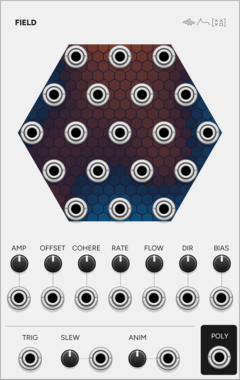
SignalFunctionSet Field
Nineteen related random voltages: one smooth random field read at nineteen points.
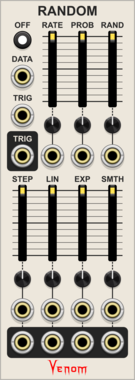
Venom Random
Fully polyphonic implementation of the VCV RANDOM CV generator with independent shape controls
Clock generatorLow-frequency oscillatorPolyphonicRandomSample and hold

VAEMI R2R Ladder
Bidirectional 8-bit R2R ladder mixer, attenuator, multiple, DAC, and waveshaper
MixerAttenuatorMultipleWaveshaperUtilityPolyphonicHardware clone
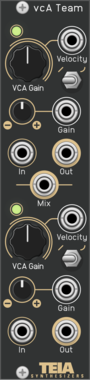
Teia Synthesizers vcATeam
Dual velocity VCA. Each channel is a main VCA with offset, attenuverted CV and a linear/exponential response switch, feeding a linear velocity VCA whose input is normalled to 5 V. Both channels are summed to a mix output. Software port of the Teia Synthesizers vcATeam Eurorack module.
Voltage-controlled amplifierDualPolyphonicMixerHardware clone
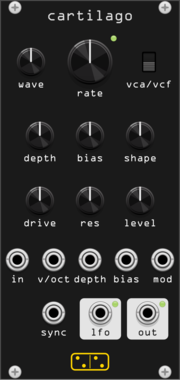
forsitan modulare cartilago
Gristleizer: LFO into a FET attenuator that never closes, or into a swept filter.
EffectVoltage-controlled amplifierRing modulatorFilterHardware clonePolyphonic
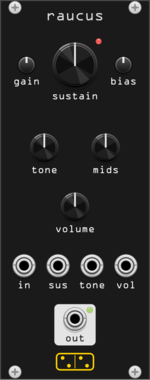
forsitan modulare raucus
Big Muff Pi fuzz: four transistor stages, feedback diode clipping, scooped tone stack.
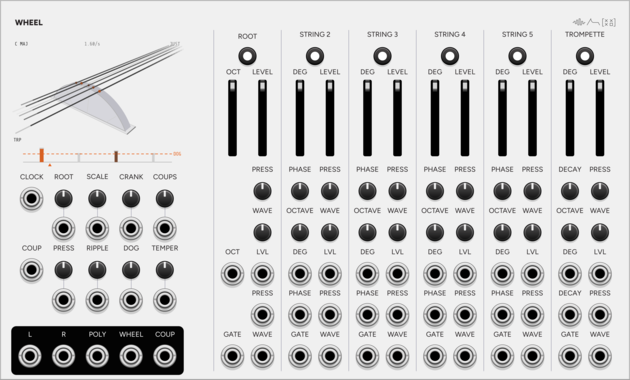
SignalFunctionSet Wheel
Hurdy-gurdy drone instrument: one wheel bows six strings, and the dog keeps time.
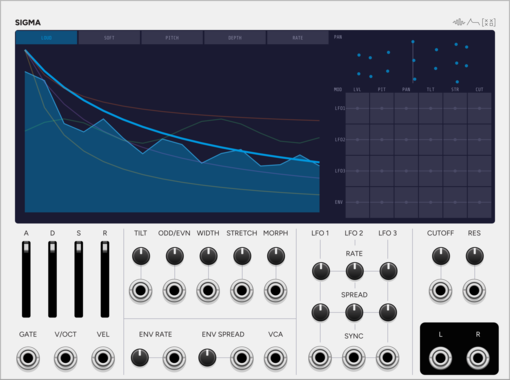
SignalFunctionSet Sigma
Additive voice: up to 64 sine partials, with velocity morphing between two spectra.
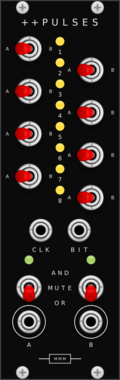
Missing Mile Modular Doubleplus Pulses
Performance gate router for the Music Thing Turing Machine: eight channels, each routed to one of two OR/AND merge buses.
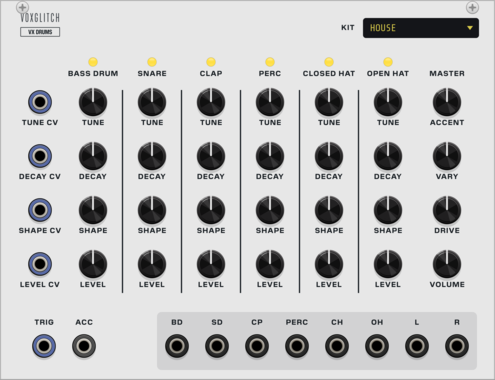
Voxglitch VX Drums
Six analog-modelled drum voices (kick, snare, clap, percussion, closed and open hat) with six kits of switchable analog-modelled voice models, fired by a polyphonic trigger cable, with an accent gate, a stereo mix with drive, and dry individual outs. The top half of the VX Drum Machine.

Venom Stereo Merge Split
Compact and versatile polyphonic merge and split utility for stereo signals


Venom Spread Merge
Spread each monophonic gate/CV pair across multiple polyphonic channels and merge all into a single poly output

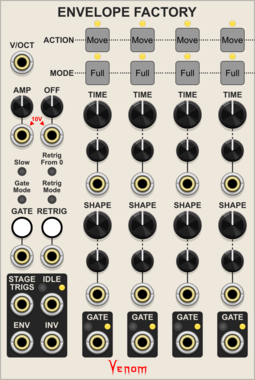
Venom Envelope Factory
Highly configurable envelope generator supporting up to 20 stages
Envelope generatorFunction generatorLow-frequency oscillatorPolyphonicSequencerVoltage-controlled amplifier
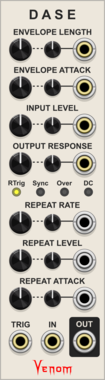
Venom DASE - Dynamic Amplifying Shaping Envelope
Novel Attack/Decay envelope generator that functions as an unusual VCA and waveshaper via audio rate envelope modulation
Envelope generatorPolyphonicVoltage-controlled amplifierWaveshaper

Venom Bounded VCO
An implementation of Peter Blasser's Bound/Bounce oscillation that constrains an oscillator with constant slopes between an upper and lower bound
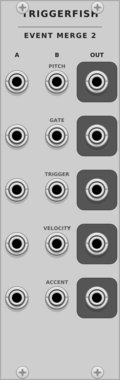
TriggerFish Event Merge 2
Concatenates two polyphonic Pitch/Gate/Trigger/Velocity/Accent event bundles without summing pitch
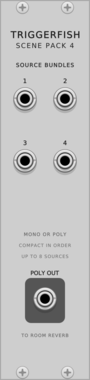
TriggerFish Scene Pack 4
Compacts four mono/poly source bundles into one polyphonic cable for Room Reverb placement
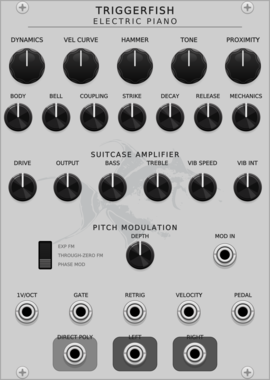
TriggerFish Electric Piano
Sample-free polyphonic modal electric piano with velocity-sensitive tines, nonlinear pickups, and a shared amplifier
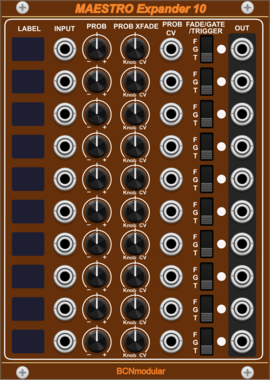
BCNmodular Maestro Expander 10
Adds channels 7-16 to Maestro. Links to a Maestro Core via context menu, not physical placement.
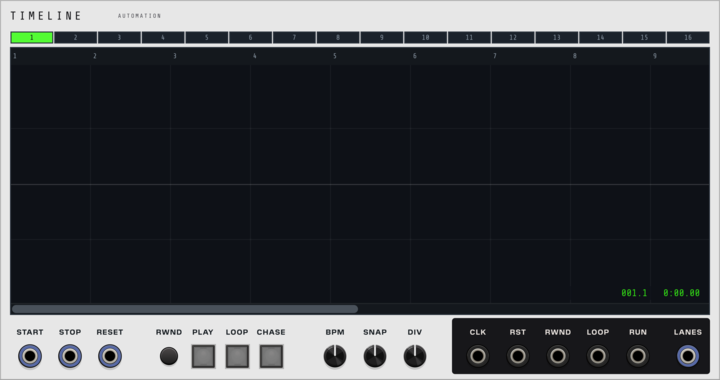
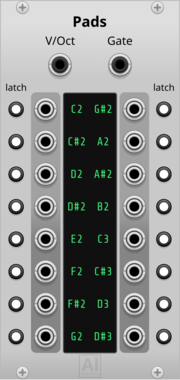
Aluminium Pads
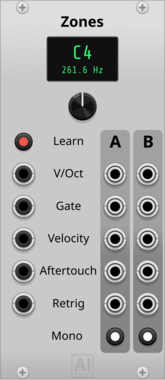
16 gate outputs, one per learned note, driven by a polyphonic V/OCT + GATE cable (e.g. from Core MIDI-CV or Zones) instead of MIDI — learn a cell by clicking it and playing (or typing) the note; each cell can be switched to Latch mode to toggle on/off instead of following the held note
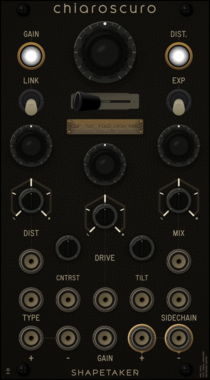
shapetaker Chiaroscuro
Stereo VCA with sidechain-controlled distortion engine. Named after the artistic technique of dramatic light/dark contrast, features 5 intense distortion algorithms with full CV control.
Voltage-controlled amplifierDistortionWaveshaperEffectPolyphonicDual
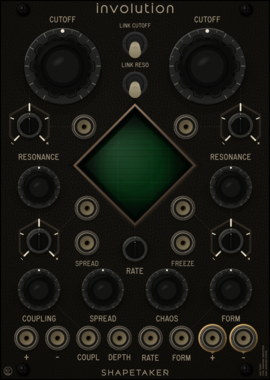
shapetaker Involution
Dual morphable liquid filters with bounded cross-coupling, cutoff spread, chaotic field modulation, and four routing topologies
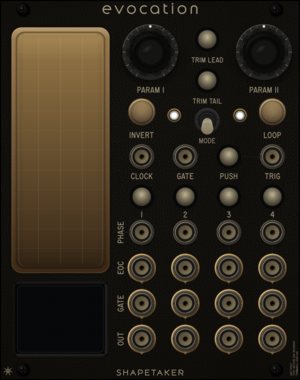



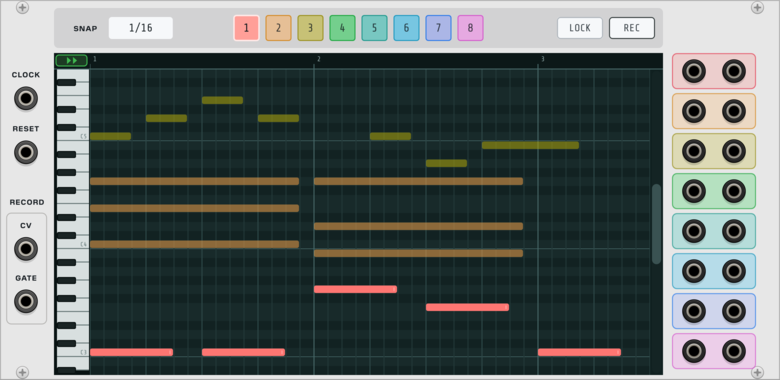
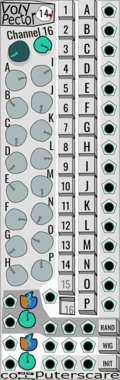
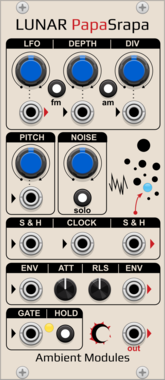
AmbientModules LunarPapaSrapa
"Papa Srapa"-inspired noise/drone voice: FM/AM square oscillator driven by an internal modulator with a dedicated LFO output, independent white noise with sample & hold, and a shared Attack/Release envelope with Hold and chainable Envelope In/Out
NoiseOscillatorLow-frequency oscillatorEnvelope generatorPolyphonicSample and hold
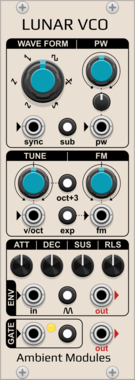
AmbientModules LunarVCO
AS3340-style VCO with 6 waveforms (3 fixed + 3 shaped: PWM square, saw-to-inv.saw and sine-to-saw morphs), octave/sub/lin-exp switches, hard sync, and a full ADSR envelope with Hold and Self-generation
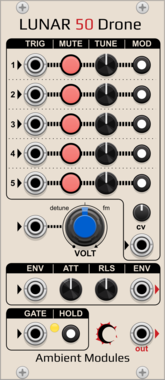
AmbientModules Lunar50Drone
5-oscillator sawtooth drone voice with per-oscillator tuning, activation, trigger input and switchable frequency CV routing, a CV attenuverter, a shared Attack/Release envelope (gate, Hold, chainable Envelope In/Out), and a CV-controlled detune/FM knob
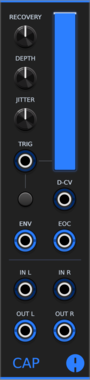
Animatek CAP
Stereo ducking VCA that lowers audio on each trigger and recovers with adjustable depth, timing and natural variation. A VCA CV input gives ordinary voltage control over gain, and envelope and end-of-cycle outputs are provided.
Voltage-controlled amplifierDynamicsEnvelope generatorPolyphonicUtility
VCV Library Instructions
- Download and install VCV Rack.
- Register for a VCV account and log in using Rack’s “Library” menu.
- Add or purchase a module on the VCV Library.
- Open the “Library” menu in Rack, click “Update all” (if updates are needed), and restart Rack once downloaded.
- Right-click an empty rack space to launch Rack’s module browser to add a module to your patch.
All plugins on the VCV Library are available for Windows, Mac, and Linux.
The “major” version (i.e. MAJOR.MINOR.REVISION) must match between Rack and its plugins.
For example, Rack 2.* can only load 2.* plugins.
Missing or incorrect information in this database, such as a missing tag? Inform the plugin author(s) using the contact information on their plugin/module page.
Developers: see Adding your plugin to the VCV Library.
Notes
Purchasing plugins with the “VCV” brand supports the VCV Rack project. See VCV’s Mission Statement to learn how VCV Rack development is funded.
Prices are in US Dollars.
By purchasing a plugin on the VCV Library, you agree to VCV’s End User License Agreement and Refund Policy.
Contact VCV Support for customer support and questions about the VCV Library.