


Path Set QuantumCompass
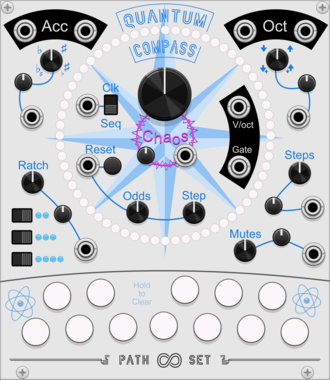
Both/Neither Sequencer/Quantizer. Create a melodic sequence by selecting notes and letting QuantumCompass guide you.
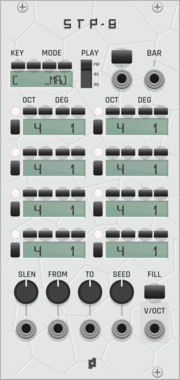

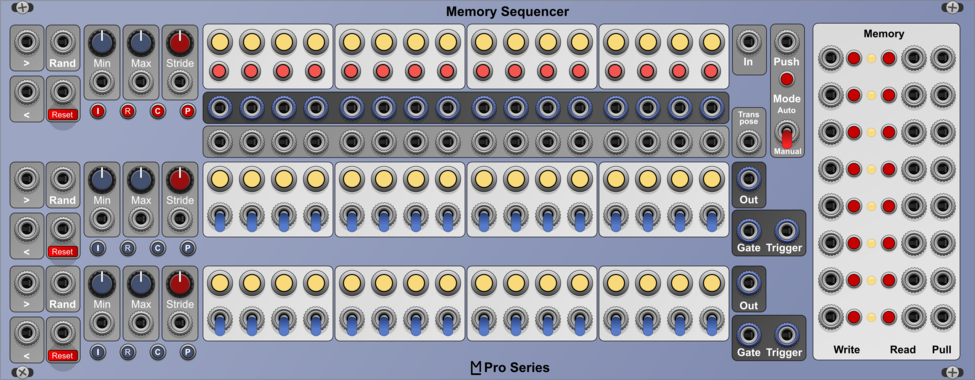
JP Memory Expander
Expander for any main JPLab sequencer. Five CV controllable save slots for sequences.
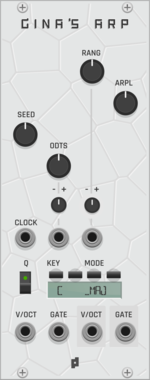
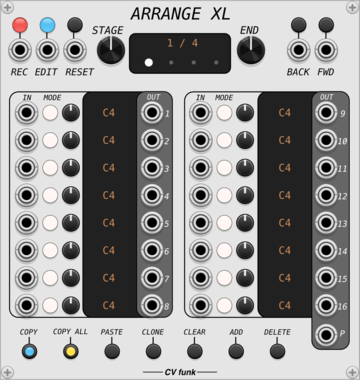
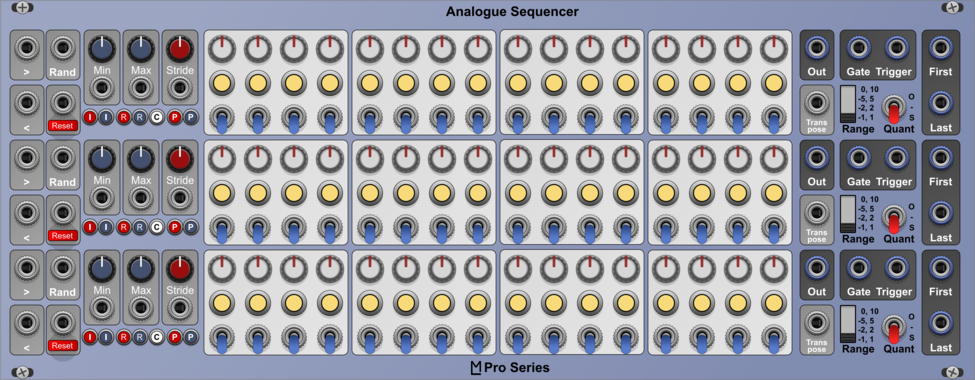
CV funk Arrange XL
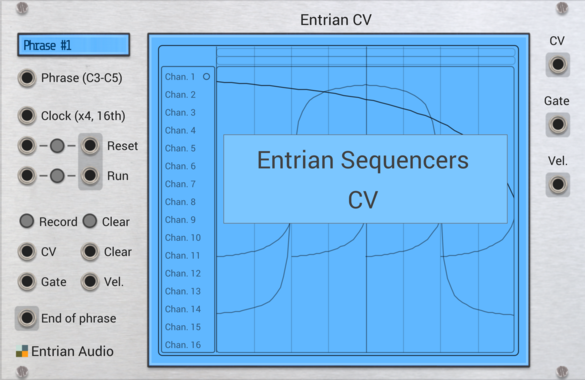
16-channel sequencer with ability to sample and record CV inputs.
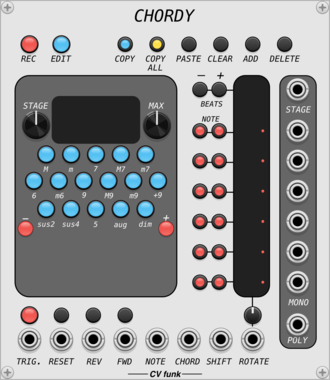
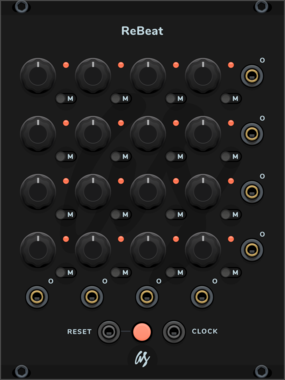

Path Set Randomizer Expander
Adds Randomizing Triggers to any Rainbow Sequencer
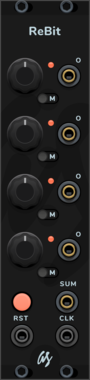
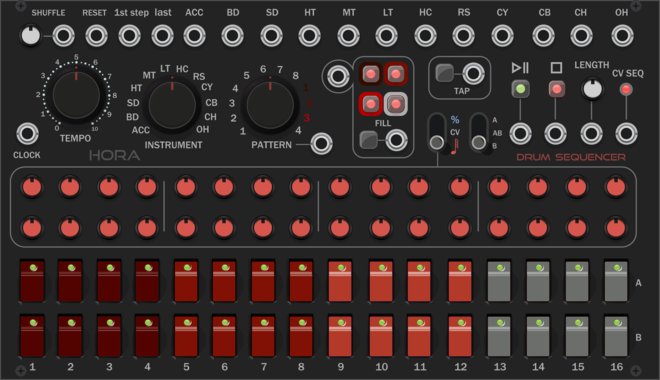
AS ReBit Trigger Seq/Clock Divider
Single 4 step trigger sequencer/clock divider
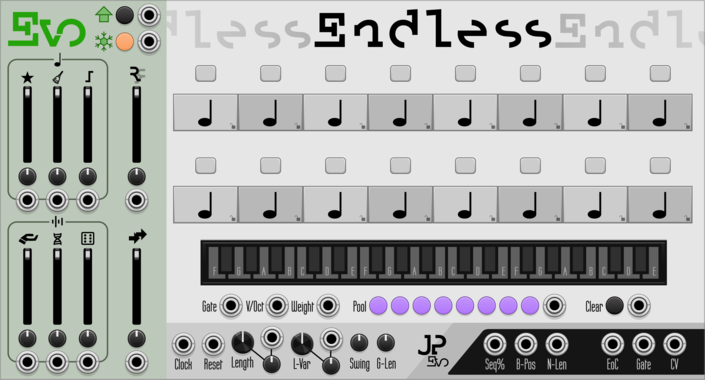
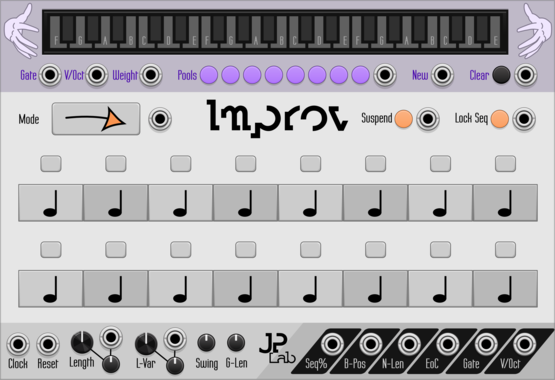
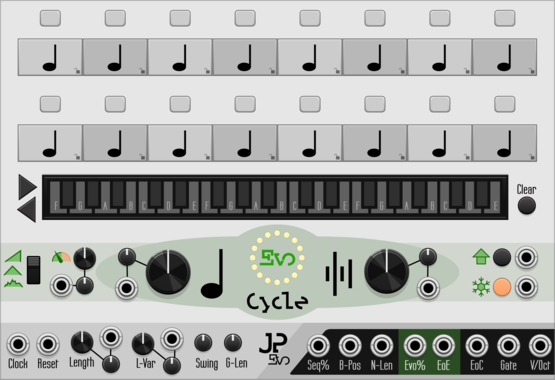
JP Evo Endless
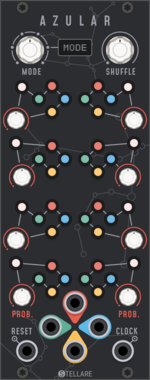
Bounce endlessely between eight different note pools in an always evolving sequence.

Ormer Modular Shoal Outs
Per-track Currents (seeded drift CV) and end-of-sequence triggers; sits either side of Shoal.
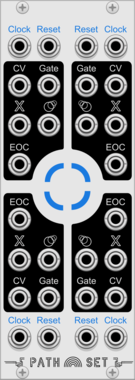
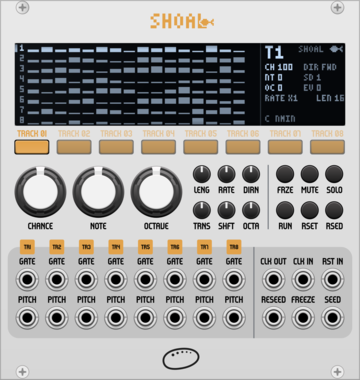
Ormer Modular Shoal
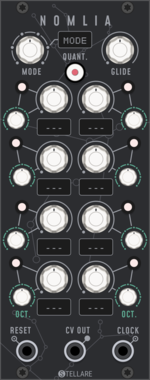
8-track generative melody sequencer. Melodies grown from seeds, never stored.
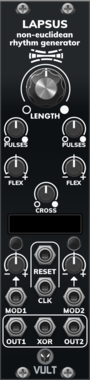
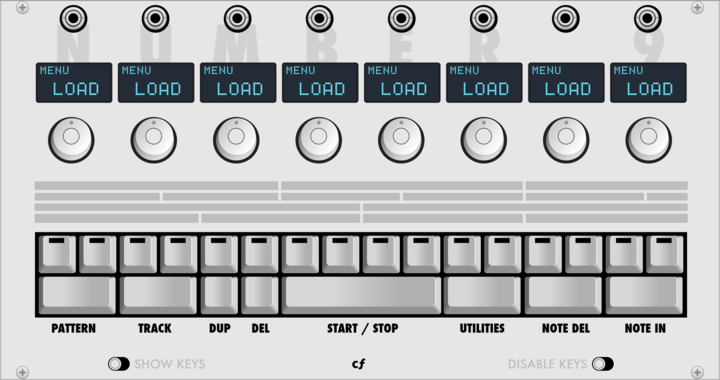
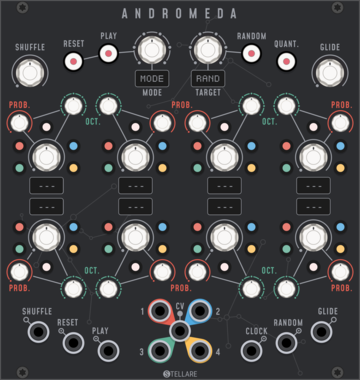

JP Counter Point Expander
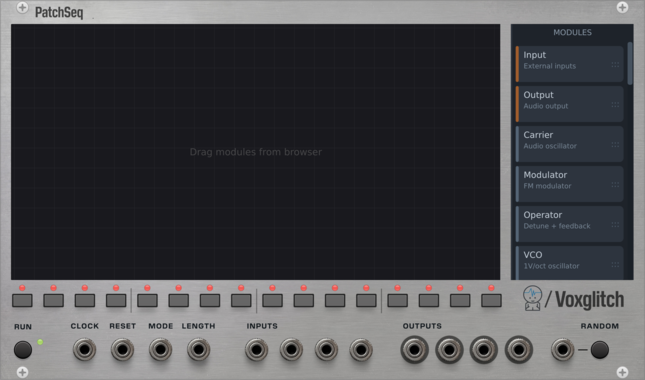
Expander for any main JP sequencer. Creates an extra voice using delay, regression and inversion.
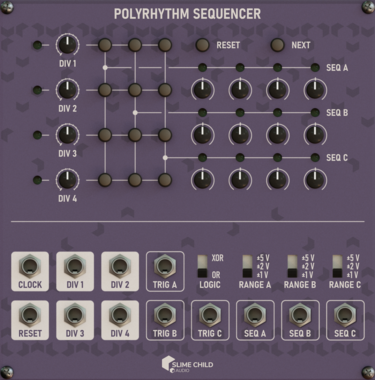
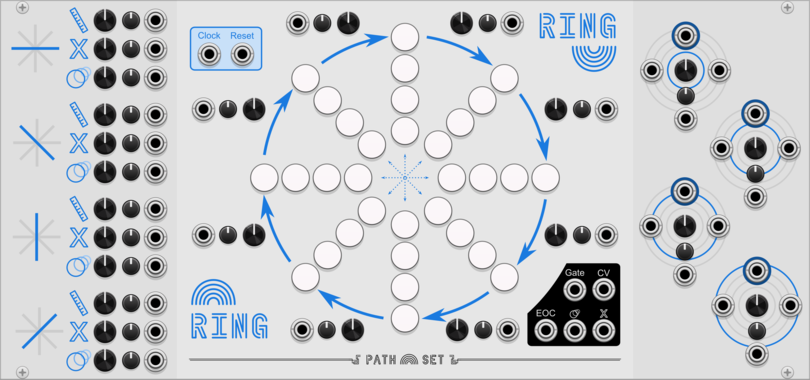
Path Set Rainbow Grid
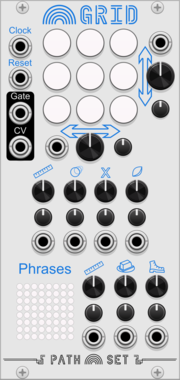
Generate a panoply of sequences using a small grid of nine notes.
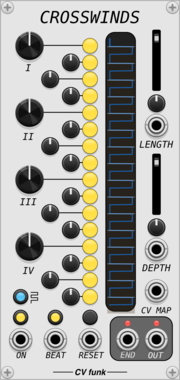
CV funk Crosswinds
16-step gate sequencer with per-step time displacement, ratcheting, and animated display.
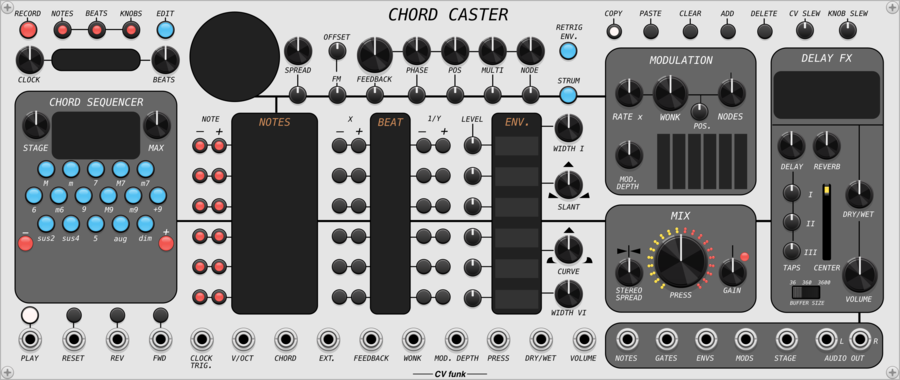
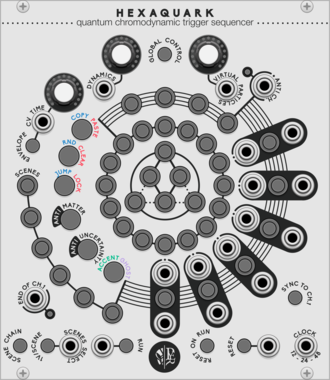
CV funk Chord Caster
A 6-note stereo phase-distortion synth voice with chord sequencer, parameter automation, modulation bus, tanh saturation and fractional three-tap delay.
VCV Library Instructions
- Download and install VCV Rack.
- Register for a VCV account and log in using Rack’s “Library” menu.
- Add or purchase a module on the VCV Library.
- Open the “Library” menu in Rack, click “Update all” (if updates are needed), and restart Rack once downloaded.
- Right-click an empty rack space to launch Rack’s module browser to add a module to your patch.
All plugins on the VCV Library are available for Windows, Mac, and Linux.
The “major” version (i.e. MAJOR.MINOR.REVISION) must match between Rack and its plugins.
For example, Rack 2.* can only load 2.* plugins.
Missing or incorrect information in this database, such as a missing tag? Inform the plugin author(s) using the contact information on their plugin/module page.
Developers: see Adding your plugin to the VCV Library.
Notes
Purchasing plugins with the “VCV” brand supports the VCV Rack project. See VCV’s Mission Statement to learn how VCV Rack development is funded.
Prices are in US Dollars.
By purchasing a plugin on the VCV Library, you agree to VCV’s End User License Agreement and Refund Policy.
Contact VCV Support for customer support and questions about the VCV Library.