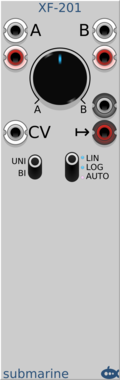
Submarine XF-202

Submarine XF-202

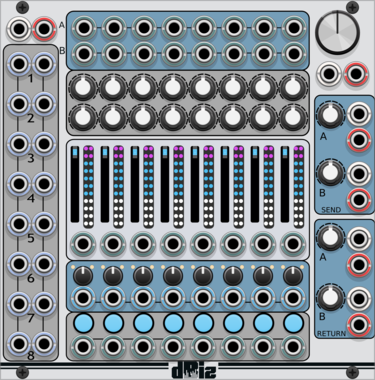
XF-202 Dual Stereo Cross Fader

MixerDual

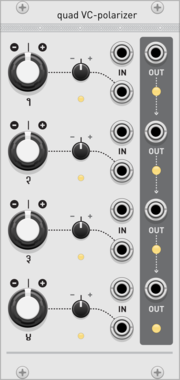
Audible Instruments Quad VCA

Audible Instruments Quad VCA

Based on Mutable Instruments Veils

MixerHardware clone

HetrickCV 2 To 4 Mix Matrix

HetrickCV 2 To 4 Mix Matrix

Takes two signals and generates four variations.

MixerPolyphonic

Venom VCA Mix 4 Stereo

Venom VCA Mix 4 Stereo

Stereo compact audio or CV VCA, mixer, attenuator, inverter, amplifier, and/or offset

AttenuatorMixerPolyphonicRing modulatorUtilityVoltage-controlled amplifier
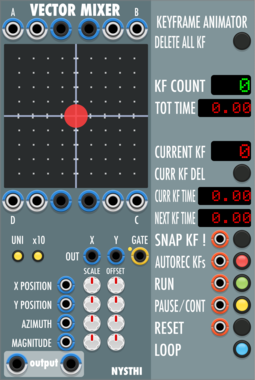
Venom Mix 4 Stereo

Venom Mix 4 Stereo

Stereo compact audio or CV mixer, attenuator, inverter, amplifier, and/or offset

AttenuatorMixerPolyphonicUtility

Surge XT Mixer

Surge XT Mixer

The Surge XT Mixer

MixerPolyphonic

VCV Mix

VCV Mix

Mixes 6 signals

MixerPolyphonic

Surge XT Mixer with Sliders

Surge XT Mixer with Sliders

The Surge XT Mixer, just with Sliders!

MixerPolyphonic

QuantalAudio Daisy Mix Master STEREO | 3HP

QuantalAudio Daisy Mix Master STEREO | 3HP

Modular mixer master - proximity daisy chain

MixerPolyphonicExpander

QuantalAudio Mixer 2 | Mono->Stereo | 5HP

QuantalAudio Mixer 2 | Mono->Stereo | 5HP

Mono or stereo 2 channel mixer

MixerPolyphonic

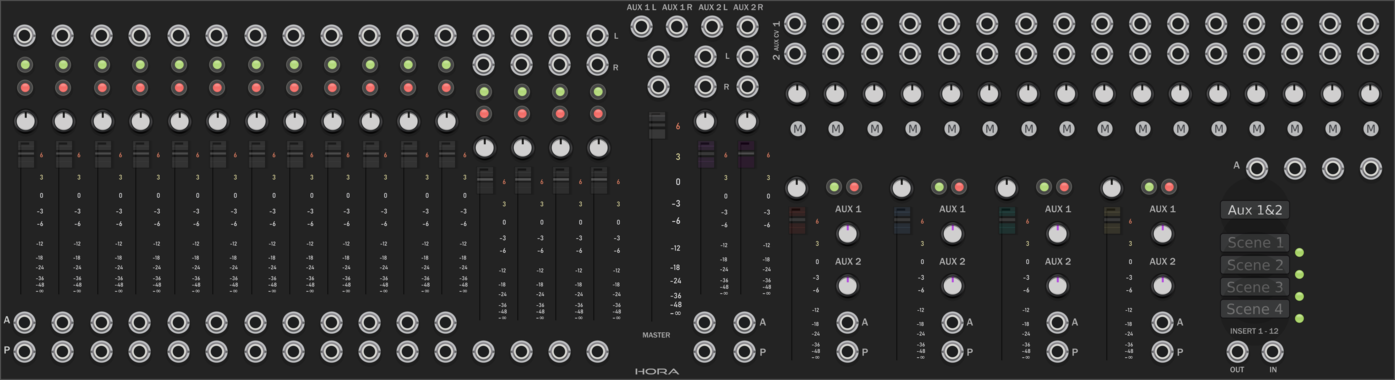
Hora Stereo Mixer 8

Hora Stereo Mixer 8

8 Track 2 loops CV controlled Mixer

Mixer

ML Modules OctaPlus

ML Modules OctaPlus

8 fold Adder.

UtilityMixerPolyphonic

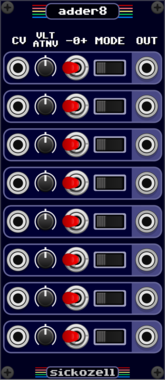
ML Modules Sum8 MkII

ML Modules Sum8 MkII

Summer with selectable sign

MixerPolyphonic

Grayscale Nexus

Grayscale Nexus

12-channel macro controller

PanningMixerPolyphonicHardware clone

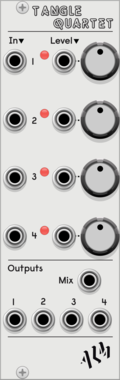
ALM Busy Circuits MEGA-TANG

ALM Busy Circuits MEGA-TANG

ALM033: MEGA-TANG

MixerHardware clone

Bidoo ACnE

Bidoo ACnE

Mixer with snaphots

Mixer

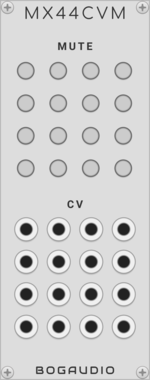
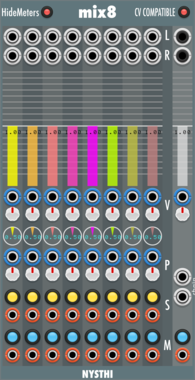
Bogaudio MX88CV

Bogaudio MX88CV

CV expander for MATRIX88

MixerExpanderPolyphonic

Nonlinear Circuits Neuron

Nonlinear Circuits Neuron

3-input comparator and Difference Rectifier for creating unpredictable interactions. Panel by jk.

MixerNoiseUtilityRandomHardware cloneDual

Bogaudio MUMIX

Bogaudio MUMIX

8-input unity mixer with mutes

MixerPolyphonic

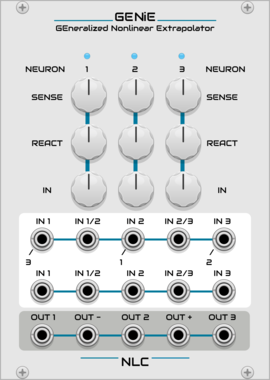
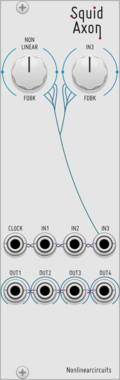
Nonlinear Circuits GENiE

Nonlinear Circuits GENiE

Three Neurons tangled together in a feedback network of chaos. Panel by jk.

MixerNoiseUtilityRandomHardware clone

Squinky Labs ExTwo

Squinky Labs ExTwo

Two channel stereo mixer expander

MixerExpander

GPaudio Chained Mixer Master Section

GPaudio Chained Mixer Master Section

Master section for Chained Mixer

Mixer

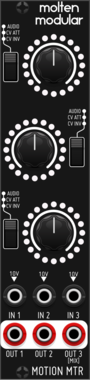
Befaco Motion MTR

Befaco Motion MTR

CV and audio utility / realtime visualizer

AttenuatorHardware cloneMixerVisual

Venom Mix Fade 2 Expander

Venom Mix Fade 2 Expander

Add independent rise/fall fades for mute/solo to any of the Mix modules

AttenuatorExpanderMixerPolyphonicUtility

Bogaudio MIX4

Bogaudio MIX4

4-channel mixer and panner

MixerPanning

MADZINE YAMANOTE

MADZINE YAMANOTE

8HP channel processor with chain, send/return function

MixerUtility

TNN1T1S GHOST MIX

TNN1T1S GHOST MIX

Dedicated summing mixer for the Ghost drum kit. Twelve labeled inputs -- one per voice of the full kit (Kick, Snare, Rim, Clap, Tom Lo/Mid/Hi, Closed Hat, Open Hat, Crash, Ride) plus a MIXIN channel (the 909's external mix-in) -- each with a mute switch, summed to one MIX output. Per-voice level lives on the voices, so the mixer is a clean unity summer -- the whole kit on one master mix point, in the box.

MixerUtility

Venom Thru

Venom Thru

5 polyphonic input/output pairs suitable for stacked input unity mixes and/or introduction of sample delays

DelayMixerPolyphonicUtility

Befaco Bypass

Befaco Bypass

A Stereo bypass module to gate control the send of your signals to your favorite effect!

Hardware cloneMixerPolyphonicUtility

Glue the Giant School Bus Mixer

Glue the Giant School Bus Mixer

Pan and levels with CVs to three stereo buses

MixerPanningPolyphonic

Glue the Giant Gig Bus Mixer

Glue the Giant Gig Bus Mixer

Stereo mixer to three stereo buses

MixerPanningVisualPolyphonic

Glue the Giant Bus Route

Glue the Giant Bus Route

Three stereo sends and returns with optional sample delays

MixerDelayUtilityPolyphonic

Venom Mix Offset Expander

Venom Mix Offset Expander

Add offset control to any of the Mix modules

AttenuatorExpanderMixerPolyphonicUtility

Venom Cross Fade 3D

Venom Cross Fade 3D

Cross fade 8 inputs to 1 output using X, Y, and Z axes

MixerPolyphonic

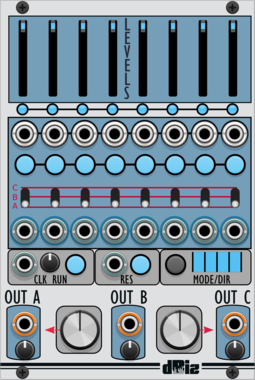
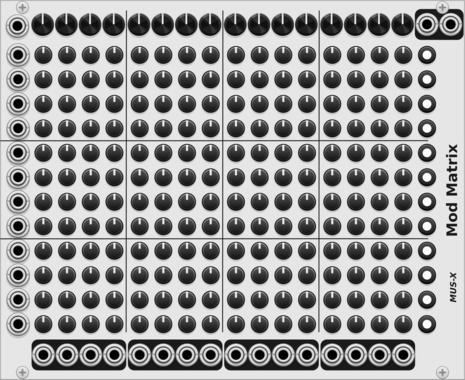
docB X8

docB X8

8x8 Matrix Mixer with modulation

MixerPolyphonic

Altered State Machines Medusa

Altered State Machines Medusa

Weighted Signal Mingler (Medusa hardware clone)

Hardware cloneMixer

docB X6

docB X6

6x6 Matrix Mixer with modulation

MixerPolyphonic

MSM Simple Slider

MSM Simple Slider

Dual input VCA/Crossfader slider

MixerVoltage-controlled amplifier
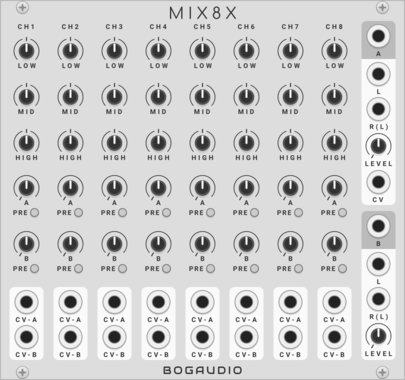
Squinky Labs ExFor

Squinky Labs ExFor

4 channel mixer expander

MixerExpander

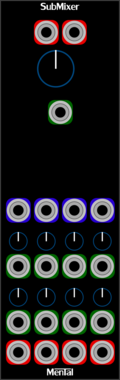
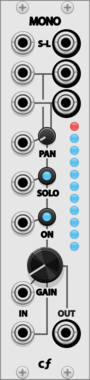
cf Sub

cf Sub

Modular mixer Sends

Mixer

Count Modula Matrix Mixer

Count Modula Matrix Mixer

A 4 x 4 matrix mixer allowing up to 4 input signals to be independently mixed to 4 different outputs

Mixer

docB VCM8

docB VCM8

8 channel voltage controlled CV mixer

MixerPolyphonic

Venom Mix Aux Send Expander

Venom Mix Aux Send Expander

Add aux send/return to any of the Mix modules

AttenuatorExpanderMixerPolyphonicUtility

Audible Instruments Multiples

Audible Instruments Multiples

Based on Mutable Instruments Links

MultipleMixerHardware clonePolyphonic


VCV Library Instructions

  • Download and install VCV Rack.
  • Register for a VCV account and log in using Rack’s “Library” menu.
  • Add or purchase a module on the VCV Library.
  • Open the “Library” menu in Rack, click “Update all” (if updates are needed), and restart Rack once downloaded.
  • Right-click an empty rack space to launch Rack’s module browser to add a module to your patch.

All plugins on the VCV Library are available for Windows, Mac, and Linux. The “major” version (i.e. MAJOR.MINOR.REVISION) must match between Rack and its plugins. For example, Rack 2.* can only load 2.* plugins.

Missing or incorrect information in this database, such as a missing tag? Inform the plugin author(s) using the contact information on their plugin/module page.

Developers: see Adding your plugin to the VCV Library.

Notes

Purchasing plugins with the “VCV” brand supports the VCV Rack project. See VCV’s Mission Statement to learn how VCV Rack development is funded.

Prices are in US Dollars.

By purchasing a plugin on the VCV Library, you agree to VCV’s End User License Agreement and Refund Policy.

Contact VCV Support for customer support and questions about the VCV Library.