


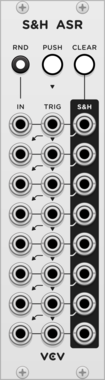
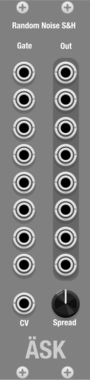
Tiny Tricks Sample and hold x16
Get 16 random values on trigger (sample and hold). Internal noise only.







Sm@rTAZZ Studio D-Octer
Transposed the input voltage by 2 and 1 octave, up and down, each result is sent to a separate output.
![Autodafe TRES[AM]IGOS](/screenshots/100/Autodafe-REDs/TRESAMIGOS.webp)
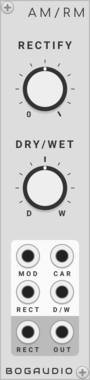
Autodafe TRES[AM]IGOS
A triple wave VCO with AM (Amplitude Modulation) between the Oscillators

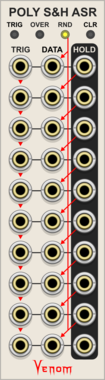
Venom Poly Sample & Hold Analog Shift Register
Ten channel polyphonic sample and hold combined with a shift register
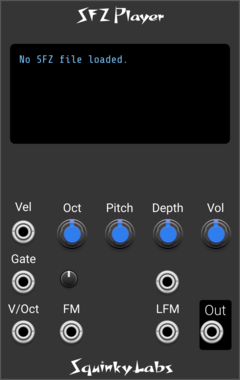



not-things P-SD
Polyphonic Same and Different (PSD) - Compare two polyphonic signals to determine which channels in them are the same, and which are different

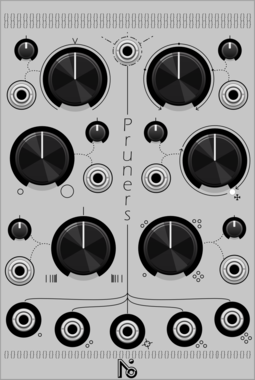
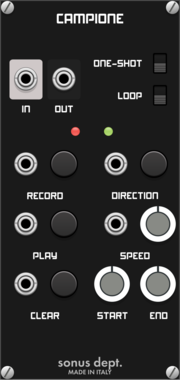
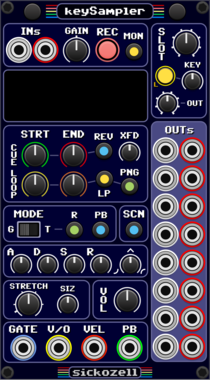
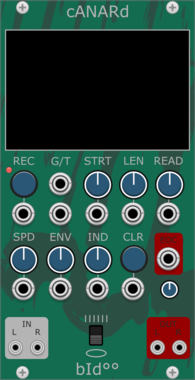
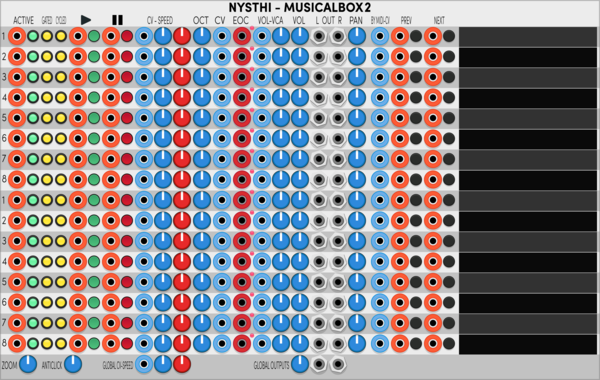
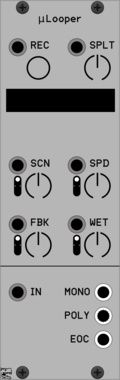

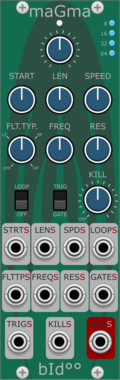
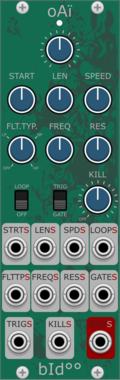
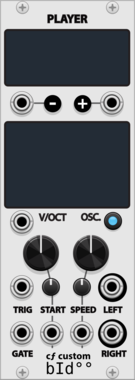



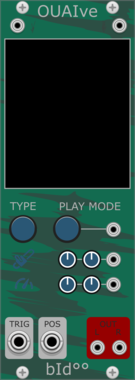
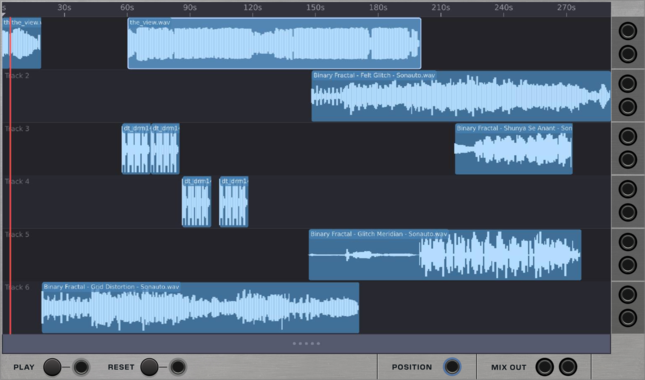

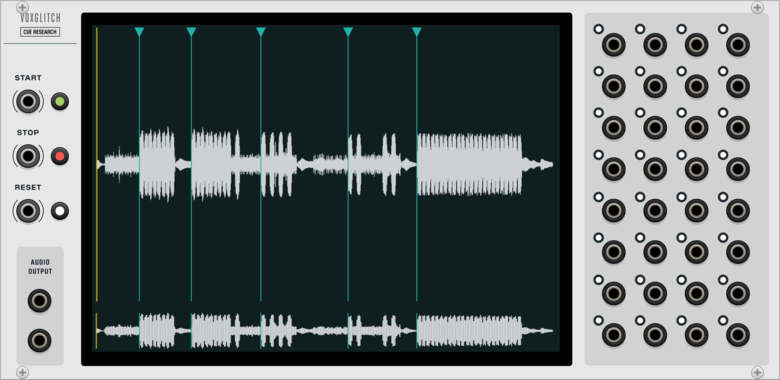
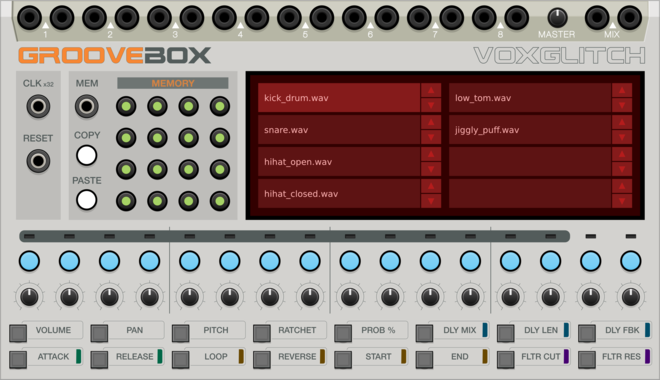
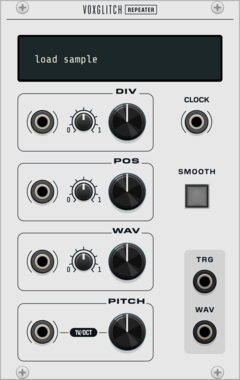
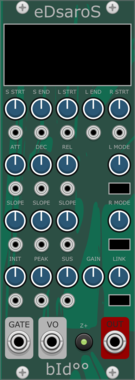
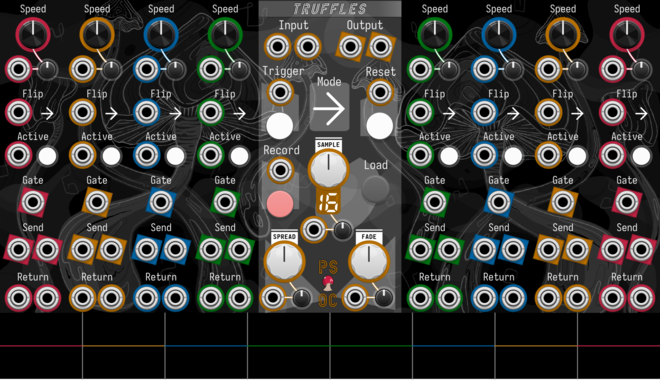
Path Set x Omri Cohen Truffles
Split your samples into eight slices, each with their own send/return channels and playback controls.
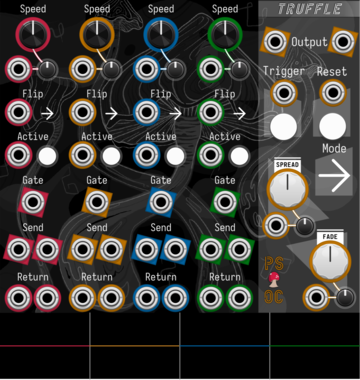
Path Set x Omri Cohen Truffle
Split your samples into four slices, each with their own send/return channels and playback controls.
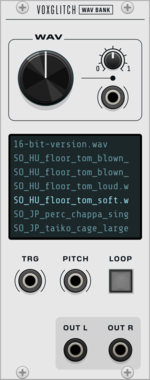
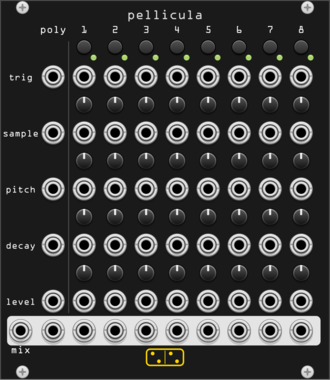
forsitan modulare pellicula
Exploded 8-voice drum sampler: every voice's sample, pitch, decay and level on its own knob and CV.
VCV Library Instructions
- Download and install VCV Rack.
- Register for a VCV account and log in using Rack’s “Library” menu.
- Add or purchase a module on the VCV Library.
- Open the “Library” menu in Rack, click “Update all” (if updates are needed), and restart Rack once downloaded.
- Right-click an empty rack space to launch Rack’s module browser to add a module to your patch.
All plugins on the VCV Library are available for Windows, Mac, and Linux.
The “major” version (i.e. MAJOR.MINOR.REVISION) must match between Rack and its plugins.
For example, Rack 2.* can only load 2.* plugins.
Missing or incorrect information in this database, such as a missing tag? Inform the plugin author(s) using the contact information on their plugin/module page.
Developers: see Adding your plugin to the VCV Library.
Notes
Purchasing plugins with the “VCV” brand supports the VCV Rack project. See VCV’s Mission Statement to learn how VCV Rack development is funded.
Prices are in US Dollars.
By purchasing a plugin on the VCV Library, you agree to VCV’s End User License Agreement and Refund Policy.
Contact VCV Support for customer support and questions about the VCV Library.