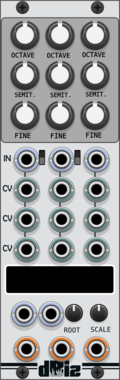
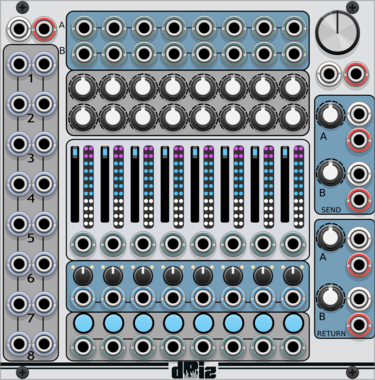
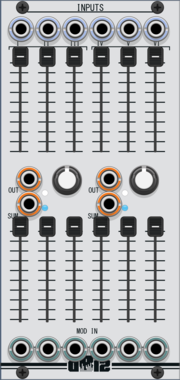
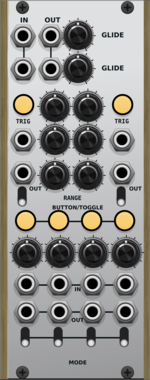






dBiz Utility

dBiz Utility

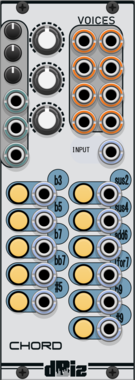
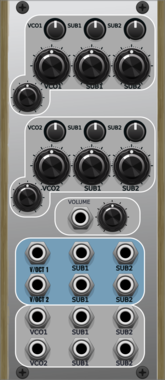
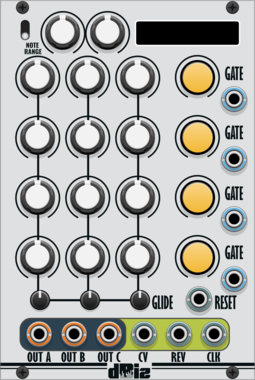
dBiz Chord

dBiz Chord

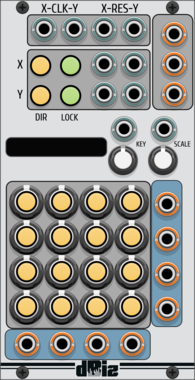
dBiz Bene

dBiz Bene

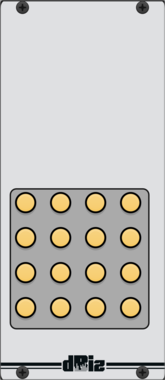
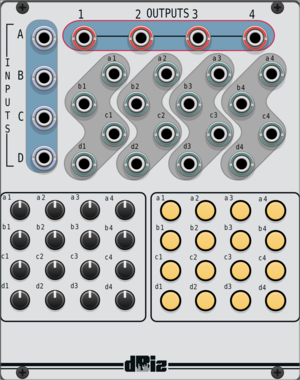
dBiz BenePads

dBiz BenePads

dBiz Verbo

dBiz Verbo

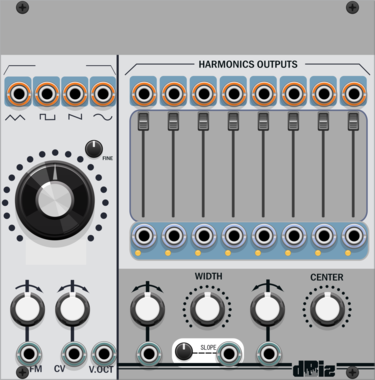
dBiz DVCO

dBiz DVCO

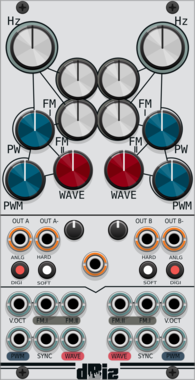
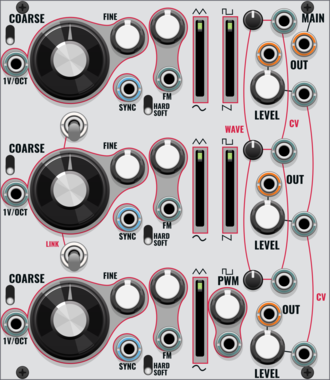
dBiz DAOSC

dBiz DAOSC

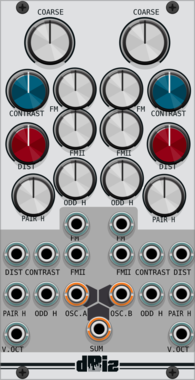
dBiz TROSC

dBiz TROSC

dBiz SuHa

dBiz SuHa

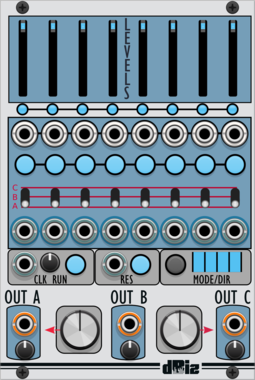
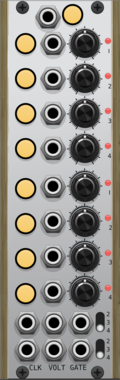
dBiz FourSeq

dBiz FourSeq

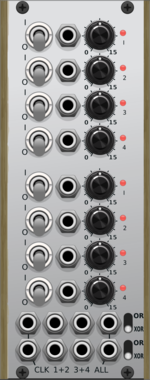
dBiz Divider

dBiz Divider

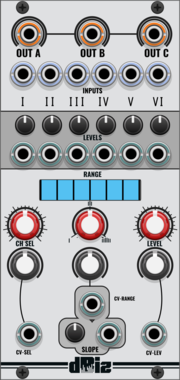
dBiz Util2

dBiz Util2

dBiz Smorph

dBiz Smorph

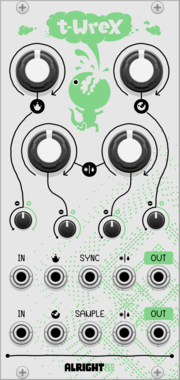
Alright Devices T-Wrex

Alright Devices T-Wrex

Analog bitcrusher and decimator

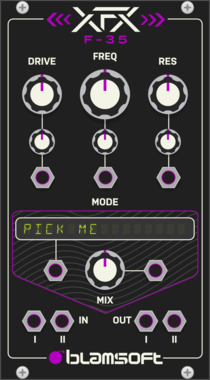
Blamsoft XFX F-35

Blamsoft XFX F-35

Multimode Filter

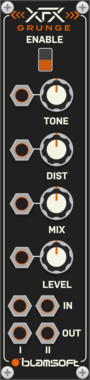
Blamsoft XFX Grunge

Blamsoft XFX Grunge

Distortion Stompbox

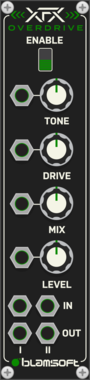
Blamsoft XFX Overdrive

Blamsoft XFX Overdrive

Distortion Stompbox

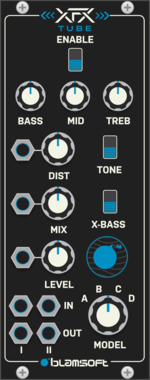
Blamsoft XFX Tube

Blamsoft XFX Tube

Tube Distortion

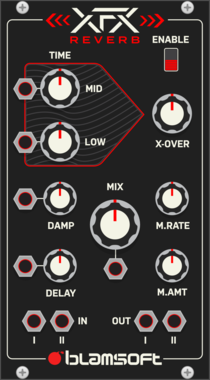
Blamsoft XFX Reverb

Blamsoft XFX Reverb

Reverb

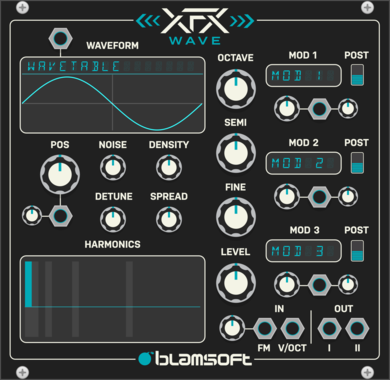
Blamsoft XFX Wave

Blamsoft XFX Wave

Wavetable Oscillator

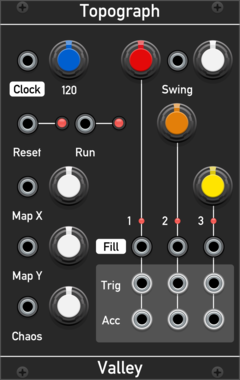
Valley Topograph

Valley Topograph

Topographic drum machine. This module is based on the original Mutable Instruments (TM) Grids sequencer module. The Map and Density controls explore and control the denisty of many pre-baked drum patterns.

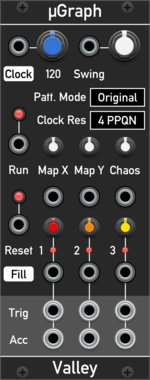
Valley uGraph

Valley uGraph

Topographic drum machine. This module is based on the original Mutable Instruments (TM) Grids sequencer module. The Map and Density controls explore and control the denisty of many pre-baked drum patterns.

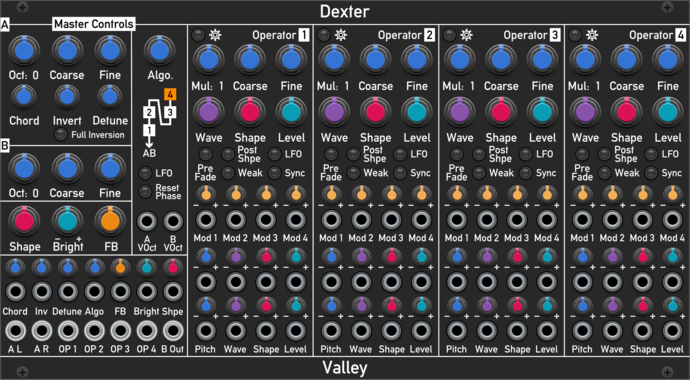
Valley Dexter

Valley Dexter

A multi-timbral, 4-operator FM oscillator with wavetable and waveshaping capabilities.

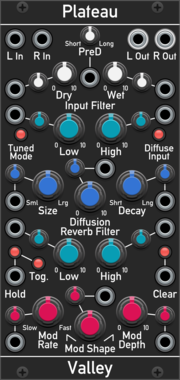
Valley Plateau

Valley Plateau

Lush and bendable plate reverb based on the Dattorro 1997 algorithm.

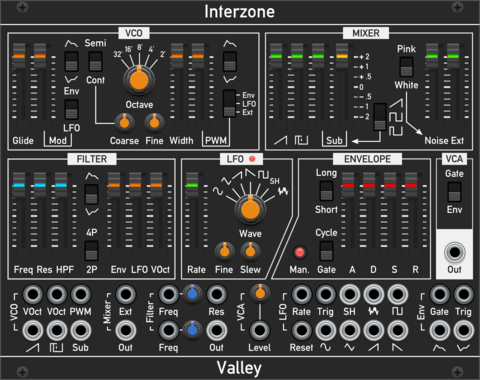
Valley Interzone

Valley Interzone

Polyphonic, virtual analogue synthesiser voice complete with a VCO, mixer, filter, LFO, and envelope generator.

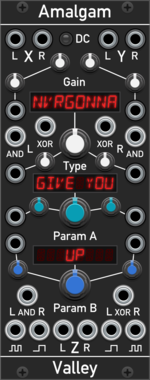
Valley Amalgam

Valley Amalgam

Multi-mode stereo signal combiner. Amalgam lets you combine and smash together signals in many different ways.

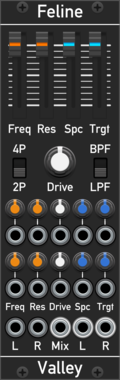
Valley Feline

Valley Feline

A stereo, state variable, virtual analogue filter.

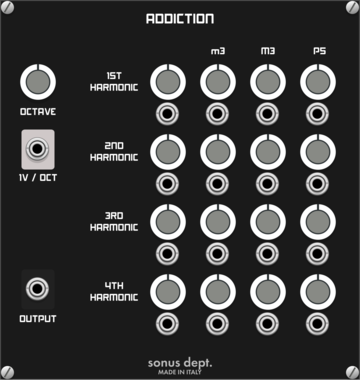
Sonus Dept. Addiction

Sonus Dept. Addiction

Additive Oscillator

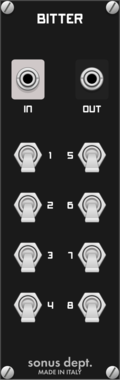
Sonus Dept. Bitter

Sonus Dept. Bitter

Bit Manipulator

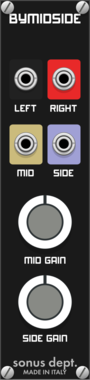
Sonus Dept. Bymidside

Sonus Dept. Bymidside

MS Encoder

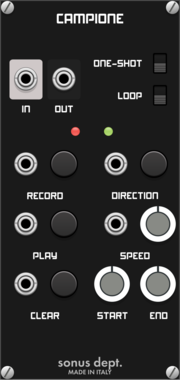
Sonus Dept. Campione

Sonus Dept. Campione

Live Sampler

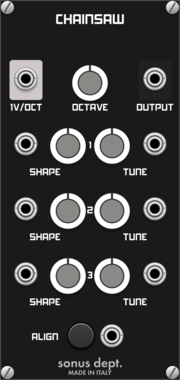
Sonus Dept. Chainsaw

Sonus Dept. Chainsaw

Fat Sawish VCO

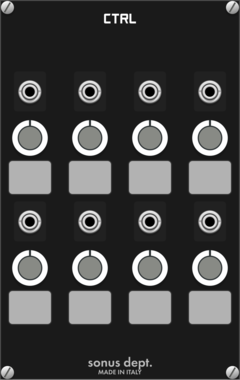
Sonus Dept. Ctrl

Sonus Dept. Ctrl

Customizable Controller


VCV Library Instructions

  • Download and install VCV Rack.
  • Register for a VCV account and log in using Rack’s “Library” menu.
  • Add or purchase a module on the VCV Library.
  • Open the “Library” menu in Rack, click “Update all” (if updates are needed), and restart Rack once downloaded.
  • Right-click an empty rack space to launch Rack’s module browser to add a module to your patch.

All plugins on the VCV Library are available for Windows, Mac, and Linux. The “major” version (i.e. MAJOR.MINOR.REVISION) must match between Rack and its plugins. For example, Rack 2.* can only load 2.* plugins.

Missing or incorrect information in this database, such as a missing tag? Inform the plugin author(s) using the contact information on their plugin/module page.

Developers: see Adding your plugin to the VCV Library.

Notes

Purchasing plugins with the “VCV” brand supports the VCV Rack project. See VCV’s Mission Statement to learn how VCV Rack development is funded.

Prices are in US Dollars.

By purchasing a plugin on the VCV Library, you agree to VCV’s End User License Agreement and Refund Policy.

Contact VCV Support for customer support and questions about the VCV Library.