
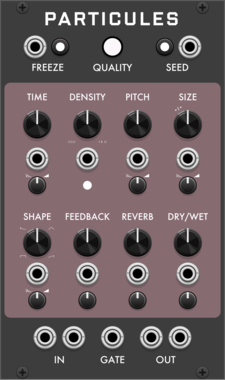
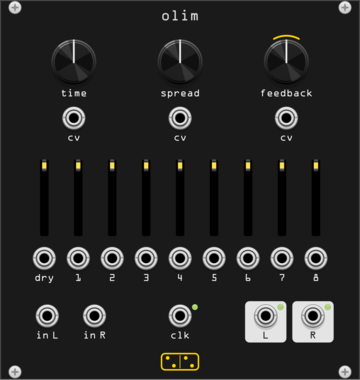
forsitan modulare olim
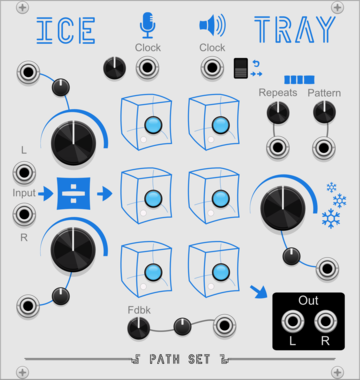
Eight-head stereo delay over 150 s of memory, a Time Machine clone with its VCA expander built in.
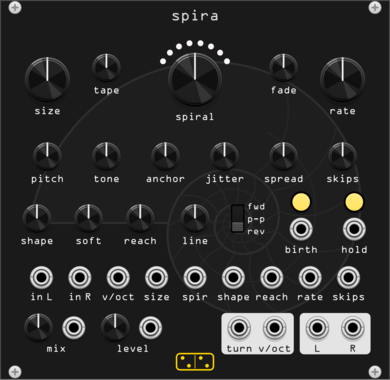
forsitan modulare spira
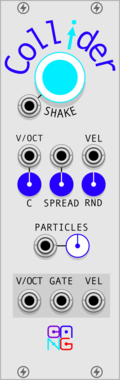
Looper of grains: circles loop off the input and spiral in or out, turn by turn.

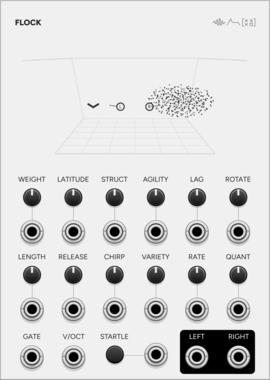
SignalFunctionSet Flock
A murmuration as a microtonal granular voice: flocking birds, grains as their calls.
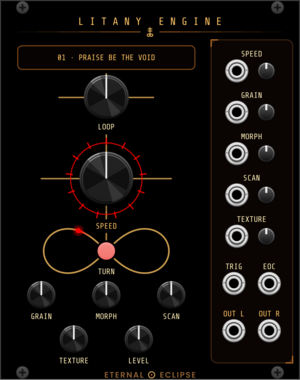
Eternal Eclipse Litany Engine
Looping sample player with an onboard litany of loops and a focused granular engine — or load your own sample folder: through-zero varispeed, grain size from whole-loop down to 15 ms, morphing overlap, scan and texture spray; stereo companion to the Coronal Annihilator's external input.
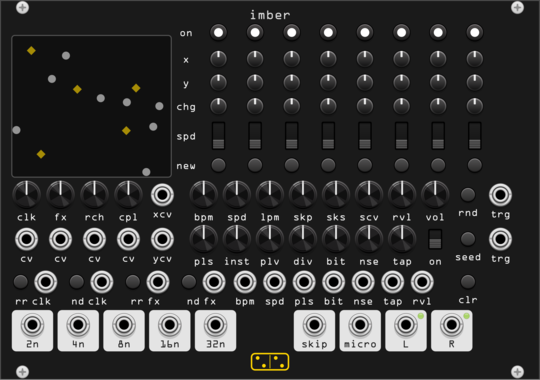
forsitan modulare imber
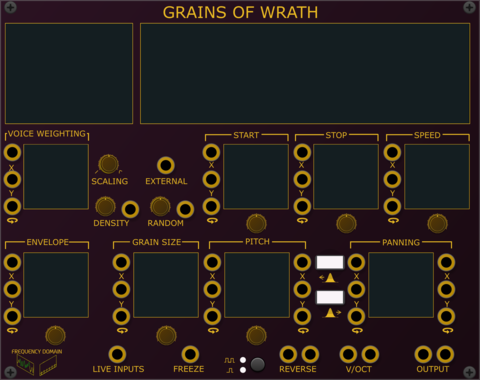
Generative rain: eight players on a 2D field where position is routing, over a self-generated bank.
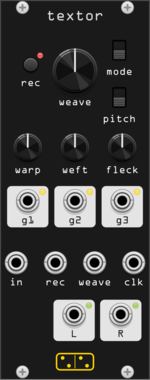
forsitan modulare textor
One-knob loop weaver: two seconds of audio, rewoven at every turn (Fieldtone Weaver clone).
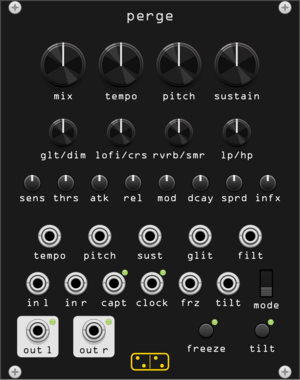
forsitan modulare perge
Stereo dynamic sampler and multi-effect: gated repeats, freeze, glitch (AC noises CONTINUA homage).
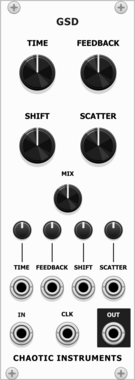
Chaotic Instruments Grain Shift Delay
Granular texturizer into a clock-synced crossfade delay with a single-sideband frequency shifter in the feedback.
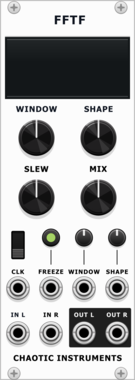
Chaotic Instruments FFTF
FFT spectral freeze: captures the incoming spectrum and sustains it as a frozen pad.
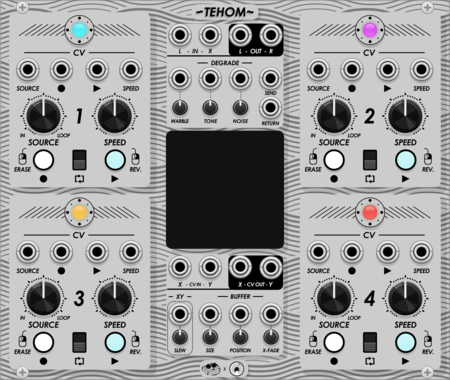
Moffenzeef Tehom
Collaboration with Omri Cohen. Quad sound on sound looper with wow & flutter + built in loops of noise sources.
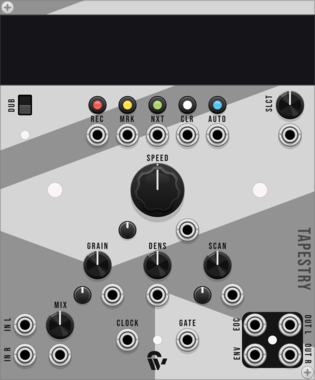
Shortwav Labs Tapestry
Granular microsound processor inspired by musique concrète - manipulate audio reels with splices, grains, and morph controls

Sulamith GenEcho: Stochastic Looper
Granular stereo recorder and stochastic effect. Stutter, Distortion, Glitches (port from Stochkit).
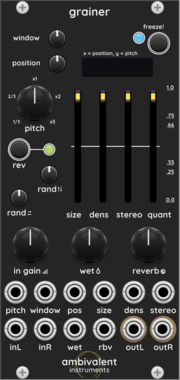

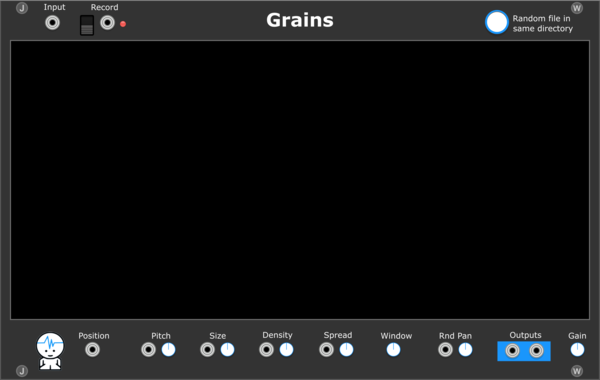
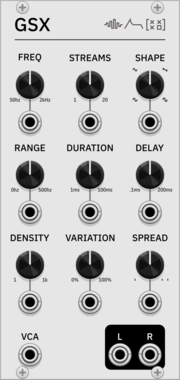
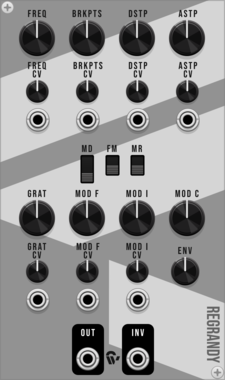
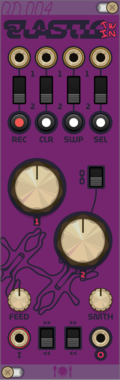
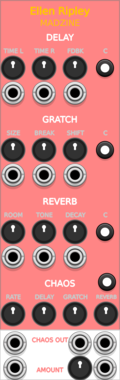
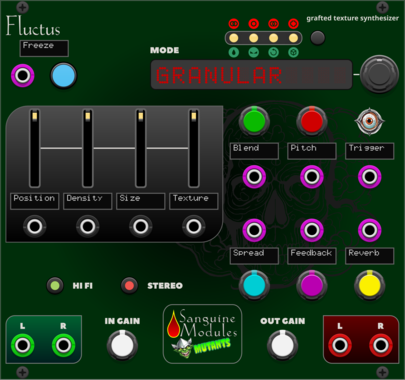
Sanguine Mutants Fluctus
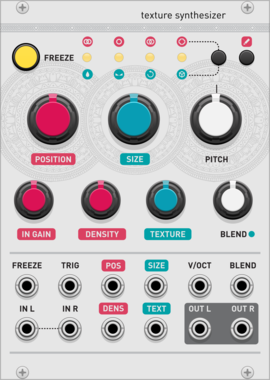
Texture synthesizer based on the Kammerl Beat-Repeat firmware for Mutable Instruments' Clouds
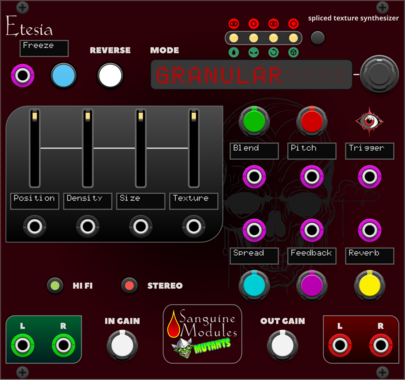
Sanguine Mutants Etesia
Texture synthesizer based on the Parasite firmware for Mutable Instruments' Clouds
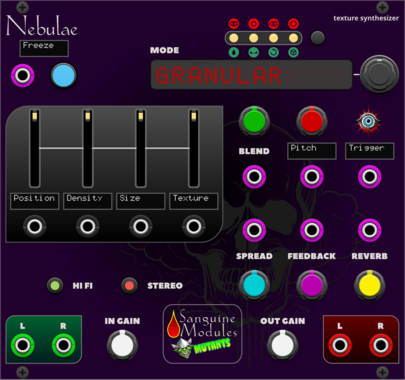
Sanguine Mutants Nebulae
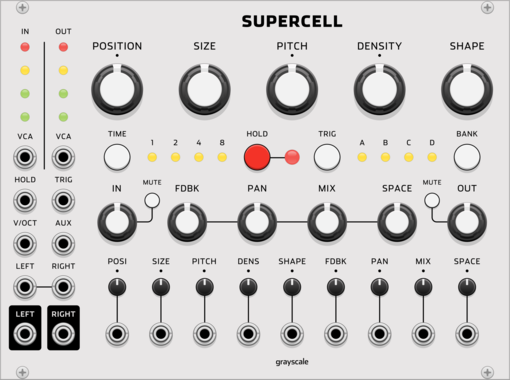
Texture synthesizer based on the Monsoon version of Mutable Instruments' Clouds
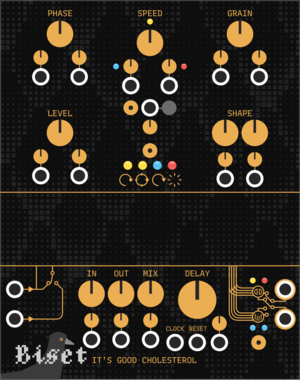

VCV Library Instructions
- Download and install VCV Rack.
- Register for a VCV account and log in using Rack’s “Library” menu.
- Add or purchase a module on the VCV Library.
- Open the “Library” menu in Rack, click “Update all” (if updates are needed), and restart Rack once downloaded.
- Right-click an empty rack space to launch Rack’s module browser to add a module to your patch.
All plugins on the VCV Library are available for Windows, Mac, and Linux.
The “major” version (i.e. MAJOR.MINOR.REVISION) must match between Rack and its plugins.
For example, Rack 2.* can only load 2.* plugins.
Missing or incorrect information in this database, such as a missing tag? Inform the plugin author(s) using the contact information on their plugin/module page.
Developers: see Adding your plugin to the VCV Library.
Notes
Purchasing plugins with the “VCV” brand supports the VCV Rack project. See VCV’s Mission Statement to learn how VCV Rack development is funded.
Prices are in US Dollars.
By purchasing a plugin on the VCV Library, you agree to VCV’s End User License Agreement and Refund Policy.
Contact VCV Support for customer support and questions about the VCV Library.