







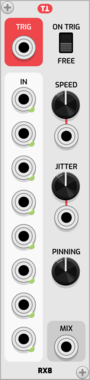

Strum's VCV Modules MentalMux8

Strum's VCV Modules MentalMux8

8 input Multiplexer

UtilitySwitch

KRT F

KRT F

24 dB morph filter. A 2D interpolation and extrapolation between 4 classic analytic filter responses of Bessel, Butterworth, Linkwitz and Legendre. Includes an inter-pole distortion effect and morphing to the inverse filter.

FilterPolyphonic

AS BlankPanel8

AS BlankPanel8

Blank Panel 8 HP

Blank

Bogaudio UMIX

Bogaudio UMIX

8-input unity mixer

MixerPolyphonic

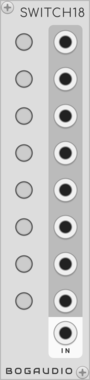
Bogaudio SWITCH18

Bogaudio SWITCH18

8-way signal router

SwitchPolyphonic

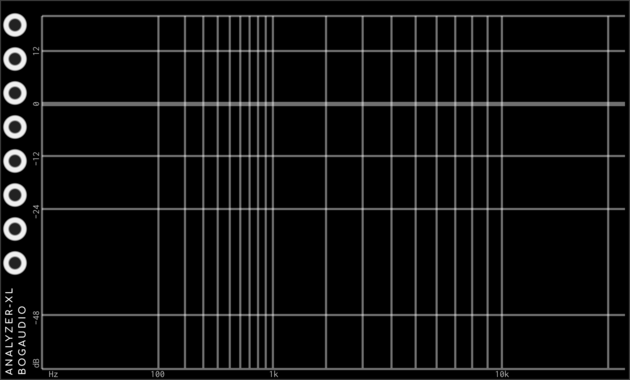
Bogaudio ANALYZER-XL

Bogaudio ANALYZER-XL

8-channel spectrum analyzer

Visual

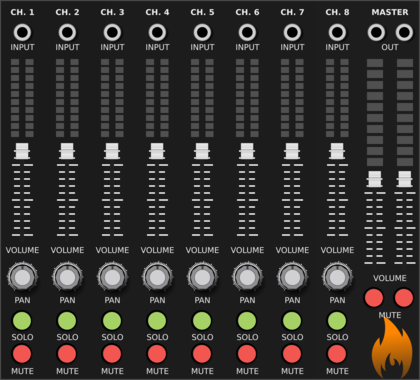
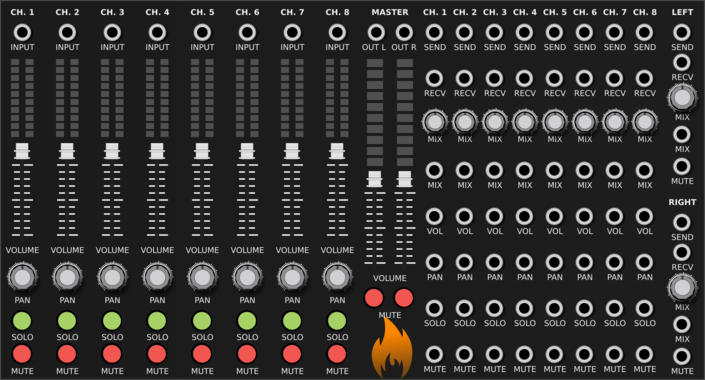
SV Modular Mixer

SV Modular Mixer

8 Channel Stereo Mixer

Mixer

DHE Modules Buttons

DHE Modules Buttons

8 buttons with overrides

Utility

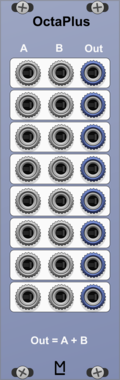
ML Modules OctaPlus

ML Modules OctaPlus

8 fold Adder.

UtilityMixerPolyphonic

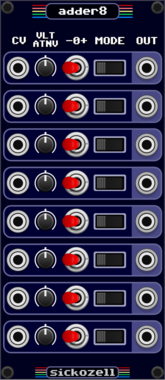
Sickozell adder8

Sickozell adder8

8 adder and subtractor

MixerUtility

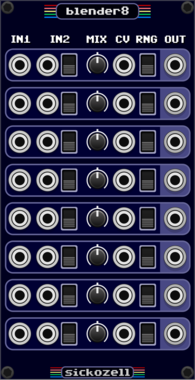
Sickozell blender8

Sickozell blender8

8 single crossfade mixers

Mixer

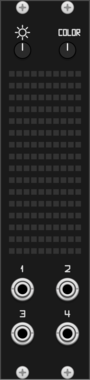
Rubikon Invaders

Rubikon Invaders

Hardware-emulated RGB LED matrix featuring a classic arcade animation engine with dynamic phosphor decay and CV-controlled glitch FX. This is a VCVRack version of a hardware prototype. Get in touch if you're interested in the hardware version.

docB Osc3

docB Osc3

Step/Line segment oscillator with alias suppressing

OscillatorPolyphonic

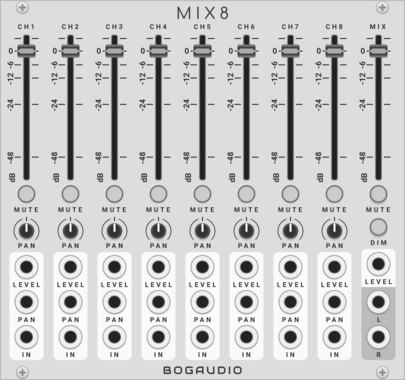
Bogaudio MIX8

Bogaudio MIX8

8-channel mixer and panner

MixerPanning

SV Modular Mixer CV

SV Modular Mixer CV

CV Controlled 8 Channel Mixer

Mixer

Grande Merge8

Grande Merge8

8-channel polyphonic merge.

UtilityPolyphonic

Grande Split8

Grande Split8

8-channel polyphonic split.

UtilityPolyphonic

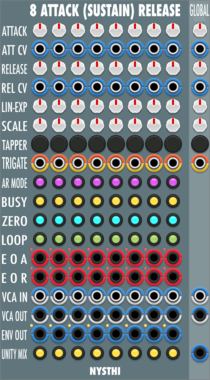
NYSTHI AttackSustainRelease8

NYSTHI AttackSustainRelease8

8 Attack (Sustain) Release Envelopes

UtilityQuadEnvelope generatorFunction generator

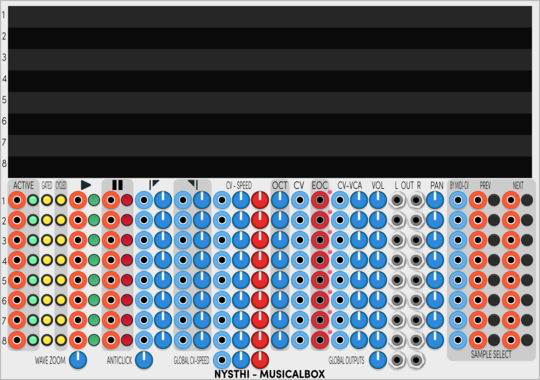
NYSTHI MusicalBox

NYSTHI MusicalBox

Multi sampler with 8 oscillators

SamplerQuadOscillator

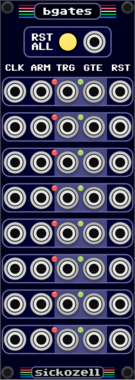
Sickozell bGates

Sickozell bGates

8 Buffered gates and triggers

Logic

Tiny Tricks Random Mix x8

Tiny Tricks Random Mix x8

Randomly mix 8 channels.

SwitchRandomUtility

docB Mix8

docB Mix8

CV Mixer with 8 channels

Mixer


VCV Library Instructions

  • Download and install VCV Rack.
  • Register for a VCV account and log in using Rack’s “Library” menu.
  • Add or purchase a module on the VCV Library.
  • Open the “Library” menu in Rack, click “Update all” (if updates are needed), and restart Rack once downloaded.
  • Right-click an empty rack space to launch Rack’s module browser to add a module to your patch.

All plugins on the VCV Library are available for Windows, Mac, and Linux. The “major” version (i.e. MAJOR.MINOR.REVISION) must match between Rack and its plugins. For example, Rack 2.* can only load 2.* plugins.

Missing or incorrect information in this database, such as a missing tag? Inform the plugin author(s) using the contact information on their plugin/module page.

Developers: see Adding your plugin to the VCV Library.

Notes

Purchasing plugins with the “VCV” brand supports the VCV Rack project. See VCV’s Mission Statement to learn how VCV Rack development is funded.

Prices are in US Dollars.

By purchasing a plugin on the VCV Library, you agree to VCV’s End User License Agreement and Refund Policy.

Contact VCV Support for customer support and questions about the VCV Library.