
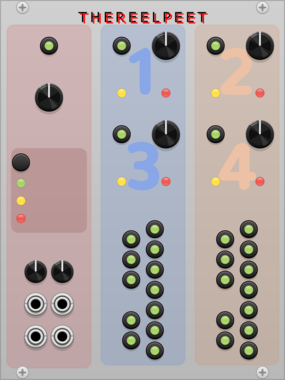
THEREELPEET TheReelPeet-Evo
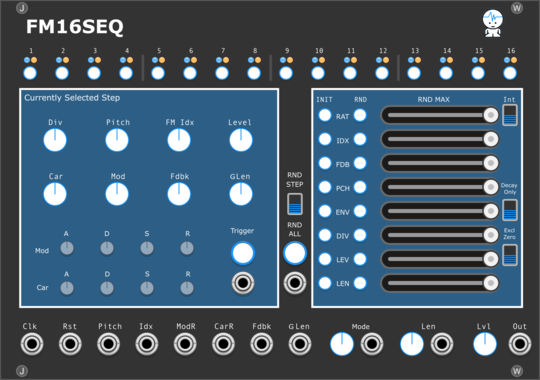
Single-lane genetic-algorithm sequencer. Evolves patterns via elitism, crossover, and mutation (Drift/Persist) instead of flat randomization, for repetition-with-change generative melodies.
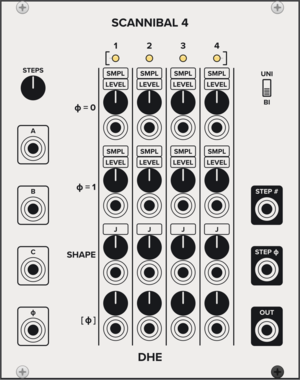
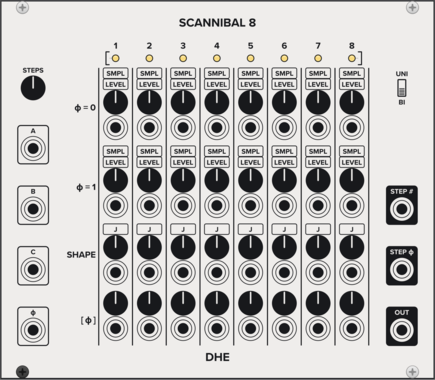
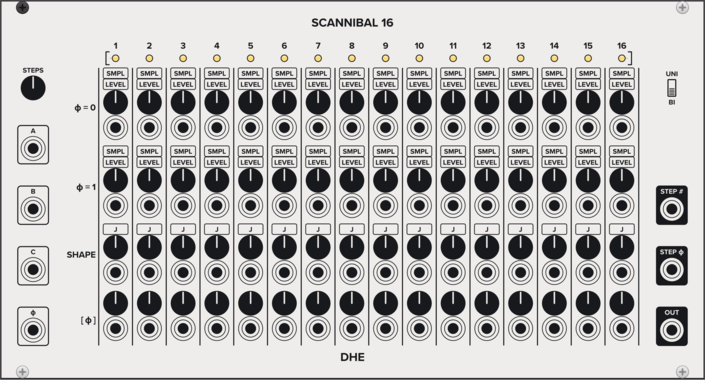
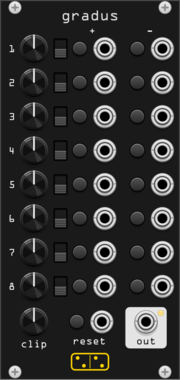
forsitan modulare gradus
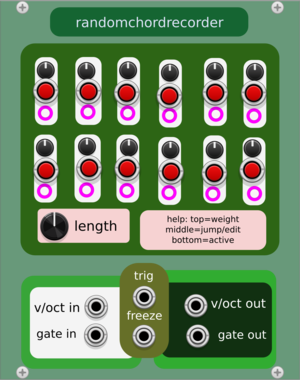
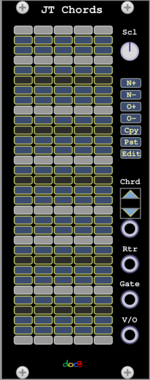
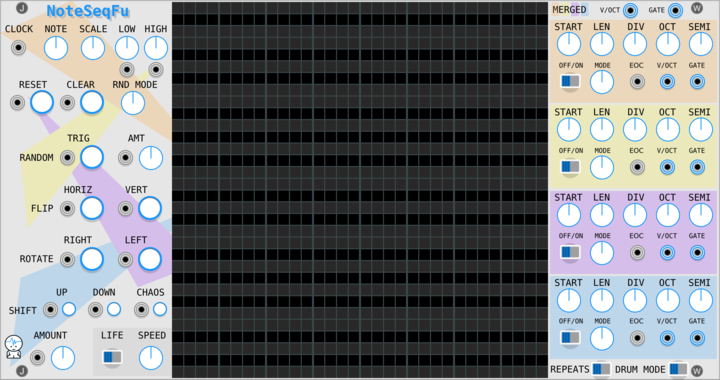
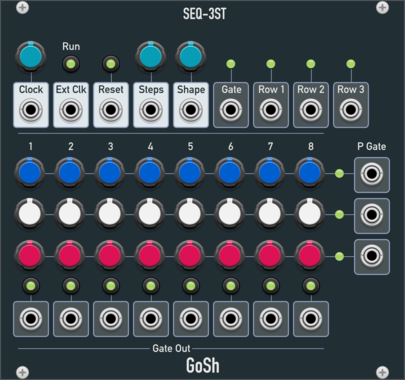
Eight rows of one knob and four moves: step the CV up or down, or jump to plus or minus it.
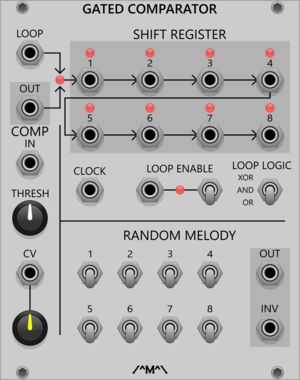
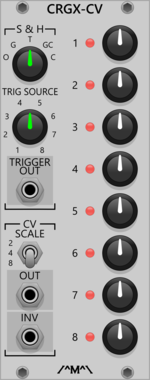
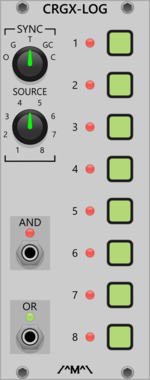
Count Modula Clocked Random Gate Logic Expander
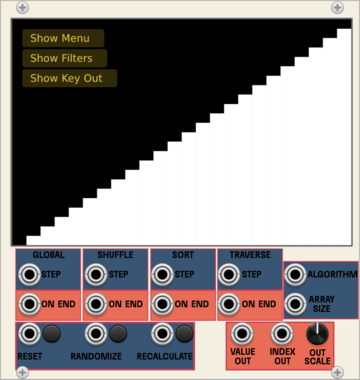
Logical processing of the gates from the Clocked Random Gates module

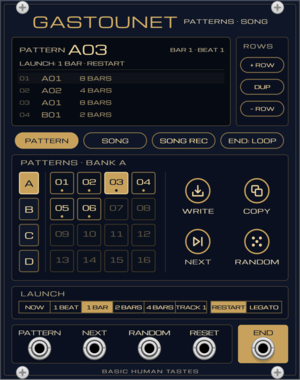
Basic Human Tastes Gastounet
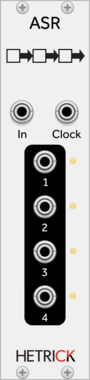
Pattern memory and song expander for Gaston (attach to its left): 4 banks of 16 patterns, Korg-style write and copy, next and random, quantized launch with restart or legato, and a song made of pattern rows







VCV Library Instructions
- Download and install VCV Rack.
- Register for a VCV account and log in using Rack’s “Library” menu.
- Add or purchase a module on the VCV Library.
- Open the “Library” menu in Rack, click “Update all” (if updates are needed), and restart Rack once downloaded.
- Right-click an empty rack space to launch Rack’s module browser to add a module to your patch.
All plugins on the VCV Library are available for Windows, Mac, and Linux.
The “major” version (i.e. MAJOR.MINOR.REVISION) must match between Rack and its plugins.
For example, Rack 2.* can only load 2.* plugins.
Missing or incorrect information in this database, such as a missing tag? Inform the plugin author(s) using the contact information on their plugin/module page.
Developers: see Adding your plugin to the VCV Library.
Notes
Purchasing plugins with the “VCV” brand supports the VCV Rack project. See VCV’s Mission Statement to learn how VCV Rack development is funded.
Prices are in US Dollars.
By purchasing a plugin on the VCV Library, you agree to VCV’s End User License Agreement and Refund Policy.
Contact VCV Support for customer support and questions about the VCV Library.