

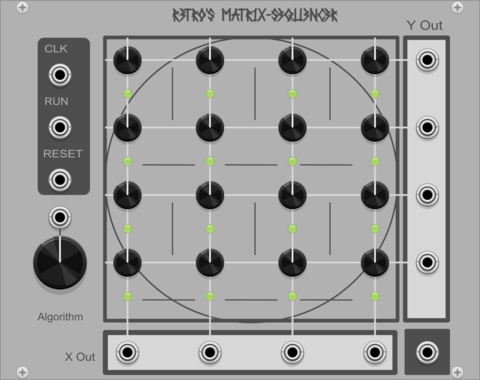
Matrix Sequencer matrix-sequencer
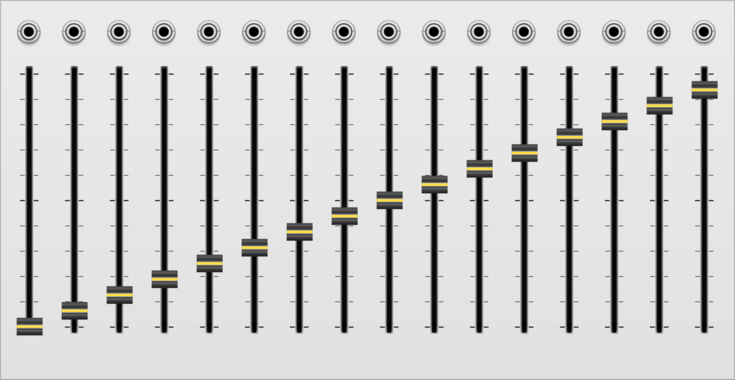
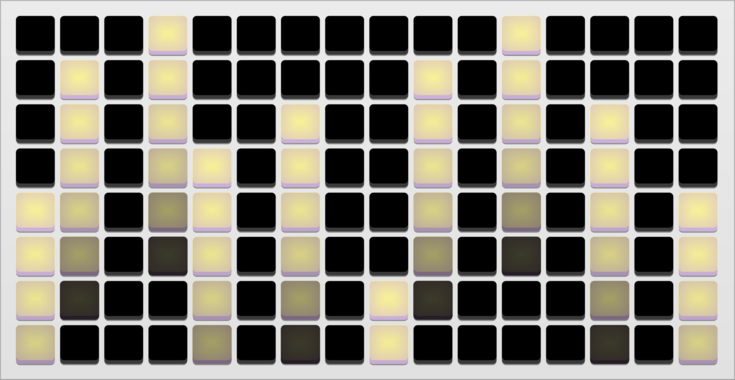
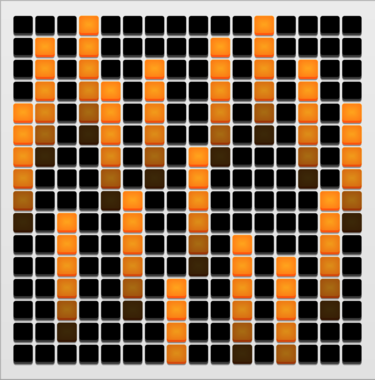
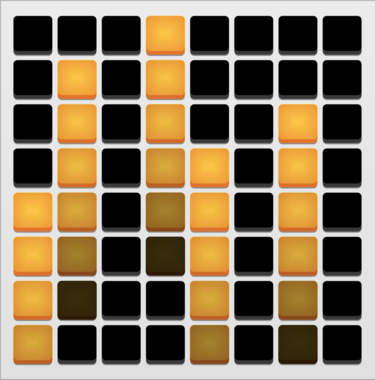
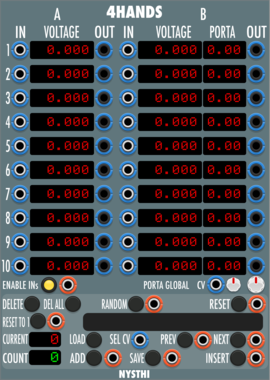
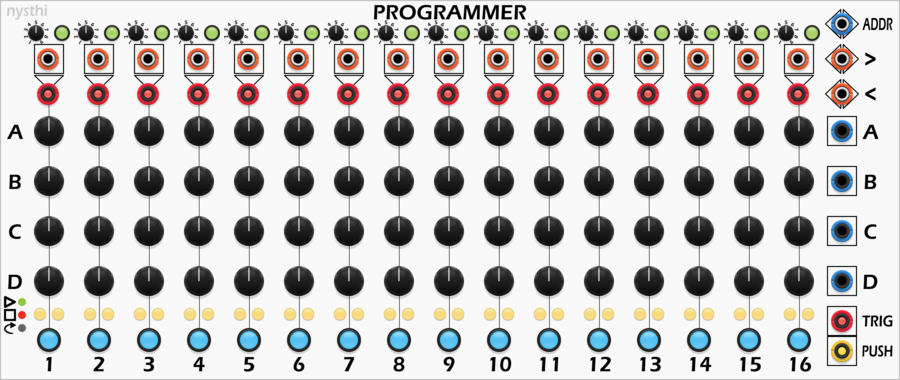
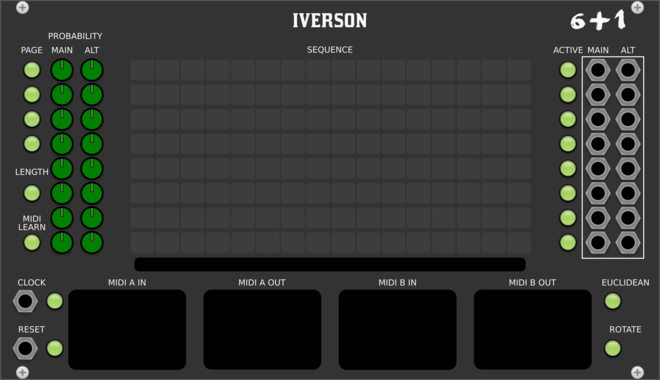
Simple matrix sequencer for VCV Rack 2 with three different playback algorithms.








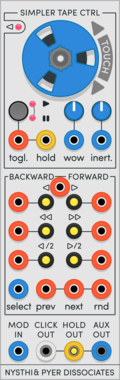
NYSTHI SimplerTapeControl
Reel to reel tape style controller for samplers; expander for Simpliciter and Confusing Simpler
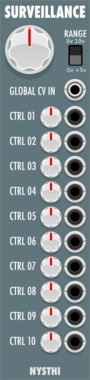
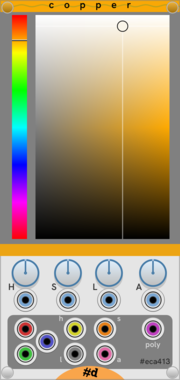

pachde Copper-mini
A mini version of the Copper color picker and extender with modulation and outputs
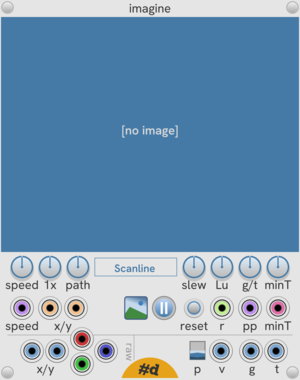
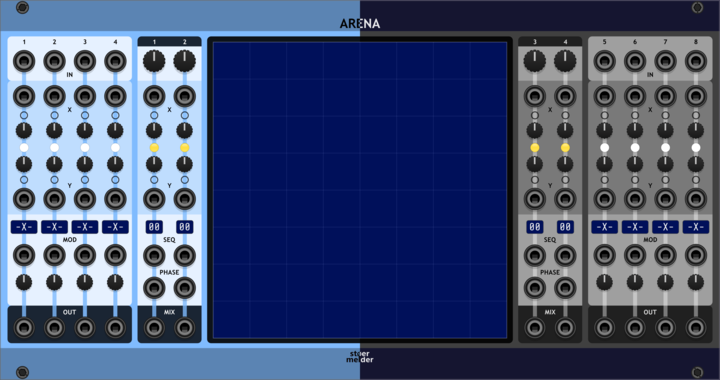
stoermelder ARENA
2-dimensional XY-Mixer for 8 sources with various modulation targets and fun graphical interface
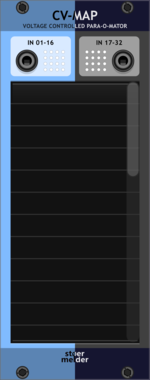
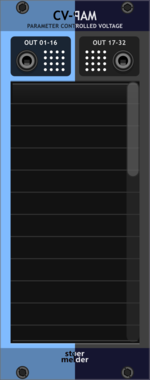
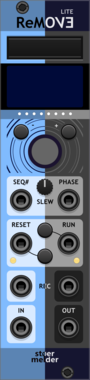

stoermelder STRIP
Manage a group of modules by using the expander-mechanism, providing load, save, copy, paste, disable, enable and randomize

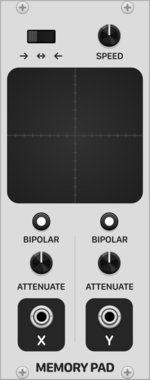
Patina Memory Pad
Interactive X-Y pad that records and repeats path drawn on touchpad. Can be used to modulate any parameter as a custom-drawn LFO with 2 outputs. Outputs can be set to bipolar or unipolar values and attenuated. Drag with the mouse on the touchpad to record a path.





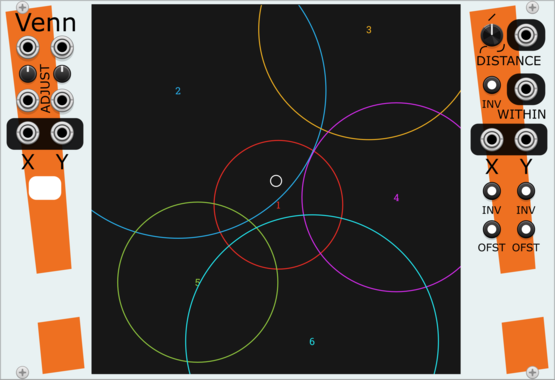
Stochastic Telegraph Venn
2D graphical control signals. A single moving or mouse-driven point causes up to 16 circles to output signals based on the point's position within them.
VCV Library Instructions
- Download and install VCV Rack.
- Register for a VCV account and log in using Rack’s “Library” menu.
- Add or purchase a module on the VCV Library.
- Open the “Library” menu in Rack, click “Update all” (if updates are needed), and restart Rack once downloaded.
- Right-click an empty rack space to launch Rack’s module browser to add a module to your patch.
All plugins on the VCV Library are available for Windows, Mac, and Linux.
The “major” version (i.e. MAJOR.MINOR.REVISION) must match between Rack and its plugins.
For example, Rack 2.* can only load 2.* plugins.
Missing or incorrect information in this database, such as a missing tag? Inform the plugin author(s) using the contact information on their plugin/module page.
Developers: see Adding your plugin to the VCV Library.
Notes
Purchasing plugins with the “VCV” brand supports the VCV Rack project. See VCV’s Mission Statement to learn how VCV Rack development is funded.
Prices are in US Dollars.
By purchasing a plugin on the VCV Library, you agree to VCV’s End User License Agreement and Refund Policy.
Contact VCV Support for customer support and questions about the VCV Library.