
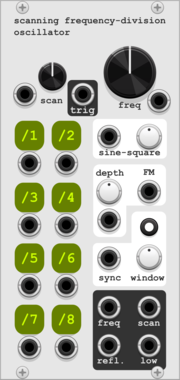
HoyerHoppes Scanning Frequency Division Oscillator
Polyphonic oscillator with thru-zero FM, windowed sync, and a unique scannable frequency-division parameter.









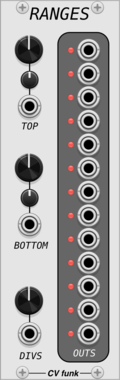

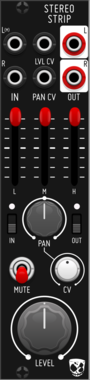
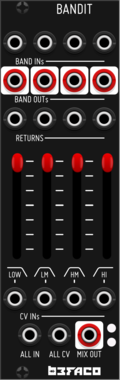
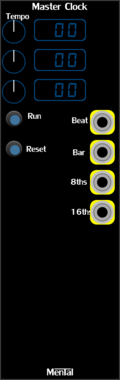
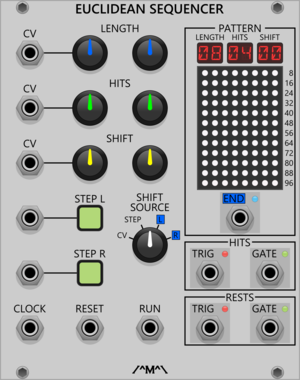

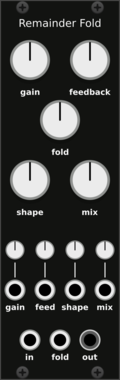
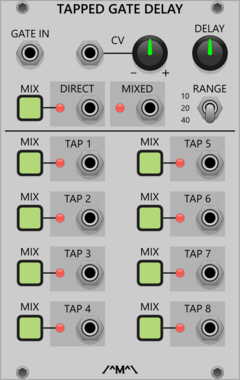
Count Modula Tapped Gate Delay
A gate delay that offers up to 40 seconds of delay with tapped outputs at equal intervals along the delay line
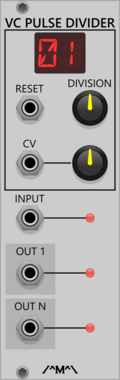
Count Modula Voltage Controlled Pulse Divider
Voltage controlled division of pulse signals such as gates and triggers

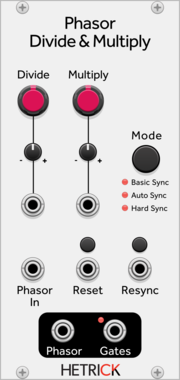
HetrickCV Phasor Divide & Multiply
Processes a phasor signal and outputs a phasor at a precise, variable time multiple or division.

Count Modula Voltage Controlled Frequency Divider MkII
Frequency divider with a variable and voltage controlled division ratio from 1 to around 20
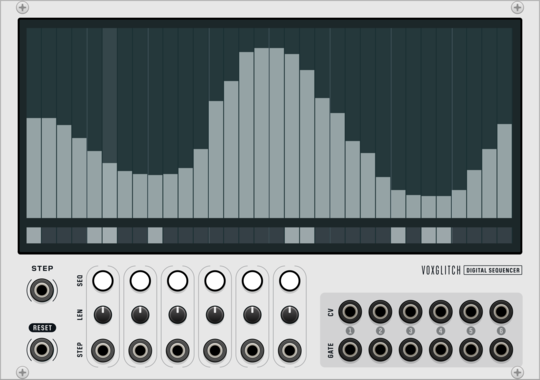
Voxglitch Digital Sequencer
Six-in-one cv/gate sequencers with independent control over clock division and sequence length.
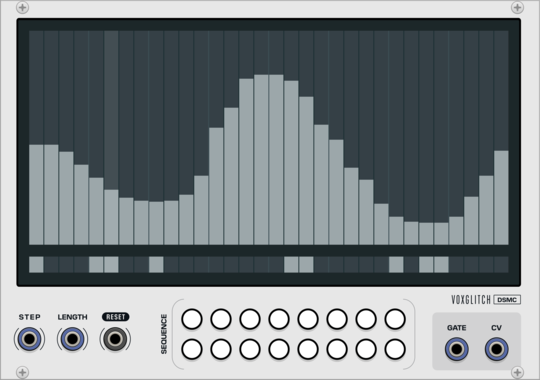
Voxglitch Digital Sequencer XP
Polyphonic version of the Digital Sequencer. Sixteen-in-one cv/gate sequencers with independent control over clock division and sequence length.
VCV Library Instructions
- Download and install VCV Rack.
- Register for a VCV account and log in using Rack’s “Library” menu.
- Add or purchase a module on the VCV Library.
- Open the “Library” menu in Rack, click “Update all” (if updates are needed), and restart Rack once downloaded.
- Right-click an empty rack space to launch Rack’s module browser to add a module to your patch.
All plugins on the VCV Library are available for Windows, Mac, and Linux.
The “major” version (i.e. MAJOR.MINOR.REVISION) must match between Rack and its plugins.
For example, Rack 2.* can only load 2.* plugins.
Missing or incorrect information in this database, such as a missing tag? Inform the plugin author(s) using the contact information on their plugin/module page.
Developers: see Adding your plugin to the VCV Library.
Notes
Purchasing plugins with the “VCV” brand supports the VCV Rack project. See VCV’s Mission Statement to learn how VCV Rack development is funded.
Prices are in US Dollars.
By purchasing a plugin on the VCV Library, you agree to VCV’s End User License Agreement and Refund Policy.
Contact VCV Support for customer support and questions about the VCV Library.