
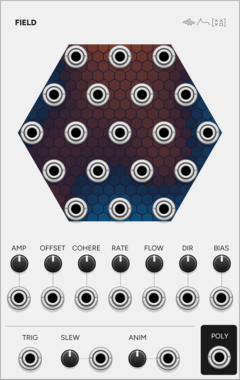
SignalFunctionSet Field
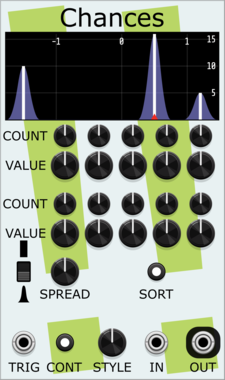
Nineteen related random voltages: one smooth random field read at nineteen points.
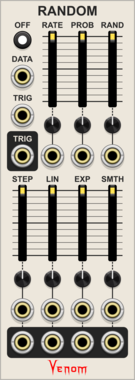
Venom Random
Fully polyphonic implementation of the VCV RANDOM CV generator with independent shape controls
Clock generatorLow-frequency oscillatorPolyphonicRandomSample and hold
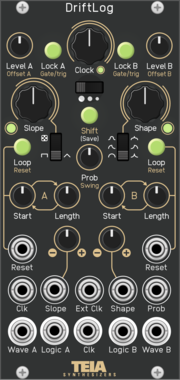
Teia Synthesizers DriftLog
Dual random CV generator with slope shaping, per-channel loop buffers, lock and logic outputs. Software port of the Teia Synthesizers DriftLog Eurorack module.
RandomSample and holdSequencerLow-frequency oscillatorDualClock modulatorHardware clone
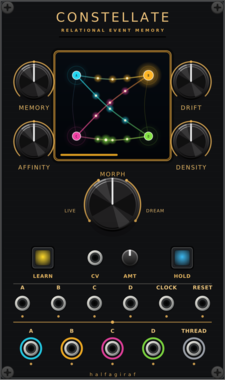
halfagiraf Constellate
Four-channel relational event memory and generative trigger processor with transition-confidence CV.
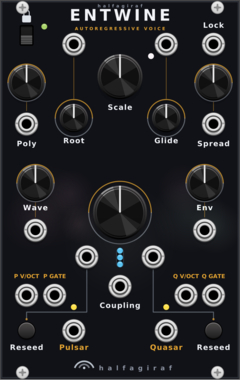

halfagiraf MOD1
Three independently scaled random CV outputs with internal or external clocking and smooth or stepped motion.
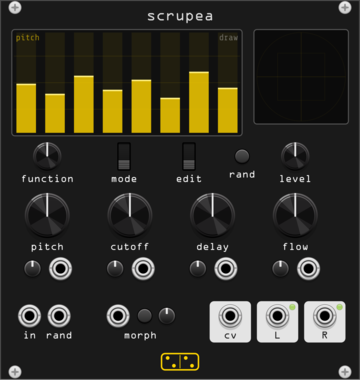
forsitan modulare scrupea
Chaotic bank: 16 oscillators into tuned feedback combs, modulating each other.
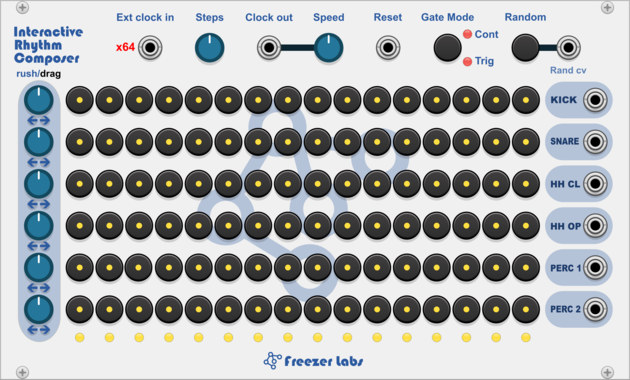
Freezer Labs Interactive Rhythm Composer
6 row drum sequencer with interactive style pattern generator, per-row shift and rush/drag controls and step probability.
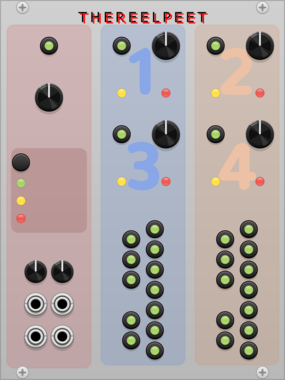
THEREELPEET TheReelPeet-Evo
Single-lane genetic-algorithm sequencer. Evolves patterns via elitism, crossover, and mutation (Drift/Persist) instead of flat randomization, for repetition-with-change generative melodies.
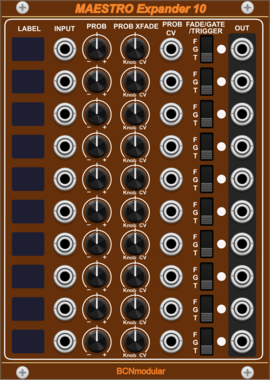
BCNmodular Maestro Expander 10
Adds channels 7-16 to Maestro. Links to a Maestro Core via context menu, not physical placement.
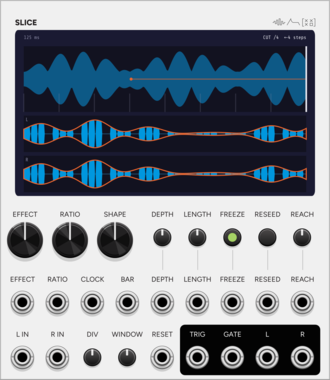
SignalFunctionSet Fill
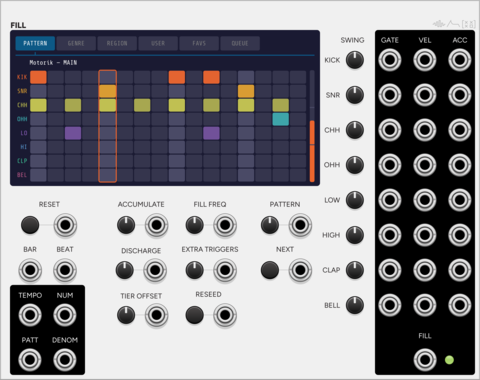
Auto-playing drum sequencer whose pressure builds each bar and vents as a fill.

Shortwav Labs Drift
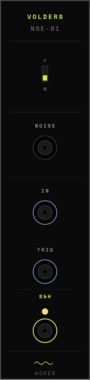
3HP fluctuating random LFO inspired by source-of-uncertainty circuits, with offset, speed, range, Signal B attenuverting, subtle interference, and occasional voltage slips.
Infinite-Noise Turing Machine
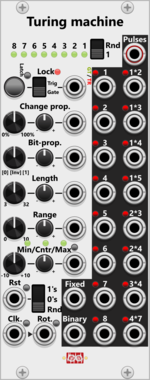
10HP Turing machine for random sequences of 3-32 steps. 16 gate/trigger (also poly) and 2 value outputs. Lock, quantize.
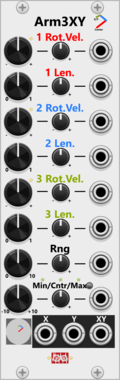
Infinite-Noise Arm 3 XY
8HP length and rotation of 3 arms (basically 3 polar vectors) generate a semi-random X/Y curve, plus XY mix. Rate Chaos.

Infinite-Noise Random Curve
4HP generates 6 shaped random curves with min/max and distribution. Internal LFO, Rate Chaos, quantize.

Infinite-Noise Random-4
2HP generates 4 random values with min/max and distribution at each trigger or internal LFO. Rate Chaos.

Infinite-Noise Bernoulli Switch
2HP Bernoulli switch with A/B-> (2 in, 1 out) and ->A/B (1 in, 2 out). Probability, clock in or internal LFO, Rate Chaos.
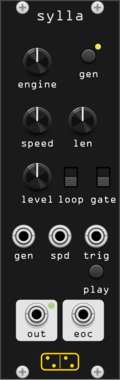
forsitan modulare sylla
Random sample generator and player: ever-new procedural samples from 27 selectable engines, nothing from disk.
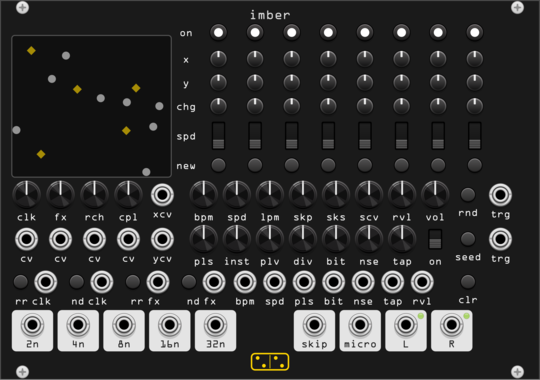
forsitan modulare imber
Generative rain: eight players on a 2D field where position is routing, over a self-generated bank.
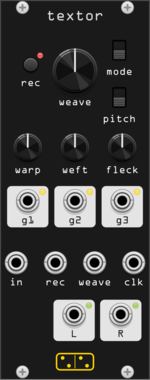
forsitan modulare textor
One-knob loop weaver: two seconds of audio, rewoven at every turn (Fieldtone Weaver clone).
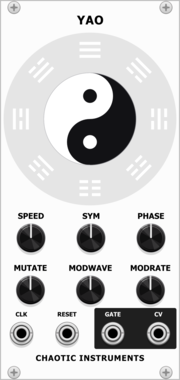
Chaotic Instruments Yao
Clock-synced generative complex LFO: two interfering sine phasors whose beat envelope is steered by an I-Ching trigram change engine.
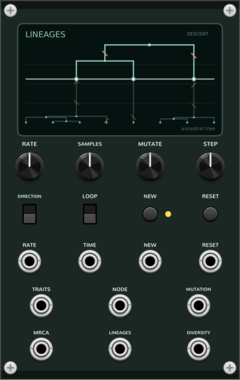
Coalescent Lineages
Generative ancestral-tree sequencer: sampled traits coalesce backward into a common ancestor or branch forward through neutral mutation.
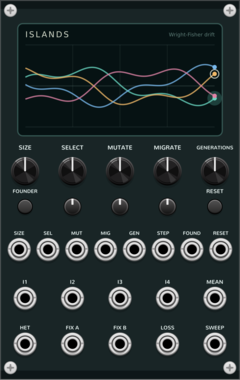
Coalescent Islands
Four-island Wright-Fisher drift: bounded stochastic allele-frequency CV with selection, mutation, migration, and founder bottlenecks.
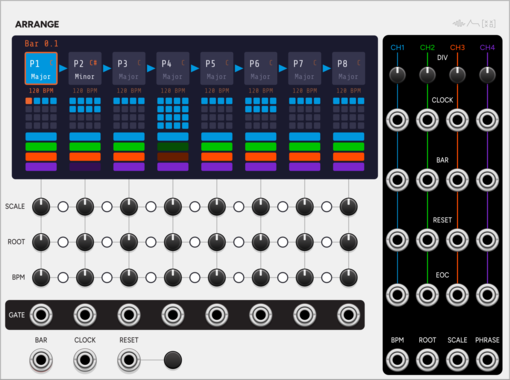
SignalFunctionSet Arrange
Song-form sequencer: a chain of 8 phrases, each with its own length, key and tempo.
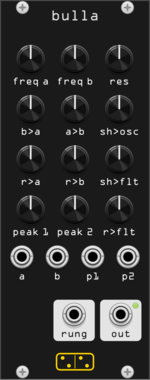
forsitan modulare bulla
Inspired by Hordijk's Blippoo Box: cross-modulating oscillators and runglers, pattern and chaos.
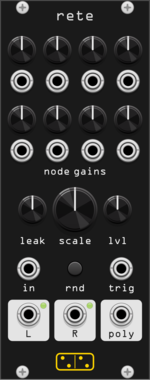
forsitan modulare rete
Feedback integrator network: eight leaky nodes in a random mixing matrix, self-oscillating chaos.
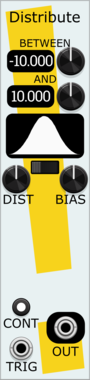
Stochastic Telegraph Distribute
Tunable random voltage generator, with a large variety of random distributions.
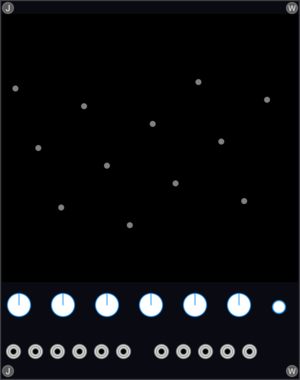
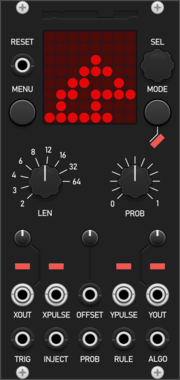
Modular Mooch Wolfram
A multi-algorithmic sequencer capable of generating complex evolving patterns. Algorithms include one & two-dimensional cellular automata such as Conway's Game of Life. Sequences can be captured and looped, much like the Turing Machine.
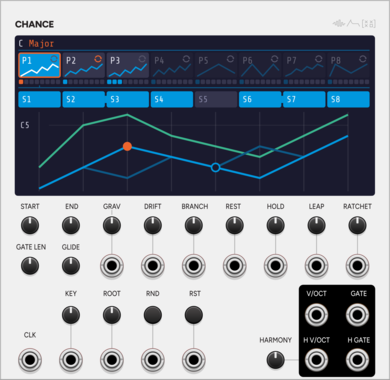
SignalFunctionSet Chance
Generative melodic walk: a seeded core melody that may stray to a neighbour.
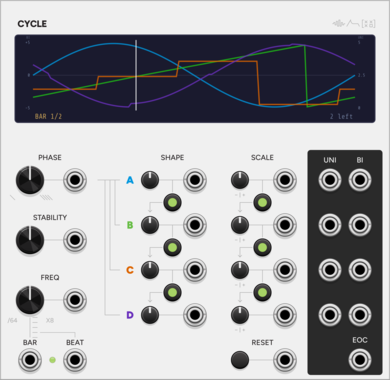
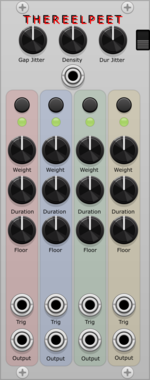
THEREELPEET Phrasing
Phrasing and presence controller. Shapes rests, repeats, changes, and level-focused dynamics; intended to drive VCAs or Morph 4-style level CV inputs.



VCV Library Instructions
- Download and install VCV Rack.
- Register for a VCV account and log in using Rack’s “Library” menu.
- Add or purchase a module on the VCV Library.
- Open the “Library” menu in Rack, click “Update all” (if updates are needed), and restart Rack once downloaded.
- Right-click an empty rack space to launch Rack’s module browser to add a module to your patch.
All plugins on the VCV Library are available for Windows, Mac, and Linux.
The “major” version (i.e. MAJOR.MINOR.REVISION) must match between Rack and its plugins.
For example, Rack 2.* can only load 2.* plugins.
Missing or incorrect information in this database, such as a missing tag? Inform the plugin author(s) using the contact information on their plugin/module page.
Developers: see Adding your plugin to the VCV Library.
Notes
Purchasing plugins with the “VCV” brand supports the VCV Rack project. See VCV’s Mission Statement to learn how VCV Rack development is funded.
Prices are in US Dollars.
By purchasing a plugin on the VCV Library, you agree to VCV’s End User License Agreement and Refund Policy.
Contact VCV Support for customer support and questions about the VCV Library.