
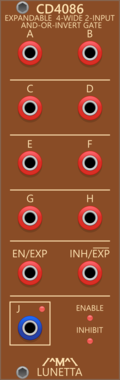
Lunetta Modula CD4086 Expandable 4-Wide 2-Input AND-OR-INVERT Gate
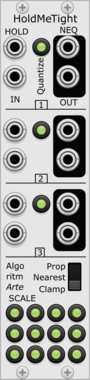
Expandable 4-Wide 2-Input AND-OR-INVERT Gate


Chortling Hamster Modules Pop
Pop is a small sample and hold module. One input, one trigger and one output. But it has a chortling hamster on it!

Sulamith Poly to Sequence
Takes a polyphonic Input and sequences it to a clock (fwd, bwd, rnd). Step probability + add random probability with range.

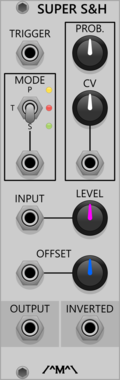
Count Modula Super Sample & Hold
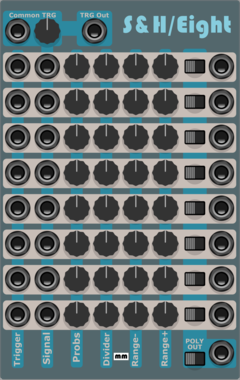
Sample and Hold/Track and hold with probability, offset and inbuilt noise source
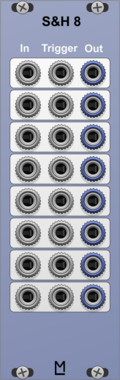
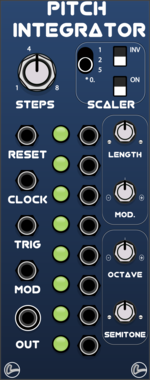
LifeFormModular PitchIntegrator
Sequential switch based on ML switches, with sample and hold designed for pitch
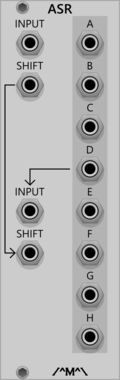
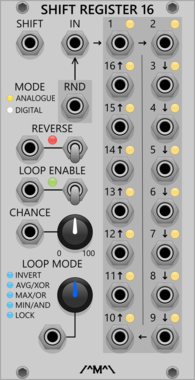
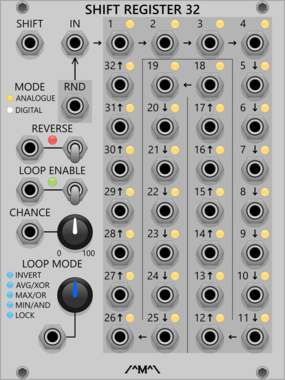
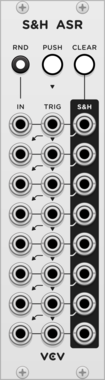

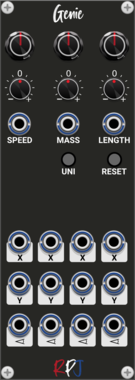
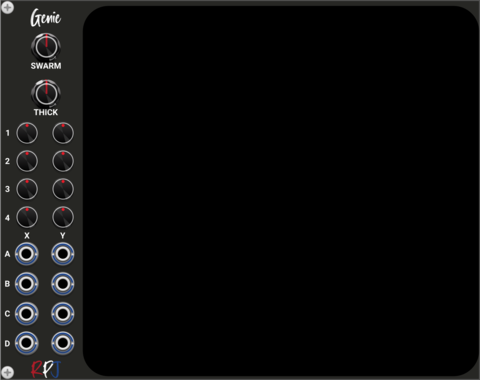
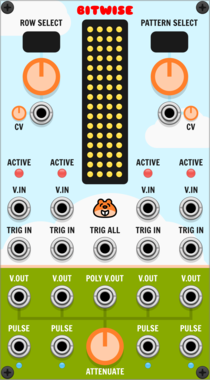
Chortling Hamster Modules Bitwise
Bitwise is four sample and hold circuits whose triggers can be affected by CV controlled patterns.
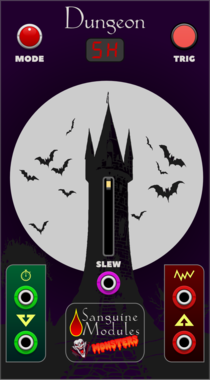
Sanguine Monsters Dungeon
Sample and hold, track and hold, hold and track and white noise source with light up faceplate
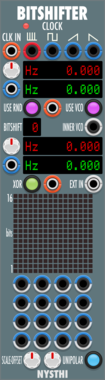
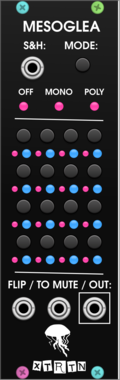

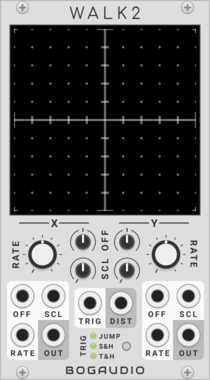
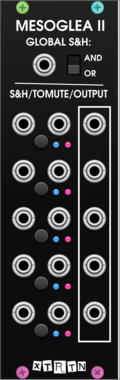
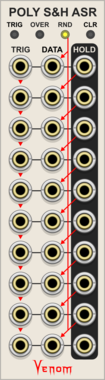
Venom Poly Sample & Hold Analog Shift Register
Ten channel polyphonic sample and hold combined with a shift register

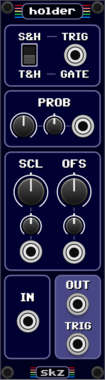
Sickozell holder Compact
Sample & Hold or Track & Hold with noise generator, probability and range in a compact form factor

Sulamith Sample & Hold
S&H with min, max, channels and probability. #2s settings apply to #3. Probability applies seperately to each poly channel
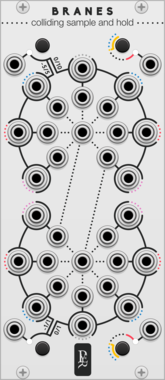


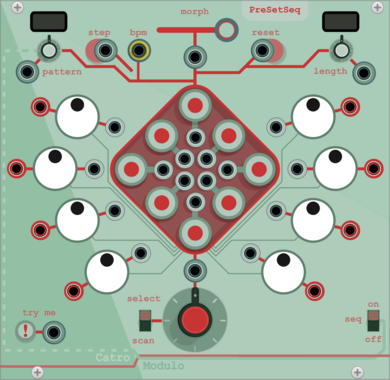
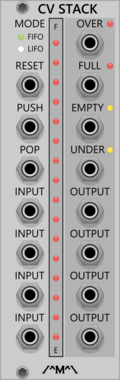
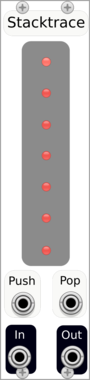
Count Modula CV Stack
Sequential voltage storage stack with First In First Out or Last In First Out operation




VCV Library Instructions
- Download and install VCV Rack.
- Register for a VCV account and log in using Rack’s “Library” menu.
- Add or purchase a module on the VCV Library.
- Open the “Library” menu in Rack, click “Update all” (if updates are needed), and restart Rack once downloaded.
- Right-click an empty rack space to launch Rack’s module browser to add a module to your patch.
All plugins on the VCV Library are available for Windows, Mac, and Linux.
The “major” version (i.e. MAJOR.MINOR.REVISION) must match between Rack and its plugins.
For example, Rack 2.* can only load 2.* plugins.
Missing or incorrect information in this database, such as a missing tag? Inform the plugin author(s) using the contact information on their plugin/module page.
Developers: see Adding your plugin to the VCV Library.
Notes
Purchasing plugins with the “VCV” brand supports the VCV Rack project. See VCV’s Mission Statement to learn how VCV Rack development is funded.
Prices are in US Dollars.
By purchasing a plugin on the VCV Library, you agree to VCV’s End User License Agreement and Refund Policy.
Contact VCV Support for customer support and questions about the VCV Library.