

GPaudio Chained Mixer Extended Channel
Extended Chained Mixer Channel for Mono and Stereo Inputs with Additional Aux Pre/Post Switching, Input Trim, Direct Outs and CV Inputs for Gain, Mute and Solo

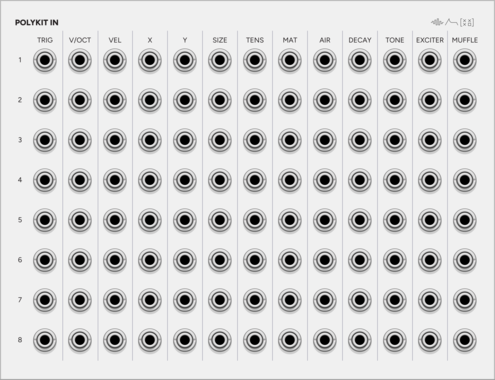
SignalFunctionSet PolyKit In
Expander for Kit: every input of every instrument as its own jack, 13 by 8.

Infinite-Noise Envelope Phase Expander
2HP expander for ADR/ADSDR: phase gates (Attack, Decay, Sustain, Delay, Release, Idle) plus Rise, Steady, Fall. Idle can output phase position (0V to 10V).
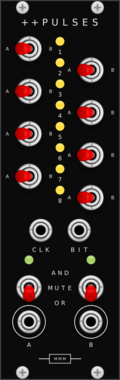
Missing Mile Modular Doubleplus Pulses
Performance gate router for the Music Thing Turing Machine: eight channels, each routed to one of two OR/AND merge buses.


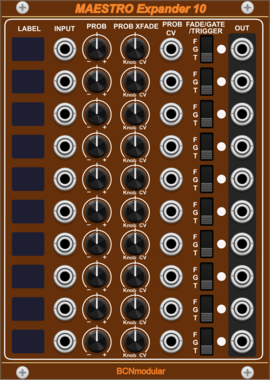
BCNmodular Maestro Expander 10
Adds channels 7-16 to Maestro. Links to a Maestro Core via context menu, not physical placement.

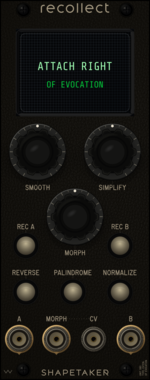
shapetaker Recollect
A/B gesture-memory, morphing, transform, and dedicated endpoint-output expander for Evocation
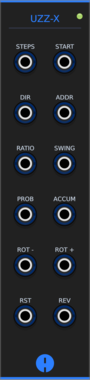
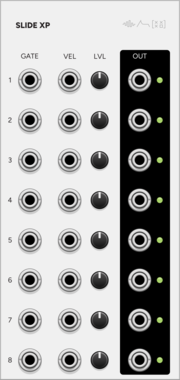
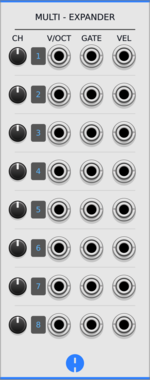
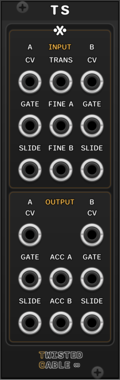
SignalFunctionSet SLIDE XP
Expander for Slide: the eight strings on eight jacks, gate and velocity each.
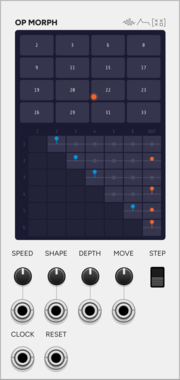
SignalFunctionSet OP MORPH
Expander for Operator: the DX7 routing as a matrix you navigate as a wrapping field.
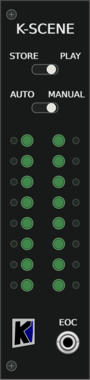

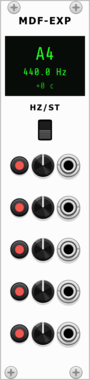
Chaotic Instruments Modal Filter Expander
Expander for Modal Filter: adds 5 polyphonic resonator voices with individual offsets, mutes, and CV modulation.
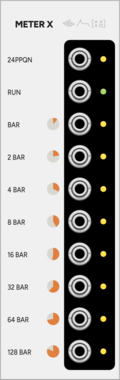

Cella Loudness CV
Loud and Loudness Meter expander with scaled overshoot and signed-error output modes



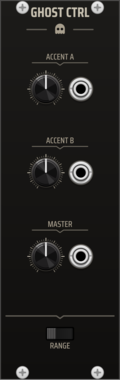
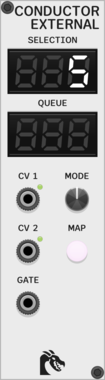
TNN1T1S GHOST CTRL
Global state controller for the Ghost drum system. DEFAULT, ACCENT A, ACCENT B, and MASTER controls are broadcast to adjacent Ghost voices via the expander path. Hit-time events such as trigger and local/total accent gates are patched directly to each voice. Use GHOST CTRL to make the separate voices behave like one instrument.

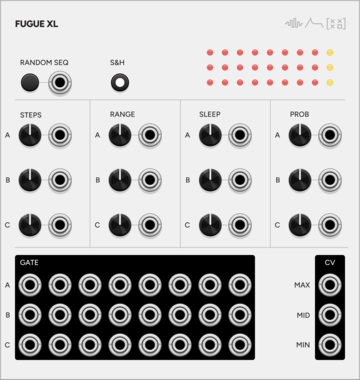
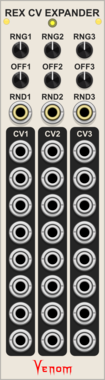
Venom Rhythm Explorer CV Expander
Add three channels of CV output for each division of the parent Rhythm Explorer
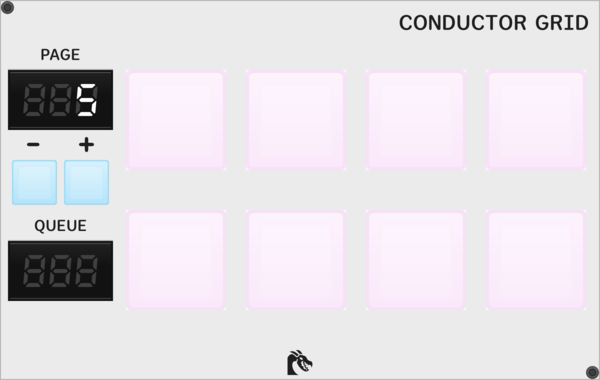





Shortwav Labs Tapestry Expander
Effects expander for Tapestry - adds Bit Crusher and Moog VCF 24dB/oct lowpass filter with CV control









VCV Library Instructions
- Download and install VCV Rack.
- Register for a VCV account and log in using Rack’s “Library” menu.
- Add or purchase a module on the VCV Library.
- Open the “Library” menu in Rack, click “Update all” (if updates are needed), and restart Rack once downloaded.
- Right-click an empty rack space to launch Rack’s module browser to add a module to your patch.
All plugins on the VCV Library are available for Windows, Mac, and Linux.
The “major” version (i.e. MAJOR.MINOR.REVISION) must match between Rack and its plugins.
For example, Rack 2.* can only load 2.* plugins.
Missing or incorrect information in this database, such as a missing tag? Inform the plugin author(s) using the contact information on their plugin/module page.
Developers: see Adding your plugin to the VCV Library.
Notes
Purchasing plugins with the “VCV” brand supports the VCV Rack project. See VCV’s Mission Statement to learn how VCV Rack development is funded.
Prices are in US Dollars.
By purchasing a plugin on the VCV Library, you agree to VCV’s End User License Agreement and Refund Policy.
Contact VCV Support for customer support and questions about the VCV Library.