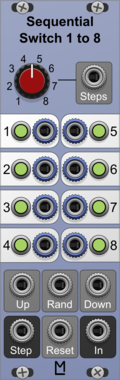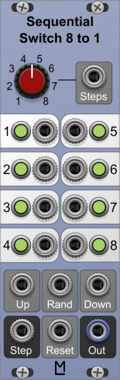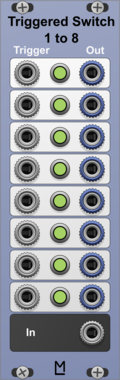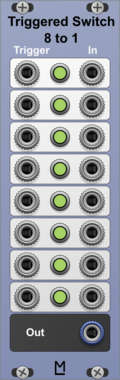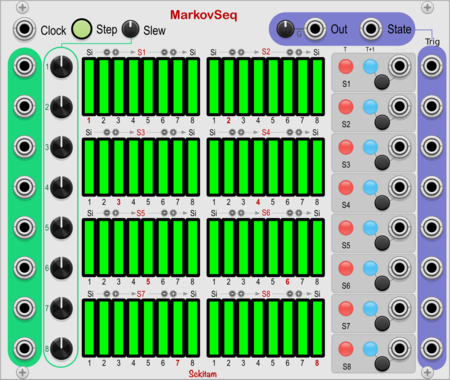
docB CVS

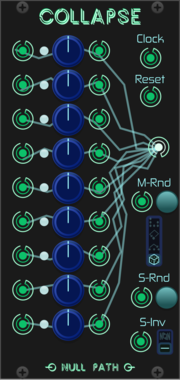
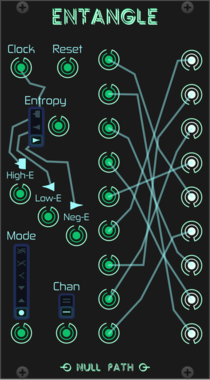
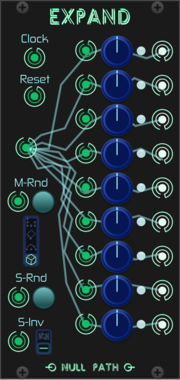
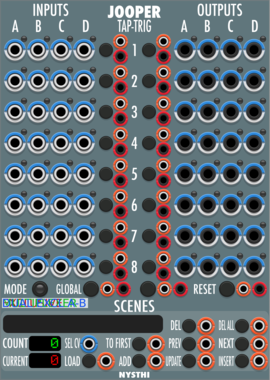
docB CVS

CV controlled polyphonic switch, sequencer, crossfader, scanner

SwitchMixerSequencerPolyphonic

docB PRJ

docB PRJ

16 to 4 Channel Projector, Channel Switcher

UtilitySwitch

Digital Atavism UT-OX

Digital Atavism UT-OX

Voltage-Controlled Switch Output Expander

ExpanderSwitchUtility

Digital Atavism UT-P

Digital Atavism UT-P

Voltage-Controlled Switch

PolyphonicSwitchUtility

EnigmaCurry Latch

EnigmaCurry Latch

Latches with discrete triggers and resets

UtilityPolyphonicDualSwitch

XTRTN Ichneumonid

XTRTN Ichneumonid

Switch randomly (or deterministically) between signals without creating discontinuities.

RandomSwitch

Geodesics Entropia

Geodesics Entropia

Thermodynamic microstate sequencer

SequencerSwitchRandomAttenuator

Geodesics Pulsars

Geodesics Pulsars

Neutron powered morphing

MixerPolyphonicSwitchSequencer

GoodSheperd Hurdle

GoodSheperd Hurdle

github.com/jensschulze3000/GoodSheperd

SwitchRandom

GoodSheperd Seqtrol

GoodSheperd Seqtrol

github.com/jensschulze3000/GoodSheperd

Clock modulatorSample and holdSwitchUtility

GoodSheperd Stall

GoodSheperd Stall

github.com/jensschulze3000/GoodSheperd

PolyphonicSwitchUtility

GoodSheperd Switch1

GoodSheperd Switch1

github.com/jensschulze3000/GoodSheperd

Switch

GPaudio AB4

GPaudio AB4

4 Channel A/B Switcher for audio and CV

SwitchUtilityPolyphonic

GPaudio AB8

GPaudio AB8

8 Channel A/B Switcher for audio and CV

SwitchUtilityPolyphonic

HetrickCV Gate Junction

HetrickCV Gate Junction

Eight channel gate processor.

SwitchLogic

HetrickCV Gate Junction Expanded

HetrickCV Gate Junction Expanded

Eight channel gate processor, expanded with more jacks and polyphony.

SwitchLogicPolyphonic

HetrickCV Rotator

HetrickCV Rotator

Eight-way channel rotation.

SwitchPolyphonic

HetrickCV Scanner

HetrickCV Scanner

8-channel signal crossfader, mixer, scanner, and router.

MixerSwitchPolyphonic

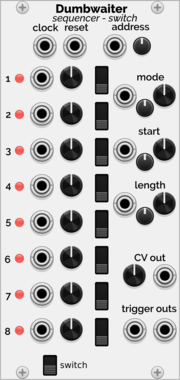
Holonic Systems Dumbwaiter

Holonic Systems Dumbwaiter

8 step sequencer and switch. One could see it as a A-155 / A-154 / A-152 merged into one module

SequencerAttenuatorSwitch

Holonic Systems Junctions

Holonic Systems Junctions

A simple dual switch. Two inputs, one output

SwitchDual

Infinite-Noise Bernoulli Switch

Infinite-Noise Bernoulli Switch

Probabillity switch with: A/B->Output and Input->A/B.

PolyphonicSwitch

Infinite-Noise Combine

Infinite-Noise Combine

Combines (switches between) 2 inputs based on 3 different algorithms.

PolyphonicSwitch

Infinite-Noise Cross-fade switch 1to4

Infinite-Noise Cross-fade switch 1to4

Cross-fade/switch 1 input into up to 4 outputs.

PolyphonicSwitch

Infinite-Noise Cross-fade switch 4to1

Infinite-Noise Cross-fade switch 4to1

Cross-fade/switch up to 4 inputs into 1 output.

PolyphonicSwitch

Infinite-Noise CV-Toggle 8

Infinite-Noise CV-Toggle 8

Switch with 8 sections, each with 2 stages (via CV).

PolyphonicSwitchUtility

Infinite-Noise ON/OFF Switch

Infinite-Noise ON/OFF Switch

Switching between ON- or OFF-stage to either output ON- or OFF-value.

PolyphonicSwitch

Instruō tàin

Instruō tàin

Switch Utility Module (tain)

Hardware cloneDigitalDualSwitchUtility

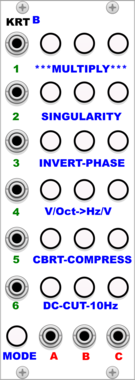
KRT B

KRT B

Crossbar performance switch. Remembers internal routing for performance switching.

SwitchControllerPolyphonic

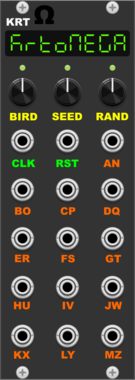
KRT Ω

KRT Ω

Clock distribution randomizer. Generates a random like sequence of length 64 and depending on the left-most displayed letter outputs a trigger when the clock is high or low.

Clock modulatorPolyphonicRandomSwitch

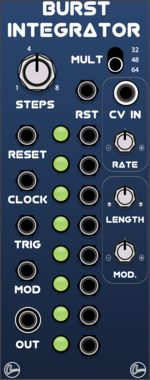
LifeFormModular BurstIntegrator

LifeFormModular BurstIntegrator

Sequential switch based on ML switches, with trigger generator to add burst of trigs to yout patterns
SwitchClock modulator

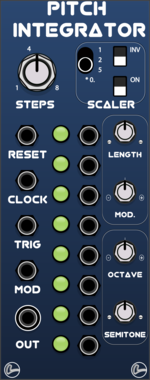
LifeFormModular PitchIntegrator

LifeFormModular PitchIntegrator

Sequential switch based on ML switches, with sample and hold designed for pitch

SwitchSample and hold

LydD Modules Domain

LydD Modules Domain

Switch

UtilitySwitch

MADZINE SONG MODE

MADZINE SONG MODE

8-input sequential switch with customizable playback order, per-input clock length, and learn mode

SwitchSequencerUtility

Strum's VCV Modules MentalABSwitches

Strum's VCV Modules MentalABSwitches

A/B Switches, select A or B output

SwitchUtility

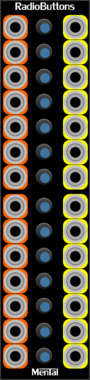
Strum's VCV Modules MentalButtons

Strum's VCV Modules MentalButtons

Control buttons and switches

ControllerSwitch

Strum's VCV Modules MentalGates

Strum's VCV Modules MentalGates

Gates or Mutes

SwitchUtility

Strum's VCV Modules MentalMux8

Strum's VCV Modules MentalMux8

8 input Multiplexer

UtilitySwitch

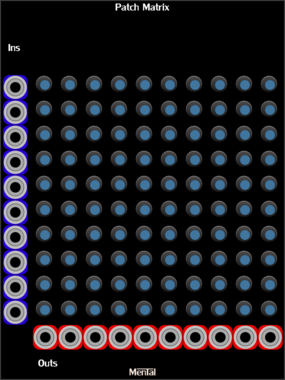
Strum's VCV Modules MentalPatchMatrix

Strum's VCV Modules MentalPatchMatrix

10 * 10 switched summing matrix

SwitchUtility

Strum's VCV Modules MentalSwitch8

Strum's VCV Modules MentalSwitch8

Send one input and a selected output

Switch

MindMeld RouteMaster 1->5 stereo switch

MindMeld RouteMaster 1->5 stereo switch

RouteMaster 1->5 stereo switch (for use with PatchMaster)

ControllerSwitchPolyphonic

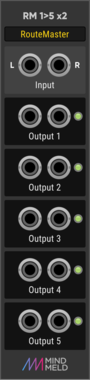
MindMeld RouteMaster 1->5 switch

MindMeld RouteMaster 1->5 switch

RouteMaster 1->5 switch (for use with PatchMaster)

ControllerSwitchPolyphonic

MindMeld RouteMaster 5->1 stereo switch

MindMeld RouteMaster 5->1 stereo switch

RouteMaster 5->1 stereo switch (for use with PatchMaster)

ControllerSwitchPolyphonic

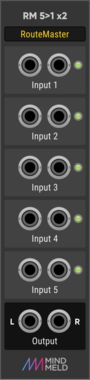
MindMeld RouteMaster 5->1 switch

MindMeld RouteMaster 5->1 switch

RouteMaster 5->1 switch (for use with PatchMaster)

ControllerSwitchPolyphonic

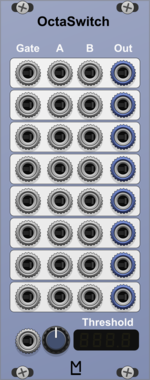
ML Modules OctaSwitch

ML Modules OctaSwitch

8 fold switch with CV controllable switching point

SwitchPolyphonic


VCV Library Instructions

  • Download and install VCV Rack.
  • Register for a VCV account and log in using Rack’s “Library” menu.
  • Add or purchase a module on the VCV Library.
  • Open the “Library” menu in Rack, click “Update all” (if updates are needed), and restart Rack once downloaded.
  • Right-click an empty rack space to launch Rack’s module browser to add a module to your patch.

All plugins on the VCV Library are available for Windows, Mac, and Linux. The “major” version (i.e. MAJOR.MINOR.REVISION) must match between Rack and its plugins. For example, Rack 2.* can only load 2.* plugins.

Missing or incorrect information in this database, such as a missing tag? Inform the plugin author(s) using the contact information on their plugin/module page.

Developers: see Adding your plugin to the VCV Library.

Notes

Purchasing plugins with the “VCV” brand supports the VCV Rack project. See VCV’s Mission Statement to learn how VCV Rack development is funded.

Prices are in US Dollars.

By purchasing a plugin on the VCV Library, you agree to VCV’s End User License Agreement and Refund Policy.

Contact VCV Support for customer support and questions about the VCV Library.